
Both processors target high-end gaming. The Ryzen 7 9800X3D offers the newer architecture and more headroom for very high frame-rate builds, while the 7800X3D can remain a sensible choice when it is already owned or costs meaningfully less. GPU, resolution and monitor target decide whether the difference is visible.
What is 3D V-Cache, in simple terms?
A processor core works fastest when the data it needs is already in cache, the small, very fast memory on the chip itself. When data is not in cache, the core must wait for main RAM, which is much slower. Games constantly reuse world data, textures, physics state and AI state, so a cache miss costs frame time.
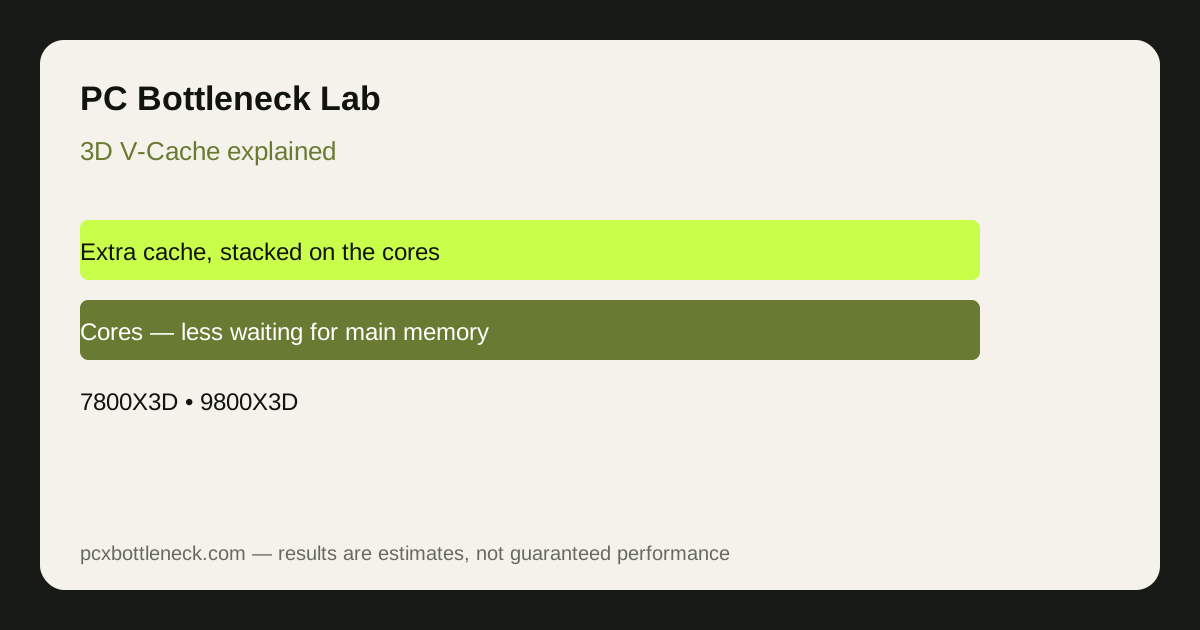
3D V-Cache adds a large extra layer of L3 cache stacked on top of the cores. It does not make the cores faster in the usual clock-speed sense. It makes them wait less often. That difference matters most when the game is already CPU-limited, because waiting time is then a large part of frame time.
How do the 7800X3D and 9800X3D differ?
Both are eight-core gaming CPUs with large stacked cache, on the AM5 platform. The 9800X3D is the newer generation, with a newer architecture and higher clock behaviour than the 7800X3D, and with the cache arranged so the cores are less thermally constrained than in the earlier design. In practical terms, the 9800X3D is the stronger gaming CPU of the two, but the gap depends entirely on the game and the resolution.
| Case | 7800X3D | 9800X3D | What to expect |
|---|---|---|---|
| Esports, 1080p, high refresh rate | Strong, cache helps a lot | Stronger, newer architecture helps as well | 9800X3D ahead, gap varies by title |
| AAA, 1440p, high settings | Strong | Strong | Smaller gap, GPU often the limit |
| AAA, 4K, high settings | Strong | Strong | Usually GPU-limited, cache gap mostly hidden |
| Simulation and strategy | Cache helps with large world data | Cache plus newer architecture helps | 9800X3D ahead in CPU-heavy scenes |
No exact percentage is given here on purpose. The gap in a specific game depends on how cache-sensitive that game is, at what resolution and settings you play, and what GPU you pair with each CPU. A benchmark for your own games is worth more than a generic average.
When does V-Cache help, and when does it not?
- Helps most: CPU-limited games at 1080p or high refresh rates, simulation and strategy games with large reused data, and esports titles where frame time consistency matters.
- Helps less: GPU-limited AAA games at 1440p or 4K, where the GPU is the limit and the CPU already has time to spare.
- Does not help: video rendering, compilation and other work that does not reuse the same small data set in the same way, where core count, clock speed or GPU acceleration matter more.
That last point matters for buyers who do more than game. A V-Cache CPU is a gaming-first choice. If your main work is rendering or production, compare it with non-V-Cache CPUs on those workloads, not on gaming charts alone.
Which one should you choose?
If you already own a 7800X3D and play mainly at 1440p or 4K, upgrading to a 9800X3D is rarely the best use of money. The GPU is usually the limit there, and a GPU upgrade will change more. If you play mainly competitive or simulation games at 1080p or high refresh rates, or you are building new on AM5, the 9800X3D is the stronger gaming choice.
Compare the Ryzen 7 7800X3D guide with the Ryzen 7 9800X3D guide for platform and pairing context.
Then run the intended GPU in the PC bottleneck calculator . If your library mixes competitive and cinematic games, the guide to esports and AAA bottlenecks explains why one average cannot represent both workloads.
Limitation: this article explains the mechanism and the pattern. It does not claim a fixed frame-rate gain for any game, because cache sensitivity varies by title, engine, settings and resolution. Test your own games before you buy.
Editorial scope and evidence
This comparison explains architecture and buying context without assigning a universal FPS uplift. Game-specific conclusions require comparable benchmarks using the same GPU, memory, settings and test scene.
Frequently asked questions
What is 3D V-Cache?
It is extra fast L3 cache stacked close to the processor cores, so games that reuse the same data often spend less time waiting for main memory. The cores themselves are not faster in clock-speed terms; they simply wait less often.
Is the 9800X3D better than the 7800X3D in every game?
No. The 9800X3D is the newer, stronger gaming CPU overall, but the gap depends on the game and resolution. It is largest in cache-sensitive, CPU-limited games and smallest in GPU-limited AAA games at 1440p or 4K.
Does V-Cache help at 4K?
Less than at 1080p. At 4K the GPU usually sets the pace, so the CPU already has time to spare and extra cache has less work to do. At 1080p or high refresh rates, where the CPU is the limit, V-Cache helps more.
Is a V-Cache CPU good for work as well as gaming?
It depends on the work. V-Cache helps games most. For rendering, compilation and other production work, core count, clock speed or GPU acceleration may matter more, so compare V-Cache and non-V-Cache CPUs on those workloads too.
Do I need a new motherboard for the 9800X3D?
No, if you already have an AM5 board, the 9800X3D uses the same AM5 platform as the 7800X3D. Check your motherboard manufacturer's BIOS support for the newer CPU before you buy, and update the BIOS if the manufacturer requires it.