
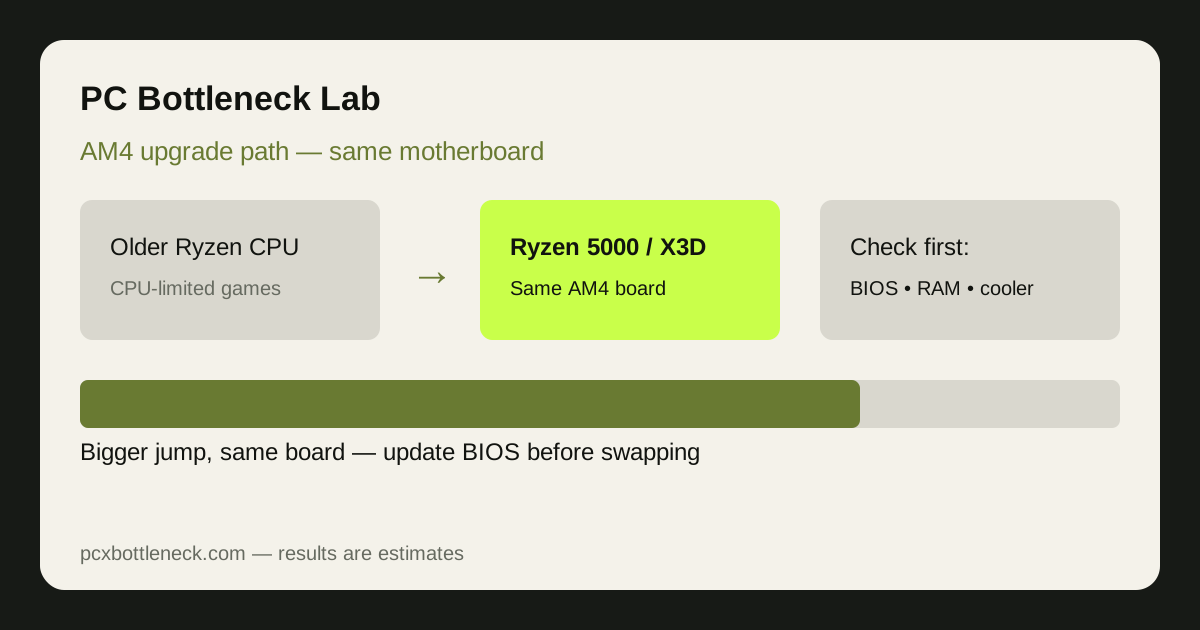
When does staying on AM4 still make sense?
Staying on AM4 makes sense when the rest of your PC is already good enough. With a capable graphics card, dual-channel memory and a solid power supply, a CPU swap can remove the limit holding games back, without a full platform rebuild. It also suits processor-heavy games, such as esports titles at high refresh rates or simulation games. If memory is slow or single-channel and the graphics card is several generations old, though, one new CPU will not transform the PC, so check the pairing in the PC bottleneck calculator before you buy.
Which AM4 upgrade paths are worth considering?
The most useful AM4 upgrade is usually a clear jump, not a small step sideways. Moving from an early Ryzen chip to a Ryzen 5000-class processor is the classic example. For gaming-first PCs, an X3D-class CPU, with its large extra cache, is often the strongest AM4 endpoint, because it targets frame-time and minimum frame-rate behaviour. A mid-range Ryzen 5000 chip, such as the Ryzen 5 5600 bottleneck page illustrates, can be the sensible choice with a mid-range graphics card. If you are unsure which part limits you today, read how to check a CPU bottleneck first.
What does each AM4 upgrade step actually improve?
Not every upgrade fixes the same problem. Match the step to your symptom, rather than buying the fastest chip and hoping.
| Upgrade step | What it improves | What it does not fix |
|---|---|---|
| Older Ryzen to Ryzen 5000 | Gaming pace and headroom for a stronger graphics card | A weak graphics card or single-channel memory |
| Ryzen 5000 to X3D-class CPU | Frame consistency in CPU-sensitive games | Settings the GPU cannot handle |
| CPU upgrade only, same memory | Processor-limited scenes and high-refresh esports titles | Stutter from one memory stick or overheating |
| CPU plus dual-channel memory | Processor pace and memory bandwidth, especially at 1080p | A graphics card limit at 1440p or 4K |
If lowering resolution barely changes frame rate, the CPU is probably setting the pace. If frame rate rises sharply when settings drop, the graphics card is the limit. The same pairing can be CPU-limited at 1080p and balanced at 1440p.
Why is the BIOS update the step you must not skip?
Many AM4 boards need a BIOS update before they will recognise a newer Ryzen 5000 or X3D-class CPU. Do this update while your old CPU is still installed, because a board that does not yet recognise the new chip may not boot far enough to update. Check your board maker's CPU support list for your exact board model and the minimum BIOS version for the chip you plan to buy. Update on a stable power supply, follow the maker's instructions exactly, and never switch the PC off during the update: a failed update can leave a board unusable.
What should you check about RAM and cooling?
Two matched sticks in dual-channel mode are the baseline for a gaming PC; a single stick can hold back frame rates and look exactly like a CPU limit. Also confirm memory is running at its rated speed profile in the BIOS, since memory left at a slow default speed quietly limits a new CPU. On cooling, check that your cooler suits the new chip, its mounting hardware fits, and case airflow is not blocked by dust. A cooler that lets the CPU hold its boost is part of the upgrade, not an optional extra, and fresh thermal paste is needed when you swap the chip.
When is moving to a new platform the better choice?
Move to a new platform when the AM4 ceiling is the problem, not just your current chip: if you already own a strong AM4 CPU and still want meaningfully more, if you need newer memory or connectivity that AM4 boards do not offer, or if your board lacks BIOS support for the chip you want. Think of it as a total cost comparison, not a CPU price comparison, since a new platform means a board, memory and CPU together. For contrast, the Ryzen 7 9800X3D bottleneck page shows what a newer-platform gaming CPU pairs with, and the PC Guides hub covers pairing choices more broadly.
Limitation: results here are estimates, not guaranteed performance. Board support, BIOS versions, memory speed, cooling, graphics card pairing and games played all change the outcome, so confirm your exact board and pairing before buying.
Frequently asked questions
Can I upgrade my AM4 CPU without changing my motherboard?
Often yes, if your board maker's CPU support list includes the new chip and your BIOS is updated to at least the listed minimum version first. Support varies by exact board model, so always check the list for your own board first.
Should I update the BIOS before or after installing the new CPU?
Before, while the old CPU is still installed. A board that does not yet recognise the new chip may not boot far enough to update. Update on stable power, follow the maker's steps exactly, and never switch the PC off during the update.
Is an X3D-class CPU worth it as a final AM4 upgrade?
For a gaming-first PC, it is often the strongest AM4 endpoint, because its large extra cache helps frame consistency in CPU-sensitive games. It is less worthwhile if your graphics card is the real limit, since a faster CPU cannot raise frame rates the GPU cannot deliver.
Will a new AM4 CPU help if I play at 1440p or 4K?
Less than at 1080p, because higher resolutions shift more load to the graphics card. A CPU upgrade still helps CPU-sensitive scenes and high-refresh play, but if frame rate rises sharply when settings drop, a graphics card upgrade will usually help more at those resolutions.
Do I need new RAM or a new cooler for an AM4 CPU upgrade?
Not always, but check both. Dual-channel memory at its rated speed is the baseline, and a cooler that can hold the new chip's boost is part of the upgrade. Fix either weakness first, or the new CPU will disappoint and the upgrade will feel wasted.