
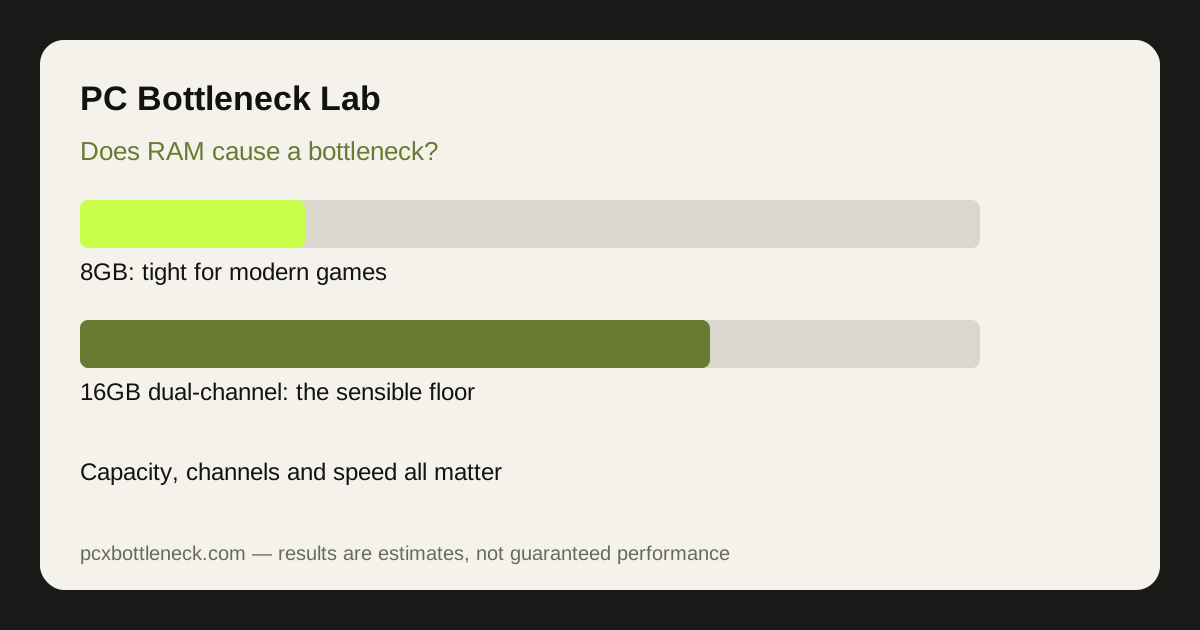
Three ways RAM holds a PC back
RAM problems look like CPU problems, which is why they are easy to misdiagnose. The three causes are different, and each has a different fix.
- Capacity: when RAM fills up, Windows moves data to storage, which is far slower. The symptom is stutter when new areas load, and FPS that recovers slowly.
- Channels: one stick runs in single-channel mode, roughly halving memory bandwidth. Two matched sticks in the correct slots run in dual-channel mode and remove that penalty.
- Speed and timings: slow RAM, or a speed profile that was never enabled, makes the CPU wait longer for data. The effect is largest in CPU-limited games at 1080p and high refresh rates.
Check all three before you buy. A capacity upgrade will not fix single-channel mode, and faster RAM will not fix a PC that is swapping to storage.
8GB vs 16GB vs 32GB for gaming
| Capacity | Typical gaming experience | Who it suits |
|---|---|---|
| 8GB | Tight; stutter in demanding games, little room for other apps | Light or older games only |
| 16GB | Comfortable for most current games, dual-channel | Most gaming PCs |
| 32GB | Headroom for demanding games plus browser, chat and recording | Demanding games, multitasking, future-proofing |
More than 32GB rarely helps gaming alone. It helps video editing, virtual machines and heavy multitasking, but for games the gain after 32GB is usually too small to notice. Spend that money on the CPU or GPU instead, unless your other work needs it.
How to check your own RAM in five minutes
- Open Task Manager, Performance, Memory: check total RAM, speed, slots used and whether the system reports dual-channel operation through your motherboard tool or BIOS.
- Watch usage while gaming: RAM usage near maximum with stutter points to capacity; usage well below maximum with low FPS points elsewhere.
- Check the speed profile: if RAM runs well below its rated speed, the memory profile in BIOS may be off. Enable the rated profile, not an overclock beyond it.
- Check the slots: two sticks belong in the slots your motherboard manual specifies for dual-channel mode, usually slots two and four, not side by side.
Our CPU bottleneck check guide lists single-channel RAM as one of the most common false positives, because it mimics a CPU limit so closely.
What to upgrade first: RAM, CPU or GPU?
Fix RAM first if you have 8GB, single-channel mode, or a speed profile that was never enabled, because those fixes are cheap and can transform a PC that looked CPU-limited. If RAM is already 16GB or 32GB in dual-channel mode at its rated speed, a RAM upgrade will not fix low FPS, and the limit is elsewhere. Run the pairing through the PC bottleneck calculator, and compare examples such as Core i5-12400F bottleneck and RTX 4060 bottleneck, to see whether the CPU or GPU is the next limit.
When you do buy RAM, a matched kit is the safest choice, and your motherboard manual is the authority on which slots to use and which speeds the board supports. Mixing an old stick with a new one can drop both to the slower speed or break dual-channel mode, which quietly undoes the upgrade you just paid for. If you are unsure, a matched pair at a sensible speed beats a faster single stick every time.
Limitation: RAM effects vary by game, CPU and resolution. CPU-limited games at 1080p show the largest RAM gains; GPU-limited games at 4K show the smallest. Test in your own games before you buy.
Frequently asked questions
Is 8GB RAM enough for gaming in 2026?
For light or older games, yes, but for most current demanding games 8GB is tight and can cause stutter when the PC swaps data to storage. If you play current AAA games or keep other apps open, 16GB in dual-channel mode is the safer minimum.
Does 32GB RAM give more FPS than 16GB?
Usually only a little, and only when 16GB was actually running out. If RAM usage stayed below maximum with 16GB, extra capacity adds headroom, not frame rate. The bigger gains come from fixing single-channel mode or enabling the rated memory speed.
Is single-channel RAM really that bad for gaming?
It can be. One stick roughly halves memory bandwidth, which hurts CPU-limited games most and can look exactly like a weak CPU. Two matched sticks in the correct motherboard slots remove that penalty and are one of the cheapest meaningful upgrades.
Should I upgrade RAM or CPU first?
Fix RAM first if you have 8GB, single-channel mode or an unenabled speed profile, because those fixes are cheap. If RAM is already 16GB or 32GB in dual-channel mode at rated speed, a CPU or GPU upgrade is the next step, depending on which part limits you.
Can I add a different RAM stick to my existing one?
You can, but matched sticks are safer. Mixing capacities, speeds or timings can drop the system to the slower stick's speed or break dual-channel mode. For a reliable result, use a matched kit, or at least sticks with the same capacity, speed and timings.