
What actually changes between the two platforms?
The biggest difference is not a single chip, but the platform around it. Core Ultra uses a newer socket and newer motherboards than 14th Gen, so the two families are not interchangeable: a Core Ultra processor needs a matching board, and a 14th Gen processor needs its own matching board. That makes this a platform decision first, and a processor decision second.
Memory is the other practical split. Many 14th Gen boards support either the older or the newer memory standard, depending on the board, which can make reusing older RAM possible. Core Ultra builds are built around newer memory, so a new build usually means new RAM as well. Check the board specification before assuming any part carries over, because board support varies even within the same family.
Board features also differ by board rather than by family alone, so compare the exact board, its power delivery and its expansion options, not just the processor name.
Where does each family bottleneck in games?
Neither family is always the bottleneck. In CPU-limited games — fast esports titles, strategy and simulation games, and busy open worlds at high refresh rates — the processor sets the pace, and frame rates stop rising even when graphics settings are lowered. In GPU-limited games — visually heavy story-driven titles, especially at higher resolutions — the graphics card sets the pace, and the processor choice matters much less.
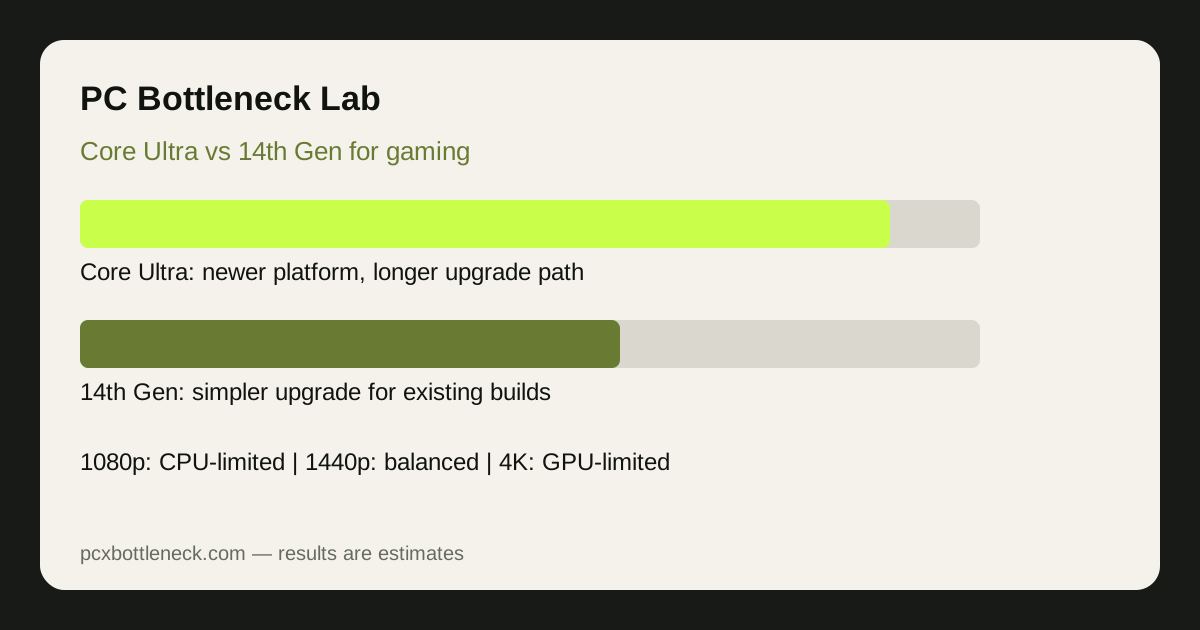
The same pairing can therefore feel different at different resolutions. At 1080p with a strong graphics card, the processor is more likely to be the limit; at 1440p the balance shifts, and at 4K the graphics card is usually the limit. If you play mostly at 1440p or 4K with a mid-range card, the platform difference may be hard to notice, even if it matters for future upgrades. Our guide to CPU bottlenecks in esports versus AAA games explains this split in more detail.
Before buying, run your own pairing through the PC bottleneck calculator at the resolution you actually play at. A range by resolution is far more useful than a single headline figure, because the bottleneck moves with resolution, settings and game type. If you already own a PC, checking for a CPU bottleneck with a short monitoring test can confirm whether the processor is really holding your games back.
Core Ultra vs 14th Gen at a glance
Use this table as a qualitative guide, not as a ranking.
| Factor | Core Ultra | 14th Gen |
|---|---|---|
| Platform | Newer socket and motherboards | Established socket and motherboards |
| Memory path | Built around newer memory | Board-dependent: older or newer memory |
| Best for | New builds and a longer upgrade path | Existing builds and simpler upgrades |
| CPU-limited games | Generally the stronger long-term choice | Still capable, but less future headroom |
| GPU-limited games | Difference often small | Difference often small |
| Part reuse | Less reuse from an older Intel build | More reuse within the same platform |
For a sense of how individual pairings behave, see the Core i7-14700K bottleneck page and the RTX 5070 bottleneck page, then run your own combination in the calculator rather than trusting one example pairing.
What about power, cooling and the rest of the build?
Power and cooling should be planned for the whole build, not judged from the processor name alone. High-end processors in both families can draw substantial power under sustained load, and a weak cooler or a board with modest power delivery can hold either family back through throttling. Budget for a capable cooler, a power supply with comfortable headroom, and a case with good airflow.
RAM configuration matters too: two matched sticks in dual-channel mode generally serve games better than a single stick, and slow or mismatched RAM can look like a processor limit. Keep the rest of the build balanced — pairing a high-end processor with a weak graphics card, or the reverse, wastes the stronger part in most games.
Which upgrade path makes more sense?
For a brand-new build, Core Ultra usually makes more sense because its newer platform leaves more room for a future processor upgrade without replacing the motherboard. That advantage only pays off if you actually upgrade the processor later; if you plan to keep the whole PC unchanged for years, it matters less than the graphics card you choose today.
For an existing 14th Gen-compatible PC, staying on 14th Gen can be the smarter move. Reusing the motherboard and possibly the RAM keeps the upgrade simpler, and the money saved can go toward a better graphics card, which often lifts frame rates most at 1440p and 4K. Moving to Core Ultra from such a PC means a new board and usually new RAM, so it is closer to a rebuild than an upgrade. Read the PC guides and our methodology article before committing, so you know what the calculator ranges do and do not claim.
Who should pick which?
- Pick Core Ultra if: you are building a new PC, you play CPU-limited games at high refresh rates, or you want the longest realistic upgrade path from your motherboard.
- Pick 14th Gen if: you already own a compatible board and RAM, you play mostly GPU-limited games at 1440p or 4K, or you would rather put the saving toward a stronger graphics card.
- Either can work if: your graphics card is the clear limit, because then the processor choice has a smaller effect on the frame rates you actually see.
Limitation: this comparison is qualitative and range-based. Results vary with the exact processor and graphics card, game, resolution, settings, RAM, cooling and drivers. Treat calculator results as estimates, and avoid any source that promises one exact bottleneck figure for every game.
Frequently asked questions
Is Intel Core Ultra better than 14th Gen for gaming?
For a new build, Core Ultra is generally the better platform choice because of its newer socket and longer upgrade path. In GPU-limited games at 1440p or 4K, however, the difference is often small, so the graphics card and resolution matter more than the processor family alone.
Can I use a 14th Gen motherboard with a Core Ultra processor?
No. Core Ultra uses a different socket and needs a matching motherboard, so the processor and board must belong to the same platform. If you move from 14th Gen to Core Ultra, budget for a new motherboard and usually new RAM as well.
Does 14th Gen still make sense for a new gaming PC?
It can, mainly when a compatible board or RAM is already available, or when the saving lets you buy a stronger graphics card. For a completely new build with no parts to reuse, Core Ultra usually offers the better long-term platform, even if current gaming performance is close.
Which family bottlenecks more at 1080p?
At 1080p with a strong graphics card, the processor is more likely to limit frame rates in both families, especially in CPU-limited games. At 1440p and 4K the graphics card usually becomes the limit, so the bottleneck difference between the families shrinks as resolution rises.
Should I upgrade my CPU or my GPU first?
Upgrade the part that limits the games you play most. If frame rates stay flat when settings drop, the CPU is likely the limit; if they rise, the GPU is. Check your pairing in the calculator at your usual resolution before spending, and see the blog for more guidance.