
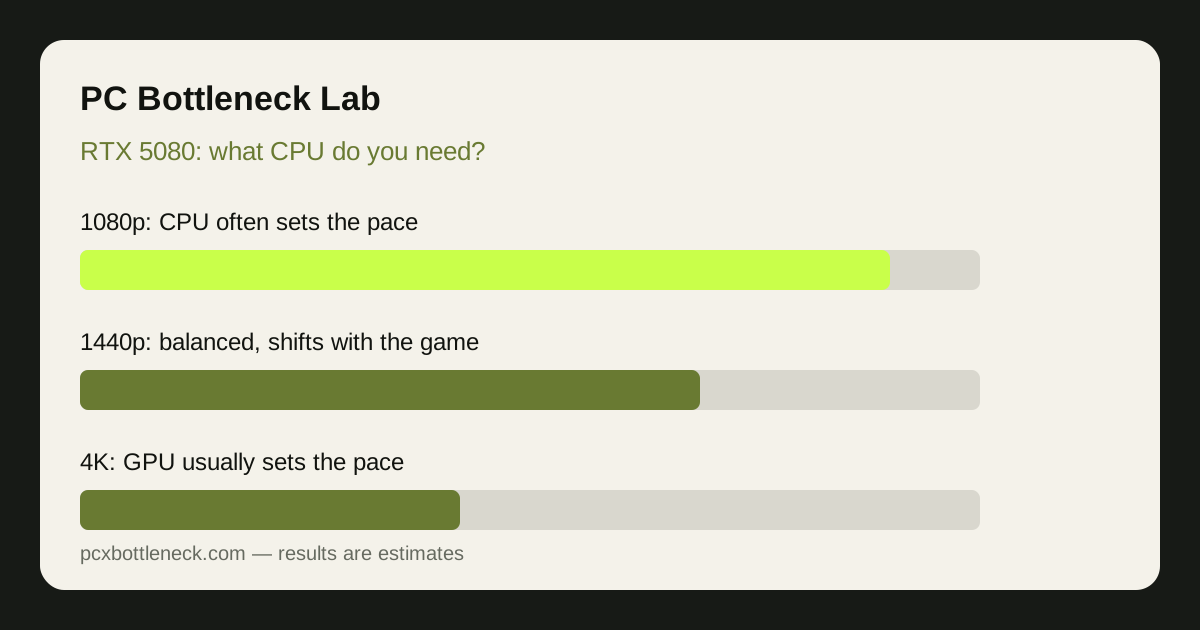
What CPU does an RTX 5080 really need?
For most gamers, a current high-end gaming CPU, or a strong recent mid-range to high-end CPU, is enough for an RTX 5080. You do not need the flagship CPU for a balanced pairing, and in many games the difference between a strong CPU and a flagship CPU is small once the GPU is working hard. The exception is competitive play at 1080p or very high refresh rates, where a faster gaming CPU can matter more.
Think of it as a threshold, not a ladder. Below it, the CPU holds the GPU back visibly: GPU usage stays well below maximum and frame rate barely rises when settings drop. Above it, extra CPU speed buys little in most games, because the RTX 5080 itself becomes the limit.
Where does the limit sit at each resolution?
Resolution changes the balance more than any other setting. At lower resolutions the GPU finishes each frame quickly, so the CPU must keep up with a faster stream of frames. At higher resolutions each frame costs the GPU far more work, so the GPU becomes the limit.
| Resolution | Usual limit with an RTX 5080 | What it means for your CPU choice |
|---|---|---|
| 1080p | Often CPU-limited, especially at high refresh rates | A fast gaming CPU matters most here |
| 1440p | Balanced, shifting with the game | A strong mid-range or better CPU is usually enough |
| 4K | Usually GPU-limited | CPU choice matters least; GPU load dominates |
This is why a pairing can look unbalanced in one test and fine in another. If you only play at 4K, a somewhat older CPU may still feel smooth, because the GPU is the constraint. At 1080p on a high refresh display, that same CPU may leave a noticeable share of the GPU unused, with an estimated gap in the region of 10–25% in CPU-heavy scenes. Run your pairing in the PC bottleneck calculator at the resolution you actually use.
Which CPU tier fits which kind of player?
| Player type | Sensible CPU tier | Why |
|---|---|---|
| Competitive, 1080p or high refresh | Fast current gaming CPU, ideally a 3D V-Cache model | Frame-rate ceiling is set by the CPU |
| Mixed gaming at 1440p | Strong current mid-range or high-end CPU | Balanced across most game types |
| Story-driven games at 4K | Capable recent CPU, no flagship required | GPU load dominates at 4K |
| Gaming plus streaming or editing | Higher-tier CPU with more headroom | Background work competes with the game |
As a reference, the Ryzen 7 9800X3D bottleneck page and the RTX 5080 bottleneck page show how a leading gaming CPU pairs across resolutions. If your CPU is a generation or two behind that tier but you play at 1440p or 4K, a CPU upgrade may be a lower priority than it first appears.
How much does the game itself change the answer?
A lot. Esports titles, strategy games and large simulation games ask far more of the CPU than most story-driven games, because they track many objects, units or players and issue many draw calls per frame. In those titles an RTX 5080 can sit partly idle even at 1440p if the CPU cannot feed it fast enough. In a heavily visual AAA game with ray tracing and high settings, the same pairing is far more likely to be GPU-limited, and the CPU matters less.
Our guide to CPU bottlenecks in esports versus AAA games explains this split in detail. The practical lesson is simple: judge the pairing on the games you play most, not on a benchmark in a genre you never touch. Two or three of your own games, tested with the monitoring method in how to check a CPU bottleneck, tell you more than any generic score.
Should you upgrade your CPU for an RTX 5080?
Upgrade the CPU first if you already own the RTX 5080 and monitoring shows the classic pattern: GPU usage well below maximum, one or two CPU cores near their limit, and frame rate that does not rise when settings drop. In that case a faster gaming CPU unlocks the GPU you already paid for. If GPU usage is already in the 90–100% range, the GPU is the limit, and a CPU upgrade will change little.
If you are buying both parts together, put the RTX 5080 first and choose a CPU from the tier that fits your resolution and games. Keep money back for fast dual-channel RAM and good cooling, because a throttling CPU or single-channel RAM can look exactly like a CPU bottleneck.
Limitation: this guide gives qualitative guidance and estimate ranges, not measured results for your exact games, drivers and settings. Game engines, patches, RAM speed, cooling and background software all shift where the limit sits. Treat the ranges as a starting point, confirm with monitoring on your own PC, and re-check after any upgrade.
Frequently asked questions
Is a mid-range CPU enough for an RTX 5080?
Often yes at 1440p and 4K, where the GPU does most of the work and a strong current mid-range CPU keeps up well. At 1080p or very high refresh rates, a faster gaming CPU is a safer choice, because the CPU sets the frame-rate ceiling there and a weaker CPU can leave the GPU partly idle.
Will an older CPU bottleneck an RTX 5080?
It can, especially at 1080p and in CPU-heavy games, where an older CPU may not feed frames fast enough for such a fast GPU. At 4K the effect is usually much smaller, because the GPU becomes the limit first. Monitor GPU usage and per-core CPU usage in your own games before deciding.
Does an RTX 5080 need a 3D V-Cache CPU?
No, it does not need one, but 3D V-Cache CPUs are a strong choice for gaming with an RTX 5080, particularly at 1080p and high refresh rates. For story-driven games at 4K, a capable non-V-Cache CPU is often close enough that the extra cost buys little visible benefit.
Is an RTX 5080 wasted at 1080p?
Not wasted, but it is the resolution where the CPU matters most and where a weak CPU wastes the most GPU potential. With a fast gaming CPU, an RTX 5080 at 1080p delivers very high frame rates for competitive play. With a weak CPU, much of that potential stays unused.
What should I check before buying a CPU for an RTX 5080?
Check your resolution, your most-played games, and whether your current CPU already shows the bottleneck pattern in monitoring. Then confirm the pairing in the calculator, and make sure RAM is dual-channel and cooling is adequate, since both can mimic a CPU limit.