
What an NPU actually does
An NPU (neural processing unit) is a processor designed for the maths that AI models use — large numbers of simple calculations done in parallel, at low power. It is built into newer laptop and desktop processors alongside the CPU and GPU, and it handles AI features such as background blur in video calls, live captions, local image generation, and on-device assistants. The key point is efficiency, not raw speed: the NPU does AI work using far less power than the CPU or GPU would, which is why it matters most in laptops running on battery.
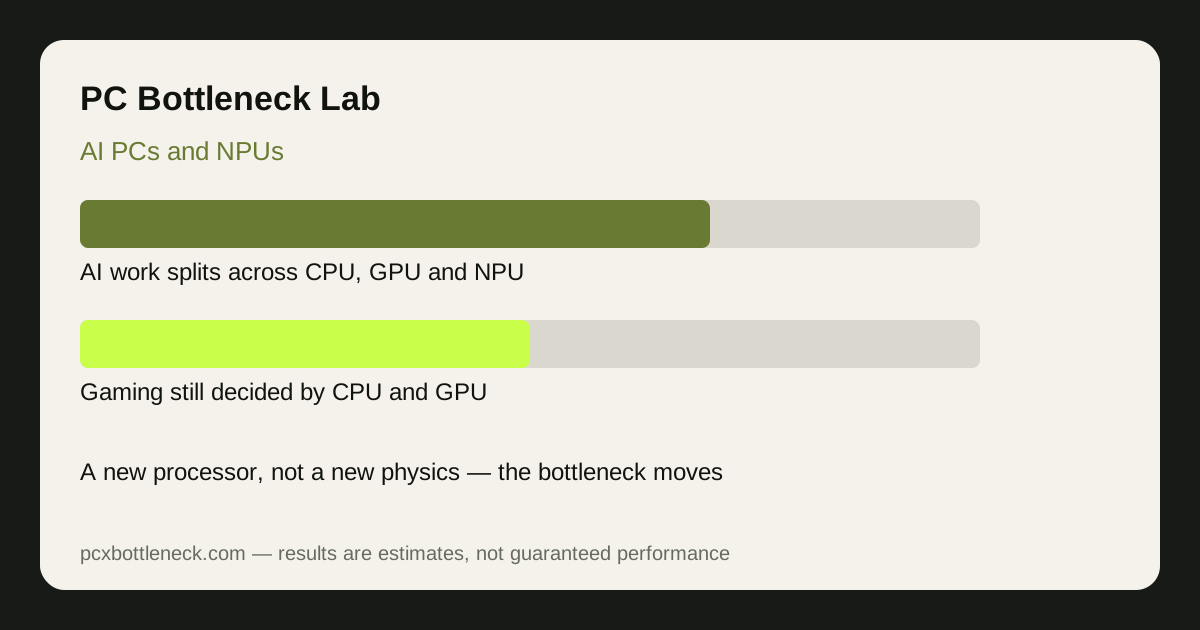
The NPU does not replace the CPU or GPU. It takes over specific AI tasks so the other two can keep doing their own jobs. A game still runs on the CPU and GPU; a video call's background blur can run on the NPU without touching either. That division of labour is the whole idea — and it is also why the bottleneck question has a different answer for different workloads.
Where AI workloads actually bottleneck
AI workloads bottleneck in a different place depending on the task. Small, always-on AI features — background blur, noise removal, live captions — are usually limited by whether the software uses the NPU at all; if it runs on the CPU instead, it steals time from everything else. Larger local AI work, such as generating images or running a local assistant, is usually limited by memory: the model has to fit in RAM or video memory, and a model that does not fit runs slowly no matter how fast the NPU is. Very large models are limited by the GPU, which still does the heaviest AI maths faster than an NPU, just at much higher power.
So yes, AI creates a new kind of bottleneck — but it is a scheduling and memory bottleneck, not a simple speed one. The slow step is often getting the right work onto the right processor, and getting the model into memory, rather than any one chip being too slow. That is genuinely different from a gaming bottleneck, where one part's speed usually decides the frame rate.
| AI workload | Usually runs on | Where it bottlenecks | What helps most |
|---|---|---|---|
| Video-call blur, captions | NPU (if supported) | Software support, not speed | Apps that actually use the NPU |
| Local image generation | GPU or NPU | Memory — model must fit | More RAM or VRAM |
| Local assistant, chat | CPU or NPU | Memory and model size | Smaller model, more RAM |
| AI features in games | GPU (upscaling, frame gen) | GPU, as before | Stronger GPU, as before |
Does an NPU matter for gaming?
For gaming today, almost not at all. Games do not use the NPU for their core work: the CPU still simulates the game and the GPU still draws it. The AI features gamers actually use — upscaling such as DLSS and FSR, and frame generation — run on the GPU, not the NPU. An NPU does not raise frame rate, and buying a PC for its NPU in the hope of faster games is a mistake.
Where an NPU can help a gamer is around the game, not in it: background blur and noise removal on a stream, live captions, and local AI tools can run on the NPU without stealing CPU time from the game. That is a real but small benefit. For gaming performance, the CPU-GPU balance is still what matters — check it in Bottleneck Calculator — and our methodology guide explains how that balance is measured.
Should you buy an AI PC for the NPU?
Buy an AI PC for the laptop or processor as a whole, not for the NPU alone. If you use AI features daily — video calls, captions, local AI tools — an NPU saves battery and keeps the CPU free, and it is worth having. If you mainly game, the NPU should be a tiebreaker at most: put the money into the CPU and GPU first, and treat the NPU as a bonus. And beware the marketing: NPU speed is quoted in TOPS (trillions of operations per second), a number that says little about how fast your actual apps will run, because software support matters more than the headline figure.
Limitation: NPU performance figures and AI feature support vary by processor, app, and driver version, and the field is changing quickly. Treat TOPS numbers as rough guidance, not a guarantee, and check that the specific apps you use support the NPU before paying extra for one.
Frequently asked questions
What is an NPU in an AI PC?
A neural processing unit: a low-power processor built for AI maths, sitting beside the CPU and GPU. It handles AI features such as background blur, captions and local assistants efficiently, especially on battery power.
Do AI workloads create a new kind of bottleneck?
Yes, but a different kind: often the bottleneck is getting the right work onto the right processor, or fitting the AI model into memory, rather than one chip being too slow. It is a scheduling and memory bottleneck more than a speed bottleneck.
Does an NPU improve gaming FPS?
No, not directly. Games run on the CPU and GPU, and gaming AI features such as upscaling and frame generation run on the GPU. An NPU can only help around the game, for example by handling stream effects without using CPU time.
What does TOPS mean for an NPU?
TOPS is trillions of operations per second — a headline speed figure for AI work. It says little about real app performance, because whether your apps use the NPU matters more than the number itself.
Should I pay extra for a faster NPU?
Only if you use AI features daily and your apps support the NPU. For gaming, spend on the CPU and GPU first; for AI-heavy laptop use on battery, a capable NPU is worth more.