
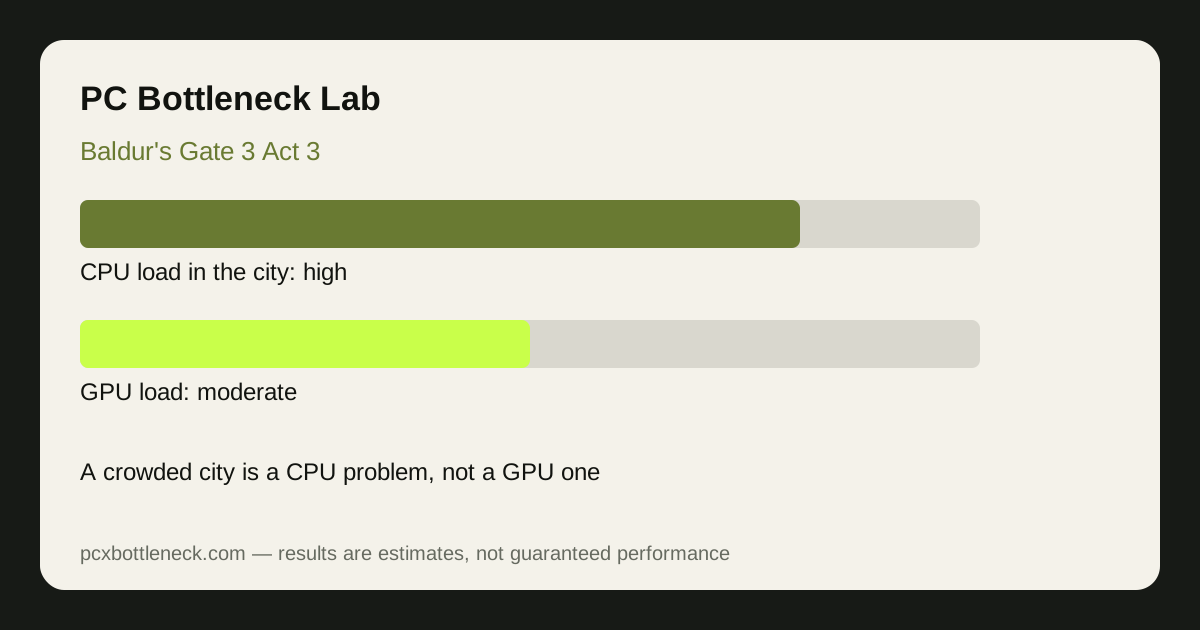
Why Act 3's city is so heavy on the CPU
Baldur's Gate in Act 3 is not a backdrop — it is a living city. Dozens of NPCs walk their own routes, guards patrol, merchants trade, and crowds react to what your party does. Each NPC needs AI decisions, pathfinding through crowded streets, and animation, and the game tracks their states even when they are off screen. That is a fundamentally different load from Acts 1 and 2, where the wilderness and dungeons hold far fewer active characters at once.
Pathfinding is the quiet killer. In an open field an NPC walks in a straight line; in a crowded city street it must route around other NPCs, market stalls, and your party, recalculating constantly. Multiply that by every NPC in the area and the CPU has a large, continuous job that the GPU cannot help with. This is why Act 3 can feel sluggish on a PC that handled the first two acts easily — the bottleneck moved, not the hardware.
Where Act 3 bottlenecks, scene by scene
| Act 3 scene | What loads the CPU | CPU load | Frame rate (estimate) |
|---|---|---|---|
| Quiet interior or camp | Few NPCs, small area | Light | High, often GPU-limited |
| City street, normal crowd | Dozens of NPCs, pathfinding | Moderate to heavy | Good on strong CPUs |
| Busy market or square | Crowds, merchants, guards | Heavy | Noticeable drops on weaker CPUs |
| Large battle in the city | Crowds plus combat AI | Very heavy | Lowest — the true Act 3 test |
Estimates, not promises: on a strong modern CPU, busy city streets typically land in the 50–80 FPS range, while the same PC in a quiet interior can run far higher. On a weaker CPU the city number falls much further, and lowering resolution barely recovers it — the CPU-limit signature explained in our CPU usage guide.
What actually helps in Act 3
The settings that help most are the ones that cut NPC and simulation work, not rendering work. Crowd density, if the game offers it, is the direct lever. Shadow quality and view distance help indirectly by reducing the draw calls the CPU issues for the scene. Lowering resolution or texture quality mostly helps the GPU, so it does little in a crowded street where the CPU is the limit.
RAM helps too: dual-channel fast RAM lets the CPU process the city's NPC data without stalls. For hardware, a CPU with strong single-thread performance and good cache is the priority for Act 3, ahead of a stronger GPU at 1080p or 1440p. Check your pairing in Bottleneck Calculator, and test in the busiest square you can find — not in camp — before judging a fix.
Why turn-based combat does not save you
It is tempting to think a turn-based game cannot have a CPU bottleneck, because the action pauses between turns. But the city simulation never pauses: NPCs keep walking, pathfinding and reacting in real time even while you take your turn, and the engine still has to prepare every frame of that living city. The frame-rate cost is the same whether you are fighting or standing in a market — the crowd is always working the CPU.
Limitation: frame-rate ranges are estimates for typical Act 3 city scenes, not benchmarks. Crowd density, party size, mods, and your route through the city all change the load, so test in the busiest area you actually visit.
Frequently asked questions
Why is Baldur's Gate 3 Act 3 slower than Acts 1 and 2?
Because Act 3 is a dense city full of NPCs with AI and pathfinding, while Acts 1 and 2 are wilderness and dungeons with far fewer active characters. The CPU load jumps even though your hardware has not changed.
Is Baldur's Gate 3 Act 3 CPU or GPU intensive?
Mostly CPU intensive in crowded city scenes, where NPC simulation and pathfinding set the pace. In quiet interiors or open areas the GPU matters more, so the balance shifts scene by scene.
Will lowering graphics settings fix Act 3 lag?
Only a little in crowded scenes. Lower settings reduce GPU work, but the NPC simulation work stays the same. Crowd density and view distance help more than resolution does.
Does a faster CPU help Baldur's Gate 3 Act 3?
Yes, more than a faster GPU at most resolutions. A CPU with strong single-thread speed and good cache processes the city's NPC load faster, which raises the frame rate in exactly the scenes that struggle.
Why does Act 3 stutter even though my GPU usage is low?
Because the GPU is waiting on the CPU. Low GPU usage with low frame rate is the classic sign of a CPU limit — the graphics card has spare capacity, but the processor cannot prepare frames fast enough. Our CPU usage guide explains how to confirm it.