
What path tracing actually demands
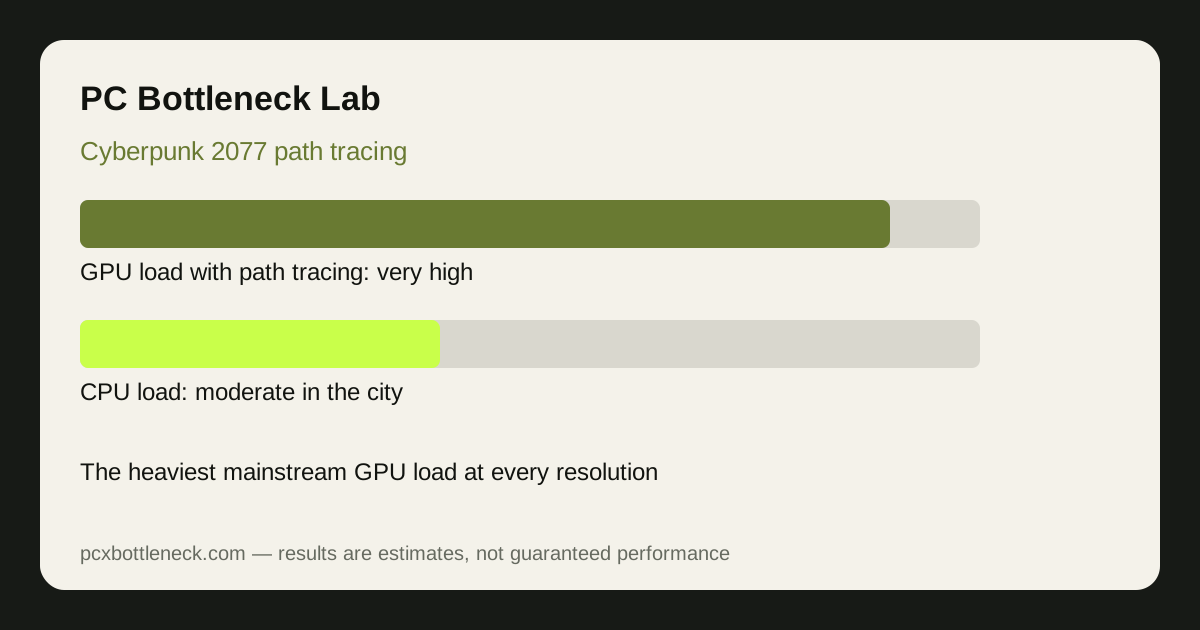
Path tracing simulates light by tracing rays through the scene — reflections, shadows, and bounce light are all calculated rather than approximated. In Night City that means every neon sign, wet street and glass tower adds rays, and the number of rays grows with resolution. The graphics card does this work, and no current mainstream card can do it at full speed without help. That is why path tracing is a GPU bottleneck at 1080p as well as at 4K: even at the lowest resolution the ray workload is enormous.
The practical consequence is that frame rate scales almost directly with graphics card strength. A stronger GPU gives a clearly higher frame rate with path tracing on, while a faster CPU gives almost nothing extra, because the CPU is not the slow step. Upscaling and frame generation are not optional extras here — they are how the game becomes playable at all with path tracing enabled, and they work because the problem they solve is on the GPU side.
Path tracing at 1080p, 1440p and 4K
Estimates, not promises: with path tracing on and upscaling set to a quality mode, a high-end graphics card typically lands in the 60–90 FPS range at 1080p, the 45–70 FPS range at 1440p, and the 30–50 FPS range at 4K. A mid-range card lands noticeably lower at every resolution, and an entry-level card struggles to stay smooth even at 1080p. The pattern is the same at all three resolutions — the GPU is the limit — which is unusual: most games shift toward the CPU at 1080p, but path tracing is so heavy that the GPU stays the limit even there.
| Resolution | Who sets the pace | High-end GPU (estimate) | What helps most |
|---|---|---|---|
| 1080p | GPU — path tracing load | 60–90 FPS range | Upscaling quality mode, frame generation |
| 1440p | GPU — path tracing load | 45–70 FPS range | Upscaling balanced mode, frame generation |
| 4K | GPU — path tracing load | 30–50 FPS range | Upscaling performance mode, frame generation |
VRAM matters here too. Path tracing at higher resolutions uses more video memory, and running short causes stutter that looks like a different problem. Our VRAM guide explains how much memory different resolutions need.
Where the CPU still matters
The CPU is not irrelevant in Night City. Crowded streets, driving at speed, and areas full of NPCs add CPU work — simulation, traffic, and draw calls — and a weak CPU can cause dips even with a strong GPU. But those dips sit on top of a GPU limit: fixing the CPU raises the floor slightly, it does not raise the ceiling that path tracing sets. A mid-range modern CPU is usually enough for path tracing play; the money is better spent on the graphics card.
If you are choosing parts for this game specifically, put the budget into the strongest GPU you can afford, then a solid mid-range or better CPU, then enough VRAM for your resolution. Check the pairing in Bottleneck Calculator, and see our RTX 50-series CPU guide if you are pairing a new high-end card.
Settings that make path tracing playable
Start with the path tracing preset, then set upscaling to quality mode and turn frame generation on. If frame rate is still below what you want, drop the upscaling mode a step before you touch anything else — it buys the most frames for the least visual cost. Ray reconstruction, where available, cleans up the upscaled image noticeably and is worth keeping on. Only after those steps should you lower lighting or reflection settings, because those change the look of the game more than they buy back frames.
Limitation: frame-rate ranges are estimates for typical city scenes with path tracing on, not measurements from one test system. Dense areas, rain, and driving at speed all lower frame rate further, so test in the busiest street you actually play in before judging a setting.
Frequently asked questions
Is Cyberpunk 2077 with path tracing CPU or GPU bottlenecked?
GPU bottlenecked at every resolution. Path tracing is so heavy that the graphics card sets the pace even at 1080p, where most games become CPU-limited.
Can a mid-range GPU run Cyberpunk 2077 path tracing?
It can run it with upscaling and frame generation, but frame rate will be modest, especially at 1440p and above. Path tracing is designed for high-end graphics cards, and the gap between tiers is large.
Does a faster CPU help Cyberpunk 2077 path tracing?
Only slightly. A weak CPU can cause dips in crowded streets, but the ceiling is set by the GPU. Upgrading the CPU does not raise path tracing frame rate the way a stronger GPU does.
Why is path tracing slower than regular ray tracing?
Regular ray tracing traces rays for some effects and approximates the rest. Path tracing traces rays for nearly everything — reflections, shadows and bounce light — so the workload is far larger and falls almost entirely on the GPU.
Should I use frame generation with path tracing?
Yes, for most players. Frame generation is how path tracing becomes smooth on current hardware. It needs a reasonable base frame rate to feel good, so pair it with upscaling rather than using it alone.