
What actually differs between DDR4 and DDR5
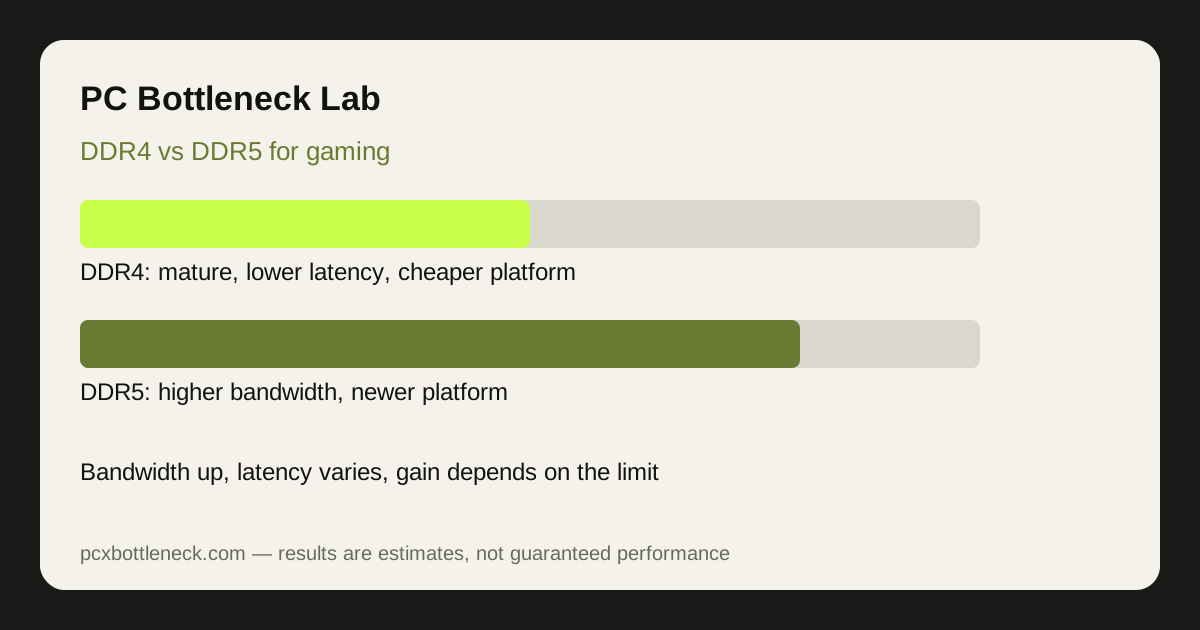
DDR5 is not simply DDR4 with a higher number. It moves power management onto the memory stick, splits each stick into two independent channels, and reaches higher bandwidth, typically in the range of modern DDR5 kits versus typical DDR4 kits. DDR4, in return, usually runs at lower latency and on cheaper, more mature boards. Neither fact alone decides gaming performance: bandwidth helps when the CPU needs large amounts of data quickly, while latency matters when it needs small amounts urgently, which is common in games.
The platform lock matters most. DDR4 and DDR5 sticks are physically different and cannot be swapped: a DDR5 kit needs a DDR5 board and a CPU that supports DDR5. That makes DDR5 a platform decision, not a simple stick swap, unless your board already supports it.
DDR4 vs DDR5 at a glance
| Factor | DDR4 | DDR5 |
|---|---|---|
| Typical bandwidth | Lower, mature kits | Higher, growing with newer kits |
| Typical latency | Often lower | Often higher, improving over time |
| Platform cost | Lower — older boards and CPUs | Higher — newer board and CPU |
| Gaming gain | Fine for GPU-limited games | Largest in CPU-limited, high-refresh games |
Cache also changes the picture. CPUs with very large cache, such as the ones in our 3D V-Cache guide, reuse data on the chip and lean less on RAM, so they gain less from faster memory than CPUs with smaller cache. Check your CPU type before you assume RAM speed is the problem.
When DDR5 matters, and when it does not
- Matters most: CPU-limited games at 1080p and high refresh rates, simulation and strategy games, and PCs where RAM speed was clearly holding the CPU back.
- Matters little: GPU-limited AAA games at 1440p or 4K, where the GPU sets the pace and the CPU already has time to spare.
- Does not fix: a weak GPU, too little RAM, single-channel mode, or a game engine limited by one thread. Fix those first.
Speed within a generation matters too. DDR4 at its rated speed in dual-channel mode beats DDR5 that is misconfigured, running slowly, or in single-channel mode. Configuration beats generation.
Is a DDR5 platform upgrade worth it?
For a new build, DDR5 is the sensible choice, because it is the current platform and leaves an upgrade path open. For an existing DDR4 PC that plays well, a platform upgrade for DDR5 alone is rarely worth the cost of a new board, CPU and RAM together. The money usually buys more performance as a GPU upgrade, or as a stronger CPU on the platform you already own.
Make the decision in this order: first confirm you are CPU-limited with the resolution test in our PC Guides, then check that RAM is already dual-channel at its rated speed, then price the whole platform change, not just the RAM, and compare it with a GPU upgrade in the PC bottleneck calculator.
Within DDR5, do not buy on speed alone. A very fast kit with loose timings can perform similarly to a slower kit with tight timings in games, and the rated speed only applies when the memory profile is enabled in BIOS. If you buy a DDR5 kit, enable its rated profile, check that it actually runs at that speed, and retest in your games, because a kit running at a fallback speed is a common reason a DDR5 upgrade feels like no upgrade at all.
Limitation: DDR5 speeds, latencies and prices change quickly, and gains vary by CPU, game and resolution. Treat the ranges here as typical patterns for current kits, and check current kit specifications and benchmarks for your own CPU before you buy.
Frequently asked questions
Is DDR5 always faster than DDR4 for gaming?
No. DDR5 has higher bandwidth, but DDR4 often has lower latency, and the gaming result depends on the game and on whether the CPU is the limit. In GPU-limited games the difference is usually small, while in CPU-limited games at high refresh rates DDR5 can show a clearer gain.
Can I put DDR5 RAM in a DDR4 motherboard?
No. DDR4 and DDR5 sticks have different notches and electrical designs, and a board supports one or the other, not both. Moving to DDR5 means a compatible motherboard and a CPU that supports DDR5, which makes it a platform upgrade, not a stick swap.
Does RAM speed or RAM capacity matter more?
Capacity first, then channels, then speed. Too little RAM causes stutter no speed can fix, and single-channel mode halves bandwidth. Once you have 16GB or 32GB in dual-channel mode, speed becomes the next factor, mainly in CPU-limited games.
Does low RAM latency beat high RAM speed?
It depends on the workload. Games often need small amounts of data urgently, so latency matters, but large data flows benefit from bandwidth. That is why DDR5 can win some games and lose others against DDR4, and why benchmarks for your own CPU matter more than one specification.
Is it worth upgrading to DDR5 just for gaming?
For a new build, yes, because DDR5 is the current platform. For an existing DDR4 PC that already plays well, usually not on its own: the board, CPU and RAM together cost more than the gaming gain in most cases, and a GPU upgrade often buys more performance.