
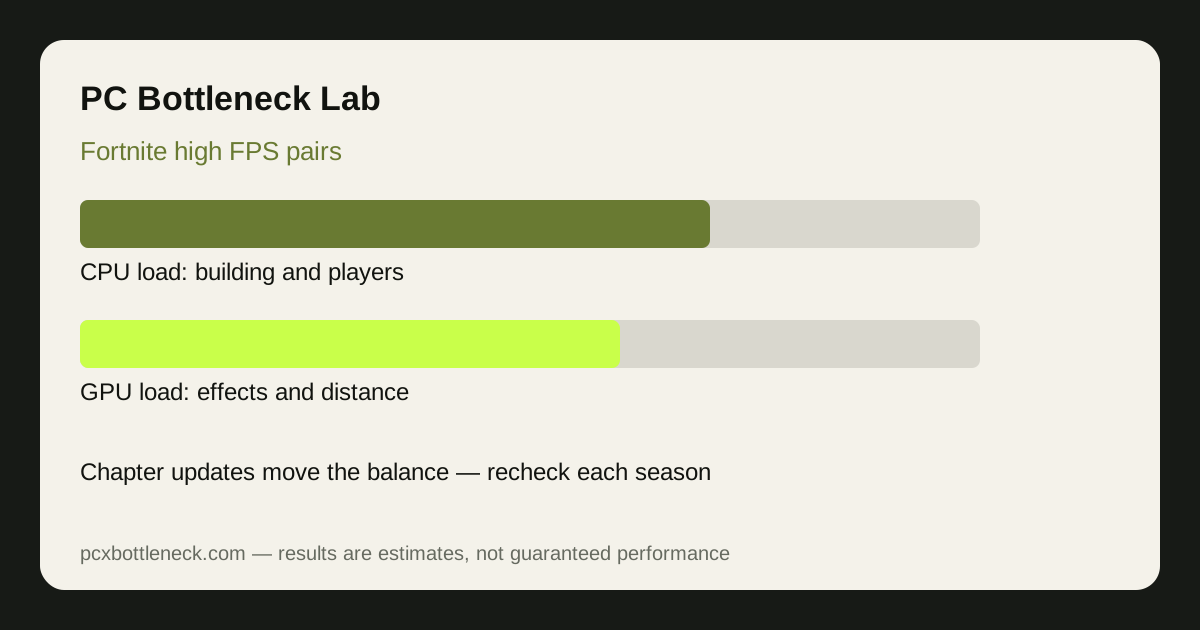
How Fortnite loads your CPU and GPU
Fortnite's CPU load comes from three places at once: the building system, which tracks hundreds of player-built structures; the player count, with dozens of opponents moving, shooting and editing around you; and the engine itself, with Unreal Engine 5 features such as Nanite geometry and Lumen lighting adding work on both sides. In a quiet landing spot the GPU does most of the work, but in a late-game zone with many players and builds everywhere, the CPU has far more to track, and frame rate can fall even while the GPU has spare capacity.
Chapter updates move this balance. A chapter that adds dense new areas, more destructible objects or heavier lighting raises GPU load; one that adds new movement, building mechanics or more players in the endgame raises CPU load. That is why advice from two chapters ago can mislead: the same pair that held high frame rates last year may struggle in a new endgame. The honest habit is to retest after each major update, in a busy late-game situation, not in the lobby.
Best CPU-GPU pairs for high FPS
Pair choice depends on resolution. At 1080p competitive settings, the CPU matters most: a fast gaming CPU with a mid-range GPU holds high frame rates because the GPU work is light. At 1440p the two parts share the load more evenly, and at 4K the GPU takes over — a strong graphics card matters more than the last bit of CPU speed. The table below is guidance, not a shopping list: check any pair in PC Bottleneck Calculator before buying.
| Resolution and goal | CPU tier | GPU tier | Frame rate (estimate) |
|---|---|---|---|
| 1080p competitive, high refresh | Fast gaming CPU, large cache | Mid-range GPU | 200–300 FPS range |
| 1080p high settings | Recent mid-range CPU | Mid-range GPU | 144–240 FPS range |
| 1440p balanced | Recent high-end CPU | Upper mid-range GPU | 120–180 FPS range |
| 4K high settings | Recent high-end CPU | High-end GPU | 60–120 FPS range |
The GeForce RTX 5070 class of card is a useful reference point for 1440p play: it is strong enough that the CPU, not the card, usually decides the frame rate in busy endgames. If you play mostly at 1080p competitive settings, money spent on a faster CPU buys more frame rate than the same money spent on a stronger GPU.
Settings that matter after a chapter update
After each chapter update, the settings worth touching are the ones tied to the new content: view distance, effects, and the Nanite and Lumen options. Turning Nanite and Lumen down is the fastest way to recover frame rate when a new chapter adds heavy geometry or lighting, and it costs little visually in fast play. Keep textures at a level your VRAM can hold — running out of video memory causes stutter that no CPU or GPU upgrade fixes cleanly — and keep background apps closed, because Fortnite's late-game CPU load leaves little spare capacity.
If frame rate falls after an update, do not assume your hardware got slower. Check the new settings first, test in a busy endgame rather than the lobby, and compare with the previous chapter's settings. Our resolution guide explains the quick test that separates a CPU limit from a GPU limit after any update.
When to upgrade, and which part first
Upgrade the CPU first if your frame rate barely changes when you lower resolution or graphics settings, and if the drops happen in busy endgames while the GPU sits below maximum. Upgrade the GPU first if lowering settings raises frame rate clearly and the GPU is near maximum most of the time. If both parts are old, the balanced move is usually a mid-range CPU and GPU together rather than one very strong part held back by the other — see our balanced budget pair guide for how that logic works at lower budgets.
Limitation: frame-rate ranges are estimates for typical chapter content and competitive settings, not benchmarks. Each chapter update can shift the numbers, and your results will vary with map area, player count and settings, so retest after major updates before spending money.
Frequently asked questions
Why did my Fortnite FPS drop after a chapter update?
Chapter updates add new map areas, effects or engine features that change the load. A new chapter can raise GPU load with heavier lighting or CPU load with busier endgames, so retest your settings in a busy match before assuming your hardware is at fault.
Is Fortnite more CPU or GPU heavy in 2026?
Both, at different moments. Quiet landings are GPU-heavy, while busy late-game zones with many players and builds are CPU-heavy. That split is why frame rate can swing widely within a single match.
What CPU do I need for 240Hz Fortnite?
A fast gaming CPU with strong single-thread speed and large cache, paired with dual-channel RAM. At 1080p competitive settings the CPU decides the frame rate far more than the GPU does.
Should I turn off Nanite and Lumen in Fortnite?
If you want maximum frame rate, yes — turning them down is the fastest recovery when a new chapter adds heavy geometry or lighting. If you prefer visuals and your frame rate is already comfortable, you can leave them on.
Does Fortnite need a high-end GPU at 1080p?
No. At 1080p competitive settings a mid-range GPU is usually enough, because the CPU sets the pace. Spend the difference on a faster CPU or a higher-refresh monitor instead.