
What DLSS 4 and FSR 4 actually do
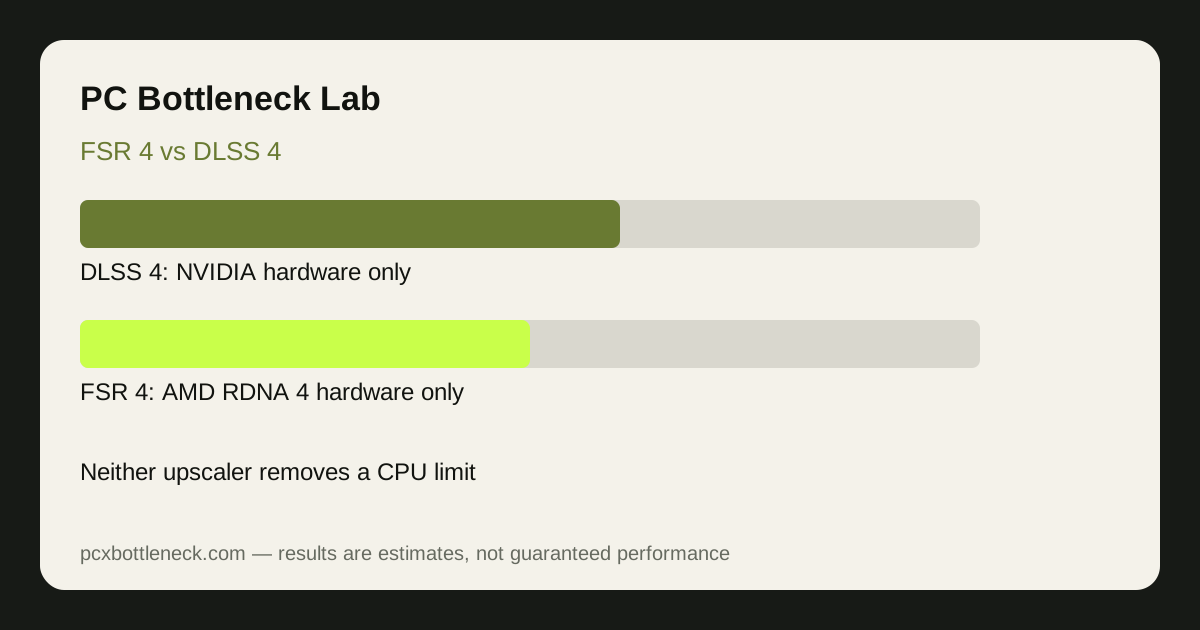
Both upscalers render the game at a lower internal resolution and then rebuild the image to your monitor resolution. That lowers the work the graphics card does per frame, so a GPU-limited PC gains frame rate. DLSS 4 is NVIDIA-only and runs on GeForce RTX cards; its headline feature is multi-frame generation, which can insert several AI-generated frames between each real rendered frame. FSR 4 is AMD's first machine-learning upscaler, and it runs only on RDNA 4 graphics cards. Older AMD cards keep using earlier FSR versions, which do not use the same machine-learning model.
Frame generation is not the same as rendering more real frames. The game still simulates, reads your input and draws only the real frames; generated frames smooth the picture between them. That distinction matters most exactly where CPU-limited players hope for help, because the parts that feel slow — input response and simulation — still run at the real frame rate.
Why neither upscaler fixes a CPU limit
Say this plainly: if your CPU cannot prepare frames fast enough, upscaling does not fix it. Upscaling reduces GPU work, and the GPU was never the slow step in a CPU-limited PC. Turning on DLSS 4 or FSR 4 in that situation usually leaves frame rate about where it was, because the CPU still sets the pace. Frame generation can raise the number shown on an FPS counter, but the real frames underneath still arrive at the CPU-limited rate, so input latency does not improve and can feel slightly worse.
There is one narrow exception. If your PC is CPU-limited at 4K but the GPU is also working hard, upscaling can free enough GPU headroom for frame generation to smooth motion without making latency noticeably worse. Even then the CPU limit is still there — it is just less visible. The reliable test is the resolution test from our resolution guide: if lowering resolution barely changes your frame rate, the CPU is the limit and no upscaler setting will change that diagnosis.
Image quality and frame generation compared
DLSS 4 generally produces the cleaner upscaled image of the two in motion, because its model has been trained and refined across several generations, and multi-frame generation gives it more frames to work with. FSR 4 is a large step up from earlier FSR versions, with noticeably steadier edges and less shimmer in motion than FSR 3, but it has only one generation of machine-learning training behind it. In still images the two can look close; in fast camera movement the gap is easier to see.
Frame generation also behaves differently on the two. DLSS 4 multi-frame generation can multiply the displayed frame count, but it needs a solid base of real frames — roughly 60 real frames per second or more — to feel good, and it adds latency. FSR 4 frame generation produces fewer inserted frames and is gentler on latency, but the smoothness gain is smaller. If your base frame rate is already low because of a CPU limit, frame generation from either side is the wrong tool: it polishes a slow feed rather than speeding it up. Our frame generation guide and DLSS 4 multi-frame generation guide cover this trap in more detail.
| Feature | DLSS 4 | FSR 4 |
|---|---|---|
| Hardware needed | NVIDIA GeForce RTX cards only | AMD RDNA 4 cards only |
| Upscaling method | Machine-learning model, several generations refined | AMD's first machine-learning upscaler |
| Frame generation | Multi-frame generation, several inserted frames | Frame generation, fewer inserted frames |
| Helps a CPU-limited PC? | No — real frame rate still set by the CPU | No — real frame rate still set by the CPU |
| Best use | GPU-limited play at high resolution | GPU-limited play on RDNA 4 hardware |
Which one helps your PC more?
The choice is mostly made for you by your graphics card: DLSS 4 only runs on NVIDIA hardware and FSR 4 only runs on RDNA 4 AMD hardware, so you use whichever your card supports. If you are choosing a card and you play at 1440p or 4K, DLSS 4 is the stronger upscaling ecosystem today. If you already own an RDNA 4 card, FSR 4 is a genuine improvement over older FSR and worth turning on when the GPU is the limit.
If your PC is CPU-limited, spend your effort on the CPU side instead: close background apps, check that your RAM runs in dual channel, and test whether a CPU upgrade actually raises your frame rate by running your pairing through PC Bottleneck Calculator. Upscaling is a GPU tool. Use it when the GPU is the problem, and do not expect it to rescue a CPU that cannot keep up.
Limitation: upscaler support varies by game and driver version, and image-quality comparisons are estimates based on typical scenes, not measurements from your exact hardware. Test both quality modes in your own games before deciding which setting to keep.
Frequently asked questions
Does DLSS 4 fix a CPU bottleneck?
No. DLSS 4 reduces GPU work and can generate extra displayed frames, but the CPU still prepares each real frame. If the CPU is the limit, your real frame rate and input response stay about the same with DLSS 4 on.
Does FSR 4 work on older AMD cards?
No. FSR 4 is AMD's first machine-learning upscaler and runs only on RDNA 4 graphics cards. Older AMD cards use earlier FSR versions, which upscale without the same machine-learning model.
Is frame generation worth it on a CPU-limited PC?
Usually not. Frame generation needs a solid base of real frames to feel smooth, and on a CPU-limited PC that base rate is low. The displayed number rises, but input latency does not improve, so the game can feel less responsive.
Which upscaler looks better, FSR 4 or DLSS 4?
DLSS 4 generally looks cleaner in motion, thanks to several generations of refinement, while FSR 4 is a big improvement over older FSR but newer. The difference is clearest in fast camera movement; in still scenes they can look close.
Should I buy a new GPU just for DLSS 4 or FSR 4?
Not if your CPU is the limit. A new GPU with a better upscaler still waits on the same CPU. Check your pairing in the calculator first, and upgrade the CPU if the test shows it setting the pace.