
What this pattern actually tells you
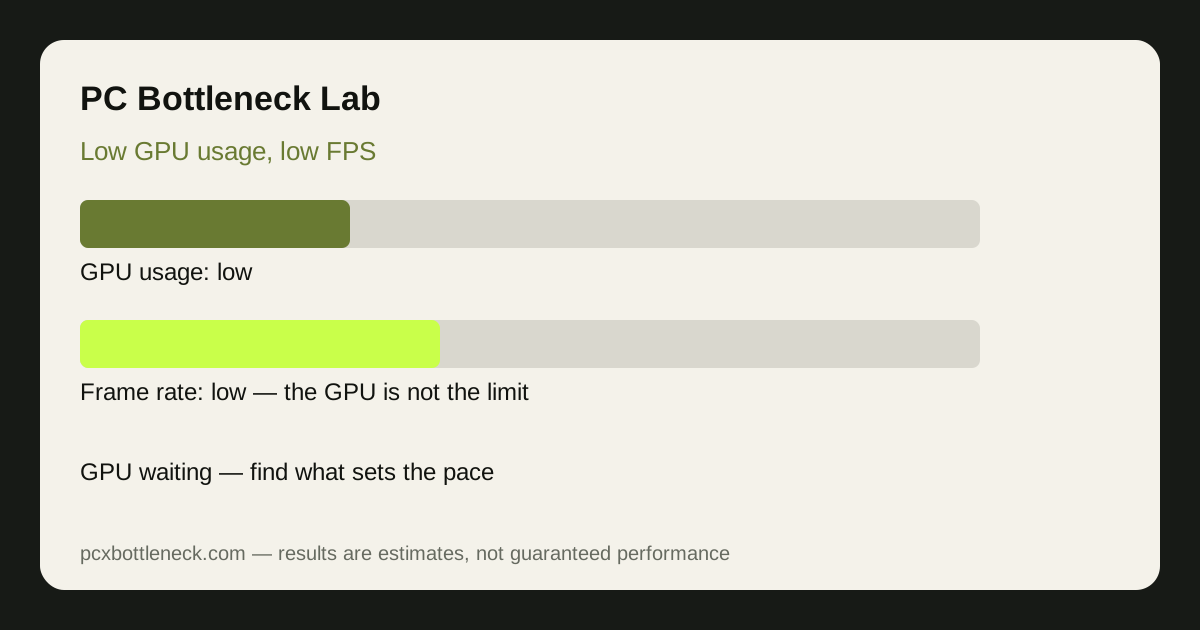
Frame rate is set by the slowest step in the chain: the CPU prepares a frame, RAM and storage feed it data, and the GPU draws it. If the GPU is idle for part of every frame, it cannot be the slowest step. That is why low GPU usage with low FPS points away from the graphics card, even though the symptom feels like a graphics problem.
| What you see | What it usually means | Check first |
|---|---|---|
| GPU 30–60%, FPS low | CPU, RAM, cap or engine limit | Per-core CPU usage and frame caps |
| GPU 90–100%, FPS low | GPU limit — the card is working hard | Resolution and graphics settings |
| GPU usage swings wildly | Stutter source, not a steady limit | Temperatures, RAM and storage |
| GPU low only in menus | Normal — menus barely load a GPU | Test in real gameplay, not a menu |
9 causes, in the order to check them
Start at the top. The first items are free, fast to test, and the most common.
- CPU limit: one or two CPU cores near maximum while the GPU waits. Confirm with the resolution test: if lowering resolution does not raise FPS, the CPU is likely setting the pace.
- Frame cap or VSync: a cap in the game, driver or monitor settings holds FPS at a fixed level, so the GPU idles. Turn caps off for the test.
- Background tasks: browsers, launchers, recording and updates steal CPU time. Close them and retest before blaming hardware.
- Single-channel or slow RAM: one stick, or sticks in the wrong slots, can hold back frame delivery. Check dual-channel mode and the memory speed profile.
- Heat throttling: a hot CPU or GPU lowers its speed to protect itself. Check temperatures and clock speeds under load.
- Power limit or power plan: a laptop on battery saver, or a desktop on a power-saving plan, can hold the CPU or GPU back. Test on the high-performance plan, plugged in.
- Driver or game fault: a broken driver update or a buggy game patch can waste CPU time. Try a clean driver install and a second game.
- Storage stutter: a slow or nearly full drive can cause hitches as assets load, which drags average FPS down without loading the GPU.
- Game engine limit: some older or simulation-heavy games are limited by one thread no matter how strong your PC is. Nothing you buy will fix that game fully.
If you see CPU usage at 100% with low GPU usage, that guide separates a true CPU limit from heat, RAM and background-task causes in more detail.
The 20-minute fix sequence
Run the same demanding scene each time, so the results are comparable.
- Minutes 0–5: close background apps, turn off caps and VSync, and record GPU usage, the busiest CPU core, temperatures and FPS.
- Minutes 5–10: drop the resolution. FPS barely changing points to the CPU, RAM or engine; FPS rising clearly points back to the GPU.
- Minutes 10–15: restore settings, then test a second game. A problem in one game only is a game or driver issue, not a hardware limit.
- Minutes 15–20: check RAM channels, temperatures and the power plan, and fix whatever the first three steps pointed to.
Only after this sequence should you price an upgrade. Run the pairing through the PC bottleneck calculator first, because the right upgrade depends on your resolution and the games you play, not on which part looks busy.
When low GPU usage is completely normal
Low GPU usage is not always a problem. It is expected in menus, in older or less demanding games, when a frame cap or VSync is active, and when your monitor refresh rate is the real ceiling. If FPS already matches your monitor and feels smooth, there is nothing to fix.
The warning sign is the combination: FPS below what you want, the GPU well below maximum, and no cap in place. Fix the cap first, then the CPU, RAM and heat causes, and only then consider new hardware.
Limitation: usage figures are estimates from monitoring tools and vary by game, driver and scene. Use the pattern across several minutes and more than one game, not a single number, before you spend money.
Frequently asked questions
Is low GPU usage always a bottleneck?
No. Low GPU usage is normal in menus, older games and whenever a frame cap or VSync is active. It only points to a bottleneck when frame rate is also below what you want, the GPU is well below maximum in demanding gameplay, and no cap is holding it back.
Why is my FPS low if my GPU is not at 100%?
Because frame rate is set by the slowest step in the chain. If the CPU, RAM, a cap or the game engine cannot prepare frames fast enough, the GPU waits between frames and its usage falls, even though the graphics card itself has spare capacity.
Can a bad driver cause low GPU usage and low FPS?
Yes. A faulty or mismatched driver can waste CPU time, misreport usage or break a game, and the pattern can look like a hardware limit. A clean driver install and a test in a second game will usually separate a driver problem from a real CPU or RAM limit.
Does VSync cause low GPU usage?
Yes, by design. VSync caps frame rate to the monitor refresh rate, so the GPU stops working once it reaches that cap and usage falls. Turn VSync and in-game frame caps off while you test, then turn them back on if you prefer them.
When should I upgrade instead of fixing settings?
When the pattern survives closed background apps, normal temperatures, dual-channel RAM and the correct power plan, appears in several games, and lowering resolution does not raise FPS. Then compare CPU and GPU upgrades in the calculator before you buy.