
How Marvel Rivals loads your PC
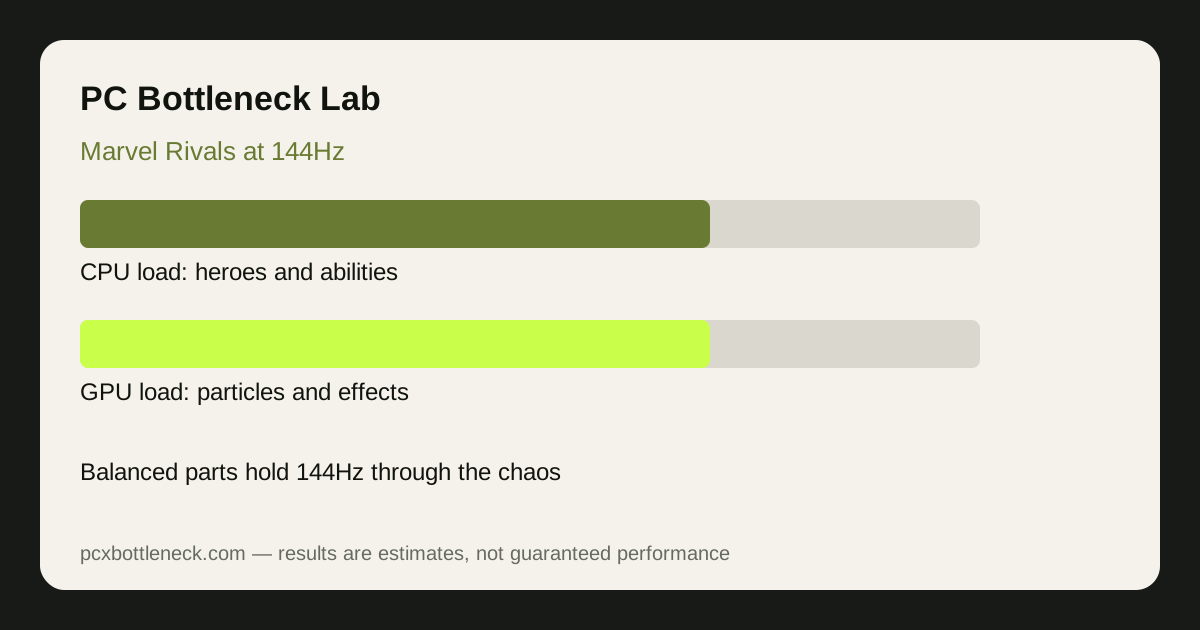
Marvel Rivals is a 6v6 hero shooter, and its load comes from the heroes themselves. Each hero has abilities with particles, area effects and animations that all need CPU simulation and GPU rendering at the same time. A quiet lane is light work for both parts. A team fight where several ultimates fire at once is the opposite: the CPU tracks every ability, projectile and player state while the GPU draws a screen full of overlapping effects. That double load is why the game punishes unbalanced PCs — a strong GPU with a weak CPU stutters when abilities pile up, and a strong CPU with a weak GPU chokes on the particles.
The destructible environments add their own load. Breaking cover changes what the game must draw and simulate, and it happens most in the fights that are already busiest. Unlike a tactical shooter where the map stays static, Marvel Rivals keeps changing the battlefield under you.
Balanced pairs for smooth 144Hz
Smooth 144Hz means holding close to 144 FPS in team fights, not just in the spawn room. At 1080p a fast mid-range CPU with a mid-range GPU does that job well; at 1440p the GPU needs a step up to keep the particles smooth. The table is guidance — check any pair in Bottleneck Calculator before buying.
| Resolution and goal | CPU tier | GPU tier | Team-fight frame rate (estimate) |
|---|---|---|---|
| 1080p, steady 144Hz | Recent mid-range CPU | Mid-range GPU | 120–160 FPS range |
| 1080p, high refresh | Recent high-end CPU | Upper mid-range GPU | 160–240 FPS range |
| 1440p, steady 144Hz | Recent high-end CPU | Upper mid-range GPU | 110–150 FPS range |
| 1440p, high settings | Recent high-end CPU | High-end GPU | 120–180 FPS range |
The GeForce RTX 5070 class of card is a good reference point for 1440p: strong enough for the particles, provided the CPU keeps up in team fights. A Ryzen 7 9800X3D class CPU is the reference point on the processor side for players chasing the highest refresh rates.
Settings that hold 144Hz in team fights
Effects quality is the single most important setting in Marvel Rivals, because it controls the particle load that spikes in team fights. Dropping it one step buys back more frames in a fight than lowering resolution does. Shadows and post-processing are the next levers, while texture quality matters little for frame rate as long as your VRAM can hold the textures you choose. Keep background apps closed — the CPU has no spare capacity during an ultimate-heavy fight.
Test in a real match, in the biggest team fight you can find, and watch the minimum frame rate. A PC that averages 200 FPS but drops to 90 FPS every team fight will feel worse at 144Hz than one holding a steady 140 FPS. Our esports bottleneck guide explains why minimum frame rate matters more than the average in games like this.
What happens when the pair is unbalanced
With a strong GPU and a weak CPU, Marvel Rivals feels fine until the first big team fight, then frame rate falls sharply and input feels delayed — the CPU cannot track all the abilities fast enough. With a strong CPU and a weak GPU, the game runs well in quiet moments but the particle-heavy fights turn into a slideshow. The fix in both cases is balance: if you can only upgrade one part, upgrade the one that is actually at maximum during team fights, and see our balanced pair guide for how to think about matching parts at any budget.
Limitation: frame-rate ranges are estimates for typical 6v6 matches, not benchmarks. Hero picks, map, and how many ultimates fire at once all change the load, so your numbers will vary from match to match.
Frequently asked questions
Is Marvel Rivals CPU or GPU heavy?
Both at once in team fights. The CPU tracks heroes, abilities and projectiles while the GPU draws the particles and effects, so an unbalanced PC shows its weakness exactly when the fight gets busy.
What PC do I need for Marvel Rivals at 144Hz?
A balanced mid-range or better pair: a recent mid-range CPU with a mid-range GPU at 1080p, or a step up on the GPU at 1440p. The key is holding frame rate in team fights, not in the spawn room.
Why does my FPS drop only during ultimates in Marvel Rivals?
Because ultimates flood both parts at once — the CPU simulates more abilities and the GPU draws more particles. A PC that is fine in quiet lanes can fall behind the moment several ultimates overlap.
Does lowering resolution help Marvel Rivals team fights?
Only partly. Lower resolution reduces GPU work, but the CPU work from abilities stays the same. Effects quality is the setting that helps team fights most.
Should I upgrade my CPU or GPU for Marvel Rivals?
Upgrade whichever part is at maximum during team fights. If frame rate falls while the GPU has spare capacity, the CPU is the limit; if the GPU is near maximum, the graphics card is the limit.