
Key takeaways
- A Ryzen 5 7600X or a Ryzen 7 5700X3D feeds the RX 7700 XT fully at 1440p.
- On AM4, a Ryzen 7 5700X3D is the drop-in fix that needs no new board.
- 12GB of VRAM makes the card a strong 1440p raster card in 2026.
- Ray tracing is the weak point, so buy this card for raster speed, not ray tracing.
- Low GPU usage with a busy CPU is the clearest sign of a CPU limit.
RX 7700 XT bottleneck: the short answer
A CPU bottleneck happens when the processor cannot prepare frames fast enough for the graphics card. The GPU then waits between frames, and the frame rate stops rising even though the card has power to spare. For this card, the line sits near a modern 6-core CPU at 1440p. Anything slower wastes the card, and anything much faster adds little at 4K. Check your own pair with the free tool: pc bottleneck calculator.
The card is a 1440p raster card, so the CPU question is really about your resolution and your platform. At 1080p, the CPU sets the ceiling in most games, because the card finishes each frame fast. At 1440p, a good 6-core or 8-core CPU keeps pace in most titles. At 4K, the GPU works so hard on every frame that even a mid-range CPU rarely holds it back.
What the RX 7700 XT brings
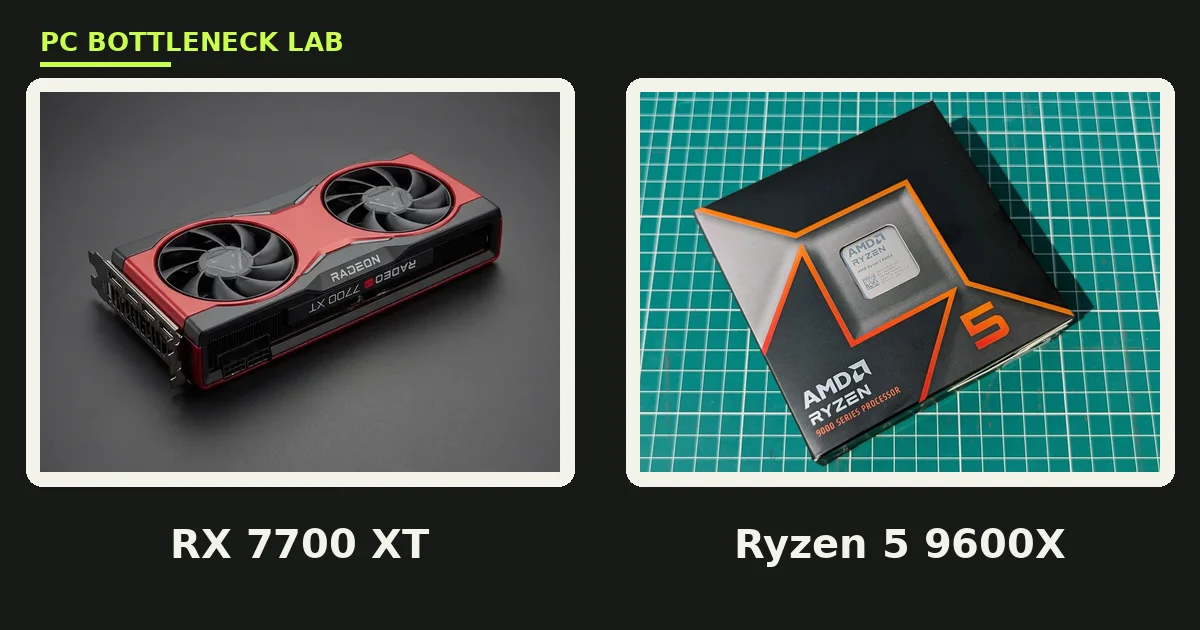
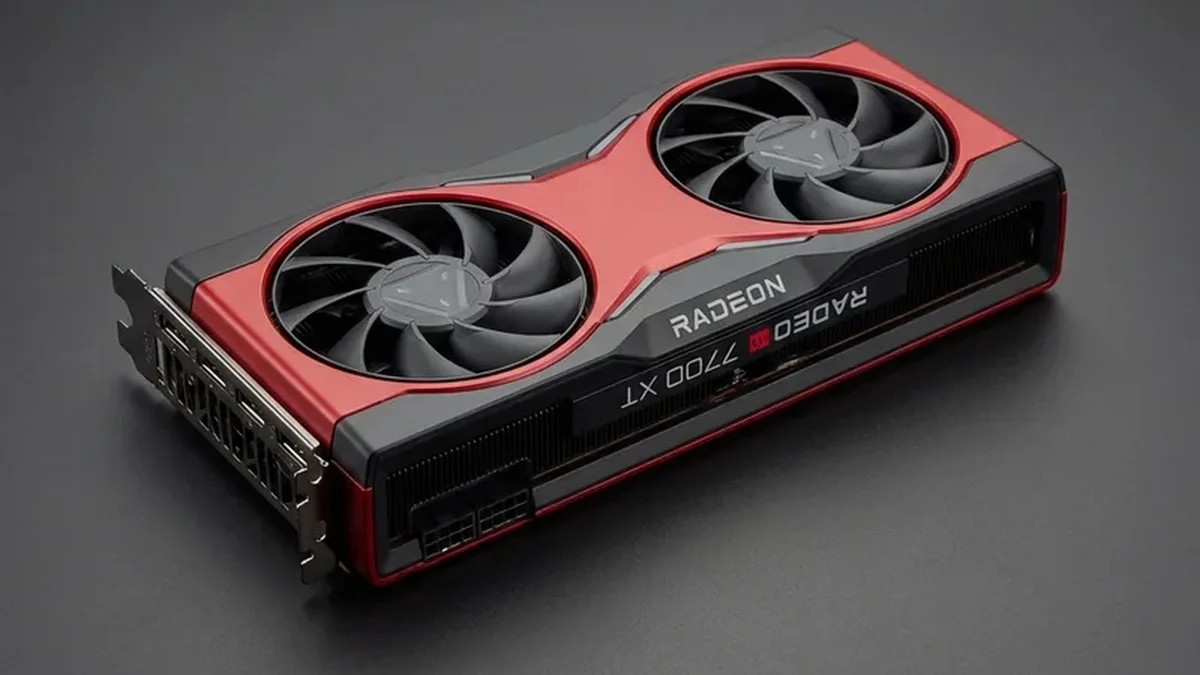
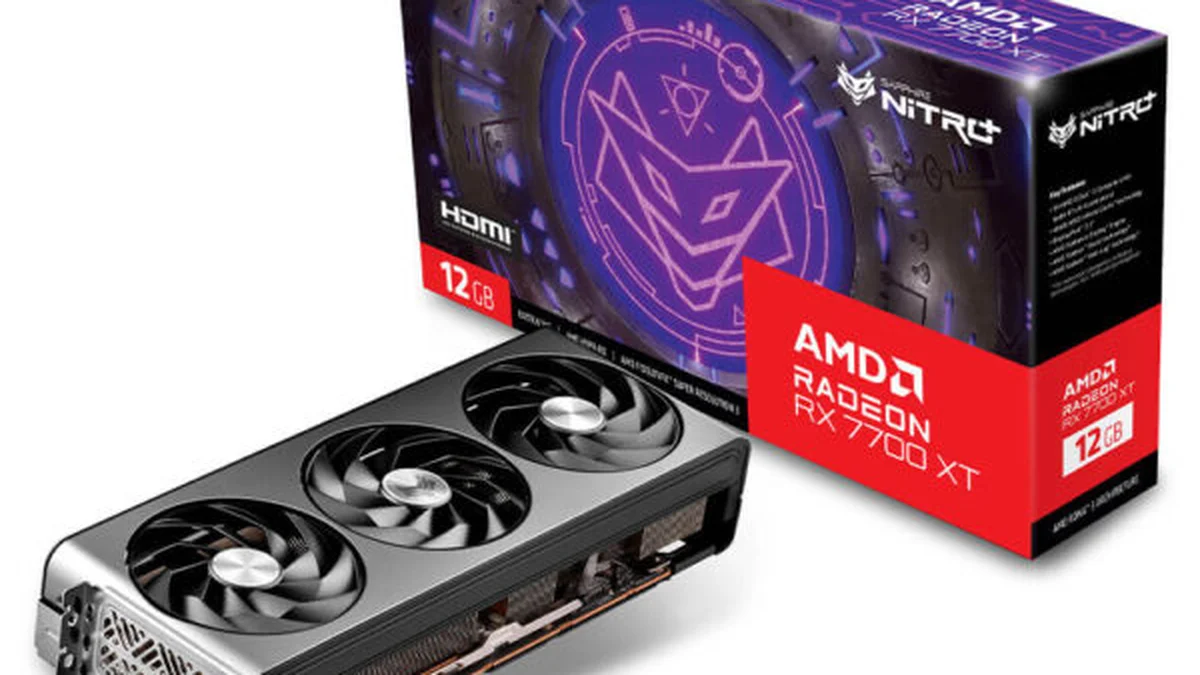
The RX 7700 XT launched on September 6, 2023, at a $449 starting price. It carries 12GB of GDDR6 VRAM on a 192-bit bus, with 432 GB/s of bandwidth. 12GB suits 1440p ultra textures well. The card runs 3,456 stream processors across 54 compute units, and it draws 245W of board power through two 8-pin plugs. RDNA 3 is the design behind the card. For the full card specs, see the RX 7700 XT specifications page.
The card's weak point is ray tracing. This card trails same-class Nvidia cards when heavy ray tracing is on. For raster play, which means normal shaded graphics without ray tracing, it is strong for its price. It also supports Smart Access Memory, which is AMD's name for resizable BAR, and it lets the CPU reach the card's full memory. For the bigger AMD card in the same family, see this: RX 7800 XT CPU bottleneck: which CPU you need.
| Spec | RX 7700 XT | RX 7800 XT | RX 9060 XT 16GB |
|---|---|---|---|
| VRAM | 12GB GDDR6 | 16GB GDDR6 | 16GB GDDR6 |
| Memory bus | 192-bit | 256-bit | 128-bit |
| Bandwidth | 432 GB/s | 624 GB/s | 320 GB/s |
| Stream processors | 3,456 | 3,840 | 2,048 |
| Board power | 245W | 263W | 182W |
| Launch | September 2023, $449 | September 2023, $499 | June 2025, $349 |
The card now sells mostly used, near $380–$450 on the used market (as of 16 Nov 2026). That price makes it a value pick for 1440p. Check the card's fans and past use first.
The minimum CPU for the RX 7700 XT
The floor for this card is a modern 6-core CPU with strong single-core speed. A Ryzen 5 7600X runs 6 cores and 12 threads, with a boost up to 5.3 GHz. A Core i5-12400F runs 6 cores and 12 threads, with a boost up to 4.4 GHz. Both feed the card well at 1440p in most games, and both leave room for background apps like Discord.
The sweet spot is an 8-core chip with a big game cache or high clocks. A Ryzen 7 7800X3D runs 8 cores and 16 threads, with a boost up to 5.0 GHz and 96 MB of L3 cache. A Ryzen 7 9700X runs 8 cores and 16 threads too, with a boost up to 5.5 GHz at only 65W. For the newer AMD card in the same price band, see this: RX 9060 XT CPU bottleneck guide.
| Tier | CPUs | Best for |
|---|---|---|
| Top pick | Ryzen 7 7800X3D, Ryzen 7 9800X3D | 1440p high-refresh and 1080p competitive play |
| Strong all-round | Ryzen 7 9700X, Core i7-14700K | Gaming plus streaming, editing, or heavy multitasking |
| Floor | Ryzen 5 7600X, Core i5-12400F | 1440p high settings in most games |
| AM4 upgrade | Ryzen 7 5700X3D, Ryzen 7 5800X3D | Same board, no new RAM or platform |
| Avoid | Ryzen 5 3600, Core i5-10400F at 1080p | These cap the card in fast games |
RX 7700 XT bottleneck by resolution
Resolution changes the balance between the CPU and the GPU, and this card shows it clearly. At 1080p, the card draws each frame fast, so the CPU must prepare frames at the same pace. A 6-core floor CPU will cap competitive games here, and only an 8-core chip with a big cache or high clocks keeps the card fed. At 1440p, the balance shifts: the GPU takes longer per frame, so the floor CPUs catch up. At 4K, the GPU dominates, and even the AM4 upgrade tier in the table above plays well.
The higher the resolution, the less CPU you need. That rule also covers ray tracing, since ray tracing loads the GPU and gives the CPU more breathing room. Yet ray tracing is this card's weak point, so do not buy it for heavy ray tracing at any resolution. Buy it for raster speed at 1440p, where it shines.
CPUs that hold the RX 7700 XT back
A Ryzen 5 3600 has 6 cores and 12 threads, yet its single-core speed trails modern chips by a wide margin. A Core i5-10400F has 6 cores and 12 threads too, and it shows its age in open-world games that stream data all the time. Both chips pair with the card on paper, yet both leave frames on the table at 1080p and 1440p.
Your frame rate stays flat when you drop the graphics settings, since the CPU sets the ceiling, not the card. Your 1% lows fall far below your average frame rate, so play feels choppy even when the average looks fine. The 1% low is the frame rate of the worst 1% of frames. It shows stutter that an average hides.
How to tell if your CPU limits the card
Run a game with an overlay that shows CPU and GPU usage side by side. MSI Afterburner is a free tool that draws those numbers on screen while you play. If GPU usage sits near 95% or higher, the card is the limit, and your CPU is fine. If GPU usage sits near 60% while one or two CPU cores run near 100%, the CPU is the limit. For the fix-first route, see this: how to fix a CPU bottleneck without buying a new CPU.
Run the test in a game you actually play, not a benchmark you never touch. CPU-heavy games like open-world and simulation titles show the gap first, while linear shooters may hide it. Test at your normal settings and resolution, since changing them changes the answer. Also close heavy background apps first, since a browser with many tabs can fake a CPU limit.
How to fix an RX 7700 XT bottleneck
Turn on XMP or EXPO in your BIOS so your RAM runs at its rated speed, since slow RAM starves the CPU. XMP and EXPO are the one-click memory profiles on Intel and AMD boards. Then turn on Smart Access Memory in your BIOS, since it lets the CPU reach the card's full memory. Then raise the resolution or the graphics settings, which loads the GPU and shifts work away from the CPU.
When the gap is large, a CPU upgrade is the real fix, and AM4 owners get the cheapest route. A Ryzen 7 5700X3D drops into the same AM4 board and adds the big game cache, with no new RAM and no new board. A Ryzen 7 5800X3D does the same with higher clocks. On AM5, a Ryzen 7 7800X3D is the direct step up. On Intel LGA 1700, a Core i5-14600K or Core i7-14700K fits the same board in most cases. Check your board maker CPU support list first, since a BIOS update may be needed. For the best CPU picks for the bigger AMD card, see this: best CPU for RX 7800 XT.
The bottom line
An RX 7700 XT bottleneck comes down to resolution and CPU age, not to the card itself. A Ryzen 7 7800X3D or a Ryzen 7 5700X3D feeds it fully at 1440p. A Ryzen 5 7600X or a Core i5-12400F is the floor. On AM4, the 5700X3D is the smartest money you can spend, since it needs no new board. Check your pair first on the cpu bottleneck calculator before you spend on new parts, and buy the CPU your monitor actually needs.
Frequently asked questions
My RX 7700 XT sits at 60% usage in Fortnite — is my CPU too slow?
Yes, most likely. When GPU usage sits near 60% while the game still runs below your refresh rate, the CPU is the limit. Fortnite at 1080p leans hard on single-core speed, so an old 6-core chip caps the card. A modern 6-core CPU or an 8-core chip with a big cache lifts GPU usage back toward 95%.
What is the cheapest AM4 CPU that still feeds an RX 7700 XT at 1440p?
A Ryzen 7 5700X3D is the cheapest AM4 CPU that still feeds the card at 1440p. It runs 8 cores and 16 threads, with 96 MB of L3 cache on the AM4 platform. The card takes longer per frame at 1440p, so the CPU keeps pace. It drops into your current board with no new RAM.
My RX 7700 XT has resizable BAR off — should I turn it on?
Yes, turn it on — it helps a little. Smart Access Memory lets the CPU reach the card's full 12GB of VRAM instead of small chunks. It is AMD's name for resizable BAR, and you turn it on in the BIOS. The gain is small in most games, and it never fixes a CPU limit. Treat it as a free extra, not as a cure for a slow CPU.
Is 12GB of VRAM enough for 1440p ultra textures on the RX 7700 XT?
Yes, in most games. The card's 12GB of GDDR6 suits 1440p ultra textures well, and few games ask for more at this resolution. A few heavy titles can push past 12GB with ultra texture packs, yet high settings still fit fine. Drop textures one notch if you see hitching in those games.
Can a Ryzen 5 5600X keep up with an RX 7700 XT at 1080p high-refresh play?
It can at 1440p, yet it struggles at 1080p high-refresh play. The Ryzen 5 5600X has 6 cores and 12 threads, and its boost tops out at 4.6 GHz. At 1440p the GPU sets the pace in most games, so the CPU rarely limits the card. At 1080p, CPU-heavy games will cap the frame rate.
Should I pick an RX 7700 XT or an RX 9060 XT for a 1440p build in 2026?
Pick the RX 7700 XT when its used price is clearly lower, since its 12GB on a 192-bit bus suits 1440p well. Pick the RX 9060 XT 16GB when you want a new card with more VRAM and newer features. Both cards play 1440p well, so the price gap should decide it, not the badge.
How this guide was prepared
This guide uses the published specifications of AMD, the used-market pricing of Hardwarepedia, and the CPU data in our own component pages. The launch prices are the launch prices, not current street prices. The CPU tiers are this guide's own reading of those sources for each resolution, and no frame rates were measured here.
Last updated: November 16, 2026