
The 30-second test that decides it
Open your most-played demanding game with a monitoring overlay and play a busy scene. Watch GPU usage and the busiest CPU core. Then drop the resolution one step and watch FPS.
- GPU first if the GPU sits near maximum usage while the CPU is relaxed, and lowering resolution clearly raises FPS. The card is the limit.
- CPU first if one or two CPU cores sit near maximum while the GPU waits — often 50–80% — and lowering resolution barely changes FPS. The processor is the limit.
- Either, or neither if both sit in the middle and FPS already matches your monitor. Then the honest answer may be to save the money or spend it on a monitor, storage or RAM instead.
Resolution matters as much as the parts. At 1080p with a high-refresh monitor, the CPU works hardest per frame; at 4K, the GPU does, so the same PC can be CPU-limited at one resolution and GPU-limited at another. Test at the resolution you actually play. The full method is in how resolution changes bottlenecks, and the percentage ranges in good bottleneck percentage ranges.
What to do at $300, $500 and $800
Budgets below are rough price ranges for the upgrade part itself, not exact prices — street prices move, and used parts change the maths. Check your power supply wattage and your motherboard socket before buying anything.
| Budget | If the GPU is the limit | If the CPU is the limit | If you can split it |
|---|---|---|---|
| Around $300 | A mid-range current or previous-generation card, or a good used card | A same-socket CPU upgrade if your board supports one | A cheaper card plus a second RAM stick for dual-channel |
| Around $500 | A solid 1440p-class card | A modern mid-range CPU, possibly with a board if needed | A balanced card and CPU step together |
| Around $800 | A strong 1440p or entry 4K card | A high-end gaming CPU, or a CPU plus board and RAM | A strong card with a modest CPU step |
At $300, a same-socket CPU upgrade is often the best value of all: dropping a faster chip into a board you already own avoids paying for a motherboard and RAM. AM4 owners should check the AM4 upgrade path without a new motherboard; AM5 owners should see the AM5 upgrade path from the 7600 to the 9800X3D.
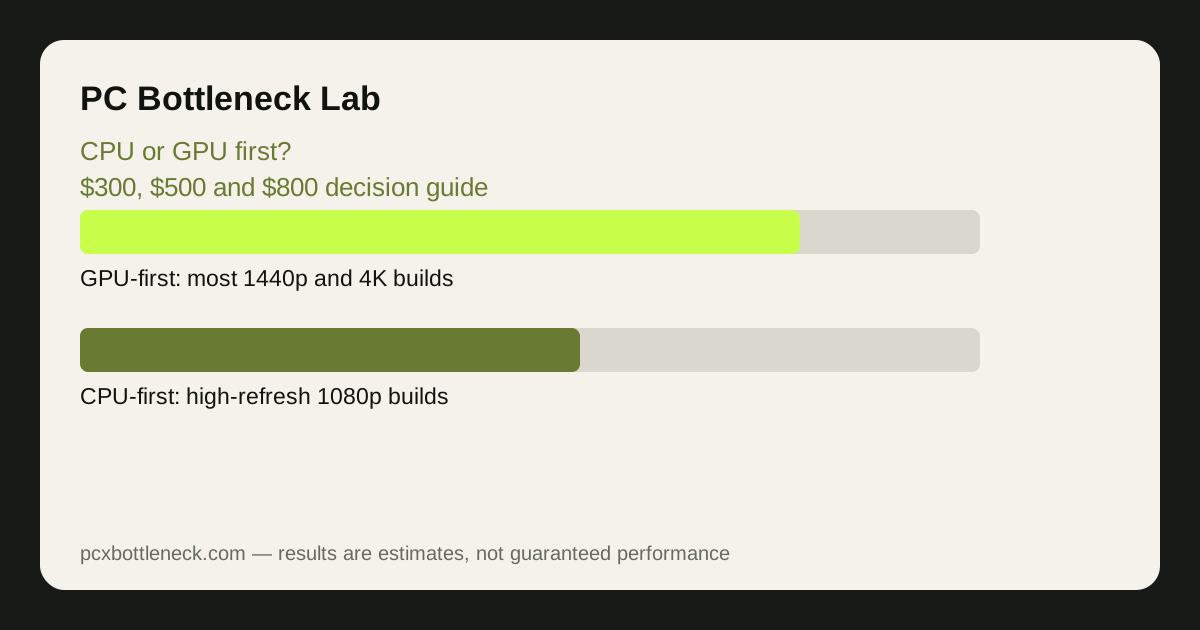
At $500 and $800, the GPU usually wins for most players, because most people play at 1440p or 4K where the card does the heavy lifting. The CPU wins when you play competitive games at 1080p on a high-refresh monitor, where frame rate is set by the processor.
The short version
For most players at 1440p or 4K, upgrade the GPU first. For competitive 1080p players on high-refresh monitors, upgrade the CPU first. At $300, a same-socket CPU drop-in or a second RAM stick is often the smartest spend; at $500 and above, the GPU usually moves FPS more.
Whatever you choose, upgrade one part, retest the same game scene, and only then decide on the second part. Two upgrades at once hide which one helped, and you may pay twice for the same frames. A related take on the same question is the seasonal CPU-or-GPU-first guide.
Limitation: budget tiers are rough ranges, not prices — actual costs vary by region, retailer and whether parts are new or used. Balance figures are estimates by resolution and game, so test your own most-played games before buying.
Frequently asked questions
Can I upgrade my CPU and GPU at the same time?
Yes, if the budget allows, and it avoids the bottleneck moving from one part to the other. But upgrading one part first and retesting tells you which one actually mattered, and it leaves money free if the first upgrade already hits your frame-rate target.
Does my monitor decide whether I upgrade CPU or GPU first?
Often, yes. A 1080p high-refresh monitor makes the CPU the priority, because frame rate is set by the processor. A 1440p or 4K monitor makes the GPU the priority, because the card does most of the work per frame. Match the upgrade to the screen you own.
Is a used GPU a good first upgrade on a $300 budget?
It can be the best value at that budget, since used cards often give a whole tier more performance for the same money. Check the card's condition, warranty, power needs and that your CPU can feed it — and buy from a seller with a return option.
What if both my CPU and GPU are old?
Then start with whichever is further behind relative to the other, and treat the upgrade as a first step, not a final build. Run the current pairing through the calculator, upgrade the weaker part, and plan the second upgrade for later rather than stretching the budget thin on both.
Do I need a new power supply when I upgrade?
Only if the new part draws more power than your supply can safely deliver. Check the manufacturer's recommended wattage for the new CPU or GPU, add headroom for the rest of the system, and replace the supply first if it is close to its limit — a cheap supply is not worth risking new parts.