
Frame time: the number your eyes actually feel
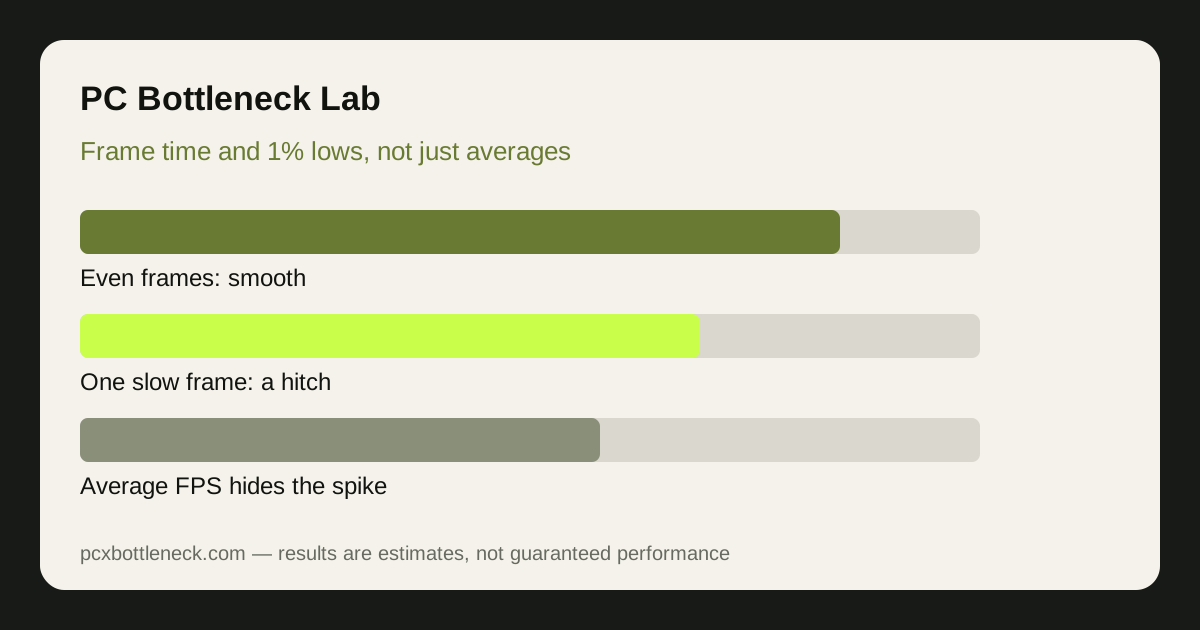
Frame rate counts how many frames appear in a second. Frame time measures how long each individual frame takes to appear, in milliseconds. At 60 frames per second the average frame time is about 16.7 ms, but that average can be made of fifty frames at 12 ms and ten frames at 40 ms — and those ten slow frames are the stutter you feel.
This is why two systems with the same average FPS can feel completely different. One delivers every frame in roughly 16 ms, the other alternates between 10 ms and 45 ms. The average is identical, the experience is not. Smoothness is about consistency, not just speed, and frame time is the only common metric that shows consistency directly.
Most monitoring overlays can show a frame-time graph. A flat line means smooth delivery; regular tall spikes mean a repeating hitch, such as assets loading or a background task waking up; random spikes point to something less predictable, such as heat, memory pressure or a driver hiccup. Look at the shape of the graph before you look at the numbers.
1% lows: the worst frames, summarised honestly
1% lows are the average frame rate of the slowest 1% of frames. If your 1% low is roughly half your average, the worst one-in-a-hundred frames run at half the average speed — and those are the frames that break immersion in a firefight or a fast turn. A small gap between average and 1% low means consistent delivery; a large gap means frequent hitches.
There is also the 0.1% low, the slowest one-in-a-thousand frames, which catches rare but severe hitches such as a shader compiling or a large texture streaming in. It is useful for diagnosis, but noisy: a single hitch in a benchmark run can dominate it. Use 1% lows for comparisons and 0.1% lows only to confirm a rare-hitch suspicion.
Do not compare 1% lows across different games, scenes or settings and expect them to mean the same thing. A slow-paced game will naturally have steadier lows than a game that streams a whole city as you drive. Compare the same scene, same settings, before and after a change — that is the only comparison that tells you whether the change helped.
| Metric | What it captures | What a healthy pattern looks like |
|---|---|---|
| Average FPS | Overall speed over the run | At or above your monitor's refresh target |
| 1% low | Speed of the slowest 1% of frames | Close to the average, not half of it |
| 0.1% low | Rare, worst single hitches | Occasional dips, not a repeated floor |
| Frame-time graph | Consistency frame by frame | Mostly flat, with small even ripples |
The most common causes of stuttering, by pattern
Stuttering has several distinct causes, and each leaves a different fingerprint. Asset streaming stutter happens when new textures or models load as you move into a new area — common in open-world games on a slow or nearly full drive, and worse with too little RAM. Shader compilation stutter appears the first time a new effect is seen, then fades; it is worst on a fresh install or after a driver update.
CPU-side stutter shows up when one core spikes to maximum during busy moments, such as many characters or physics objects appearing at once. That is a different problem from a steady CPU limit: the average CPU usage can look modest while a single core chokes for a few milliseconds. Our guide to CPU usage at 100% with low GPU usage explains how to spot a single-core spike.
Heat and power can also stutter rather than slow things evenly. A card or CPU that briefly hits a temperature or power limit will drop its clock speed for a moment, then recover — and each drop is a hitch. Background tasks are the cheapest cause to check: a browser, launcher update or recording tool waking up on the same cores as the game produces exactly the random spikes people blame on their hardware.
Fixing stutter step by step
Start with the free checks, in this order. Close background apps and overlays, then replay the same route or scene that stuttered. If the spikes shrink, a background task was stealing CPU time. Next, check temperatures and clock speeds during the stutter: a clock speed that falls exactly when the frame time spikes points to heat or a power limit.
Then test storage and memory. Move the game to your fastest drive with free space, and confirm RAM is running in dual-channel mode — both are covered in our RAM and storage guidance, including whether RAM can cause a bottleneck. If stutter happens only when entering new areas, storage and RAM are the prime suspects; if it happens in the same busy combat moment every time, the CPU is more likely.
Finally, change one graphics setting at a time. Texture quality and view distance affect streaming stutter; shadow and effect quality affect shader and CPU spikes. If a single setting halves the spikes, you have found the cause, and a hardware upgrade would have been money spent on the wrong fix. Run the pairing through Bottleneck Calculator only after the stutter's pattern points at a real hardware limit.
Limitation: 1% lows and frame times vary by scene, driver version and background state, so the ranges here describe patterns, not guarantees for any one game. Always compare the same scene before and after a change.
Frequently asked questions
Why does my game stutter when average FPS is high?
Because average FPS hides slow frames. A run with a high average can still contain frames that take 40 ms or more, and each one reads as a hitch. Frame time and 1% lows measure those slow frames directly, which is why they, not the average, explain stutter.
What is a good gap between average FPS and 1% lows?
There is no universal number, because games differ. As a rough guide, 1% lows within roughly a third of the average usually feel smooth, while lows at half the average or less usually feel hitchy in fast movement. Compare the same scene before and after a change rather than chasing a fixed target.
Can stutter be caused by the CPU even at low CPU usage?
Yes. Average CPU usage can look low while one core spikes to maximum for a few milliseconds during busy moments. Per-core monitoring catches this; overall usage does not. A single-core spike is one of the most common causes of stutter on otherwise strong systems.
Does a faster SSD fix stuttering?
It fixes streaming stutter — hitches when new areas, textures or models load. It does not fix stutter from CPU spikes, heat, shader compilation or background tasks. If the hitches happen in the same combat moment rather than when entering new areas, the drive is probably not the cause.
Why does stutter get worse after a driver update?
A new driver can trigger fresh shader compilation, so the first sessions after an update stutter as shaders rebuild. It usually settles after a few runs through the same areas. If it does not settle, a clean driver reinstall is worth trying before blaming hardware.