
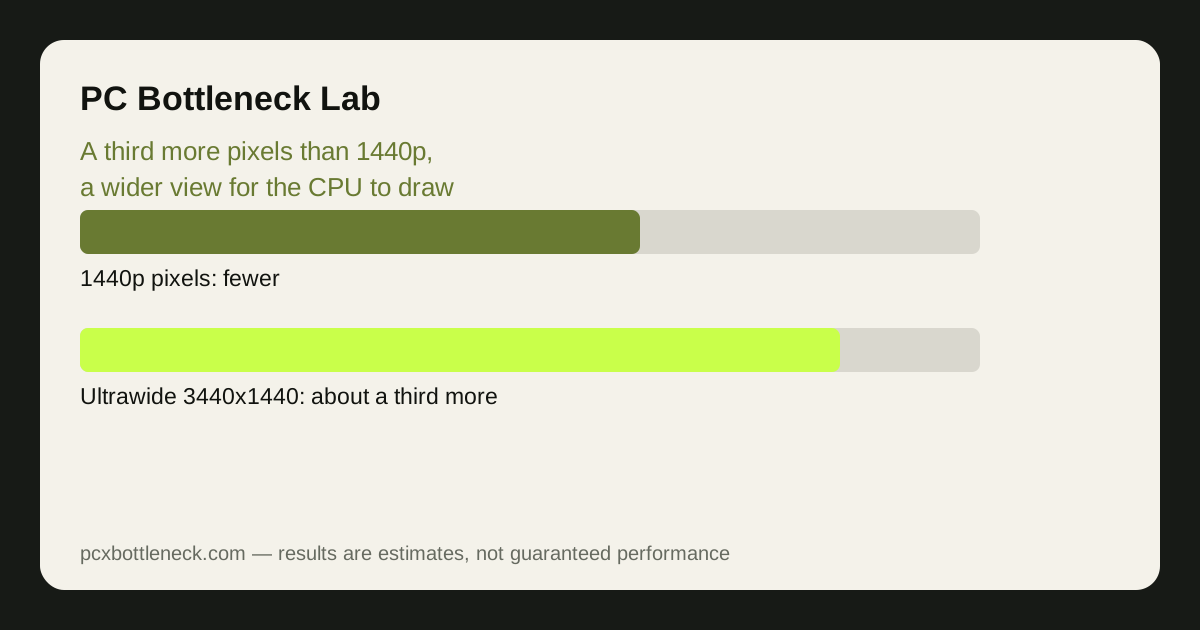
The ultrawide 3440x1440 bottleneck is a pixel step, not a leap
A 3440x1440 screen holds about 4.95 million pixels, against about 3.69 million for 2560x1440 and about 8.29 million for 4K. That makes ultrawide roughly a third more pixels than standard 1440p, and roughly 40% fewer pixels than 4K. The GPU load follows the pixel count: expect frame rates to sit between the two standard resolutions, closer to 1440p than to 4K.
That position is what makes ultrawide a useful middle ground. A card that is comfortable at 1440p will usually still run well at 3440x1440 with a small settings trim, while a card that already struggles at 1440p will struggle more here. The change is gradual and predictable, unlike the jump to 4K, which can halve frame rates overnight.
The practical way to judge it is to test at 1440p first. If your card holds your target frame rate at 1440p with comfortable headroom — say, well above your monitor's refresh rate — it will probably hold up at ultrawide with one or two settings lowered. If it is already at its limit at 1440p, ultrawide will push it over. See how resolution changes bottlenecks for the general pattern this follows.
The wider view is the CPU's extra job
Ultrawide is not only more pixels: the wider 21:9 field of view shows more of the game world at once. More of the scene is visible, so the CPU has to prepare more draw calls, more objects and more characters for each frame, even though the pixel count rose by only a third. In open-world games and large multiplayer maps, that wider view can add a noticeable amount of CPU work per frame.
This is the mechanism that makes ultrawide different from simply raising the resolution. A higher resolution on the same aspect ratio mostly adds GPU work; a wider aspect ratio adds both GPU work and CPU work, because more of the world is on screen. The effect is usually modest — a few percent in most games — but in CPU-heavy scenes, such as a crowded city or a busy battlefield, it can be the difference between a smooth frame and a hitch.
VRAM and refresh rate: the two quiet ultrawide limits
| Ultrawide setup | What changes vs 1440p | What to watch |
|---|---|---|
| 3440x1440, 60Hz | GPU load up about a third | Frame rate, not refresh rate, is the limit |
| 3440x1440, 144Hz or higher | GPU must sustain high frame rates at more pixels | The card may not reach the refresh rate in AAA games |
| 3440x1440, high textures | VRAM use climbs with the larger frame | Stutters when memory headroom runs out |
| 3440x1440, ray tracing on | Ray tracing cost scales with pixels too | Often needs upscaling to stay smooth |
| 3440x1440, esports titles | GPU load up, CPU load similar | Usually still well above 144Hz on a mid-range card |
VRAM is the quieter limit. The larger frame buffer and the wider view mean more texture data is live at once, so a card that is comfortable at 1440p with 8GB of VRAM can start to feel tight at ultrawide with high texture settings. The symptom is not a lower average frame rate but sudden stutters as textures are swapped in and out — the same warning sign described in our VRAM guide.
Refresh rate is the other quiet limit. A 144Hz or 165Hz ultrawide monitor asks the card to produce high frame rates at a third more pixels than 1440p, which is a demanding combination. In esports titles that is usually fine, but in AAA games even a strong card may sit well below the monitor's refresh rate, and the extra hertz you paid for go unused unless you lower settings or use upscaling.
Is ultrawide worth it for your card?
Ultrawide is worth it when your card has headroom at 1440p and you value the wider view — for racing games, flight simulators, strategy games and open worlds, the extra width is genuinely immersive, and the productivity benefit of a wide desktop is real too. It is a poor buy when your card is already at its limit at 1440p, because you will pay for a bigger screen and then lower settings to feed it.
The decision test takes ten minutes. Set your current monitor to a custom 3440x1440 resolution if it supports it, or simply estimate from your 1440p frame rate: if you are comfortably above your target frame rate at 1440p, ultrawide is likely fine. If you are already below it, the wider screen will not help.
- Check your 1440p headroom first: comfortable headroom means ultrawide is viable.
- Budget for VRAM: high textures at ultrawide need more memory headroom than at 1440p.
- Match refresh rate to reality: a 144Hz ultrawide needs a card that can actually reach it in your games.
- Use upscaling where it helps: DLSS or FSR from a lower render resolution recovers frame rate cheaply.
Run your CPU and GPU through the PC bottleneck calculator at 1440p, then expect the ultrawide result to sit a step toward 4K — mostly a GPU limit, with a little extra CPU work from the wider view.
Limitation: the pixel counts here are exact geometry, but the performance effect varies with the game, the settings and the card. The wider view adds CPU work in some games and almost none in others, so the only reliable test is your own games at 3440x1440 before you buy the monitor.
Frequently asked questions
Is 3440x1440 harder to run than 2560x1440?
Yes, by roughly a third more pixels, so the GPU works noticeably harder and frame rates sit between 1440p and 4K.
Does ultrawide increase CPU load?
A little, in games that render a wide visible world. The wider field of view shows more objects and characters, so the CPU prepares more draw calls per frame. The effect is usually modest, but it can matter in crowded open-world or multiplayer scenes.
How much VRAM do I need for 3440x1440?
More than for 1440p, because the larger frame buffer and wider view keep more texture data live.
Can my GPU handle a 144Hz ultrawide monitor?
It depends on the game. Esports titles usually reach high frame rates easily, but AAA games at high settings often sit well below 144Hz at 3440x1440, even on a strong card. Upscaling or lower settings are the usual way to close the gap.
Is ultrawide better than 4K for gaming?
For most players, yes as a compromise: it is far less demanding than 4K, so frame rates stay higher, while the wider view adds immersion that 4K does not.