
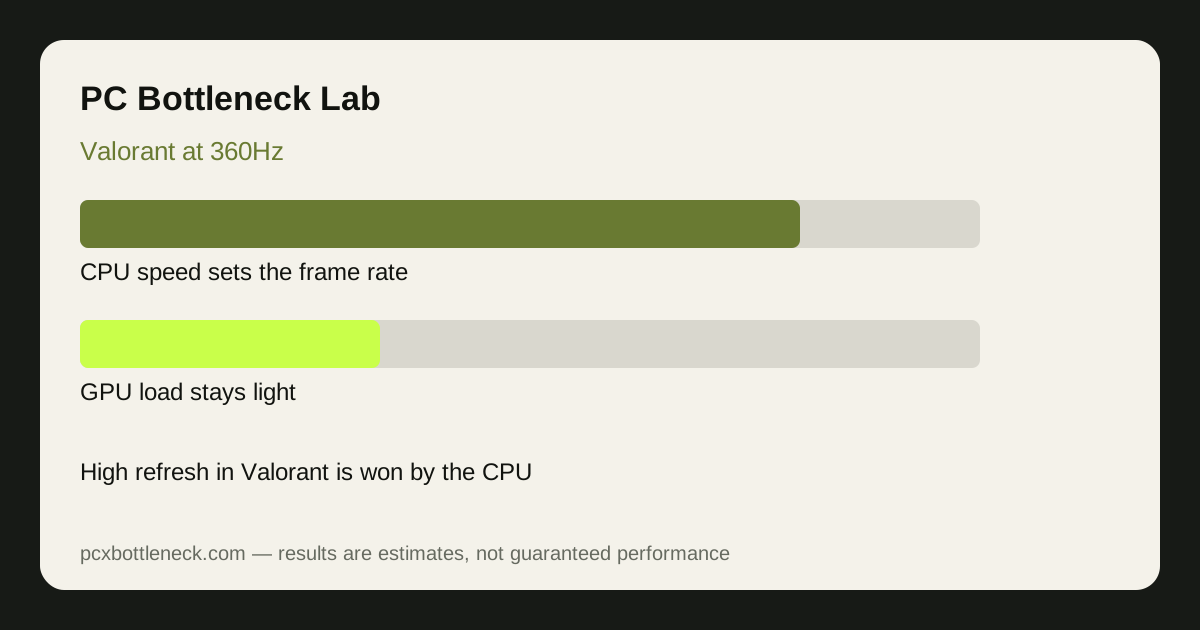
Why Valorant is a CPU game, not a GPU game
Valorant's maps are small, its models are simple, and its effects are light. A mid-range graphics card can draw each frame quickly, so the GPU finishes early and waits. What takes time is the CPU work per frame: the game simulates players and abilities, processes network updates at a high tick rate, issues draw calls for everything visible, and prepares the next frame. At 360Hz the CPU has under 3 milliseconds per frame to do all of that, so even a small delay shows up as a dropped frame.
This is why lowering resolution or graphics settings barely changes Valorant frame rate on a CPU-limited PC — the GPU was never the slow step. It also explains why two PCs with the same graphics card can feel completely different in Valorant: the one with the faster CPU, especially faster single-thread performance and low-latency cache, holds the higher frame rate. Our esports vs AAA bottleneck guide explains why competitive shooters behave this way while big single-player games do not.
What 360Hz actually needs from your PC
A 360Hz monitor only helps if the PC delivers frames close to 360 per second. Averages can mislead: a PC averaging 360 FPS but dropping to 200 FPS in fights will feel worse than one holding a steady 300 FPS. The goal is a high minimum frame rate during ability-heavy fights, not a high number in an empty practice range. Test in a real match, in the busiest site execute you can find, and watch the lowest frame rate, not just the average.
RAM matters more here than in most games. Valorant's per-frame CPU work touches memory constantly, so dual-channel RAM at a decent speed helps the CPU feed itself. Single-channel RAM can cost a noticeable chunk of minimum frame rate even with a strong CPU. A 360Hz monitor, a cable and port that actually support the refresh rate, and a CPU that can hold the pace are the three non-negotiable pieces.
Which CPUs hold 360Hz in Valorant?
At 1080p, the CPUs that hold the steadiest high frame rates in Valorant are the ones with large, fast cache and strong single-thread speed — the Ryzen 7 9800X3D class of processor is the usual reference point, and our 3D V-Cache guide explains why that cache helps exactly this kind of game. Below that tier, recent high-end Ryzen and Intel Core i7 and i9 processors hold high refresh well but dip further in heavy fights. Mid-range CPUs can still play Valorant smoothly, but holding near 360 FPS through a full match is where they start to fall behind.
Estimates, not promises: at 1080p with competitive settings, a top-tier gaming CPU paired with a mid-range or better GPU typically lands in the 300–500 FPS range in real matches, a strong high-end CPU in the 250–400 FPS range, and a mid-range CPU in the 180–300 FPS range. At 1440p the numbers are close to the 1080p figures, because the GPU load is still light — that flatness across resolutions is itself the sign of a CPU limit. Check your own pairing in Bottleneck Calculator before buying.
| CPU tier | What it is | Valorant at 1080p (estimate) | Best for |
|---|---|---|---|
| Top tier | Fastest gaming CPUs with large cache | 300–500 FPS range | Chasing a steady 360Hz |
| High end | Recent Core i7/i9 and Ryzen 7/9 | 250–400 FPS range | 240–360Hz with occasional dips |
| Mid-range | Recent Core i5 and Ryzen 5 | 180–300 FPS range | 144–240Hz smooth play |
| Budget | Older or entry-level CPUs | 120–200 FPS range | 144Hz and casual play |
Settings and RAM that actually help
Use low or medium settings, cap effects that add CPU work, and turn off anything that records or overlays in the background. The biggest free gains are usually: dual-channel RAM with its speed profile enabled, a clean Windows install without background launchers and browser tabs eating CPU time, and a frame cap set just below your monitor's maximum only if you see tearing — otherwise leave the frame rate uncapped so the CPU can deliver what it can. Keep your graphics driver current, but do not expect a driver update to fix a CPU that cannot hold the pace.
Limitation: frame-rate ranges here are estimates from typical competitive settings and real matches, not benchmarks from a single test system. Your numbers will vary with map, fight density, RAM speed and background apps, so treat the tiers as guidance and test your own PC before spending money.
Frequently asked questions
Is Valorant CPU or GPU intensive?
Mostly CPU intensive at high frame rates. The graphics are light, so the GPU finishes quickly and the CPU's per-frame work — simulation, network updates and draw calls — sets the frame rate, especially at 240Hz and above.
Can a mid-range CPU run Valorant at 360Hz?
It can reach high frame rates in quiet moments, but holding near 360 FPS through heavy fights is difficult for a mid-range CPU. The minimum frame rate in fights is what matters, and that is where faster CPUs pull ahead.
Does lowering settings raise Valorant FPS much?
Only a little if you are CPU-limited. Lower settings reduce GPU work, and the GPU is rarely the slow step in Valorant. The settings that help most are the ones that cut CPU-side work and background load.
How much RAM speed matters for Valorant at 360Hz?
More than in most games, because the CPU touches memory every frame. Dual-channel RAM with its speed profile enabled helps minimum frame rate; single-channel RAM can hold back even a strong CPU.
Do I need a 360Hz monitor to benefit from a fast CPU in Valorant?
No. A faster CPU raises frame rate and lowers input latency on any monitor, but you only see the full 360 frames per second on a 360Hz display. On a 144Hz monitor the benefit shows up as steadier frames and quicker response.