
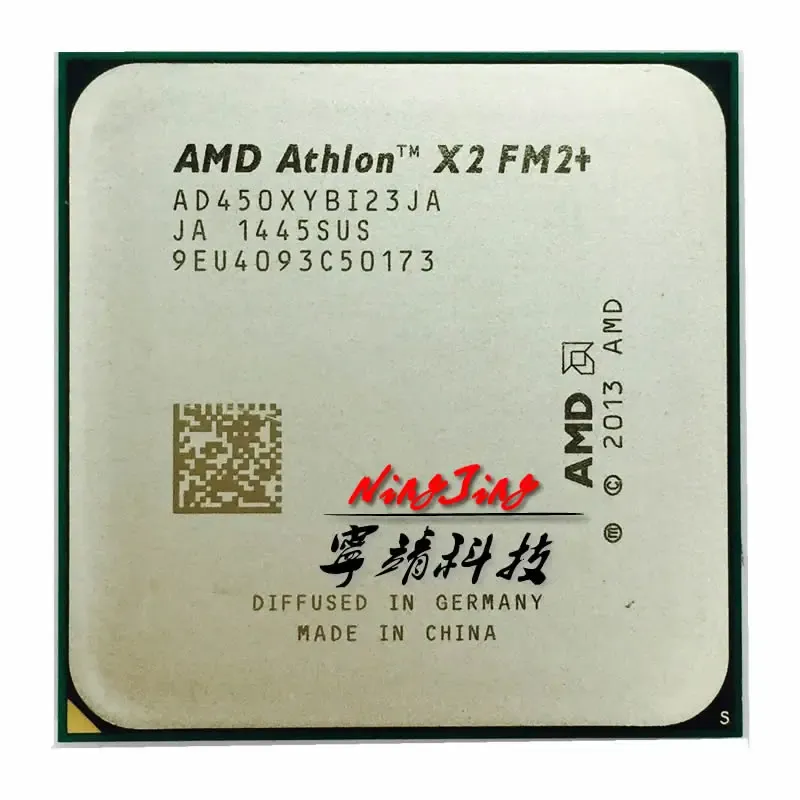
AMD Athlon X2 450 overview
AMD Athlon X2 450 is a 2-core, 2-thread desktop processor with a boost clock up to 3.9 GHz. Its estimated CPU-heavy gaming ceiling is approximately 45 FPS.
Graphics cards below this 1080p pace are normally fed cleanly. Faster cards make more sense at 1440p or 4K, where GPU work rises.
PC bottleneck calculator takeaway: Choose a GPU and resolution, then test the exact combination instead of judging the processor from a single score.
Updated November 17, 2026Reviewed by the PC Bottleneck Lab editorial teamModel scope: desktop gaming
Specifications and launch price
Launch pricing is historical reference data, not a live store quote. Used-market and regional prices can differ substantially.
AMD Athlon X2 450 gaming performance and bottleneck analysis
The AMD Athlon X2 450 uses the Athlon design with 2 cores, 2 threads and boost frequency up to 3.9 GHz. Those specifications position it for entry-level and GPU-limited gaming, although a specification sheet cannot predict every game. Engine design, memory latency, cooling and background activity determine how consistently the processor reaches its estimated 45 FPS gaming ceiling.
A useful PC bottleneck calculator compares the processor's 45 FPS frame-production capacity (boosting to 3.9 GHz) with the selected graphics card at the target resolution. It should not treat core count or a synthetic score as a universal answer. Its 2-core, 2-thread layout makes background load and game-thread scheduling more important during high-refresh play. Consequently, the most relevant pairing depends on whether the user values competitive frame rates, detailed visuals, streaming or a quieter system.
Chart values show the lower estimated CPU or GPU pace at 1080p. They provide comparative planning guidance rather than a measured result from one title.
Clock speed, cache and frame-time consistency
With 2 cores, the boost clock, up to 3.9 GHz, influences lightly threaded game work, while the 0 MB L3 cache reduces repeated trips to system memory. At an estimated 45 FPS ceiling, neither figure operates alone. A game can depend on simulation, draw-call submission, asset streaming or several worker threads. Therefore, smooth one-percent lows often reveal more about the experience than a short average-FPS run.
Memory support and platform configuration
This 2-core processor, boosting to 3.9 GHz, is associated with DDR3-1866 support, subject to the chosen motherboard. For display output, this processor has no integrated graphics, so a discrete graphics card is required for display output. Dual-channel operation and a stable memory profile should be confirmed before diagnosing a CPU limit. Slow or single-channel memory can reduce minimum frame rates and create stutter that resembles a weak processor. BIOS updates and current chipset drivers can also improve scheduling and compatibility.
Cooling, power limits and sustained performance
Its moderate power rating makes cooling straightforward, although temperature still affects sustained boost clocks and frame-time consistency. Users should test temperatures during representative gameplay instead of relying only on an idle reading. If clock speed falls as temperature rises, the system may need better airflow, a remounted cooler or less aggressive power settings before any component upgrade.
When a processor upgrade makes sense
An upgrade becomes reasonable when monitoring repeatedly shows low GPU usage, saturated game threads and frame-time spikes below the desired refresh rate. Conversely, a graphics card running near full utilisation indicates a normal GPU limit. At 1440p and 4K, a stronger GPU or adjusted visual settings often produce a larger improvement than replacing this processor.
How to verify the calculator result
Run an uncapped repeatable scene while recording GPU utilisation, per-core CPU activity, temperatures and frame times. Test the same scene twice: first with the normal preset, then with a clearly lower resolution or render scale. A large frame-rate increase usually confirms a GPU limit. Little improvement alongside reduced GPU usage points toward the processor, memory or a frame cap. Repeat the check in more than one game because an esports engine, simulation and cinematic title can stress the same hardware differently. This process turns a planning percentage into evidence that reflects the actual system.
Methodology and limits
The bottleneck estimate on this page comes from the PC Bottleneck Lab calculator model: it compares the AMD Athlon X2 450 (2 cores, 2 threads, boosting to 3.9 GHz) estimated 45 FPS gaming ceiling with the paired graphics card's estimated pace at 1080p, 1440p and 4K, then reports the limiting component and a percentage. It is a planning estimate, not a measured FPS guarantee: real frame rates vary by game engine, settings, drivers, memory, cooling and background software. Use GPU utilisation and frame times in your own games to confirm the result before buying an upgrade.
Does the AMD Athlon X2 450 bottleneck at 1080p, 1440p or 4K?
High frame rates expose the processor ceiling first.
More work shifts to the GPU, allowing stronger graphics cards.
CPU differences shrink in most graphically demanding games.
Best GPUs for the AMD Athlon X2 450
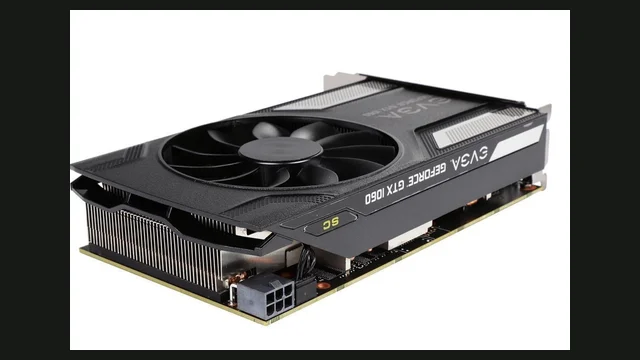
GeForce GTX 1060 6GB
Balanced at 1080p. GPU pace ~36 FPS.
View GPU guide →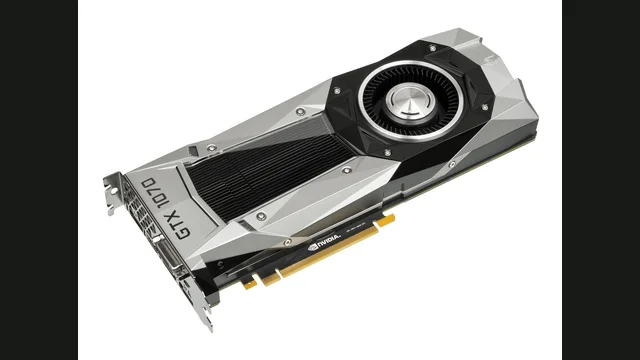
GeForce GTX 1070
About 6.5% CPU-limited at 1080p. GPU pace ~46 FPS.
View GPU guide →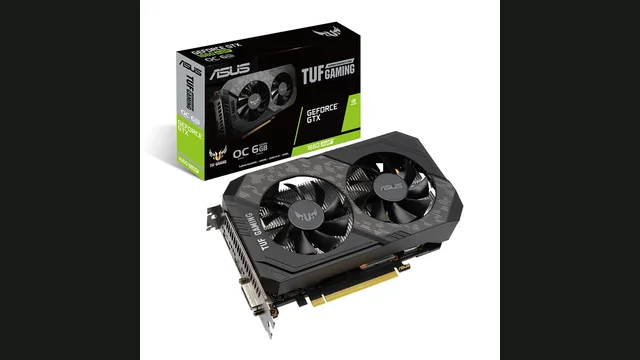
GeForce GTX 1660 Super
About 13.3% CPU-limited at 1080p. GPU pace ~52 FPS.
View GPU guide →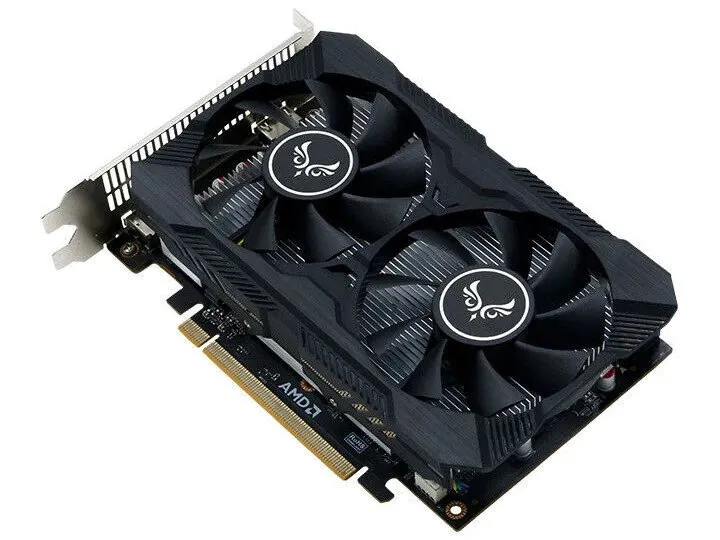
Radeon RX 6500
About 5.6% CPU-limited at 1080p. GPU pace ~44 FPS.
View GPU guide →Resolution-aware estimates from the PC Bottleneck Lab model.
Estimates describe representative gaming pace. Competitive games, simulation workloads, memory and cooling can change real behavior.
How to tell if your CPU is bottlenecking your GPU
Signs the CPU is limiting
- GPU usage stays below maximum during uncapped play.
- Lowering resolution barely increases FPS.
- Busy scenes produce inconsistent frame times.
How to fix a CPU bottleneck on the AMD Athlon X2 450
What to try first
- Check cooling, boost clocks and memory configuration.
- Close background tasks and remove frame-rate caps.
- Confirm the limit with monitoring before upgrading.
Similar CPUs to compare
AMD Athlon X2 450 at a glance: GPU ceiling and upgrade path
In the PC Bottleneck Lab model, the AMD Athlon X2 450 ranks #225 of 225 CPUs covered here for gaming pace, at roughly 45 FPS in CPU-heavy scenes, which puts it in the lower third of the set. The ranking only compares the processors we track, so read it as a position in this set rather than an absolute grade.
At 1080p the fastest card it drives without a CPU limit above 3% is the GeForce GTX 1650 Super. At 1440p that rises to the GeForce GTX 1070 Ti and at 4K to the Radeon RX 7700. Go beyond that and the processor starts to matter at 1080p: with the Arc A380 the model shows a CPU limit of about 18.8%. The same card leans far more on the GPU at 1440p and 4K.
Faster FM2+ processors exist (30 in the database), though none are among the guides we cover yet. Compare them in the CPU comparison tool before choosing.
Sources and limits
Specifications come from the PC Bottleneck Lab component database (database.json, updated 2 November 2026). The database lists a July 2022 release date for this processor; it launched 31 July 2014, confirmed by TechPowerUp and specification databases. Pairing percentages and FPS paces come from the PC Bottleneck Lab calculator model (calculator.js), which compares the processor's gaming pace with the graphics card's pace at each resolution. Model data current as of 17 November 2026.
No launch price was published for this processor, so no launch price is shown. Launch prices are historical reference data, not current store prices.
These are planning estimates, not measured benchmarks. Frame rates vary by game, settings, drivers and cooling, and the model does not measure your system directly. Confirm any upgrade decision with GPU utilisation and frame times in your own games.
AMD Athlon X2 450 FAQs
What GPU is best for AMD Athlon X2 450?+
At 1080p the strongest card we found it drives cleanly is the GeForce GTX 1650 Super; at 1440p the GeForce GTX 1070 Ti; at 4K the Radeon RX 7700. Cards below those sit under its ~45 FPS pace, while faster ones add a CPU limit that is largest at 1080p.
Is AMD Athlon X2 450 still good for gaming today?+
Released in 2014, the AMD Athlon X2 450 sits in the lower third of the set (225 of 225) at about 45 FPS. It suits gaming with cards up to the GeForce GTX 1070 Ti at 1440p; for high-refresh 1080p with something faster, look at the upgrade options above.
How accurate is a PC bottleneck calculator?+
It is a planning estimate. Validate the result using GPU utilisation, frame times and representative gameplay.
Will AMD Athlon X2 450 bottleneck the GeForce GTX 1060 6GB?+
In the PC Bottleneck Lab model, AMD Athlon X2 450 with the GeForce GTX 1060 6GB is balanced with no meaningful bottleneck at 1080p, balanced with no meaningful bottleneck at 1440p and GPU-limited by about 1.1% at 4K. Treat this as a planning estimate and confirm it with GPU utilisation and frame times in your own games.
Will AMD Athlon X2 450 bottleneck the GeForce GTX 1070?+
In the PC Bottleneck Lab model, AMD Athlon X2 450 with the GeForce GTX 1070 is about 6.5% CPU-limited at 1080p, balanced with no meaningful bottleneck at 1440p and balanced with no meaningful bottleneck at 4K. Treat this as a planning estimate and confirm it with GPU utilisation and frame times in your own games.
Does AMD Athlon X2 450 require a particular memory type?+
Memory support is listed as DDR3-1866 on the FM2+ platform. Use a DDR4 kit in dual channel; fast, tight timings help minimum frame rates on this platform.
What cooling should be used with AMD Athlon X2 450?+
The AMD Athlon X2 450 has a 65 W base power rating, so a good single-tower air cooler is enough. Confirm sustained clock speed and temperature during a long gaming session rather than judging from an idle reading.
When should AMD Athlon X2 450 be upgraded?+
Upgrade when a card in the class of the Arc A380 or faster leaves GPU utilisation low and frame times short of your target. In the model that is where the CPU limit passes 10%.