
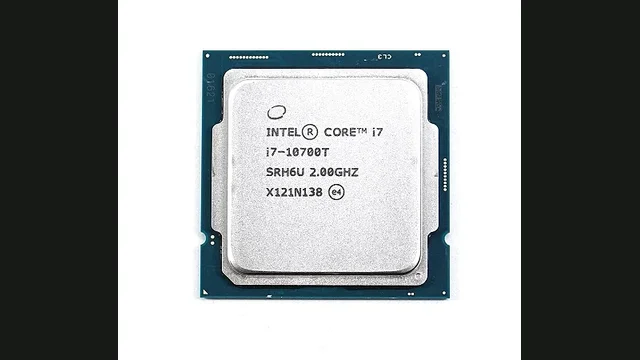
Intel Core i7-10700T overview
Intel Core i7-10700T is a 8-core, 16-thread desktop processor with a boost clock up to 4.5 GHz. Its estimated CPU-heavy gaming ceiling is approximately 105 FPS.
Graphics cards below this 1080p pace are normally fed cleanly. Faster cards make more sense at 1440p or 4K, where GPU work rises.
PC bottleneck calculator takeaway: Choose a GPU and resolution, then test the exact combination instead of judging the processor from a single score.
Updated November 10, 2026Reviewed by the PC Bottleneck Lab editorial teamModel scope: desktop gaming
Specifications and launch price
Launch pricing is historical reference data, not a live store quote. Used-market and regional prices can differ substantially.
Intel Core i7-10700T gaming performance and bottleneck analysis
The Intel Core i7-10700T uses the Core design with 8 cores, 16 threads and boost frequency up to 4.5 GHz. Those specifications position it for entry-level and GPU-limited gaming, although a specification sheet cannot predict every game. Engine design, memory latency, cooling and background activity determine how consistently the processor reaches its estimated 114 FPS gaming ceiling.
A useful PC bottleneck calculator compares the processor's frame-production capacity with the selected graphics card at the target resolution. It should not treat core count or a synthetic score as a universal answer. Its core count provides practical multitasking headroom without making background work the main buying reason. Consequently, the most relevant pairing depends on whether the user values competitive frame rates, detailed visuals, streaming or a quieter system.
Chart values show the lower estimated CPU or GPU pace at 1080p. They provide comparative planning guidance rather than a measured result from one title.
Clock speed, cache and frame-time consistency
The boost clock influences lightly threaded game work, while the 16 MB L3 cache reduces repeated trips to system memory. However, neither figure operates alone. A game can depend on simulation, draw-call submission, asset streaming or several worker threads. Therefore, smooth one-percent lows often reveal more about the experience than a short average-FPS run.
Memory support and platform configuration
This processor is associated with platform-supported memory support, subject to the chosen motherboard. Dual-channel operation and a stable memory profile should be confirmed before diagnosing a CPU limit. Slow or single-channel memory can reduce minimum frame rates and create stutter that resembles a weak processor. BIOS updates and current chipset drivers can also improve scheduling and compatibility.
Cooling, power limits and sustained performance
Its moderate power rating makes cooling straightforward, although temperature still affects sustained boost clocks and frame-time consistency. Users should test temperatures during representative gameplay instead of relying only on an idle reading. If clock speed falls as temperature rises, the system may need better airflow, a remounted cooler or less aggressive power settings before any component upgrade.
When a processor upgrade makes sense
An upgrade becomes reasonable when monitoring repeatedly shows low GPU usage, saturated game threads and frame-time spikes below the desired refresh rate. Conversely, a graphics card running near full utilisation indicates a normal GPU limit. At 1440p and 4K, a stronger GPU or adjusted visual settings often produce a larger improvement than replacing this processor.
How to verify the calculator result
Run an uncapped repeatable scene while recording GPU utilisation, per-core CPU activity, temperatures and frame times. Test the same scene twice: first with the normal preset, then with a clearly lower resolution or render scale. A large frame-rate increase usually confirms a GPU limit. Little improvement alongside reduced GPU usage points toward the processor, memory or a frame cap. Repeat the check in more than one game because an esports engine, simulation and cinematic title can stress the same hardware differently. This process turns a planning percentage into evidence that reflects the actual system.
Does the Intel Core i7-10700T bottleneck at 1080p, 1440p or 4K?
High frame rates expose the processor ceiling first.
More work shifts to the GPU, allowing stronger graphics cards.
CPU differences shrink in most graphically demanding games.
Best GPUs for the Intel Core i7-10700T
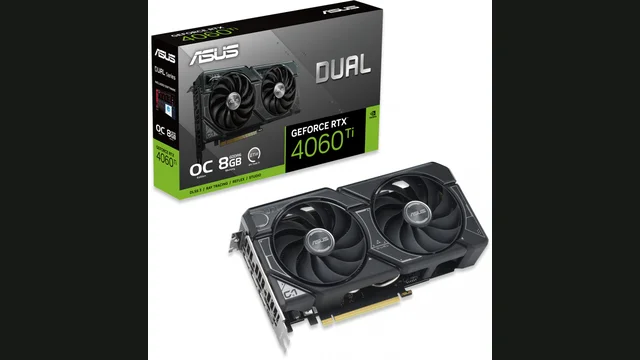
GeForce RTX 4060 Ti 8 GB
About 6% CPU-limited at 1080p. GPU pace ~104 FPS.
View GPU guide →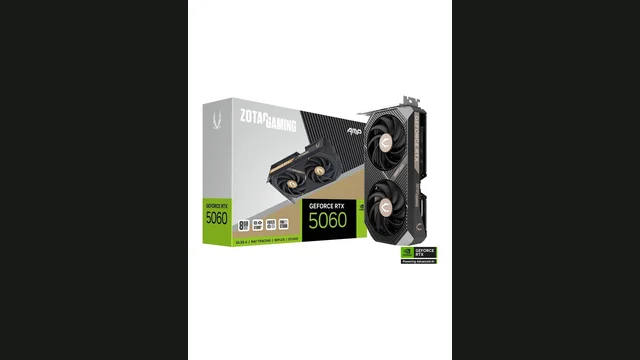
GeForce RTX 5060
About 6% CPU-limited at 1080p. GPU pace ~104 FPS.
View GPU guide →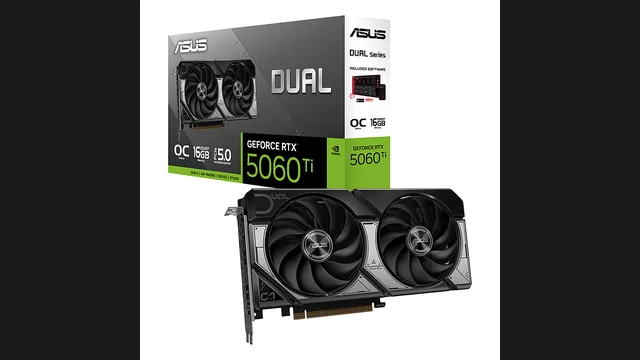
GeForce RTX 5060 Ti 16 GB
About 13.6% CPU-limited at 1080p. GPU pace ~121 FPS.
View GPU guide →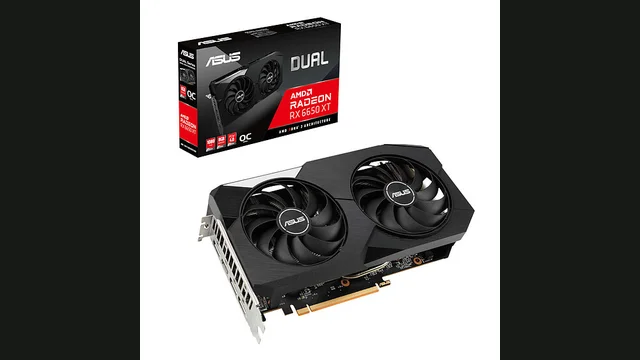
Radeon RX 6650 XT
Balanced at 1080p. GPU pace ~82 FPS.
View GPU guide →Resolution-aware estimates from the PC Bottleneck Lab model.
Estimates describe representative gaming pace. Competitive games, simulation workloads, memory and cooling can change real behavior.
How to tell if your CPU is bottlenecking your GPU
Signs the CPU is limiting
- GPU usage stays below maximum during uncapped play.
- Lowering resolution barely increases FPS.
- Busy scenes produce inconsistent frame times.
How to fix a CPU bottleneck on the Intel Core i7-10700T
What to try first
- Check cooling, boost clocks and memory configuration.
- Close background tasks and remove frame-rate caps.
- Confirm the limit with monitoring before upgrading.
Similar CPUs to compare
Intel Core i7-10700T at a glance: GPU ceiling and upgrade path
In the PC Bottleneck Lab model, the Intel Core i7-10700T ranks #111 of 140 CPUs covered here for gaming pace, at roughly 105 FPS in CPU-heavy scenes, which puts it in the lower third of the set. The ranking only compares the processors we track, so read it as a position in this set rather than an absolute grade.
At 1080p the fastest card it drives without a CPU limit above 3% is the GeForce RTX 4060. At 1440p that rises to the GeForce RTX 4070 and at 4K to the GeForce RTX 5080. Go beyond that and the processor starts to matter at 1080p: with the Radeon RX 7700 XT the model shows a CPU limit of about 12.9%. The same card leans far more on the GPU at 1440p and 4K.
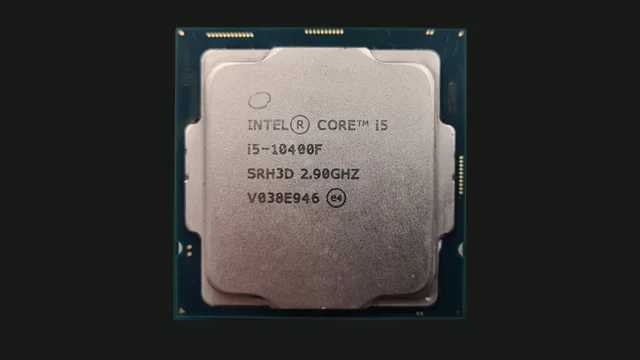
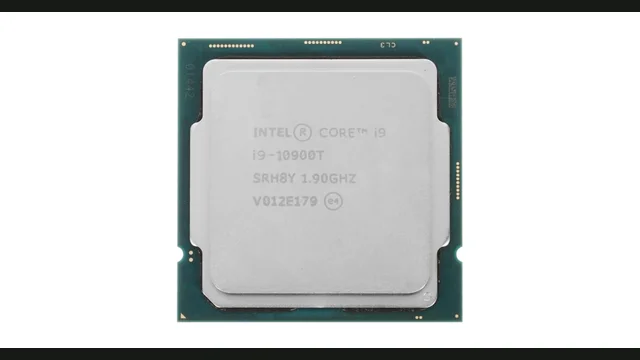
On the FCLGA1200 socket the nearest faster options we cover are Intel Core i5-10600KF (about +13% pace), Intel Core i5-11600KF (about +13% pace), Intel Core i7-11700KF (about +20% pace). Check your motherboard's BIOS support before buying, but a drop-in upgrade avoids a new board.
Sources and limits
Specifications come from the PC Bottleneck Lab component database (database.json, updated 2 November 2026). Pairing percentages and FPS paces come from the PC Bottleneck Lab calculator model (calculator.js), which compares the processor's gaming pace with the graphics card's pace at each resolution. Model data current as of 10 November 2026.
Launch MSRP is the historical launch price from the PC Bottleneck Lab launch-price data; current store prices differ. Launch prices are historical reference data, not current store prices.
These are planning estimates, not measured benchmarks. Frame rates vary by game, settings, drivers and cooling, and the model does not measure your system directly. Confirm any upgrade decision with GPU utilisation and frame times in your own games.
Intel Core i7-10700T FAQs
What GPU is best for Intel Core i7-10700T?+
At 1080p the strongest card we found it drives cleanly is the GeForce RTX 4060; at 1440p the GeForce RTX 4070; at 4K the GeForce RTX 5080. Cards below those sit under its ~105 FPS pace, while faster ones add a CPU limit that is largest at 1080p.
Is Intel Core i7-10700T still good for gaming today?+
Released in 2020, the Intel Core i7-10700T sits in the lower third of the set (111 of 140) at about 105 FPS. It suits gaming with cards up to the GeForce RTX 4070 at 1440p; for high-refresh 1080p with something faster, look at the upgrade options above.
How accurate is a PC bottleneck calculator?+
It is a planning estimate. Validate the result using GPU utilisation, frame times and representative gameplay.
Will Intel Core i7-10700T bottleneck the GeForce RTX 4060 Ti 8 GB?+
In the PC Bottleneck Lab model, Intel Core i7-10700T with the GeForce RTX 4060 Ti 8 GB is about 6% CPU-limited at 1080p, balanced with no meaningful bottleneck at 1440p and balanced with no meaningful bottleneck at 4K. Treat this as a planning estimate and confirm it with GPU utilisation and frame times in your own games.
Will Intel Core i7-10700T bottleneck the GeForce RTX 5060?+
In the PC Bottleneck Lab model, Intel Core i7-10700T with the GeForce RTX 5060 is about 6% CPU-limited at 1080p, balanced with no meaningful bottleneck at 1440p and balanced with no meaningful bottleneck at 4K. Treat this as a planning estimate and confirm it with GPU utilisation and frame times in your own games.
Does Intel Core i7-10700T require a particular memory type?+
Memory support is listed as the memory types supported by its motherboard on the FCLGA1200 platform. Use a DDR4 kit in dual channel; fast, tight timings help minimum frame rates on this platform.
What cooling should be used with Intel Core i7-10700T?+
The Intel Core i7-10700T has a 35 W base power rating, so a good single-tower air cooler is enough. Confirm sustained clock speed and temperature during a long gaming session rather than judging from an idle reading.
When should Intel Core i7-10700T be upgraded?+
Upgrade when a card in the class of the Radeon RX 7700 XT or faster leaves GPU utilisation low and frame times short of your target. In the model that is where the CPU limit passes 10%. The closest drop-in step is the Intel Core i5-10600KF (about +13% pace).