
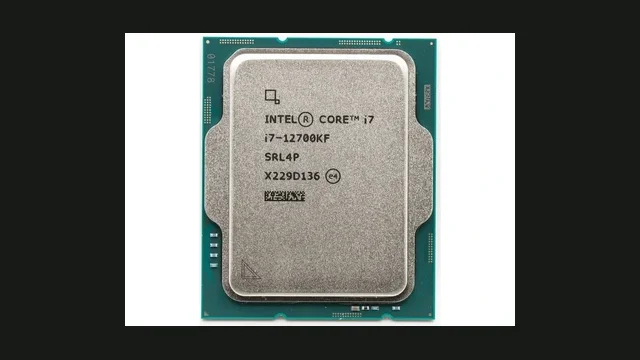
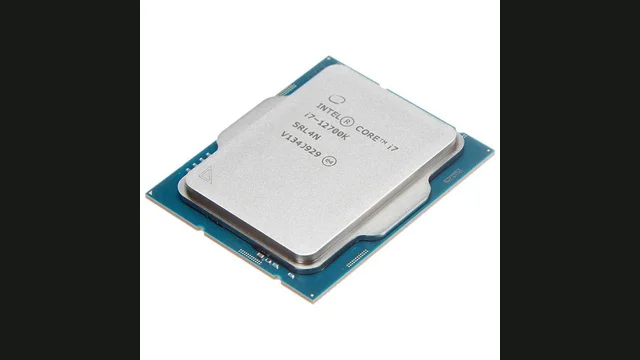
Intel Core i7-12700KF overview
Intel Core i7-12700KF is a 8-core, 16-thread desktop processor with a boost clock up to 5.0 GHz. Its estimated CPU-heavy gaming ceiling is approximately 176 FPS.
Graphics cards below this 1080p pace are normally fed cleanly. Faster cards make more sense at 1440p or 4K, where GPU work rises.
PC bottleneck calculator takeaway: Choose a GPU and resolution, then test the exact combination instead of judging the processor from a single score.
Data profile: component specifications and calculator model Editorial scope: desktop CPU gaming and pairing estimates Planning estimates, not a measured single-game benchmark
Specifications
Intel Core i7-12700KF gaming profile and pairing limits
The Intel Core i7-12700KF combines 8 cores, 16 threads, 0 MB of L3 cache and a boost clock up to 5 GHz. The calculator assigns it an estimated 1080p CPU pace of 176 FPS. That same value now drives the hero card, pairing table and analysis, so the page does not present competing ceilings.
Released for the FCLGA1700 platform in 2021, this Core processor is a still-relevant recent platform. The core layout leaves useful room for streaming and background applications. Its closest graphics match in the current database is the Radeon RX 9070 XT at 1080p, while faster cards become easier to justify at 1440p or 4K because more work shifts to the GPU.
Each bar shows the lower of the calculator's CPU pace and the selected GPU's estimated 1080p pace. It is comparative planning data, not a benchmark from one game.
Platform configuration that affects this result
The listed memory support is . Dual-channel operation, stable firmware and correct power settings should be confirmed before treating a low frame rate as a processor limit. For its 190-watt base rating, cooling and motherboard power limits can materially change sustained boost behaviour.
How to interpret the 176 FPS estimate
This pace covers mainstream high-refresh targets, although simulation-heavy games can reach a CPU limit earlier. The public data profile records a gaming score of 114 and rank 46, while the calculator converts its own normalized CPU table into the 176 FPS planning ceiling. The two values serve different purposes: the public score helps order processors, whereas the ceiling is the value used for CPU-to-GPU pairing calculations on this site.
The physical design uses 0 performance cores and 0 efficiency cores on the listed fabrication process, with no listed integrated graphics listed for display or troubleshooting duties. Those details affect platform flexibility but do not guarantee a frame rate. A discrete GPU, game engine, memory timings and thermal behaviour still determine how much of the estimated ceiling appears in an actual session.
Where an upgrade changes the experience
A CPU upgrade is most defensible when uncapped testing repeatedly shows low GPU utilisation near the 176 FPS region, saturated game threads and inconsistent frame times. If the graphics card remains near full utilisation, lowering GPU-heavy settings or upgrading the GPU is more likely to help. Testing an esports title, a simulation and a graphically demanding game prevents one workload from defining the whole build. For that reason, the Intel Core i7-12700KF profile is a starting hypothesis that should be checked against the user's own refresh target and software mix.
How resolution changes the bottleneck
High frame rates expose the processor ceiling first.
More work shifts to the GPU, allowing stronger graphics cards.
CPU differences shrink in most graphically demanding games.
Compatible graphics cards for Intel Core i7-12700KF
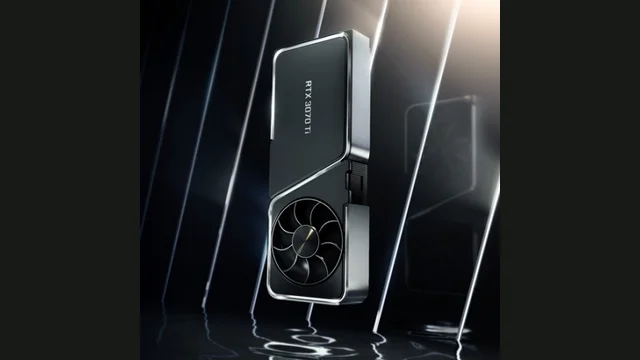
GeForce RTX 3070 Ti
~111 FPS GPU-side 1080p pace.
View GPU guide →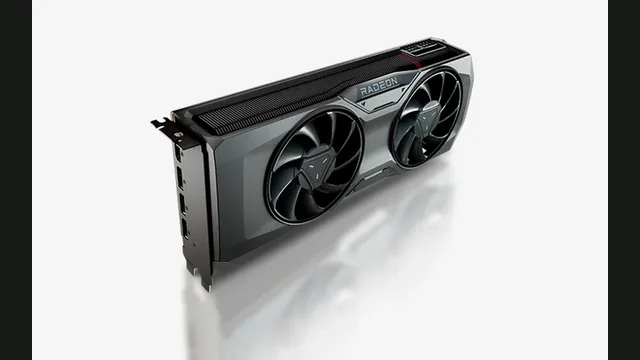
Radeon RX 7800 XT
~135 FPS GPU-side 1080p pace.
View GPU guide →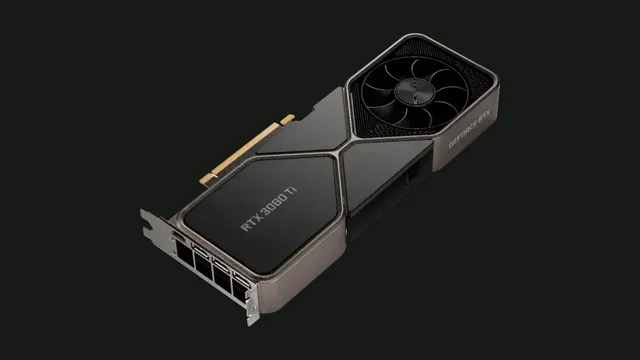
GeForce RTX 3080 Ti
~141 FPS GPU-side 1080p pace.
View GPU guide →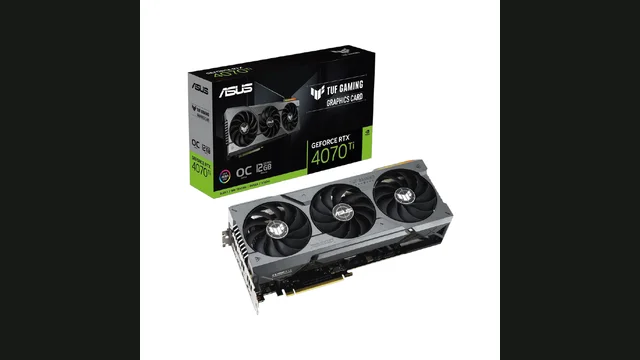
GeForce RTX 4070 Ti
~159 FPS GPU-side 1080p pace.
View GPU guide →Popular GPU pairing results
Resolution-aware estimates from the Bottleneck Lab model.
Estimates describe representative gaming pace. Competitive games, simulation workloads, memory and cooling can change real behavior.
How to diagnose and fix a CPU bottleneck
Signs the CPU is limiting
- GPU usage stays below maximum during uncapped play.
- Lowering resolution barely increases FPS.
- Busy scenes produce inconsistent frame times.
What to try first
- Check cooling, boost clocks and memory configuration.
- Close background tasks and remove frame-rate caps.
- Confirm the limit with monitoring before upgrading.
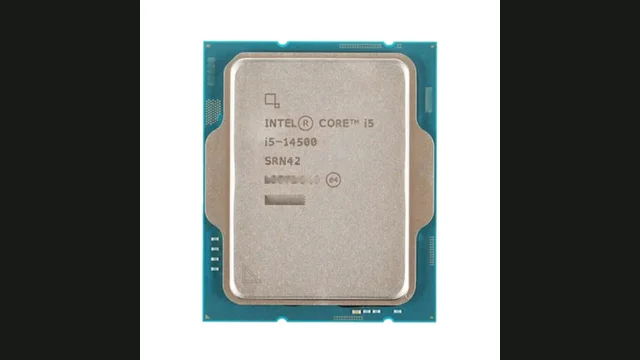
Similar CPUs to compare
Intel Core i7-12700KF FAQs
What GPU is best for Intel Core i7-12700KF?+
Use the balanced rows above as a starting point. At 1440p and 4K, a faster GPU can still make sense because resolution shifts work away from the CPU.
Is Intel Core i7-12700KF still good for gaming today?+
Its estimated gaming ceiling and the target frame rate matter more than age alone. Compare that ceiling with the GPU and games you plan to use.
How accurate is a PC bottleneck calculator?+
It is a planning estimate. Validate the result using GPU utilisation, frame times and representative gameplay.
Does Intel Core i7-12700KF require a particular memory type?+
Use a motherboard and memory kit that support the memory types supported by its motherboard. Dual-channel operation, stable timings and the correct firmware matter more than selecting memory by frequency alone.
What cooling should be used with Intel Core i7-12700KF?+
Choose cooling for its 190-watt base rating and the motherboard's boost behaviour. Confirm sustained temperature and clock speed during representative gaming instead of relying on an idle reading.
When should Intel Core i7-12700KF be upgraded?+
Upgrade when repeated monitoring shows low GPU utilisation, saturated game threads and frame times below your target. A fully utilised GPU usually indicates that a processor replacement will offer limited improvement.
Will Intel Core i7-12700KF bottleneck the GeForce RTX 3070 Ti?+
In the Bottleneck Lab model, Intel Core i7-12700KF with the GeForce RTX 3070 Ti is balanced with no meaningful bottleneck at 1080p, balanced with no meaningful bottleneck at 1440p and GPU-limited by about 21.9% at 4K. Treat this as a planning estimate and confirm it with GPU utilisation and frame times in your own games.
Will Intel Core i7-12700KF bottleneck the Radeon RX 7800 XT?+
In the Bottleneck Lab model, Intel Core i7-12700KF with the Radeon RX 7800 XT is balanced with no meaningful bottleneck at 1080p, balanced with no meaningful bottleneck at 1440p and GPU-limited by about 5% at 4K. Treat this as a planning estimate and confirm it with GPU utilisation and frame times in your own games.