
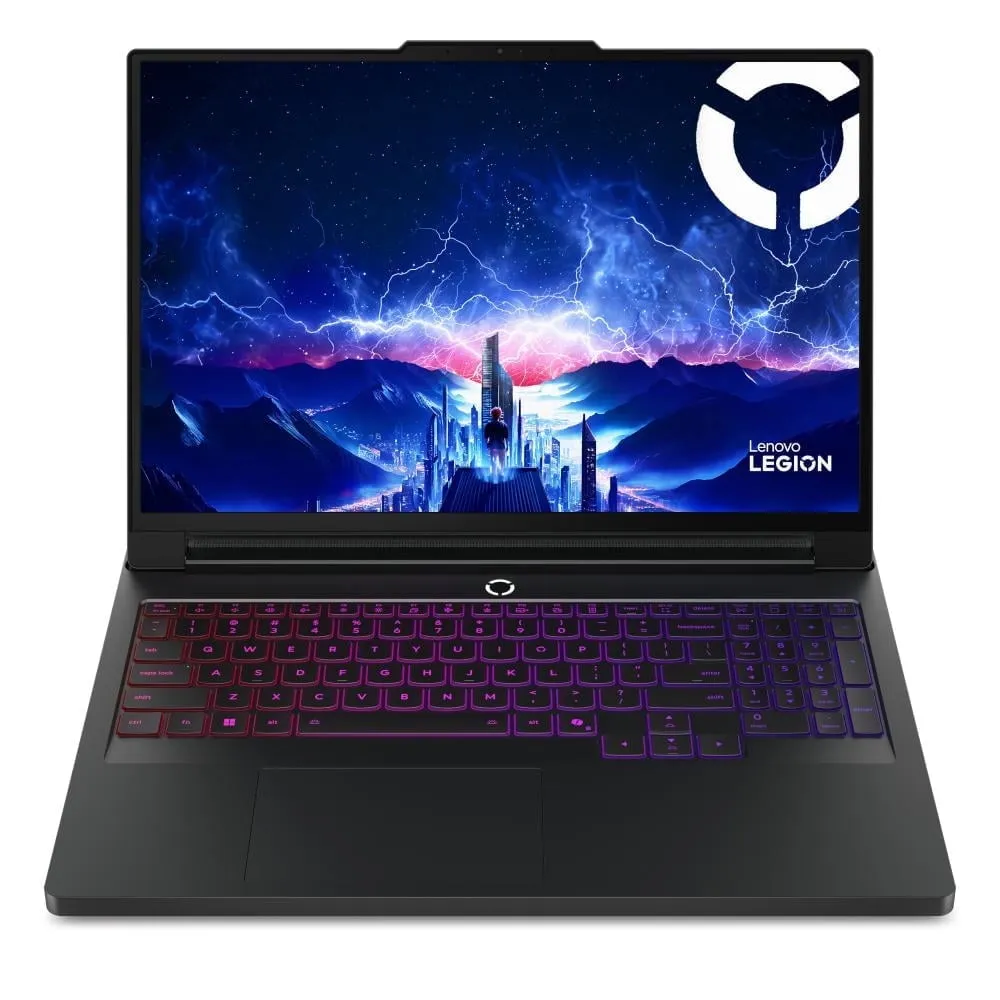
GeForce RTX 5070 Ti Laptop GPU overview
GeForce RTX 5070 Ti Laptop GPU is a Blackwell-based desktop graphics card with 5,888 shader cores and 12 GB of GDDR7 memory. Its estimated gaming pace makes 1080p its most sensible target.
CPU choice matters most at 1080p. At higher resolutions, the graphics workload increasingly becomes the system pace-setter.
PC bottleneck calculator takeaway: Use the pairing table as a starting point, then test your exact CPU, GPU and resolution in our calculator.
Updated November 17, 2026Reviewed by the PC Bottleneck Lab editorial teamModel scope: desktop gaming
Specifications and launch price
Launch pricing is historical reference data, not a live store quote. Used-market and regional prices can differ substantially.
GeForce RTX 5070 Ti Laptop GPU resolution performance and graphics bottleneck analysis
The GeForce RTX 5070 Ti Laptop GPU combines the Blackwell architecture with 5888 shader cores, a boost clock near 2220 MHz and 12 GB of GDDR7 memory. Its estimated performance profile is best aligned with 1080p gaming. This conclusion comes from its resolution scaling rather than the model name alone. Real results still vary with the game engine, visual preset, drivers, cooling, ray tracing and upscaling mode.
A graphics bottleneck is normal when the card remains near full utilisation while the processor has headroom. It becomes an upgrade concern only when delivered frame rates miss the user's target. The estimates below describe native raster planning pace, so features that reconstruct or generate frames should be evaluated separately.
Resolution bars use the same normalized data as the calculator. They exclude a specific game's ray-tracing load, frame generation and custom overclocking.
VRAM capacity, memory bus and texture settings
The 12 GB capacity suits many current games, but texture packs and ray tracing should still be judged against the target resolution. The 192-bit interface and approximately 672 GB/s bandwidth move data to 5888 shader cores running near 2220 MHz. When VRAM fills, users may see texture swapping or uneven frame times. Lowering textures is usually a better first response than reducing every visual setting.
Processor pairing and high-refresh gaming
CPU choice matters most at 1080p because the graphics card completes frames more quickly there. At 1440p and 4K, pixel work increases and the GPU usually sets the pace. A flagship processor may improve competitive minimums, but it rarely transforms a build that already remains GPU-bound in demanding games.
Power, cooling and PCI Express considerations
This 12 GB card is rated at 115 W board power. Its restrained board power favours compact or efficiency-focused systems, provided the specific cooler still receives fresh airflow. The listed interface is PCIe 5.0. Users upgrading an older platform should check slot generation, physical clearance and power connectors. A bandwidth limitation is most relevant when the card uses fewer lanes or when memory pressure causes frequent transfers across the bus.
When a graphics card upgrade is justified
Consider a faster GPU when utilisation stays near maximum and frame rates remain below the display target after sensible settings changes. Before buying, test temperatures, driver behaviour and frame-time consistency. Upscaling can extend useful life, while native 4K or heavy ray tracing may justify moving to a stronger performance class sooner.
How to confirm the limiting component
Record a repeatable gameplay scene with uncapped frame rates, then monitor GPU utilisation, temperatures and frame-time consistency. Repeat the run after lowering resolution or render scale without changing CPU-heavy settings. A meaningful frame-rate gain confirms that graphics work was limiting performance. If utilisation falls but frame rate barely changes, inspect CPU threads, memory configuration and background software. Test several games before purchasing an upgrade because competitive, simulation and cinematic engines place different demands on the same card. Measured behaviour should guide the final decision, while the calculator provides the starting hypothesis.
Methodology and limits
The bottleneck estimate on this page comes from the PC Bottleneck Lab calculator model: it compares the GeForce RTX 5070 Ti Laptop GPU (12 GB of GDDR7 memory on a 192-bit bus) estimated 98 FPS pace at 1080p (69 FPS at 1440p, 39 FPS at 4K) with the paired processor's estimated pace, then reports the limiting component and a percentage. It is a planning estimate, not a measured FPS guarantee: real frame rates vary by game engine, settings, drivers, memory, cooling and background software. Use GPU utilisation and frame times in your own games to confirm the result before buying an upgrade.
Does the GeForce RTX 5070 Ti Laptop GPU bottleneck at 1080p, 1440p or 4K?
Highest CPU sensitivity and the best place to detect a processor ceiling.
More GPU work per frame reduces CPU pressure and improves pairing flexibility.
Usually GPU-limited; tune image quality or use upscaling when needed.
Best CPUs for the GeForce RTX 5070 Ti Laptop GPU
Hold the GeForce RTX 5070 Ti Laptop GPU back at 1080p
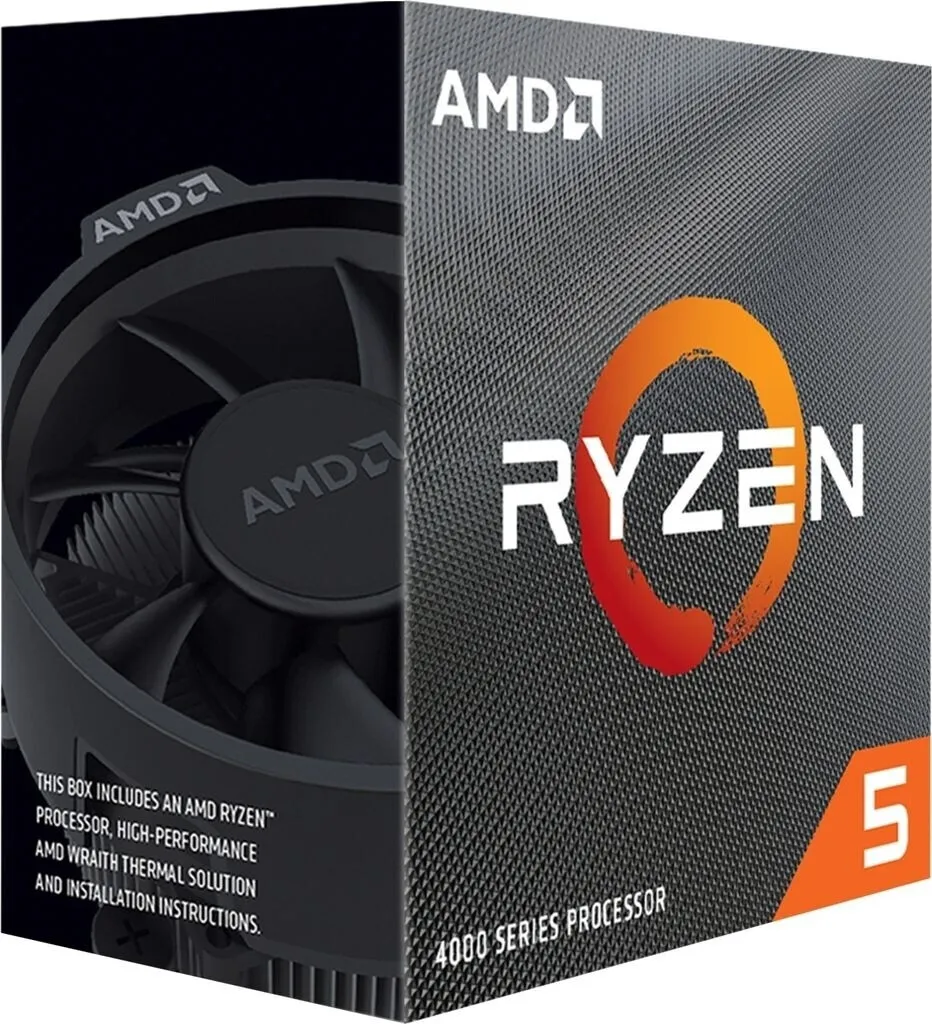
AMD Ryzen 5 4500
Holds the GeForce RTX 5070 Ti Laptop GPU back at 1080p, about 18.6% CPU-limited. CPU pace ~80 FPS.
View CPU guide →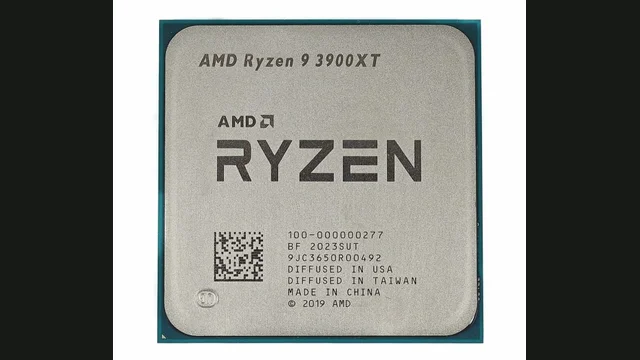
AMD Ryzen 9 3900XT
Holds the GeForce RTX 5070 Ti Laptop GPU back at 1080p, about 11.6% CPU-limited. CPU pace ~98 FPS.
View CPU guide →Feed the GeForce RTX 5070 Ti Laptop GPU fully
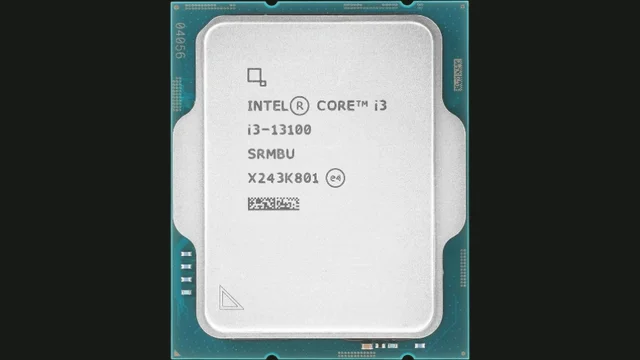
Intel Core i3-13100
Feeds the GeForce RTX 5070 Ti Laptop GPU fully, no CPU limit at 1080p. CPU pace ~113 FPS.
View CPU guide →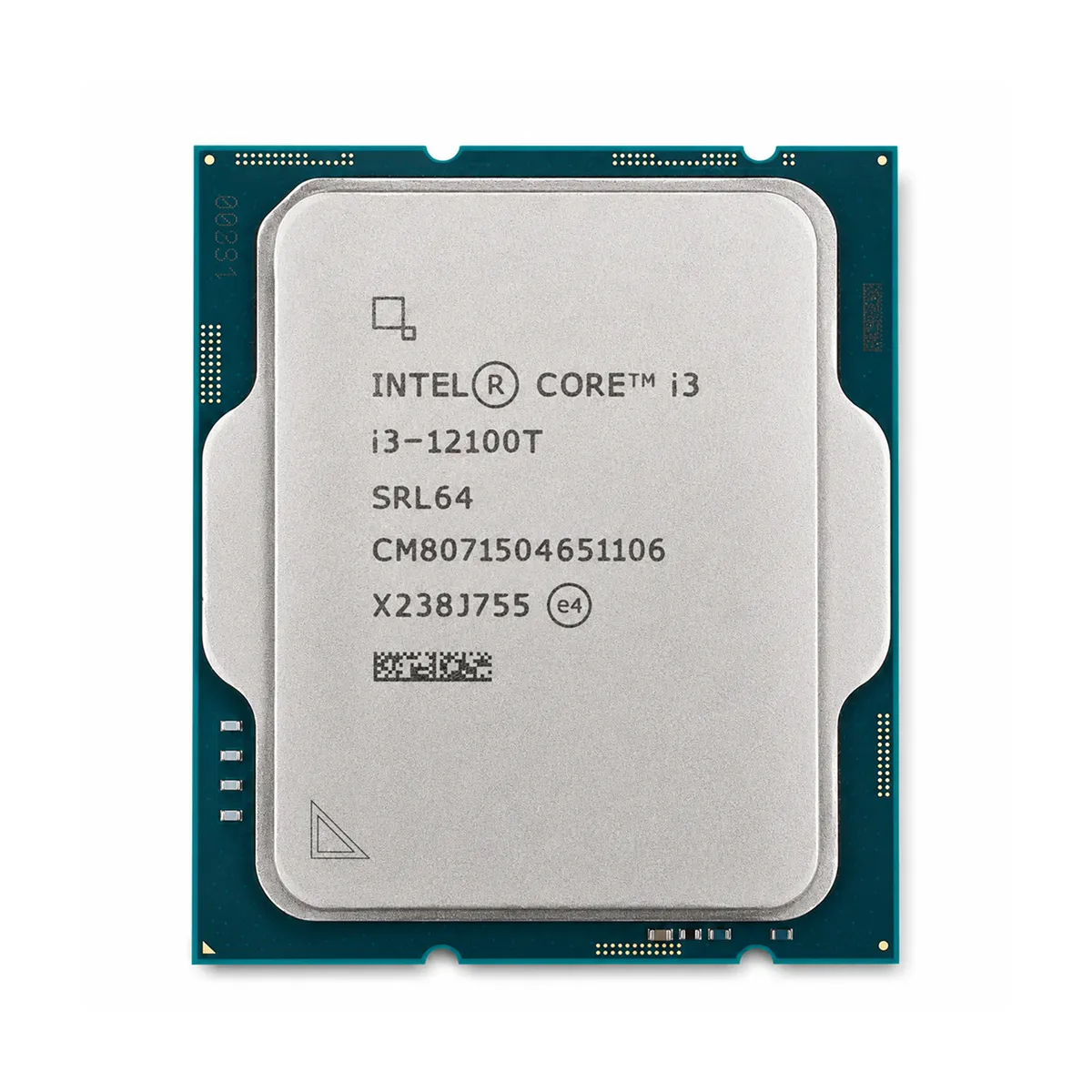
Intel Core i3-12100T
Feeds the GeForce RTX 5070 Ti Laptop GPU fully, no CPU limit at 1080p. CPU pace ~99 FPS.
View CPU guide →Resolution-aware estimates from the PC Bottleneck Lab model.
Estimates describe representative gaming pace. Game engine, settings, memory, thermals and background tasks can change real results.
How to tell if your CPU is bottlenecking the GeForce RTX 5070 Ti Laptop GPU
Signs the CPU is limiting
- GPU usage remains below maximum during uncapped gameplay.
- Lower settings barely improve FPS.
- Frame-time spikes appear in busy scenes.
How to fix a CPU bottleneck on the GeForce RTX 5070 Ti Laptop GPU
What to try first
- Check temperatures, memory configuration and background tasks.
- Test a higher resolution or more GPU-heavy settings.
- Upgrade only after monitoring confirms a repeatable CPU ceiling.
Similar GPUs to compare
GeForce RTX 5070 Ti Laptop GPU at a glance: CPU needs and alternatives
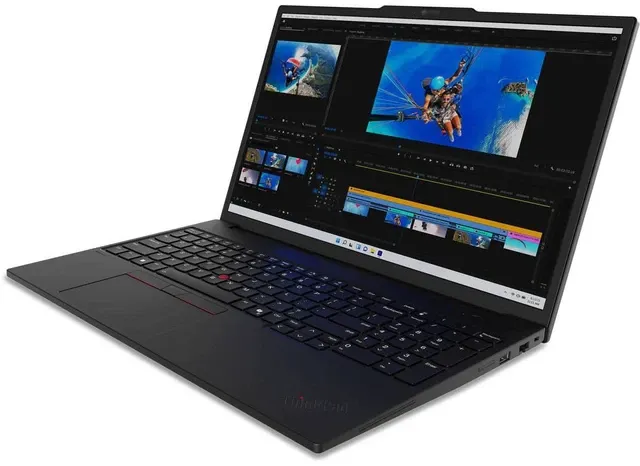
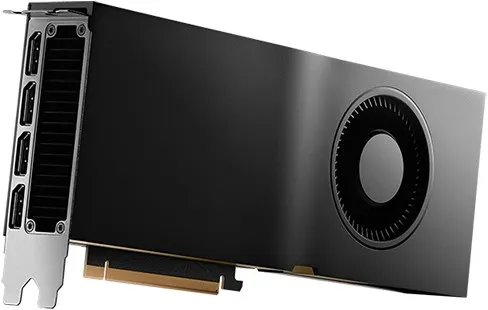
In the PC Bottleneck Lab model, the GeForce RTX 5070 Ti Laptop GPU ranks #62 of 178 graphics cards covered here, at about 98 FPS at 1080p, 67 at 1440p and 41 at 4K, which puts it in the middle third of the set. If prices are close, the RTX 5000 Ada Generation is about 11% faster with 32 GB and the Arc A770 8GB is about 10% slower with 8 GB.
To stay clear of a CPU limit the processor has to supply about 98 FPS at 1080p, 67 at 1440p and 41 at 4K. The slowest CPU we cover that manages 1080p is the Intel Core i3-12100T; at 1440p it is the AMD Ryzen 5 4500. 29 of the 225 CPUs we cover show a CPU limit of 10% or more with it at 1080p, mostly older or entry-level models.
Its 12 GB of memory on a 192-bit bus is comfortable at 1080p and 1440p.
Sources and limits
Specifications come from the PC Bottleneck Lab component database (database.json, updated 2 November 2026). The database lists a March 2025 release date, a 2295 MHz boost clock and 140 W board power for this card; the correct figures are a 31 March 2025 launch, up to 2220 MHz and up to 115 W, confirmed by NVIDIA's specifications and NotebookCheck. Pairing percentages and FPS paces come from the PC Bottleneck Lab calculator model (calculator.js), which compares the processor's gaming pace with the graphics card's pace at each resolution. Model data current as of 17 November 2026.
No launch price was published for this laptop-only graphics card, so no launch price is shown. Launch prices are historical reference data, not current store prices.
These are planning estimates, not measured benchmarks. Frame rates vary by game, settings, drivers and cooling, and the model does not measure your system directly. Confirm any upgrade decision with GPU utilisation and frame times in your own games.
GeForce RTX 5070 Ti Laptop GPU FAQs
What CPU is enough for GeForce RTX 5070 Ti Laptop GPU?+
To stay clear of a CPU limit the processor has to supply about 98 FPS at 1080p, 67 at 1440p and 41 at 4K. The slowest CPU we cover that manages 1080p is the Intel Core i3-12100T; at 1440p it is the AMD Ryzen 5 4500.
Is GeForce RTX 5070 Ti Laptop GPU better for 1080p or 1440p?+
The model puts the GeForce RTX 5070 Ti Laptop GPU at about 98 FPS at 1080p, 67 at 1440p and 41 at 4K, so 1080p is its comfort zone and 1440p works at moderate settings.
How accurate is a PC bottleneck calculator?+
It is a planning estimate, not a universal benchmark. Confirm the result with GPU utilisation, frame times and game-specific testing.
Will Intel Core i3-13100 bottleneck the GeForce RTX 5070 Ti Laptop GPU?+
In the PC Bottleneck Lab model, the GeForce RTX 5070 Ti Laptop GPU with the Intel Core i3-13100 is balanced with no meaningful bottleneck at 1080p, 1440p and 4K. Treat this as a planning estimate and confirm it with GPU utilisation and frame times in your own games.
Will Intel Core i3-12100T bottleneck the GeForce RTX 5070 Ti Laptop GPU?+
In the PC Bottleneck Lab model, the GeForce RTX 5070 Ti Laptop GPU with the Intel Core i3-12100T is balanced with no meaningful bottleneck at 1080p, 1440p and 4K. Treat this as a planning estimate and confirm it with GPU utilisation and frame times in your own games.
Is 12 GB of VRAM enough for GeForce RTX 5070 Ti Laptop GPU?+
12 GB is comfortable at 1080p and 1440p for the GeForce RTX 5070 Ti Laptop GPU. At 4K or with maximum textures, VRAM is more likely to limit it before raw GPU speed does.
Does GeForce RTX 5070 Ti Laptop GPU need a specific PCI Express version?+
The GeForce RTX 5070 Ti Laptop GPU uses PCIe 5.0. It also works in older slots. With this much VRAM, an older slot rarely costs noticeable performance.
When is a graphics card upgrade better than a CPU upgrade?+
Choose the graphics upgrade when the GeForce RTX 5070 Ti Laptop GPU already runs near full utilisation and misses your target. A CPU upgrade matters first only if you pair it with one of the roughly 29 slower CPUs that show a 10%+ CPU limit at 1080p. If prices are close, the RTX 5000 Ada Generation is about 11% faster with 32 GB and the Arc A770 8GB is about 10% slower with 8 GB.