
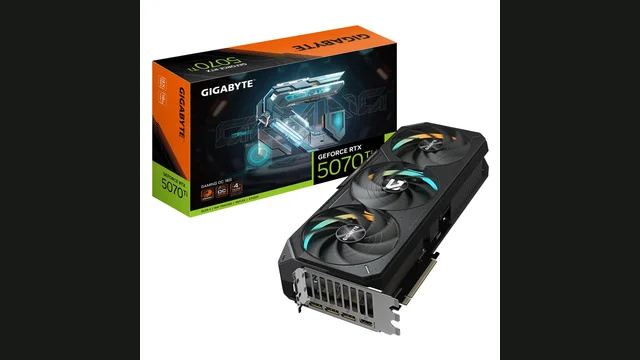
GeForce RTX 5070 Ti overview
GeForce RTX 5070 Ti is a Blackwell-based desktop graphics card with 8,960 shader cores and 16 GB of GDDR7 memory. Its estimated gaming pace makes 1440p its most sensible target.
CPU choice matters most at 1080p. At higher resolutions, the graphics workload increasingly becomes the system pace-setter.
PC bottleneck calculator takeaway: Use the pairing table as a starting point, then test your exact CPU, GPU and resolution in our calculator.
Data profile: component specifications and calculator model Editorial scope: desktop GPU raster gaming and pairing estimates Planning estimates, not a measured single-game benchmark
Specifications
GeForce RTX 5070 Ti resolution scaling and graphics limits
The GeForce RTX 5070 Ti uses the Blackwell architecture with 16 GB of GDDR7 memory. Its calculator profile is 183 FPS at 1080p, 143 FPS at 1440p and 89 FPS at 4K, making high-refresh 1440p its clearest planning target. These are normalized model estimates rather than results copied from a single benchmark run.
Moving from 1080p to 1440p retains approximately 78% of the estimated pace; 4K retains 49%. Those two ratios describe this card more usefully than a generic resolution label because they show how quickly pixel load consumes its available performance.
The model produces a planning ratio of about 0.61 estimated 1080p FPS per watt from a 300-watt board-power rating. This is not a laboratory efficiency measurement.
Memory path and platform fit
The memory system combines a 256-bit bus with about 896 GB/s of bandwidth. The capacity offers broad texture headroom, although ray tracing can still expose compute limits. The listed interface is PCIe 5.0, so an older platform should be checked for lane configuration as well as physical clearance and power connectors.
Reading the hardware profile
Released in 2025, this configuration lists 8960 shader cores, a boost clock near 2452 MHz and 70 dedicated ray-tracing cores. Its 1080p profile is oriented toward high-refresh gaming, where CPU selection and frame-time consistency become unusually important. The public data profile records a gaming score of 285 and rank 6; those ordering values are kept separate from the FPS curve used by the calculator.
The 78% 1440p retention figure is especially useful when comparing it with another card from a different generation. A card with a similar 1080p estimate can behave differently at higher resolutions because memory bandwidth, cache design and driver behaviour do not scale equally. Ray tracing, upscaling and frame generation are excluded from this native-raster curve and should be evaluated as separate workload choices.
What should trigger an upgrade
This power class needs strong airflow, suitable connectors and a quality power supply. Consider a faster card when this GPU remains near maximum utilisation and misses the display target after sensible settings changes. If utilisation is low while frame rate stalls, investigate the CPU, memory configuration, thermal limits and frame caps before replacing the graphics card. This keeps the GeForce RTX 5070 Ti recommendation tied to observed system behaviour rather than treating a modelled percentage as a universal upgrade instruction.
Performance by resolution
Highest CPU sensitivity and the best place to detect a processor ceiling.
More GPU work per frame reduces CPU pressure and improves pairing flexibility.
Usually GPU-limited; tune image quality or use upscaling when needed.
Compatible processors for GeForce RTX 5070 Ti
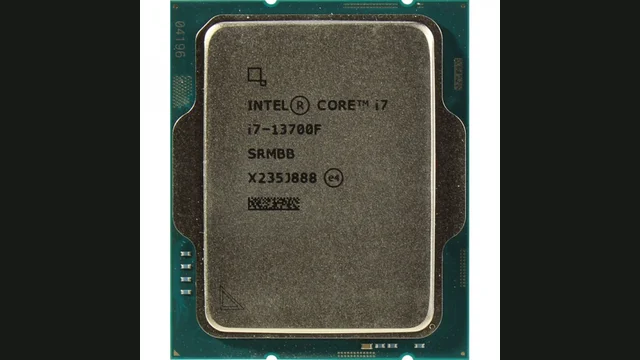
Intel Core i7-13700F
~150 FPS CPU-side gaming ceiling.
View CPU guide →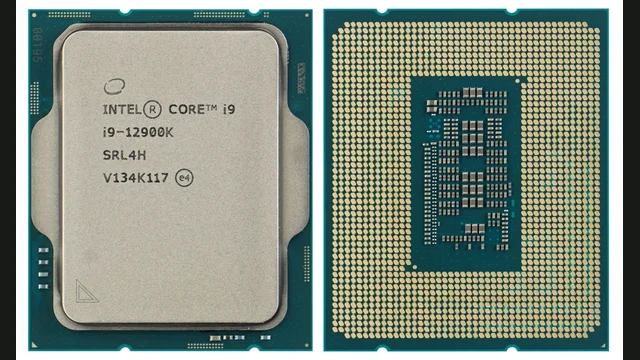
Intel Core i9-12900K
~185 FPS CPU-side gaming ceiling.
View CPU guide →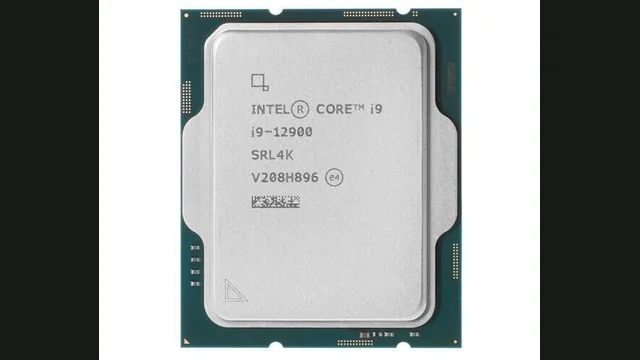
Intel Core i9-12900
~181 FPS CPU-side gaming ceiling.
View CPU guide →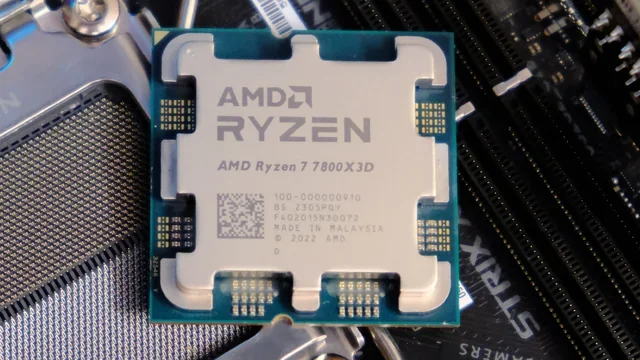
AMD Ryzen 7 7800X3D
~220 FPS CPU-side gaming ceiling.
View CPU guide →Popular CPU pairing results
Resolution-aware estimates from the Bottleneck Lab model.
Estimates describe representative gaming pace. Game engine, settings, memory, thermals and background tasks can change real results.
How to diagnose and fix a bottleneck
Signs the CPU is limiting
- GPU usage remains below maximum during uncapped gameplay.
- Lower settings barely improve FPS.
- Frame-time spikes appear in busy scenes.
What to try first
- Check temperatures, memory configuration and background tasks.
- Test a higher resolution or more GPU-heavy settings.
- Upgrade only after monitoring confirms a repeatable CPU ceiling.
Similar GPUs to compare
GeForce RTX 5070 Ti FAQs
What CPU is enough for GeForce RTX 5070 Ti?+
A processor near the balanced rows above is sufficient for typical gaming. Faster CPUs mainly help high-refresh 1080p and unusually CPU-heavy titles.
Is GeForce RTX 5070 Ti better for 1080p or 1440p?+
Based on its estimated pace, 1440p is the clearest overall fit, although settings and target refresh rate still matter.
How accurate is a PC bottleneck calculator?+
It is a planning estimate, not a universal benchmark. Confirm the result with GPU utilisation, frame times and game-specific testing.
Is 16 GB of VRAM enough for GeForce RTX 5070 Ti?+
Capacity should be judged against resolution, texture quality and ray tracing. Reduce textures first if monitoring shows memory pressure, asset swapping or uneven frame times.
Does GeForce RTX 5070 Ti need a specific PCI Express version?+
The listed interface is PCIe 5.0. It remains backward compatible, although an older platform can reduce bandwidth in some memory-sensitive games or on cards using fewer lanes.
When is a graphics card upgrade better than a CPU upgrade?+
Choose the graphics upgrade when GeForce RTX 5070 Ti stays near full utilisation and misses your frame-rate target. A CPU upgrade matters more when GPU use remains low during uncapped gameplay.
Will Intel Core i7-13700F bottleneck the GeForce RTX 5070 Ti?+
In the Bottleneck Lab model, the GeForce RTX 5070 Ti with the Intel Core i7-13700F is balanced with no meaningful bottleneck at 1080p, 1440p and 4K. Treat this as a planning estimate and confirm it with GPU utilisation and frame times in your own games.
Will Intel Core i9-12900K bottleneck the GeForce RTX 5070 Ti?+
In the Bottleneck Lab model, the GeForce RTX 5070 Ti with the Intel Core i9-12900K is balanced with no meaningful bottleneck at 1080p, 1440p and 4K. Treat this as a planning estimate and confirm it with GPU utilisation and frame times in your own games.