
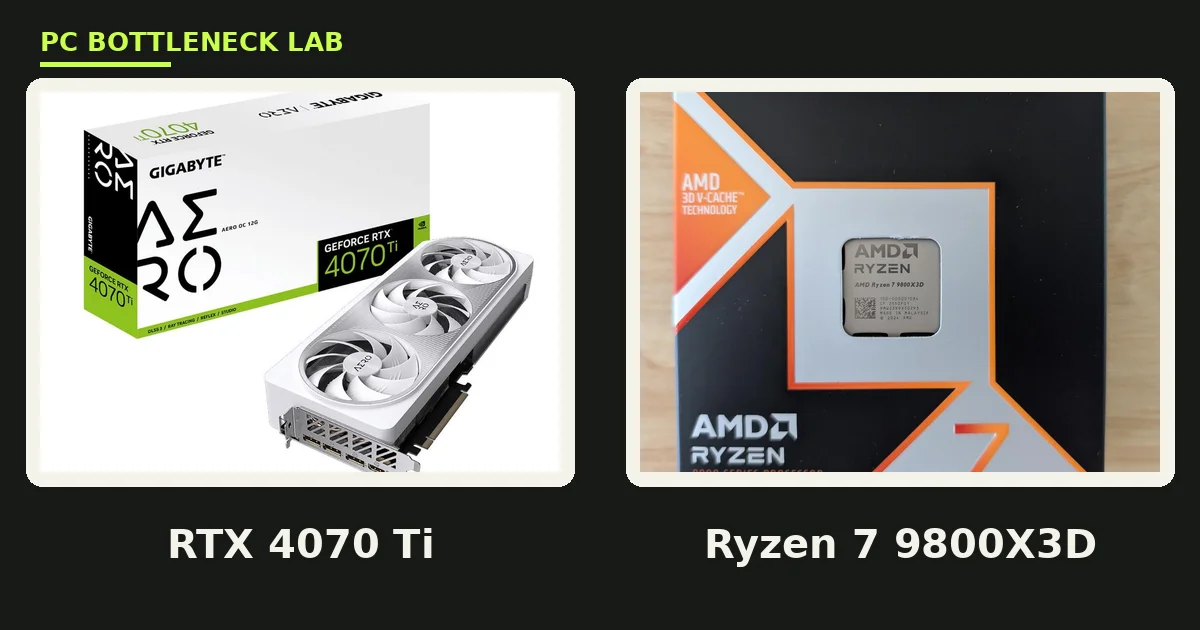
Key takeaways
- The Ryzen 7 7800X3D is the best CPU for RTX 4070 Ti gaming overall.
- The Core i7-14700K is the pick when gaming shares the PC with work.
- A Ryzen 5 7600X is the floor, and it feeds the card well at 1440p.
- The 12GB card needs nearly the same CPU as the 16GB Ti Super.
- At 4K, even the budget pick on this list keeps up fine.
Best CPU for RTX 4070 Ti: the short answer
The best CPU for RTX 4070 Ti gaming is the Ryzen 7 7800X3D. It runs 8 cores and 16 threads, with a boost up to 5.0 GHz and 96 MB of L3 cache. L3 cache is fast memory on the CPU that holds game data close to the cores. The extra cache lifts frame rates in simulation and open-world games. It also runs cool at 120W, so it needs no big cooler. Check your own pair with the free tool: pc bottleneck calculator.
The card itself is a strong 1440p card with 12GB of GDDR6X VRAM on a 192-bit bus. The card draws 285W, and it launched in January 2023 at a $799 starting price. A modern 6-core chip is the floor, an 8-core chip is the sweet spot, and anything past that adds little at 1440p. For the per-GPU guide to this card, see this: RTX 4070 CPU bottleneck: which CPU you need.
How we picked these five
First, it had to feed the card at 1440p in most games, since that is where this card lives. Second, it had to make sense on its platform, with a board and RAM cost that fits the pick. Third, it had to earn its place over the pick below it, with a real gain in games or in work.
We did not rank by core count alone, since games care more about single-core speed and cache than about thread count. A 6-core chip with high clocks can beat a 12-core chip with low clocks in games. We also kept the list short on purpose: five picks cover every budget, and a longer list would only add noise. For the wider upgrade question, see this: should you upgrade CPU or GPU first.
The 5 best CPUs for RTX 4070 Ti
| Pick | CPU | Cores / threads | Boost | Best for |
|---|---|---|---|---|
| 1. Best overall | Ryzen 7 7800X3D | 8 / 16 | 5.0 GHz | 1440p and 1080p gaming |
| 2. Fastest gaming | Ryzen 7 9800X3D | 8 / 16 | 5.2 GHz | High-refresh play, future GPUs |
| 3. Best Intel | Core i7-14700K | 20 / 28 | 5.6 GHz | Gaming plus work |
| 4. Balanced AM5 | Ryzen 7 9700X | 8 / 16 | 5.5 GHz | Efficient all-round build |
| 5. Budget floor | Ryzen 5 7600X | 6 / 12 | 5.3 GHz | 1440p on a tight budget |
1. Ryzen 7 7800X3D: best overall
The 7800X3D is the best CPU for RTX 4070 Ti gaming because its 96 MB of L3 cache lifts frame rates where it matters. Simulation games, open-world games, and competitive titles all gain from the big cache. It runs on AM5 with DDR5 RAM, and it draws only 120W, so a mid-range air cooler is enough. It is the pick for buyers who want the most frames per dollar with this card.
2. Ryzen 7 9800X3D: fastest gaming
The 9800X3D is the faster brother of the 7800X3D, with a boost up to 5.2 GHz and the same 96 MB of L3 cache. It costs more, and the gain over the 7800X3D is small at 1440p with this card. Buy it when you play at 1080p high-refresh rates, or when you plan a stronger GPU later. For most 4070 Ti owners, the 7800X3D is the better buy.
3. Core i7-14700K: best Intel
The 14700K is the pick for a PC that games and works. It runs 20 cores and 28 threads, with a boost up to 5.6 GHz on the LGA 1700 platform. It streams, edits, and compiles while it games, and it matches the AMD picks in most games. It draws more power and needs a strong cooler, so budget for cooling.
4. Ryzen 7 9700X: balanced AM5
The 9700X is the efficient all-rounder on this list. It runs 8 cores and 16 threads, with a boost up to 5.5 GHz at only 65W. It lacks the big game cache of the X3D chips, so it trails them in cache-hungry games, yet it beats them on power and heat.
5. Ryzen 5 7600X: budget floor
The 7600X is the cheapest CPU on this list that still feeds the card at 1440p. It runs 6 cores and 12 threads, with a boost up to 5.3 GHz on AM5. It caps the card at 1080p high-refresh play and in CPU-heavy games, yet it plays 1440p high settings well. Buy it when the budget is tight, and plan a later step up to an X3D chip on the same board.
RTX 4070 Ti vs RTX 4070 Ti Super
The plain 4070 Ti and the Ti Super share a name, yet they differ in memory. The plain card has 12GB of GDDR6X on a 192-bit bus, with 504 GB/s of bandwidth. The Super has 16GB on a 256-bit bus, with 672 GB/s. The Super also has 8,448 CUDA cores against 7,680 on the plain card. Both cards draw 285W.
The Super draws more frames at 1440p ultra and 4K, since its extra memory holds bigger textures. Every pick on this list also suits the Super, and the Super guide reaches the same verdict. For that guide, see this: RTX 4070 Ti Super CPU bottleneck: which CPU you need. For the best-CPU list for the Super, see this: best CPU for RTX 4070 Super.
| Spec | RTX 4070 Ti | RTX 4070 Ti Super |
|---|---|---|
| VRAM | 12GB GDDR6X | 16GB GDDR6X |
| Memory bus | 192-bit | 256-bit |
| Bandwidth | 504 GB/s | 672 GB/s |
| CUDA cores | 7,680 | 8,448 |
| Board power | 285W | 285W |
| Launch | January 2023, $799 | January 2024, $799 |
What to avoid with an RTX 4070 Ti
A Ryzen 5 3600 or a Core i7-8700K caps the card at 1080p and 1440p, and no settings tweak fixes that. The second is an overkill CPU: a 16-core chip adds nothing for gaming over the 8-core picks on this list, and it costs far more. Both mistakes come from the same error, which is buying a CPU for its spec sheet instead of for your games.
Also skip a slow RAM kit, since slow RAM starves any CPU on this list. Turn on XMP or EXPO in your BIOS so your RAM runs at its rated speed. A 6000 MT/s DDR5 kit suits AM5 well, and a 3200 MT/s DDR4 kit suits older Intel boards. Check your board maker memory list first, since not every kit runs at its rated speed on every board.
Best CPU for RTX 4070 Ti: choose by resolution
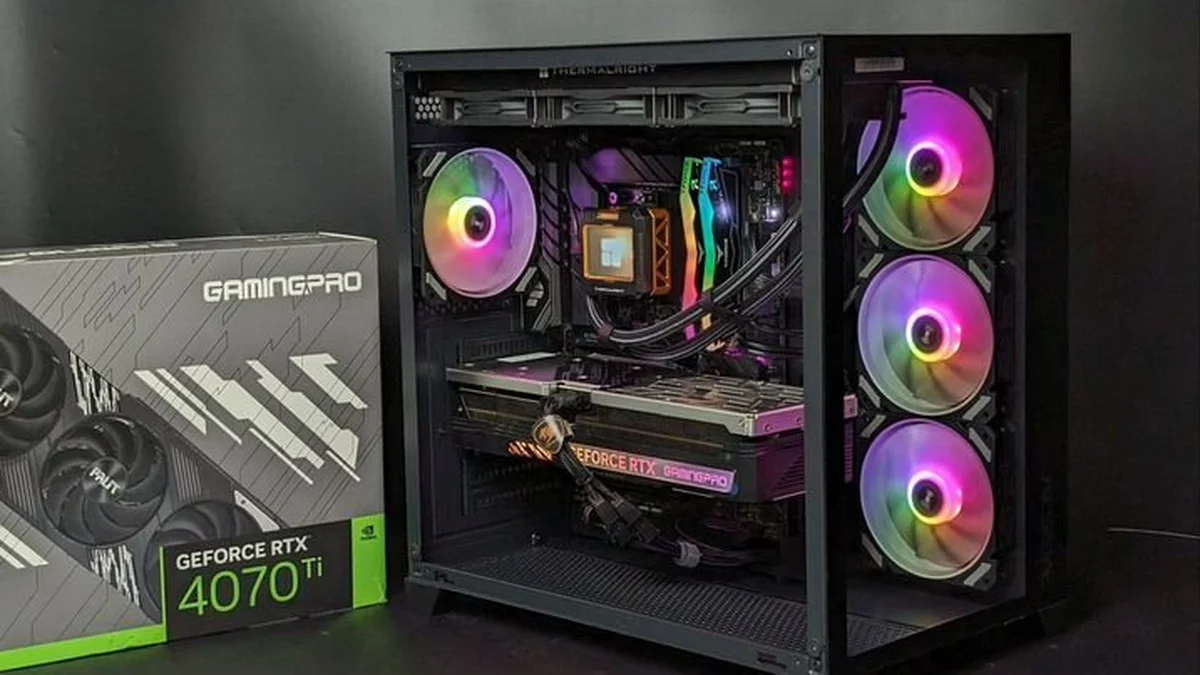
At 1080p, the CPU sets the ceiling, since the card draws each frame fast, so buy the 7800X3D or the 9800X3D. At 1440p, the GPU takes longer per frame, so the 7600X floor and the 9700X both play well. At 4K, the GPU dominates, and even the budget pick on this list keeps up.
On AM5, every pick on this list shares the same board. You can start with the 7600X and step up to an X3D chip later. On AM4, a Ryzen 7 5700X3D is the drop-in pick, since it needs no new board or RAM. On Intel LGA 1700, the 14700K is the top step, and a Core i5-14600K is the mid step. Check your board maker CPU support list first, since a BIOS update may be needed. For the best-CPU list for the plain 4070, see this: best CPU for RTX 4070.
The bottom line
The best CPU for RTX 4070 Ti gaming is the Ryzen 7 7800X3D, and the Core i7-14700K is the pick when work shares the PC. A Ryzen 5 7600X is the floor for 1440p, and a Ryzen 7 9700X is the efficient middle ground. At 4K, any pick on this list works, while at 1080p only the X3D chips do the card justice. Check your pair first on the cpu gpu bottleneck calculator before you spend, and buy the CPU your monitor actually needs.
Frequently asked questions
Which CPU gives the RTX 4070 Ti its highest frame rates in games?
The Ryzen 7 9800X3D gives the highest frame rates, yet the Ryzen 7 7800X3D is the better buy for most owners. The 9800X3D boosts up to 5.2 GHz with 96 MB of L3 cache, and it leads in competitive and simulation games. At 1440p the lead over the 7800X3D is small, since the card caps the frame rate first. Buy the 9800X3D only for 1080p high-refresh play.
Is a Ryzen 5 7600X enough for an RTX 4070 Ti at 1440p?
Yes. A Ryzen 5 7600X is enough for an RTX 4070 Ti at 1440p high settings in most games. It runs 6 cores and 12 threads, with a boost up to 5.3 GHz on the AM5 platform. The card takes longer per frame at 1440p, so the CPU keeps pace. At 1080p high-refresh play, an 8-core chip pulls ahead, yet the 7600X stays a fair budget pick.
Should I pick the Ryzen 7 7800X3D or the Core i7-14700K for an RTX 4070 Ti?
Pick the Ryzen 7 7800X3D for gaming only, and the Core i7-14700K when work shares the PC. The 7800X3D wins in games through its 96 MB of L3 cache, and it runs cool at 120W. The 14700K runs 20 cores and 28 threads, so it streams, edits, and compiles while it games. It needs a stronger cooler, yet it is the better all-round chip.
Does the RTX 4070 Ti need a different CPU than the RTX 4070 Ti Super?
No, not in any real way. Both cards share the same 285W board power, and their CPU floors sit in the same place. The Super draws more frames at 1440p ultra and 4K, since its 16GB of VRAM holds bigger textures than the plain card's 12GB. Every pick on this list also suits the Super. Buy the CPU for your resolution, not for the Super badge.
What is the cheapest CPU that does not waste an RTX 4070 Ti?
The Ryzen 5 7600X is the cheapest CPU on this list that does not waste the card. It runs 6 cores and 12 threads, with a boost up to 5.3 GHz on AM5. It feeds the card well at 1440p high settings, and it leaves an upgrade path to an X3D chip on the same board. A Core i5-12400F also works at 1440p, yet it caps the card sooner.
Can I keep my old AM4 or LGA 1700 CPU with an RTX 4070 Ti?
Yes, if it is a modern 6-core chip or better. On AM4, a Ryzen 7 5700X3D drops into the same board and feeds the card well at 1440p. On LGA 1700, a Core i5-12400F works as a floor, and a Core i5-14600K is the step up. Older chips like a Ryzen 5 3600 or a Core i7-8700K will cap the card. Check your board maker CPU support list first.
How this guide was prepared
This guide uses the published specifications of NVIDIA and AMD, and the best-CPU lists of PC Guide, The PC Journal, and build-pc-guide. The launch prices are the launch prices, not current street prices. The five picks are this guide's own ranking for each resolution and budget, and no frame rates were measured here.
Last updated: November 14, 2026