
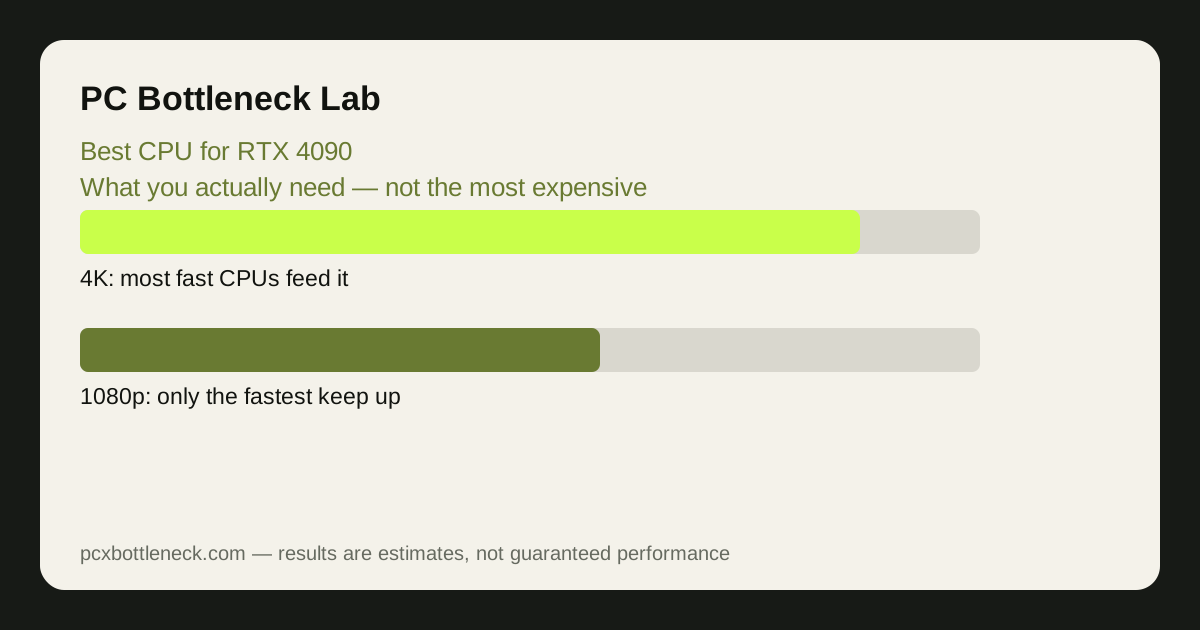
The 5 picks
- Ryzen 7 9800X3D — the best gaming pick: the fastest gaming CPU thanks to its large 3D-stacked cache, and the chip that keeps the 4090 fed at every resolution, including 1080p high-refresh where other CPUs fall behind. The pick when gaming is the priority. See the Ryzen 7 9800X3D page and the RTX 4090 page.
- Core i9-14900K — the Intel flagship: very high clock speeds and many cores, suiting gaming plus heavy productivity — rendering, compiling and streaming alongside play. The pick when the PC earns its keep outside games too. See the Core i9-14900K page.
- Ryzen 9 7950X — the core-count alternative: sixteen cores for creators who game, with strong gaming speed behind the flagship chips. The pick when rendering and multitasking matter as much as frame rate. See the Ryzen 9 7950X page.
- Ryzen 7 7800X3D — the value 3D-cache pick: the previous generation's gaming chip, still fast enough to feed the 4090 well at 1440p and 4K, and often available for less. The pick when the 9800X3D's premium is not worth it for a 4K monitor. See the Ryzen 7 7800X3D page.
- Core i7-14700K — the balanced Intel pick: strong gaming speed with plenty of cores for work, at a step below the flagship's price and power draw. The pick for a mixed gaming-and-work build that does not need the i9. See the Core i7-14700K page.
Run any pairing through Bottleneck Calculator at your resolution before buying.
Where each pick shines
| CPU | Where it shines | 4K note | 1080p note | Platform cost note |
|---|---|---|---|---|
| Ryzen 7 9800X3D | Pure gaming speed | Excellent — GPU is the limit | Best in class; keeps the 4090 fed | AM5 and DDR5 needed |
| Core i9-14900K | Gaming plus heavy work | Excellent | Very strong, needs serious cooling | High power draw; premium cooling |
| Ryzen 9 7950X | Creating and gaming | Excellent | Strong, behind the 3D-cache chips | AM5 and DDR5 needed |
| Ryzen 7 7800X3D | Value gaming | Nearly as good as the 9800X3D | Slightly behind the 9800X3D | AM5 and DDR5 needed |
| Core i7-14700K | Balanced mixed use | Excellent | Strong; a step behind the flagships | Needs good cooling, less than the i9 |
What not to buy for this card
Do not pair a 4090 with a budget 6-core chip and expect 1080p high-refresh gaming to work: the card will wait for the CPU in the lightest games, and the most expensive graphics card becomes a mid-range experience. At 4K the same pairing is far less lopsided, because the card works so hard per frame, but it is still a strange way to spend the money.
Also do not buy cores for gaming that games cannot use. Sixteen cores help rendering and compiling, not frame rate — a game that uses eight threads gains nothing from the extra eight. That is why the 9800X3D, with eight cores and a huge cache, beats higher-core-count chips in games: cache and per-core speed matter more than the core count on the box.
Finally, do not forget the rest of the system. The 4090 needs a high-wattage, high-quality power supply, a case with room and airflow, and two RAM sticks in dual-channel mode at their rated speed — a flagship card starved of power or memory bandwidth is a quiet, expensive mistake. See dual-channel vs single-channel RAM.
Which one should you buy?
For gaming, buy the Ryzen 7 9800X3D — it is the fastest gaming chip and the best match for the 4090 at every resolution. For gaming plus serious productivity, the Core i9-14900K or Ryzen 9 7950X fits better, and the 7800X3D or 14700K saves money when the monitor is 4K, where the CPU matters least.
The wider 50-series picture is in which CPU the RTX 50 series needs, and the 4090's own bottleneck behaviour is covered in the RTX 5090 bottleneck guide for the card above it.
Limitation: balance is estimated by resolution and game type, not measured on your system. No prices or exact frame rates are claimed here; check current pricing, cooling and power-supply needs before buying.
Frequently asked questions
Is the Ryzen 7 9800X3D the best CPU for the RTX 4090?
For gaming, yes — its large 3D-stacked cache keeps the 4090 fed at every resolution, including 1080p high-refresh where other CPUs fall behind. For heavy productivity alongside gaming, the i9-14900K or Ryzen 9 7950X may suit the whole system better.
Can a mid-range CPU handle an RTX 4090 at 4K?
At 4K, yes, more often than people expect — the card takes so long per frame that the CPU has time to spare, so even a decent mid-range chip keeps up in most games. At 1080p and 1440p the same CPU would limit the card badly, so the answer depends entirely on your monitor.
Do I need 16 cores for an RTX 4090?
No, not for gaming. Games reward fast cores and large cache, not core counts they never use. Sixteen cores help rendering, compiling and streaming, which is why the 7950X is on this list — but for frame rate alone, eight fast cores with a big cache beat sixteen slower ones.
Will an RTX 4090 bottleneck with a Ryzen 7 7800X3D?
Barely. At 1440p and 4K the pairing is well balanced, and the 7800X3D feeds the card in nearly all games. The 9800X3D is faster at 1080p high-refresh, but on a 4K monitor the difference between the two is small enough that the cheaper chip is often the smarter buy.
What else does an RTX 4090 build need besides a fast CPU?
A high-wattage, high-quality power supply with the right connectors, a case with room and airflow for a very large card, and two RAM sticks in dual-channel mode at their rated speed. Skimping on any of these can quietly cap a flagship build.