
What dual-channel actually changes
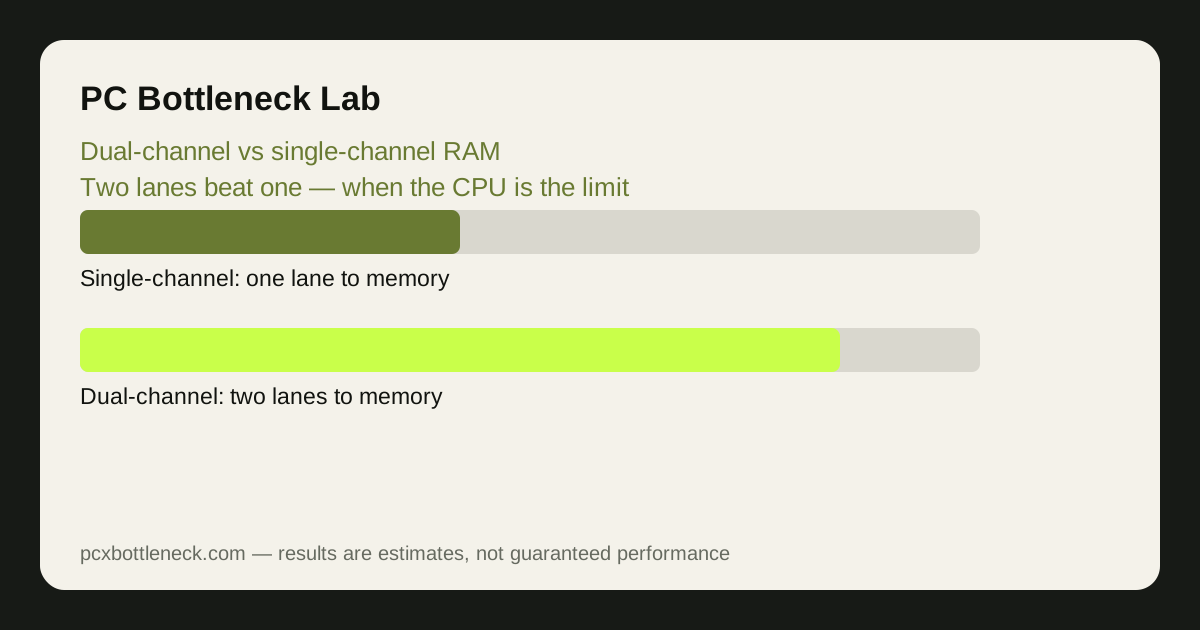
Memory bandwidth is how fast data moves between RAM and the CPU. With one stick, the CPU uses a single 64-bit channel. With two matched sticks in the correct slots, the memory controller opens a second channel, and bandwidth roughly doubles. Nothing about the RAM speed rating changes — the pipe simply gets wider.
That matters because modern games constantly stream textures, geometry and game-state data through the CPU. When the CPU is waiting on memory, frames arrive late and unevenly, which you feel as lower average FPS and, more noticeably, worse 1% lows — the stutters. Dual-channel does not make the CPU faster; it stops memory from starving it.
It also matters for integrated graphics, which have no dedicated VRAM and borrow system memory. There, single-channel RAM can cut graphics performance by a large margin, because the GPU cores and the CPU share the same narrow lane.
If you want the wider picture on memory limits, see whether RAM can cause a bottleneck and DDR4 vs DDR5 RAM speed.
How big is the FPS difference, by game type
There is no single number, because the gain depends on how much the game leans on the CPU and memory. The ranges below are typical estimates for a mid-range CPU paired with a mid-range GPU at 1080p, moving from one stick to two matched sticks at the same speed.
| Game type | What single-channel usually costs | Typical gain moving to dual-channel |
|---|---|---|
| Fast esports titles (competitive shooters) | Lower average FPS and choppier 1% lows | Often around 10–25% higher FPS |
| Open-world AAA games | Stutters when streaming new areas | Often around 5–15% smoother frame delivery |
| Simulation and strategy games | Slow turns and hitches with many units | Often around 10–20% in heavy scenes |
| Integrated graphics gaming | Severely starved graphics cores | Often around 30–50% higher FPS |
| GPU-bound 1440p and 4K play | Little — the GPU is the limit | Usually under 5%, often near zero |
Notice the pattern: the more the CPU does per frame, the more dual-channel helps. At 4K with high settings, the GPU takes so long per frame that the CPU has plenty of time to fetch data, so the extra lane barely registers.
When it matters most — and when it does not
Dual-channel matters most with a strong CPU and a modest GPU at 1080p, with integrated graphics, and in games that stream lots of data — open worlds, large multiplayer maps and simulations. It also matters for minimum frame rates: even when average FPS only rises a little, the worst stutters often shrink a lot, and that is what your eyes notice.
It matters least when the GPU is clearly the limit — high resolutions, ultra settings, ray tracing — and in older or light games that barely touch memory bandwidth. If your GPU sits near maximum usage while the CPU is relaxed, a second stick will not move FPS much.
Capacity is a separate question from channels. Two sticks of 8 GB in dual-channel beat one stick of 16 GB for speed, but if 16 GB total is not enough and the system starts swapping to disk, capacity wins. The sweet spot for most gaming PCs in 2026 is two sticks totalling 32 GB.
How to check your RAM mode and fix it
Checking takes two minutes and costs nothing. On Windows, open Task Manager, go to Performance, then Memory: the slot count and speed are shown there. For channel mode, a free tool such as CPU-Z shows "Single" or "Dual" on its Memory tab. If you have two sticks but CPU-Z says single-channel, they are almost certainly in the wrong slots.
- Use the right slots: with two sticks on a four-slot board, they usually go in slots 2 and 4 (counting from the CPU) — check your motherboard manual, because the labelled slots vary.
- Match the sticks: same capacity, speed and timings work best. A mismatched pair can still run in dual-channel, but the pair runs at the slower stick's speed.
- Enable the speed profile: turn on XMP (Intel) or EXPO (AMD) in the BIOS, so the RAM runs at its rated speed instead of a slow default. Without it, even dual-channel sticks can underperform.
- Adding a second stick: if you have one 16 GB stick, adding a second identical 16 GB stick is usually the cheapest meaningful upgrade a gaming PC can get.
Run the pairing through PC Bottleneck Calculator after the change, and compare the same game scene before and after — that is the only honest way to see what it bought you.
Limitation: the ranges above are estimates from typical mid-range systems, not measurements of your PC. Gains vary with the game, the CPU, RAM speed and resolution, so test your own games rather than trusting a single percentage.
Frequently asked questions
Does dual-channel RAM double my FPS?
No. It roughly doubles memory bandwidth, not frame rate. Frame rate only rises as much as memory was holding the CPU back, which is usually around 5–25% in CPU-bound games at 1080p, and near zero when the GPU is the limit.
I have 32 GB in one stick. Is that worse than 16 GB in two sticks?
For gaming speed, often yes. One 32 GB stick runs single-channel, so the CPU gets half the bandwidth of two 8 GB sticks. Two 16 GB sticks give you both the capacity and the bandwidth, which is why 2 x 16 GB is the usual recommendation.
Can I mix two different RAM sticks and still get dual-channel?
Usually yes, if the capacities match — a mismatched pair can still run in dual-channel mode, but both sticks run at the slower stick's speed and timings. For the cleanest result, buy a matched kit or an identical second stick.
Does dual-channel matter more than RAM speed?
Both matter, but channels usually matter more. Going from single to dual-channel typically helps more than going from a slower to a faster dual-channel kit, because doubling the lanes is a bigger change than a modest speed bump. Enable XMP or EXPO as well, so you get both.
Will dual-channel RAM fix stuttering in my games?
It often reduces stuttering when the stutter comes from the CPU waiting on memory, especially in open-world and simulation games. It will not fix stutters caused by a full drive, overheating, a slow storage drive, or a game bug — check those separately if the hitches survive the RAM change.