
Key takeaways
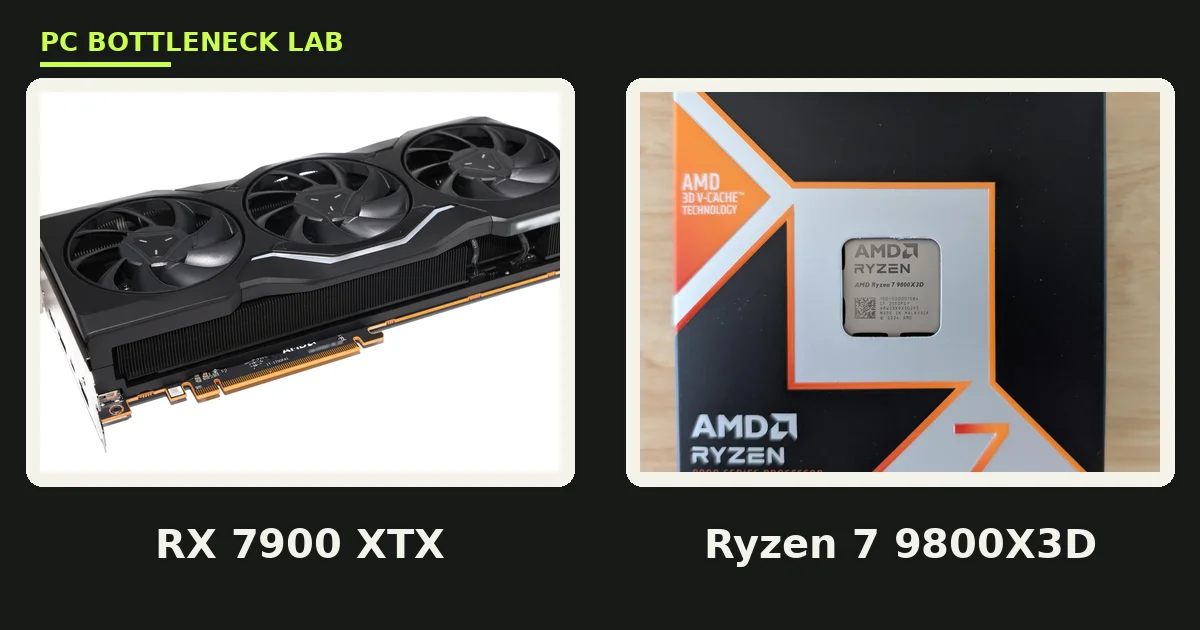
- The Ryzen 7 9800X3D is the best CPU for RX 7900 XTX gaming overall.
- The card is a 4K card first: 24GB of VRAM, 6144 stream processors, and 355W.
- At 1080p the CPU sets the pace, while at 4K the card does.
- The Ryzen 7 5700X3D is the best AM4 upgrade for this card.
- An 800W power supply is the safe pick for this card and any chip below.
Best CPU for RX 7900 XTX: the short answer
The Ryzen 7 9800X3D is the best CPU for RX 7900 XTX gaming overall. It runs 8 cores and 16 threads, with a boost up to 5.2 GHz and 96 MB of L3 cache. That cache lifts frame rates in simulation and open-world games, where the CPU works hardest. It also runs at 120W, so it needs no big cooler. Check your own pair with the free tool: bottleneck calculator.
The card is a 4K card first, so the CPU question is really about your resolution and your platform. At 1080p, the CPU sets the ceiling in most games, because the card finishes each frame fast. At 1440p, a good 8-core CPU keeps pace in most titles. At 4K, the GPU works so hard on every frame that even a mid-range CPU rarely holds it back.
What the RX 7900 XTX brings
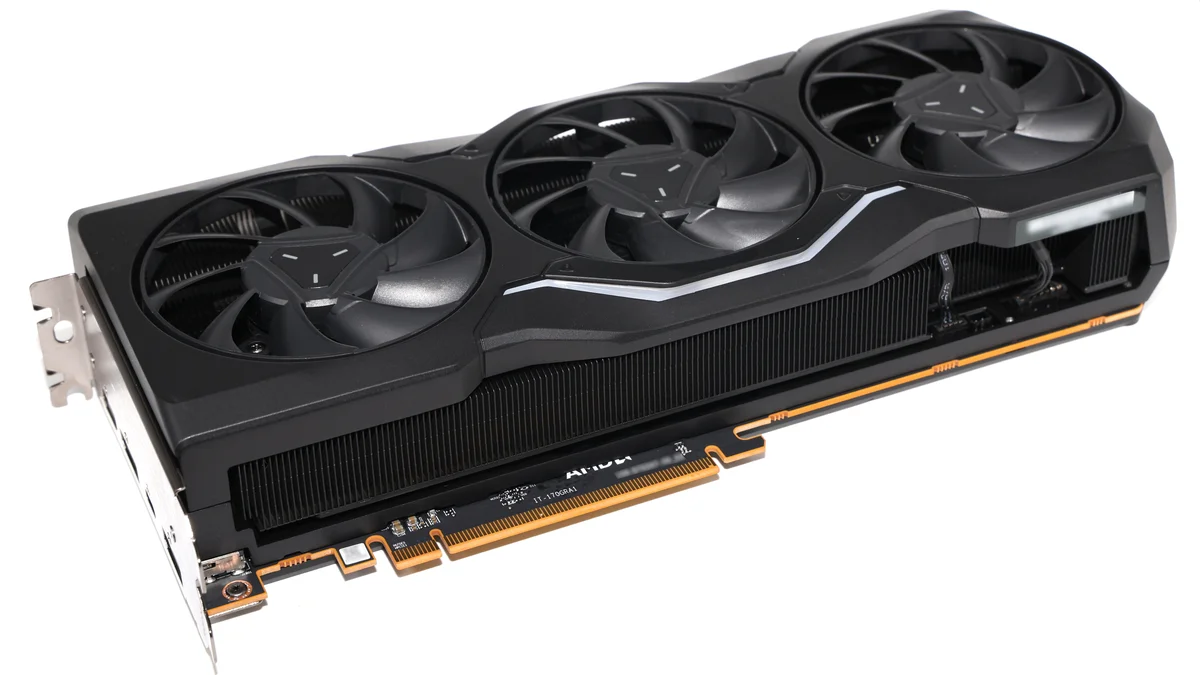
The RX 7900 XTX launched on December 13, 2022, at a $999 starting price. It carries 24GB of GDDR6 VRAM on a 384-bit bus, with 960 GB/s of bandwidth. 24GB suits 4K ultra textures well, and it leaves room for local AI work too. The card runs 6144 stream processors across 96 compute units, and it draws 355W of board power. RDNA 3 is the design behind the card. For the full card specs, see the RX 7900 XTX specifications page.
The card's weak point is ray tracing. This card trails same-class Nvidia cards when heavy ray tracing is on. For raster play, which means normal shaded graphics without ray tracing, it is strong for its price. It also supports Smart Access Memory, which is AMD's name for resizable BAR, and it lets the CPU reach the card's full memory.
| Spec | RX 7900 XTX | RX 7900 XT | RTX 5080 |
|---|---|---|---|
| VRAM | 24GB GDDR6 | 20GB GDDR6 | 16GB GDDR7 |
| Memory bus | 384-bit | 320-bit | 256-bit |
| Bandwidth | 960 GB/s | 800 GB/s | 960 GB/s |
| Stream / CUDA cores | 6,144 | 5,376 | 10,752 |
| Board power | 355W | 315W | 360W |
| Launch | December 2022, $999 | December 2022, $899 | January 2025, $999 |
The 5 best CPUs for RX 7900 XTX
The table below ranks the five picks by their best use, not by price alone. The overall winner leads in games, while the other picks win on value, work, efficiency, or upgrades. Read the notes under the table before you buy, since your platform decides which pick is cheapest for you.
| Pick | CPU | Cores | Boost | Best for |
|---|---|---|---|---|
| 1. Overall | Ryzen 7 9800X3D | 8 / 16 | 5.2 GHz | 4K gaming overall |
| 2. Value gaming | Ryzen 7 7800X3D | 8 / 16 | 5.0 GHz | Near-top frames, lower price |
| 3. Work + play | Core i7-14700K | 20 / 28 | 5.6 GHz | Gaming plus editing and streaming |
| 4. Efficient | Ryzen 7 9700X | 8 / 16 | 5.5 GHz | Cool, quiet 65W builds |
| 5. AM4 upgrade | Ryzen 7 5700X3D | 8 / 16 | 4.1 GHz | Same board, no new RAM |
1. Ryzen 7 9800X3D — best overall
The Ryzen 7 9800X3D is the best CPU for RX 7900 XTX gaming overall. It pairs 8 cores with 96 MB of L3 cache, and that cache lifts frame rates in the games where the CPU works hardest. It launched at $479, and it runs at 120W on AM5. Buy it when you want the most frames per dollar at 4K.
2. Ryzen 7 7800X3D — best value gaming pick
The Ryzen 7 7800X3D is the best value gaming pick for this card. It runs 8 cores and 16 threads, with a boost up to 5.0 GHz and 96 MB of L3 cache. It launched at $449, and it trails the 9800X3D by a small margin in most games. Buy it when you want near-top frames and a lower price.
3. Core i7-14700K — best for work plus play
The Core i7-14700K is the best pick for work plus play. It runs 20 cores and 28 threads, with a boost up to 5.6 GHz. Its extra cores cut render and export times, while its fast cores still feed the card in games. It launched at $409, and it needs a strong cooler at 125W base power. Buy it when you edit, stream, or render as well as play. For the per-GPU guide for this card, see this: RX 7900 XTX CPU bottleneck pairing guide.
4. Ryzen 7 9700X — best efficient 8-core
The Ryzen 7 9700X is the best efficient 8-core pick. It runs 8 cores and 16 threads, with a boost up to 5.5 GHz at only 65W. It launched at $359, and it needs no big cooler or strong power supply. Buy it when you want a cool, quiet build that still feeds the card fully at 4K.
5. Ryzen 7 5700X3D — best AM4 upgrade
The Ryzen 7 5700X3D is the best pick for AM4 owners. It runs 8 cores and 16 threads, with a boost up to 4.1 GHz and 96 MB of L3 cache. It drops into your current board with no new RAM and no new platform. Buy it when you want the biggest jump for the least money.
Best CPU for RX 7900 XTX by budget
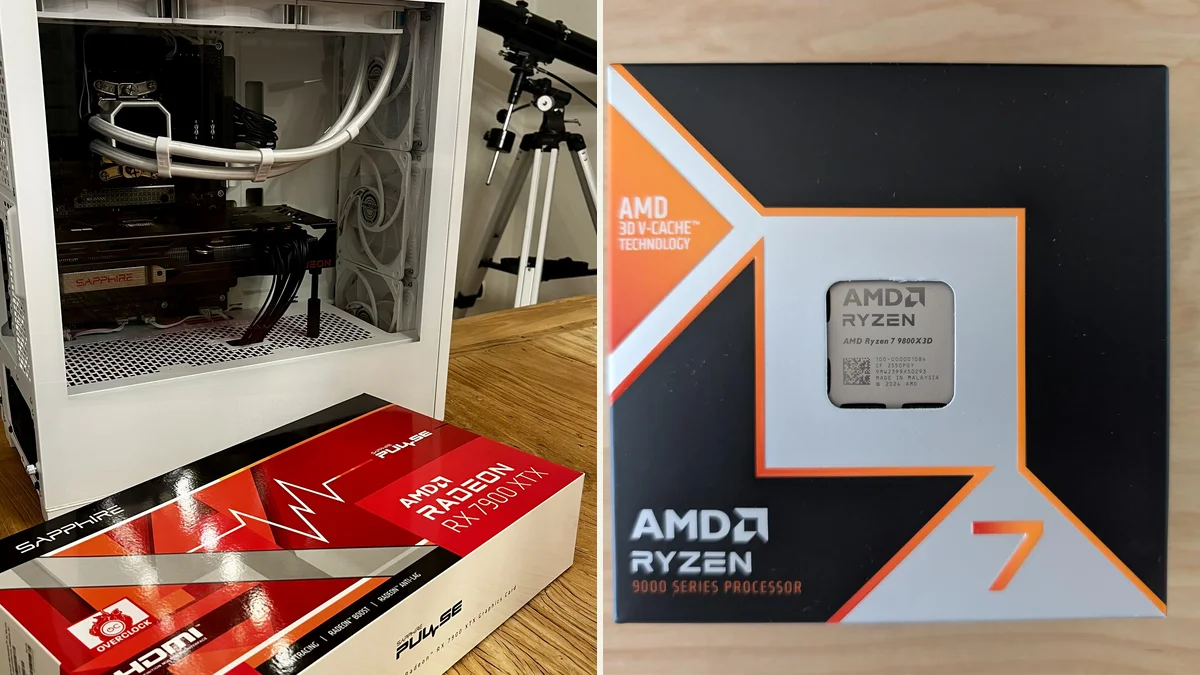
Your platform decides which pick is cheapest for you, not the chip price alone. An AM4 owner pays only for the chip, while a new builder pays for the board and RAM too. The table below shows the real cost of each route, so you can match the pick to your wallet.
| Budget | Pick | Platform cost | Best for |
|---|---|---|---|
| AM4 upgrade | Ryzen 7 5700X3D | Chip only, same board and RAM | Cheapest big jump on AM4 |
| Mid-range new | Ryzen 7 7800X3D | AM5 board, DDR5 RAM | Near-top frames, lower price |
| Efficient new | Ryzen 7 9700X | AM5 board, DDR5 RAM | Cool, quiet 65W build |
| Work + play | Core i7-14700K | LGA 1700 board, DDR4 or DDR5 | Gaming plus editing and streaming |
| No limit | Ryzen 7 9800X3D | AM5 board, DDR5 RAM | Fastest gaming pick |
Where the CPU matters: 1080p, 1440p and 4K
Resolution changes the balance between the CPU and the GPU, and this card shows it clearly. At 1080p, the card draws each frame fast, so the CPU must prepare frames at the same pace. Only an 8-core chip with a big cache keeps the card fed here. At 1440p, the balance shifts: the GPU takes longer per frame, so the value picks catch up. At 4K, the GPU dominates, and even the AM4 upgrade tier plays well.
The higher the resolution, the less CPU you need. That rule also covers ray tracing, since ray tracing loads the GPU and gives the CPU more breathing room. Yet ray tracing is this card's weak point, so do not buy it for heavy ray tracing at any resolution. Buy it for raster speed at 4K, where it shines. For the rival card in the same price band, see this: RX 7900 XTX vs RTX 5080 bottleneck compared.
What to avoid with an RX 7900 XTX
Do not pair the card with a Ryzen 5 3600 or a Core i5-10400F at 1080p. Both chips have 6 cores and 12 threads, yet their single-core speed trails modern chips by a wide margin. They cap the card in fast games, and they leave frames on the table at 1080p and 1440p. A cheap modern 6-core chip costs little more and feeds the card far better.
Do not buy a new CPU before you check the card's real limit. The card's weak point is ray tracing, so heavy ray tracing loads the GPU and drops frame rates no CPU can fix. Turn ray tracing down first, and see if play smooths out. For the fix-first route, see this: how to fix a CPU bottleneck without buying a new CPU.
The bottom line
The best CPU for RX 7900 XTX gaming is the Ryzen 7 9800X3D, since it feeds the card fully at 4K and runs cool. The 7800X3D wins on value, while the 5700X3D wins on AM4 value. Check your pair first on the cpu gpu bottleneck calculator before you spend, and buy the CPU your monitor actually needs. For the smaller AMD card, see this: best CPU for RX 7800 XT.
Frequently asked questions
My 7900 XTX drops to 70% usage in Starfield at 1440p — is my Ryzen 5 5600X the problem?
Yes, most likely. Starfield leans hard on the CPU in towns and open areas, so an old 6-core chip caps the card. The card finishes frames quickly, yet the CPU cannot prepare the next one in time. A Ryzen 7 5700X3D drops into the same AM4 board and lifts GPU usage back toward 95% in most scenes.
Can a Ryzen 7 5700X3D feed a 7900 XTX at 4K, or does the old AM4 platform hold it back?
Yes, it can feed the card at 4K. At 4K the GPU takes so long per frame that the CPU rarely sets the pace. The 5700X3D runs 8 cores with 96 MB of L3 cache, and that cache covers the gaps. The AM4 platform only holds you back at 1080p high-refresh play, where newer chips pull ahead.
Does the 7900 XTX need a 9800X3D, or will a 7800X3D give me the same frames at 4K?
A 7800X3D gives you nearly the same frames at 4K. Both chips run 8 cores with 96 MB of L3 cache, and the 9800X3D only pulls ahead by a small margin. At 4K the GPU sets the pace in most games, so the gap shrinks further. Buy the 7800X3D when it costs clearly less, and spend the saving on RAM or storage.
I stream and edit video with a 7900 XTX — should I pick a 14700K over a 9800X3D?
Yes, pick the 14700K when work matters as much as play. Its 20 cores cut render and export times, and it still feeds the card well in games. The 9800X3D wins in pure gaming, yet it trails in heavy editing. If you only play games, the 9800X3D is the better buy.
What power supply wattage is safe for a 7900 XTX paired with a 9800X3D?
An 800W unit is the safe pick. AMD lists 800W as the system power for a full build with this card, which draws 355W. A quality 750W unit can run it with a 65W or 120W CPU, yet 800W leaves room for spikes and upgrades. Check your unit's age first, since a tired old unit can still cause crashes.
Will a 7900 XTX and a Ryzen 7 9700X stay balanced for ray-traced games in 2026?
Yes, they stay balanced. Ray tracing loads the GPU, so the CPU gets more breathing room, not less. The 9700X runs 8 cores with a boost up to 5.5 GHz, and that is plenty for ray-traced play at 1440p and 4K. The card's ray tracing speed is the limit here, not the CPU, so turn ray tracing down before you blame the chip.
How this guide was prepared
This guide uses the published specs of AMD and Intel, plus pricing from Tom's Hardware. Launch prices are launch prices, not street prices. The picks are this guide's own reading of those sources, and no frame rates were measured here.
Last updated: November 17, 2026