
Key takeaways
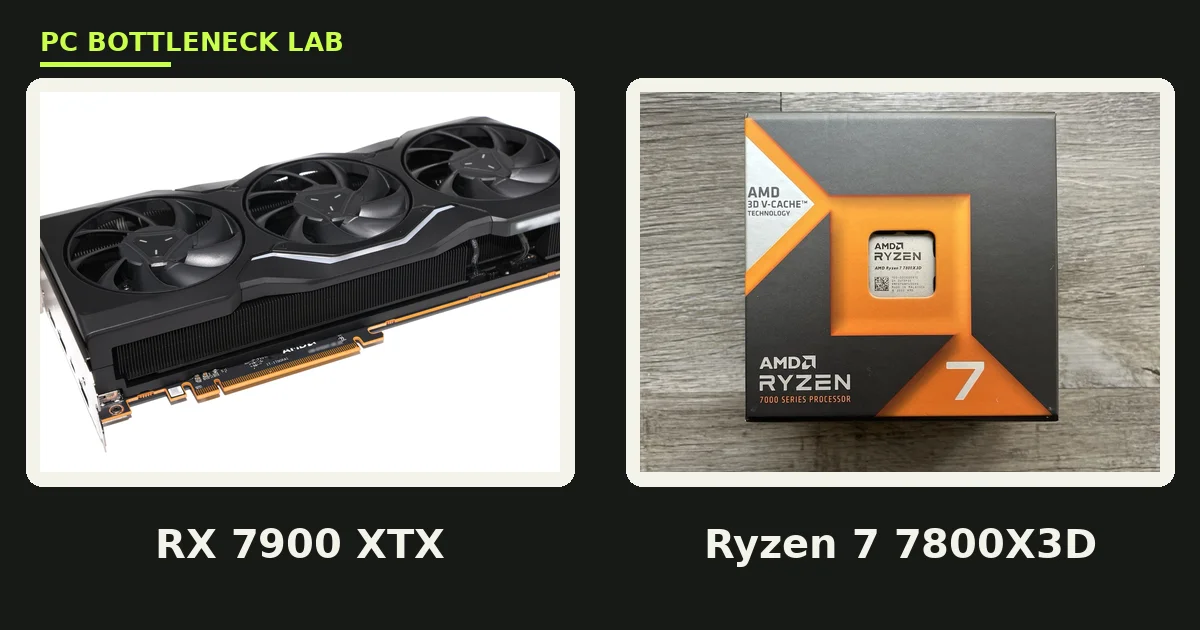
- The Ryzen 7 7800X3D is the best gaming partner for the RX 7900 XTX, thanks to its large 3D V-Cache.
- At 4K, the card is the limit in nearly every game, so a mid-range 8-core CPU is enough.
- Smart Access Memory helps on AMD platforms, but it cannot rescue a weak CPU.
- 24 GB of VRAM makes the card strong for 4K textures and for creator work like Blender.
- A 6-core CPU can feed this card at 4K, yet 8 cores are the safer pick at 1080p and 1440p.
RX 7900 XTX bottleneck: the short answer
A CPU bottleneck happens when your processor cannot prepare frames fast enough for your graphics card. The GPU then waits between frames, and your FPS drops below what the card can deliver. With the RX 7900 XTX, this happens most at 1080p, where the card is far too fast for the resolution. At 1440p it happens less, and at 4K it almost never happens with a modern CPU. For a quick check of your own pair, run the free bottleneck calculator before you buy anything.
What the RX 7900 XTX actually is
The RX 7900 XTX launched on December 13, 2022, at $999. It uses the Navi 31 chip with 96 compute units and 6,144 stream processors. Memory is 24 GB of GDDR6 on a 384-bit bus, with 960 GB/s of bandwidth. Board power is 355 W. Those numbers made it AMD's flagship of the RDNA 3 generation. It still holds up in 2026 because 24 GB of VRAM is more than most new cards offer. The card below it, the RX 7900 XT, has 84 compute units and 20 GB of memory. The XTX is the full chip, and it asks the most of the CPU at low resolutions.
| Spec | RX 7900 XTX | RX 7900 XT |
|---|---|---|
| Compute units | 96 | 84 |
| Stream processors | 6,144 | 5,376 |
| VRAM | 24 GB GDDR6 | 20 GB GDDR6 |
| Memory bus | 384-bit | 320-bit |
| Bandwidth | 960 GB/s | 800 GB/s |
| Board power | 355 W | 315 W |
| Launch price | $999, December 2022 | $899, December 2022 |
RDNA 3 is the architecture behind this card. It uses a chiplet design, with one graphics die and six memory cache dies. Infinity Cache, a large on-chip cache, cuts how often the card must reach out to memory. That design is why the card holds its speed at 4K. Ray tracing is the weak spot: the card trails NVIDIA rivals of the same class in ray-traced games. For rasterised games at 4K, it is still a strong card in 2026. The 5080 comparison is here: RTX 5080 bottleneck guide.
Which CPU at 1080p
1080p is the wrong resolution for this card, and it is where the CPU matters most. The GPU finishes each frame in a blink, so the CPU must keep up with draw calls, game logic, and physics. Only a fast 8-core CPU with strong single-core speed does this well. The Ryzen 7 7800X3D is the best pick here, and the Ryzen 7 9800X3D is even better. Both use 3D V-Cache, a stack of extra cache memory on the chip, which cuts frame-time spikes in CPU-heavy games. The Core i7-14700K is the Intel answer, with 20 cores and strong gaming speed. If you play at 1080p, buy the fastest gaming CPU you can, not a bigger card.
Which CPU at 1440p
1440p is where most owners actually play with this card, and CPU choice gets easier. The GPU works harder on each frame, so it sets the pace in most AAA games. A Ryzen 7 9700X or Core i7-14700K feeds the card fully. The Ryzen 7 7800X3D is still the best pick for competitive shooters at very high refresh rates. A Ryzen 5 9600X can also feed the card at 1440p in story-driven games. The gap between a 6-core and an 8-core chip is small here, except in CPU-heavy titles like strategy games and large multiplayer matches. For the 7800X3D pairing in full, see this: best GPU for Ryzen 7 7800X3D.
Which CPU at 4K clears the RX 7900 XTX bottleneck
At 4K, the GPU is the limit in nearly every game. Each frame costs the card four times the pixels of 1080p, so the CPU waits on the GPU, not the other way round. Almost any modern 8-core CPU keeps up here, and even a modern 6-core chip works in most titles. Spending more on the CPU at 4K buys almost nothing in gaming FPS. That money is better spent on the card itself, or on a better monitor. The one exception is simulation and strategy games, where the CPU still does heavy work even at 4K. The resolution rule is simple: higher resolution shifts the load to the GPU.
| Resolution | Minimum CPU that feeds it | Comfortable pick | Best for high refresh |
|---|---|---|---|
| 1080p | Ryzen 7 7700X / Core i7-14700K | Ryzen 7 7800X3D | Ryzen 7 9800X3D |
| 1440p | Ryzen 5 9600X / Core i5-14600K | Ryzen 7 9700X / Core i7-14700K | Ryzen 7 7800X3D |
| 4K | Ryzen 5 7600 / Core i5-12400F | Ryzen 7 9700X | Ryzen 7 7800X3D |
Smart Access Memory and the CPU
Smart Access Memory, or SAM, is AMD's name for resizable BAR. It lets the CPU see the full GPU memory at once, instead of in small 256 MB chunks. The feature needs a Ryzen 5000 or newer CPU, a Radeon RX 6000 or newer card, and a BIOS setting switched on. AMD reports gains of up to 15 percent in selected titles with SAM on, though the gain varies by game and is often much smaller. It cannot rescue a weak CPU, since the CPU still has to prepare the frames. Turn it on in the BIOS if your parts support it, since it costs nothing.
The 24GB VRAM and creator work
24 GB of VRAM is the card's second strength, after its raw speed. At 4K with ultra textures, games rarely push past 20 GB, so the card has room to spare. That headroom also helps creator work. In Blender, large scenes load fully into VRAM instead of spilling to system memory. In local AI work, bigger models fit on the card. The CPU still matters for these tasks, since it prepares the data the GPU renders. A Ryzen 9 7950X or Core i9-14900K suits a mixed gaming and creator build. For the balance question in full, see this: CPU GPU balance for video editing and 3D rendering.
PSU and platform notes
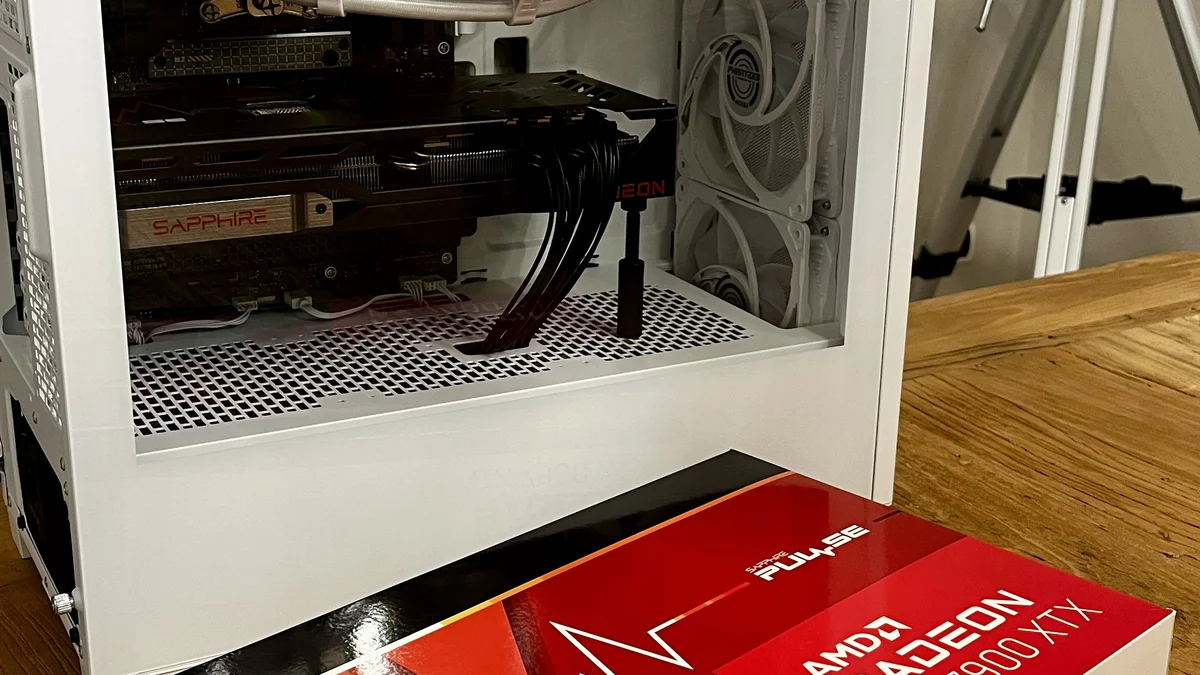
The RX 7900 XTX draws 355 W, and AMD lists an 800 W minimum power supply recommendation for it. A good 850 W unit covers most builds with headroom to spare. Pair it with a Ryzen 7 7800X3D and you need an AM5 board with DDR5 memory. Pair it with a Core i7-14700K and you need an LGA 1700 board, with DDR4 or DDR5. The card is a triple-slot design in most partner models, so check your case length before you buy. Do not pair this card with a weak power supply to save money. Check your pair first on the gpu bottleneck calculator to see where your own limit sits.
CPUs that hold the 7900 XTX back
Not every CPU can feed this card, and the weak ones share a pattern. Four-core CPUs without enough threads, such as the Core i3-10100F, run out of threads in modern games. First-generation Ryzen chips, like the Ryzen 5 1600, lack the single-core speed this card needs. Even the popular Ryzen 5 3600 holds the card back at 1080p and 1440p, though it still works at 4K. The sign is easy to spot: GPU usage sits well below 90 percent while the CPU sits near 100 percent. For the RAM side of the build, see this: how much RAM do you need for gaming in 2026.
The bottom line on the RX 7900 XTX bottleneck
The RX 7900 XTX bottleneck is a 1080p problem, not a 4K problem. A Ryzen 7 7800X3D feeds it fully where it matters, and a Ryzen 7 9700X is enough at 4K. The 24 GB of VRAM is the card's real strength, since it removes the memory worry for years. Spend your money on the CPU only if you chase high refresh rates. If you cannot decide which part to buy first, read this: should you upgrade CPU or GPU first.
Frequently asked questions
What is the best CPU to pair with the RX 7900 XTX for gaming?
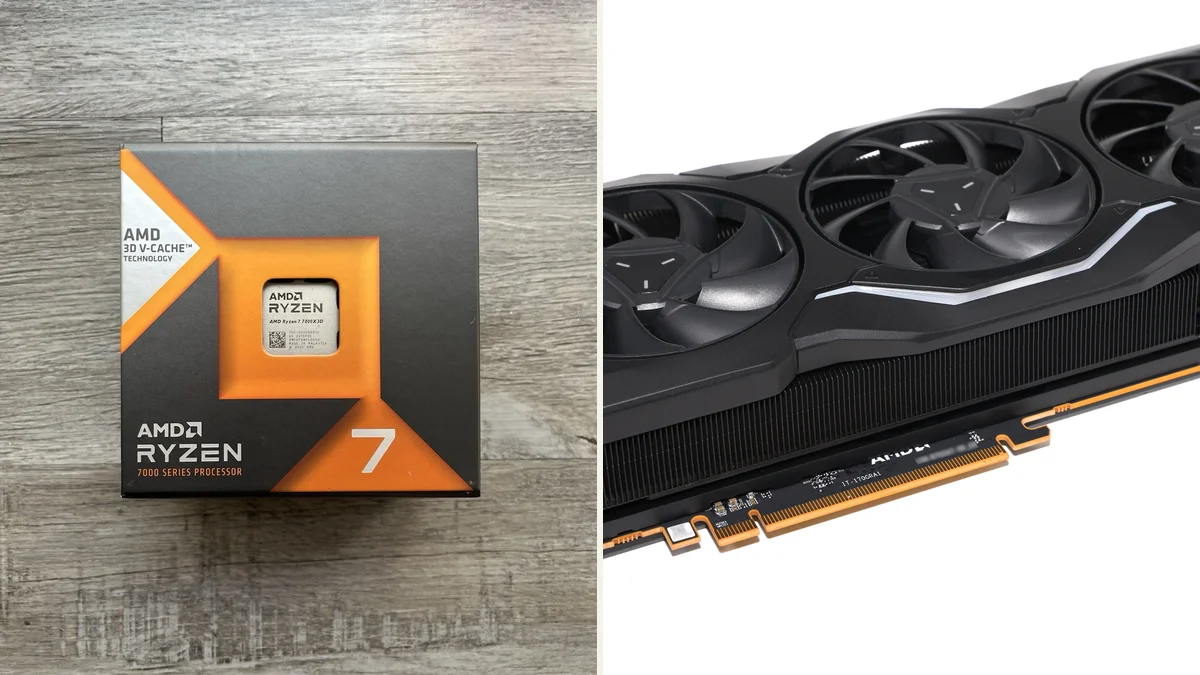
The Ryzen 7 7800X3D is the best gaming partner for the RX 7900 XTX. Its large 3D V-Cache cuts frame-time spikes in CPU-heavy games, and it feeds the card fully at 1080p and 1440p. The Ryzen 7 9800X3D is even faster for high-refresh play. On Intel, the Core i7-14700K is the closest match, with 20 cores and strong gaming speed.
Will a Ryzen 5 7600 bottleneck the RX 7900 XTX?
At 1080p, a Ryzen 5 7600 holds the RX 7900 XTX back in CPU-heavy games, since the card is far too fast for that resolution. At 1440p the gap shrinks, and at 4K the card becomes the limit, so the Ryzen 5 7600 keeps up in most titles. For high-refresh 1440p play, an 8-core chip like the Ryzen 7 7800X3D is the safer pick.
For 4K gaming on the RX 7900 XTX, does the CPU still matter?
No, the RX 7900 XTX does not need a CPU upgrade for 4K gaming in most cases. At 4K, the GPU is the limit in nearly every game, so even a modest modern 6-core CPU keeps up. Spending more on the CPU buys almost nothing in FPS at this resolution. The only exception is simulation and strategy games, where the CPU still does heavy work even at 4K.
Will the RX 7900 XTX run short of VRAM at 4K in 2026?
No, the RX 7900 XTX will not run short of VRAM at 4K in 2026. Most games at ultra settings stay well under 20GB, even with high texture packs. The extra memory also helps creator work, since large Blender scenes and local AI models fit on the card. A faster CPU cannot add VRAM, but this card rarely needs more.
Does Smart Access Memory help the RX 7900 XTX?
Yes, Smart Access Memory helps the RX 7900 XTX in some games, though the gain varies by title. It lets the CPU see the full GPU memory at once, instead of in small chunks. AMD reports gains of up to 15 percent in selected titles. SAM helps most when the CPU and GPU are already well matched, not when the CPU is the weak link.
How big should my PSU be for an RX 7900 XTX build?
AMD lists an 800 W minimum power supply recommendation for the RX 7900 XTX. A good 850 W unit covers most builds with headroom to spare. The card draws 355 W, and a strong CPU adds more. Do not pair this card with a weak power supply to save money, since weak power causes crashes under load. Check that your unit has the right PCIe power connectors.
How this guide was prepared
This guide uses the published specifications of AMD and TechPowerUp for the RX 7900 XTX. The CPU picks follow the pairing guidance of the dedicated 7900 XTX guides cited in our content plan. The picks also follow the scaling behaviour those sources describe, with no measured frame rates claimed as our own. Launch prices are historical launch figures, not current street prices.
Last updated: November 12, 2026