
Key takeaways
- A Ryzen 5 9600X or a Core i5-12400F feeds the Intel Arc A770 fully at 1080p.
- Resizable BAR is effectively mandatory: without it, the card loses a large share of its speed.
- The card is a 16GB card on a 256-bit bus, with 560 GB/s of bandwidth.
- Intel Deep Link pairs the card with a 12th-gen or newer Core CPU for extra encoding speed.
- Low GPU usage with a busy CPU is the clearest sign of a CPU limit.
Intel Arc A770 bottleneck: the short answer
A CPU bottleneck happens when the processor cannot prepare frames fast enough for the graphics card. The GPU then waits between frames, and the frame rate stops rising even though the card has power to spare. For this card, the line sits near a modern 6-core CPU at 1080p. Anything slower wastes the card, and anything much faster adds little at 1440p. Check your own pair with the free tool: bottleneck calculator.
The card is unusual, since its speed depends on your platform as much as on your CPU. Resizable BAR is the key setting here, and it lets the CPU reach the card's full memory in one go. Without it, the card still works, yet it loses a large share of its speed in many games. So the CPU question has two parts: is the chip fast enough, and does the board support resizable BAR at all?
What the Arc A770 brings
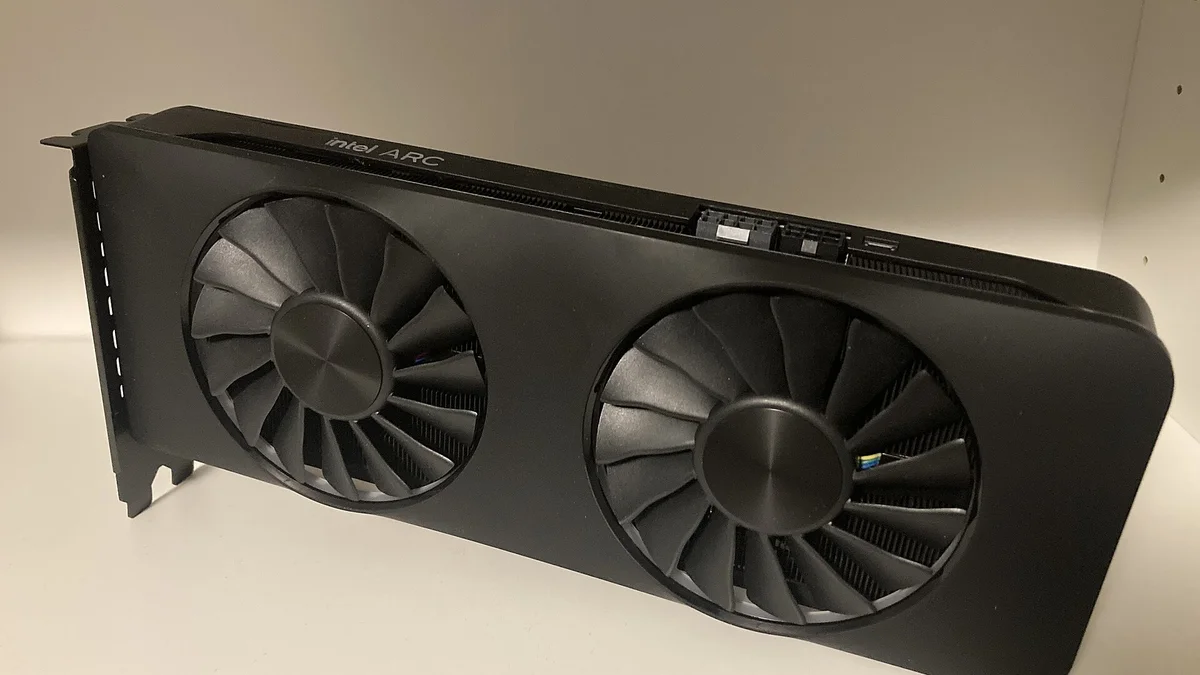
The Arc A770 launched on October 12, 2022, at $329 for the 8GB card. The 16GB Limited Edition cost $349 at launch, and it is the version this guide covers. It carries 16GB of GDDR6 VRAM on a 256-bit bus, with 560 GB/s of bandwidth. The card runs 32 Xe cores and 4,096 shading units, with a 2,100 MHz graphics clock. It draws 225W of board power, and Intel lists 550W as the system power. Alchemist is the design behind the card. For the full card specs, see the Arc A770 specifications page.
The card's real strengths are its wide memory bus and its media engine. AV1 encode is built in, and it suits streamers and editors. XeSS is Intel's upscaling tech, and it lifts frame rates in games that support it. Deep Link is Intel's name for the bond between an Arc card and a Core CPU. It can speed up encoding when both parts are Intel. For the newer Intel card in the same family, see this: RTX 5060 CPU bottleneck guide.
| Spec | Arc A770 16GB | Arc A750 8GB | Arc B580 12GB |
|---|---|---|---|
| VRAM | 16GB GDDR6 | 8GB GDDR6 | 12GB GDDR6 |
| Memory bus | 256-bit | 256-bit | 192-bit |
| Bandwidth | 560 GB/s | 512 GB/s | 456 GB/s |
| Xe cores | 32 | 28 | 20 |
| Board power | 225W | 225W | 190W |
| Launch | October 2022, $349 | October 2022, $289 | December 2024, $249 |
The card is out of production now, so you buy it used or on clearance (as of 18 Nov 2026). The 16GB version is the one to buy, since the 8GB version costs nearly the same used yet gives up half the memory.
The minimum CPU for the Arc A770
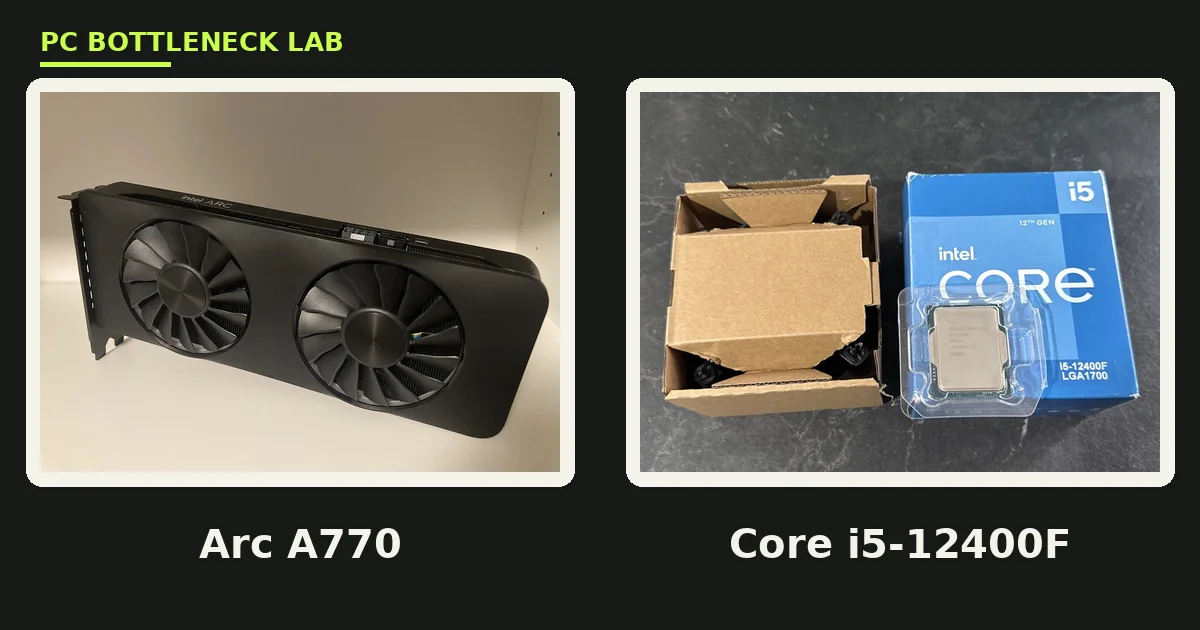
The floor for this card is a modern 6-core CPU with strong single-core speed. A Ryzen 5 9600X runs 6 cores and 12 threads, with a boost up to 5.4 GHz. A Core i5-12400F runs 6 cores and 12 threads, with a boost up to 4.4 GHz. Both feed the card well at 1080p in most games, and both leave room for background apps like Discord.
The sweet spot is an 8-core chip with a big game cache or high clocks. A Ryzen 7 9800X3D runs 8 cores and 16 threads, with a boost up to 5.2 GHz and 96 MB of L3 cache. A Ryzen 7 9700X runs 8 cores and 16 threads too, with a boost up to 5.5 GHz at only 65W. These chips cost more than this card needs, yet they make sense if you plan a stronger GPU later. For the rival AMD card in the same price band, see this: RX 9060 XT CPU bottleneck guide.
| Tier | CPUs | Best for |
|---|---|---|
| Top pick | Ryzen 7 9800X3D, Ryzen 7 7800X3D | 1080p high-refresh and future GPU upgrades |
| Strong all-round | Ryzen 7 9700X, Core i7-14700K | Gaming plus streaming, editing, or heavy multitasking |
| Floor | Ryzen 5 9600X, Core i5-12400F | 1080p high and 1440p in most games |
| Budget upgrade | Ryzen 5 5600X, Ryzen 7 5700X3D | Same AM4 board, no new RAM or platform |
| Avoid | Ryzen 5 3600, Core i3-12100F at 1080p | These cap the card in fast games |
Intel Arc A770 bottleneck by resolution
Resolution changes the balance between the CPU and the GPU, and this card shows it clearly. At 1080p, the card draws each frame fast, so the CPU must prepare frames at the same pace. A 6-core floor CPU will cap competitive games here, and only an 8-core chip with a big cache or high clocks keeps the card fed. At 1440p, the balance shifts: the GPU takes longer per frame, so the floor CPUs catch up. At 4K, the GPU dominates, and even the budget tier in the table above plays well.
The higher the resolution, the less CPU you need. That rule also covers ray tracing, since ray tracing loads the GPU and gives the CPU more breathing room. Yet ray tracing is not this card's strength, so do not buy it for heavy ray tracing at any resolution. Buy it for raster speed at 1440p, where it shines. Raster play means normal shaded graphics without ray tracing.
CPUs that hold the Arc A770 back
A Ryzen 5 3600 has 6 cores and 12 threads, yet its single-core speed trails modern chips by a wide margin. A Core i3-12100F has 4 cores and 8 threads, and it shows its age in open-world games that stream data all the time. Both chips pair with the card on paper, yet both leave frames on the table at 1080p.
The bigger trap is a board that cannot turn on resizable BAR. Intel lists a 10th-gen Core CPU or a Ryzen 3000 CPU as the floor for the feature. Older boards often lack the BIOS option entirely, so no CPU swap on that board fixes it. Check your BIOS for the resizable BAR switch before you buy the card.
How to tell if your CPU limits the card
Run a game with an overlay that shows CPU and GPU usage side by side. MSI Afterburner is a free tool that draws those numbers on screen while you play. If GPU usage sits near 95% or higher, the card is the limit, and your CPU is fine. If GPU usage sits near 60% while one or two CPU cores run near 100%, the CPU is the limit. For the fix-first route, see this: how to fix a CPU bottleneck without buying a new CPU.
Run the test in a game you actually play, not a benchmark you never touch. CPU-heavy open-world and simulation titles show the gap first, while linear shooters hide it. Test at your normal settings and resolution, since changing them changes the answer. Also close heavy background apps first, since a browser with many tabs can fake a CPU limit.
How to fix an Intel Arc A770 bottleneck
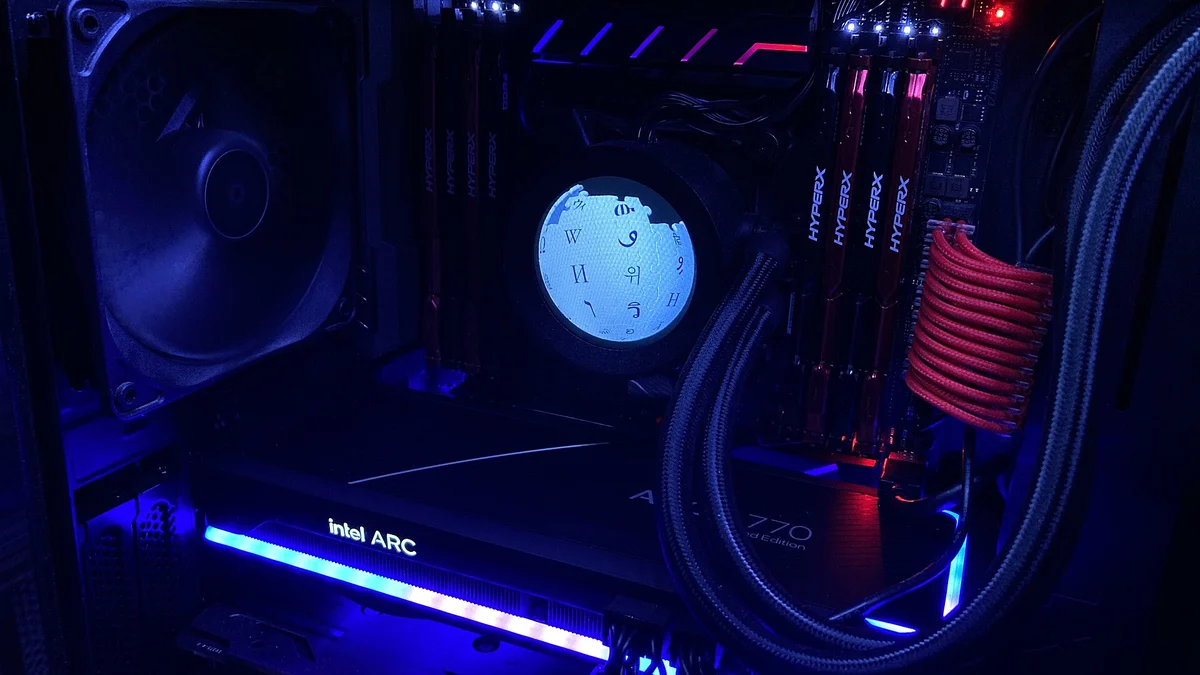
Turn on resizable BAR first, since it is the biggest free win on this card. Update your BIOS, then turn on Above 4G Decoding and resizable BAR in the BIOS. Then turn on XMP or EXPO, the one-click memory profiles on Intel and AMD boards, so your RAM runs at its rated speed. Then raise the resolution or the graphics settings, which loads the GPU and shifts work away from the CPU.
When the gap is large, a CPU upgrade is the real fix, and AM4 owners get the cheapest route. A Ryzen 5 5600X drops into the same AM4 board with no new RAM and no new board. A Ryzen 7 5700X3D does the same and adds the big game cache. On AM5, a Ryzen 5 9600X is the direct step up, and on Intel LGA 1700, a Core i5-12400F fits most boards. Check your board maker CPU support list first, since a BIOS update may be needed. For the VRAM side of the story, see this: VRAM bottleneck: 8GB vs 12GB vs 16GB.
The bottom line
An Intel Arc A770 bottleneck comes down to two checks, not one. A Ryzen 5 9600X or a Core i5-12400F is the floor, and resizable BAR must be on. A Ryzen 7 9800X3D feeds it fully at 1080p high-refresh play. On AM4, the 5700X3D is the smartest money, since it needs no new board. Check your pair first on the cpu bottleneck calculator before you spend on new parts.
Frequently asked questions
Can I install an Arc A770 on my current motherboard?
Yes, in most cases. The card fits a normal PCIe x16 slot, and it works on most boards from the last few years. Your board must support resizable BAR, though, so check your BIOS for the switch first. Update the BIOS if the option is missing, since a board without it will hold the card back.
Why does my Arc A770 stutter in older DirectX 9 games?
Older DirectX 9 games can run rough on Arc, since the card translates those old calls instead of running them natively. Intel has improved this path a lot through driver updates since the 2022 launch, so update your drivers first. If one old game still stutters, try its DirectX 11 mode when it has one.
Is the Arc A770's 16GB of VRAM useful for video editing?
Yes, it is useful, and the card's AV1 encode is the real draw for editors. The 16GB buffer holds large timelines and high-resolution footage with room to spare. Deep Link can speed up encoding further when you pair the card with a 12th-gen or newer Core CPU. That combo suits creators who record and export a lot.
Which Intel CPU works best with an Arc A770 for streaming?
A Core i5-12400F or newer is the best value pick for streaming with this card. Deep Link pairs the Arc card with a 12th-gen or newer Core CPU, and it can speed up encoding. The card also encodes AV1 on its own, so your stream stays sharp. That leaves the CPU free to run the game.
Does the Arc A770 run XeSS in every game?
No, XeSS works only in games that support it, so check the game's settings first. Intel's upscaling lifts frame rates where it is built in, and more games add it over time. Games without XeSS still run fine, yet they lean on raw card speed alone. The feature is a bonus, not a fix for a slow CPU.
Should I buy a used Arc A770 or a new Arc B580?
Buy the Arc B580 when it costs about the same, since it is newer, sips less power at 190W, and gets current driver focus. Buy the used Arc A770 when it is clearly cheaper and you want 16GB of VRAM. Both cards play 1440p well, so the price gap should decide it, not the badge.
How this guide was prepared
This guide uses the published specifications of Intel, the resizable BAR guidance of Intel and Guru3D, and the CPU data in our own component pages. The launch prices are the launch prices, not current street prices. The CPU tiers are this guide's own reading of those sources for each resolution, and no frame rates were measured here.
Last updated: November 18, 2026