
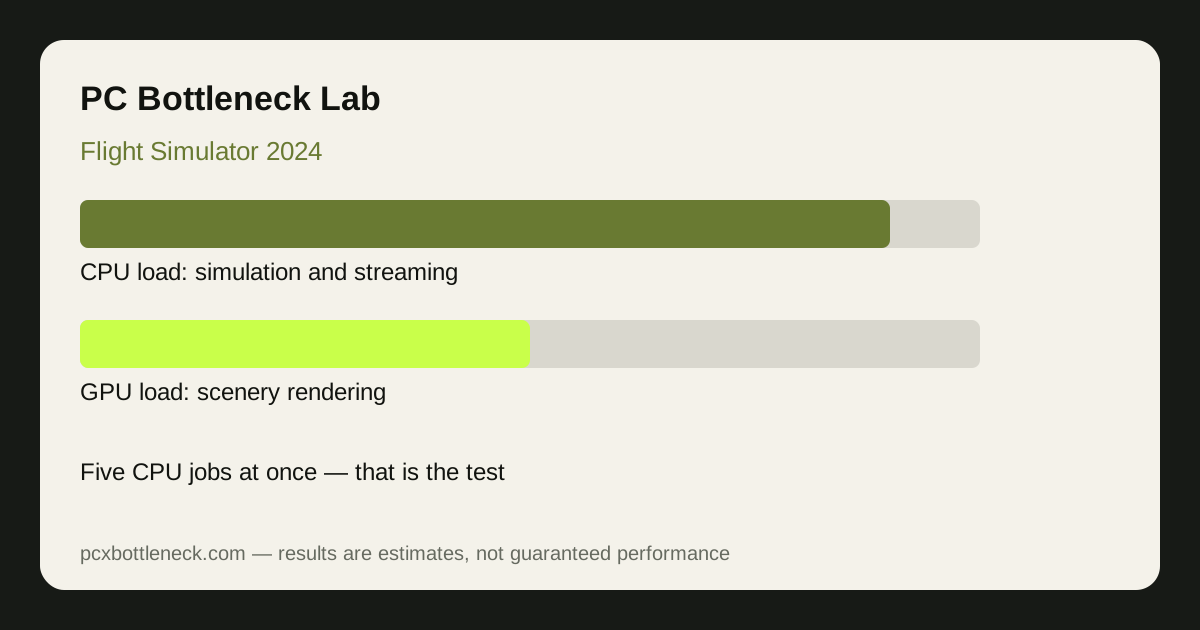
Five CPU jobs running at once
Flight Simulator 2024 is not one simulation but several running together. The terrain engine streams and builds scenery as you fly; the weather engine simulates live conditions; the traffic system moves other aircraft; the avionics simulate the glass cockpit instruments; and the flight model calculates what your aircraft is doing, several times per frame. Each of these is CPU work, and they all have to finish before the next frame can be drawn. That is the core of the bottleneck: the frame cannot start until the slowest simulation job finishes.
Most games hide a weak CPU because their simulation is simple or their scenes are small. A flight simulator cannot hide it, because the world is the whole planet and the simulation never pauses. Flying over open ocean is light; flying low over a dense city in live weather with traffic on is the heaviest CPU load in mainstream gaming, and the difference between those two moments on the same PC can be enormous.
How the load spreads across CPU threads
Flight Simulator 2024 uses many threads, but not evenly. Some jobs — notably the main simulation thread that ties everything together — cannot be split across cores, so a CPU with many slower cores can still be held back by one busy thread. This is why single-thread speed and cache matter so much here, and why a CPU with fewer, faster cores can beat a CPU with more, slower cores in this game specifically. If your monitoring shows one core near maximum while the others sit lower, that main thread is the limit — see our CPU usage guide for how to read that pattern.
RAM speed and capacity matter too. The simulator streams scenery constantly, and slow or single-channel RAM adds stalls while the CPU waits for data. A fast storage drive helps scenery load without hitches, but it cannot fix a CPU that cannot process the scenery fast enough once it arrives.
Where the CPU limit bites hardest
| Flying scenario | CPU load | What sets the pace | Frame rate (estimate) |
|---|---|---|---|
| Open ocean, clear skies | Light | GPU rendering scenery | High, often GPU-limited |
| Rural area, light weather | Moderate | Balanced CPU and GPU | Comfortable on mid-range PCs |
| Large city, low altitude | Heavy | CPU terrain and traffic | Noticeable drops on weaker CPUs |
| Busy airport, live weather, traffic on | Very heavy | CPU main thread | Lowest — the true CPU test |
Estimates, not promises: on a strong modern CPU with a good GPU, busy-airport scenes typically land in the 30–60 FPS range, while the same PC over open water can run far higher. On a weaker CPU the busy-airport number falls much further, and lowering resolution barely helps — that flat response to lower resolution is the signature of a CPU limit, as our CPU check guide explains.
What actually helps in Flight Simulator 2024
The settings that help most are the ones that cut simulation and scenery-building work: terrain level of detail, object level of detail, traffic density, and live weather complexity. Lowering those reduces CPU load directly. Lowering render resolution or graphics quality mostly reduces GPU load, so it helps only when the GPU is the limit — which, in this game, is often not the case. If you fly airliners with complex glass cockpits, the cockpit refresh rate setting is another CPU lever worth trying.
For hardware, the priority order is unusual: fast CPU first, fast RAM second, strong GPU third. A top-tier gaming CPU such as the Ryzen 7 9800X3D class is the reference point for this game because of its cache and single-thread speed. Check your pairing in PC Bottleneck Calculator before upgrading, and test in a busy airport — not over the ocean — before deciding anything is fixed.
Limitation: frame-rate ranges are estimates for typical scenarios, not benchmarks. Live weather, third-party scenery, and aircraft complexity change the load substantially, so your numbers will vary with where and what you fly.
Frequently asked questions
Why is Flight Simulator 2024 so CPU heavy?
Because it runs several simulations at once — terrain streaming, live weather, traffic, avionics and the flight model — and they all have to finish before each frame. No other mainstream game loads the CPU with so many different jobs simultaneously.
Will lowering resolution help Flight Simulator 2024 FPS?
Only a little if you are CPU-limited, which is common in this game. Lower resolution reduces GPU work, but the CPU simulation work stays the same. Lower terrain and object detail settings help far more.
Does Flight Simulator use many CPU cores?
It uses many threads, but the main simulation thread cannot be split, so one busy core can still be the limit. That is why fast single-thread performance and large cache matter more than core count alone.
How much RAM does Flight Simulator 2024 need?
More than most games, because it streams scenery constantly. Enough capacity to avoid paging plus dual-channel fast RAM helps the CPU keep up; single-channel or slow RAM adds stalls.
Is a high-end GPU wasted on Flight Simulator 2024?
No, but it cannot fix a CPU limit. A strong GPU raises the ceiling in light scenes and at higher resolutions, while the CPU decides the floor in busy airports. Both matter, in that order for this game.