
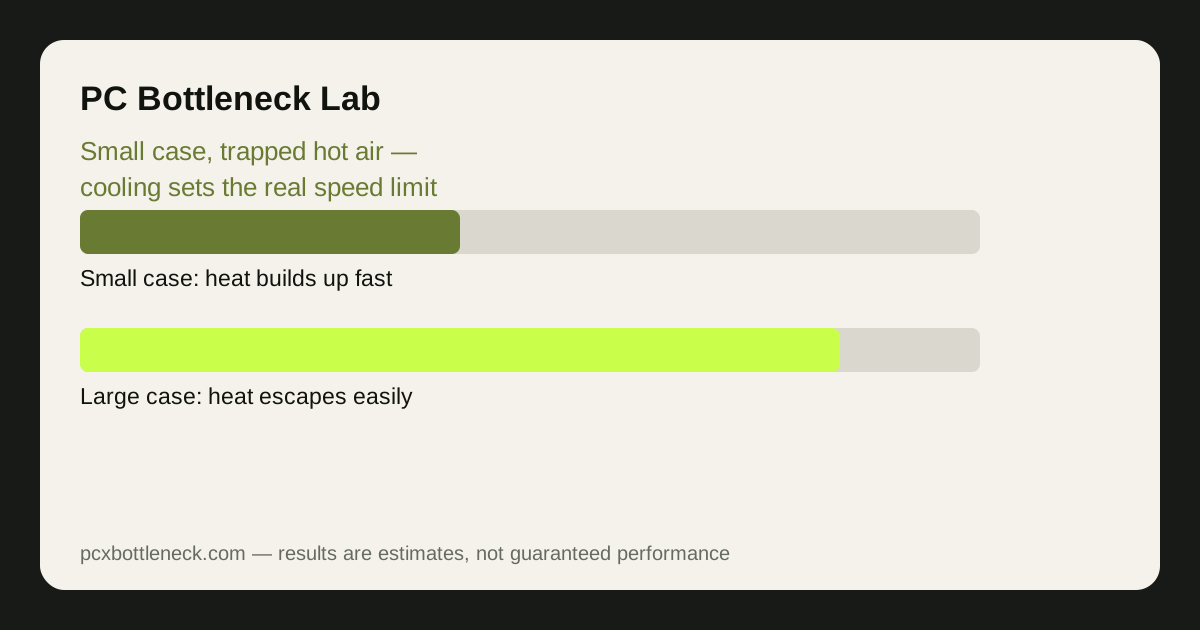
Why cooling is the bottleneck in a small case
A desktop CPU or GPU is rated to run at a certain speed, but that rating assumes the heat it produces can escape. In a large case with several fans, hot air leaves quickly and cool air replaces it. In a mini PC or small-form-factor (SFF) case, the same parts sit centimetres apart, the fans are smaller, and the air has a short, crowded path out. Heat builds up, temperatures climb, and the parts protect themselves by slowing down — thermal throttling.
Throttling is the cooling bottleneck in action. The CPU or GPU is capable of more, but the case cannot remove the heat fast enough, so the part runs below its rated speed. The result looks like a performance bottleneck — lower frame rates, stutters, a card that never reaches its expected speed — but the cause is airflow, not a weak part. Buying a faster part makes it worse, because a faster part usually makes more heat in the same small box.
The tell-tale sign is the temperature curve. Play a demanding game for ten minutes while watching temperatures: if the frame rate starts strong and then falls as temperatures climb toward the throttling point, cooling is the limit. If the frame rate is low from the first second and temperatures stay modest, the part itself is the limit. The distinction matters, because the fixes are completely different — see how to tell thermal throttling from a bottleneck.
What traps heat in a mini PC or SFF build
| Heat trap | What happens | What helps |
|---|---|---|
| Tiny case, no exhaust path | Hot air recirculates inside | A case with a clear intake-to-exhaust path |
| GPU exhausting into the case | The CPU breathes the GPU's hot air | A blower-style card, or a case that vents the GPU directly |
| Small CPU cooler | Less surface area to shed heat | A low-profile cooler that actually fits, or an AIO |
| Dust and blocked vents | Airflow falls over months | Regular cleaning, filters kept clear |
| High-power parts in a small box | More heat than the case can remove | Efficient parts, power limits, undervolting |
| Case on carpet or in a cabinet | Intakes starved of cool air | Hard surface, open space around the case |
The most common trap is the graphics card heating the CPU. In a small case, the GPU's waste heat has nowhere to go except past the CPU cooler, so the CPU runs hotter than it would on its own. That is why SFF builders pay attention to which way the GPU exhausts its air, and why some small cases vent the GPU directly out of the side panel.
Planning airflow before you buy
Plan the airflow path on paper before ordering parts. Air should enter through a filtered intake, pass over the hot parts once, and leave through an exhaust without crossing the same hot air twice. In a small case that path is short, so every centimetre matters: a cable blocking an intake, a drive cage in the airflow path, or a cooler that is a few millimetres too tall can break it.
Choose efficient parts deliberately. A CPU with a 65-watt rating and a GPU with a modest power draw will run far better in a small case than flagship parts that need twice the cooling, and the real-world gaming difference is often small — especially at 1440p, where the GPU does most of the work anyway. Undervolting is the other powerful tool: reducing a part's voltage slightly can cut heat substantially with little or no performance loss, and it costs nothing.
Fixing a throttling mini PC you already own
If your mini PC already throttles, start with the free fixes. Clean the dust filters and fans, move the case onto a hard surface with clear space around the vents, and check that the fans are actually spinning up under load — a fan curve set too quietly in the BIOS is a common cause of throttling that costs nothing to fix.
Next, set a power limit. Most CPUs and GPUs let you cap their power draw in the BIOS or in the manufacturer's software, and a modest cap — cutting 10 to 20% of the power — often costs only a few percent of performance while dropping temperatures enough to stop throttling. That trade is almost always worth it in a small case.
- Clean and reposition: clear vents and filters, hard surface, open space around the case.
- Fix the fan curve: let fans spin up under load instead of staying quiet.
- Cap the power: a modest CPU or GPU power limit stops throttling at a small performance cost.
- Try undervolting: less voltage means less heat for nearly the same speed.
- Replace the thermal paste: on an older mini PC, dried paste can add several degrees.
Before buying a bigger cooler or a new case, run your parts through the PC bottleneck calculator — if the pair is balanced on paper but throttles in your case, cooling is the upgrade, not the parts.
Limitation: no temperature or wattage figure is promised for your case, because every case, cooler and part combination behaves differently. The throttling mechanism is general; the exact temperatures depend on your room, your parts and your fan settings, so measure your own temperatures under load before deciding what to change.
Frequently asked questions
Why is my mini PC slower than the same parts in a big case?
Because of heat. In a small case the CPU and GPU cannot shed heat fast enough, so they throttle below their rated speed. The parts are the same — the cooling is the difference — and the frame rate falls as temperatures climb.
How do I know if my SFF PC is throttling?
Play a demanding game for ten minutes while watching temperatures and frame rate.
Should I buy a faster CPU for a mini PC?
Usually not first. A faster CPU makes more heat in the same small case, so it may throttle just as much. An efficient CPU, better airflow, or a power limit often buys more real performance in a small case than a faster part.
Does undervolting help a mini PC?
Yes, often substantially. Reducing voltage cuts heat with little or no performance loss, which is exactly what a small case needs. It costs nothing, it is reversible, and it is one of the best tools for SFF builds — test stability after each change.
What is the best cooler for a small form factor build?
The best cooler is the largest one that actually fits your case with clear airflow, whether that is a low-profile air cooler or a small AIO liquid cooler.