
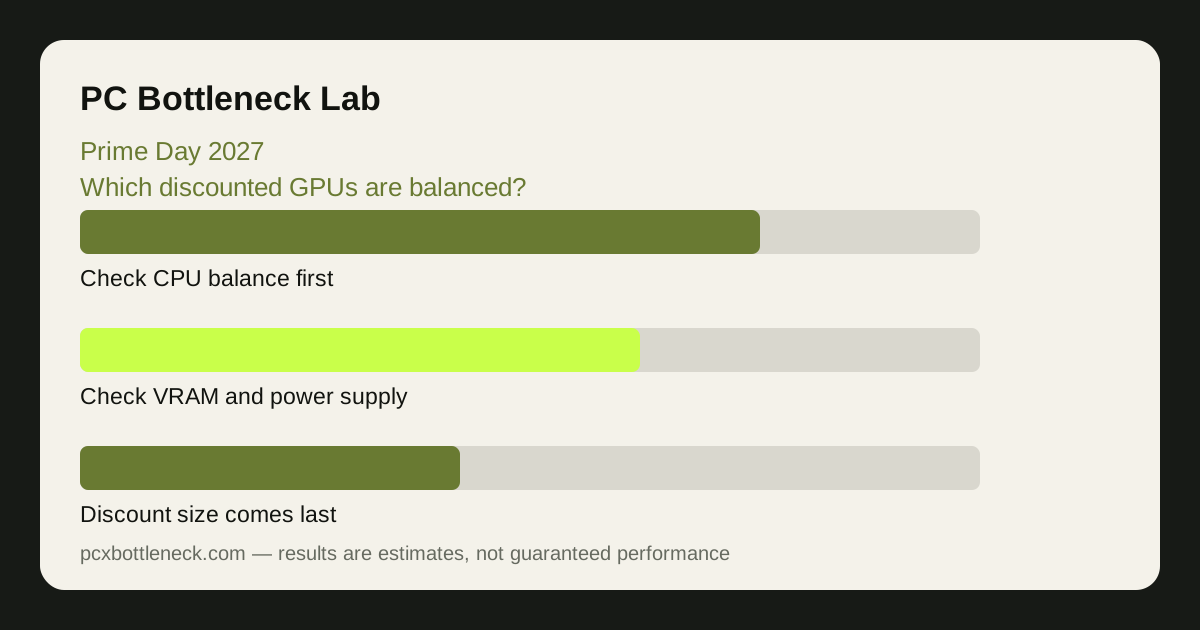
Why Prime Day is the riskiest sale for balance
Most sales give you days to think; Prime Day gives you hours, and the best-known deals go first. That pressure pushes people toward the biggest card in their budget range, which is precisely the card most likely to be wasted by a mid-range CPU at 1080p. The discount is real, but so is the unused performance — and unlike a game you can refund, a mismatched GPU stays mismatched until you replace something else.
The second risk is the bundle effect. Prime Day is full of combinations — a GPU with a game, a card with a monitor, a build deal with a prebuilt PC — and the bundle makes it harder to judge the card on its own. Judge the GPU against your CPU and resolution first, and treat the extras as a bonus, not as the reason to buy.
The defence is preparation. Decide your shortlist before the event, write down the strongest GPU your CPU can use at your resolution, and set a firm budget range. When the sale opens, you are matching deals to a list instead of building a list under a countdown. The same method works for the longer summer sale — see the Steam Summer Sale GPU guide for the slower-paced version.
Five balance checks before you click buy
- Calculator check: enter your CPU and the card in PC Bottleneck Calculator at your resolution. A large CPU-side limit at 1080p means stepping down a tier, however good the discount looks.
- Resolution check: at 1080p the CPU matters most; at 1440p the load is shared; at 4K the GPU matters most. The same card can be a waste at 1080p and a good buy at 4K — check at the resolution you actually use.
- VRAM check: compare memory as well as speed. At 1440p and 4K, a card with more video memory will age better than a faster card with less, especially in demanding games. See the VRAM guide for the trade-off.
- Power check: confirm your power supply wattage, connectors and age before the sale. A card that needs a new power supply is not the price on the screen — it is the card plus the unit.
- Monitor check: a high-end card on a 1080p 60Hz monitor spends its life capped by the screen. If the monitor is the limit, the money is better spent there, or saved.
| Prime Day deal trap | Balance check that catches it | Safer move |
|---|---|---|
| Top-tier card, big discount | Calculator at your resolution | Step down to the tier your CPU can feed |
| Fast card, small VRAM | VRAM vs resolution check | Favour more memory at 1440p and 4K |
| Card plus game bundle | Judge the GPU alone first | Buy only if the card itself is balanced |
| Cheap card, weak power supply | PSU wattage and connectors | Choose a card your unit can feed safely |
| Strong GPU, old CPU | Per-core CPU usage while gaming | Price a CPU upgrade before the GPU |
Choosing by budget range, not by discount size
A 30% discount on a card you cannot use is worse than no discount on a card you can. Work in budget ranges tied to your CPU tier: an entry-level range for budget and older CPUs, a mid-range for modern six-core CPUs, an upper-mid-range for modern eight-core CPUs, and the top range only for high-end CPUs that can genuinely use it, especially at 1080p high refresh.
Within a range, compare balance before brand or headline speed. Two cards in the same range can differ in memory, power draw and cooling, and the better-balanced one for your resolution is the better buy even if its discount is smaller. If two ranges are close in price during the sale, do not automatically jump up — re-run the calculator for the higher tier, because the extra spend only helps if your CPU can use it.
Remember the rest of the system too. Slow single-channel RAM, a nearly full drive, or a hot case can all hold back a new GPU. The guide does RAM cause a bottleneck is a useful pre-sale check, and the summer cooling guide cooling before the heat matters if your case already runs warm.
After you buy: the 30-minute verification
Test the card as soon as it arrives, inside the return window. Play your own games at your own resolution for 30 minutes, watching GPU usage, the busiest CPU core, temperatures and frame rate. A balanced card should show high GPU usage in demanding scenes at 1440p and 4K; if GPU usage stays low while one CPU core is near maximum at 1080p, the CPU is the limit and the card is bigger than the system can use.
If the test shows a mismatch, act quickly — exchange the card for a lower tier or start planning the CPU upgrade, rather than living with the imbalance. And if the test shows balance, stop second-guessing the purchase: a card that is well matched at your resolution is a good buy at any discount.
Limitation: this guide is written in advance of Prime Day 2027, so it contains no prices, discounts or specific deals — none are published until the event. Budget ranges are planning bands, not prices, and availability and pricing vary by region and retailer. Re-check every candidate in the calculator at your resolution before you buy.
Frequently asked questions
Is a discounted high-end GPU ever a bad buy?
Yes — when your CPU cannot keep it fed at your resolution. At 1080p especially, a very strong GPU paired with a modest CPU spends much of its time waiting, so the discount buys unused performance. The card is only a good buy if the calculator shows it balanced for your CPU and the resolution you actually play at.
Should I upgrade my CPU or GPU first on Prime Day?
Check which one limits you today. Run the calculator and watch your own usage while gaming: if one CPU core is near maximum while the GPU waits, the CPU is the limit and a GPU upgrade will help less than you expect. If the GPU is near maximum and the CPU has headroom, the GPU is the right first upgrade.
Does VRAM matter more than speed in a sale GPU?
It depends on resolution. At 1080p, raw speed usually matters more; at 1440p and 4K, video memory matters a great deal, because high-resolution textures fill memory fast and a card that runs out of VRAM stutters no matter how fast its core is. Between two cards in the same budget range, favour more memory at higher resolutions.
What if the GPU I want needs a new power supply?
Add the power supply to the real price before you judge the deal. A card plus a new unit can cost more than the next card up that your current supply can already feed — and an overloaded old unit is a reliability risk. Check wattage, connectors and the age of your unit before the sale, not after the card arrives.
How do I avoid impulse buying on Prime Day?
Decide your shortlist and budget range before the event, and judge every deal against that list. If a card is not on the list, or is a tier above what your CPU can use, skip it no matter how large the discount looks — sales return, but a mismatched card stays mismatched until you replace another part.