
Plan before the sale, not during it
Sale week rewards the person who already knows what they want. Decide three things now: your budget range, the resolution and refresh rate you play at, and the strongest GPU your current CPU can keep fed. Write them down before 24 June, and judge every deal against that list instead of against the size of the saving.
Start by checking your current pairing in Bottleneck Calculator at your real resolution. That tells you whether your CPU or your GPU is the limit today, and therefore whether a GPU upgrade will help at all. If the CPU is already the limit at 1080p, a bigger GPU will sit idle in the games where the CPU sets the pace, and the money is better saved toward a CPU upgrade or a balanced pair.
Also check the practical limits now, while you have time: power supply wattage and connectors, case length for the card, and your monitor. A card that does not fit, or that your power supply cannot feed safely, is not a bargain at any discount. Measure the case and read the power supply label before sale week.
Match the GPU to the CPU you already own
The rule is simple: buy the GPU your CPU can keep busy at your resolution, not the fastest card in your budget. At 1080p the CPU works hardest, so a modest CPU pairs best with a modest GPU, and a very strong GPU will spend much of its time waiting. At 1440p the balance shifts toward the GPU, so the same CPU can support a stronger card. At 4K the GPU does most of the work, so even a mid-range CPU can pair with a strong card without wasting it.
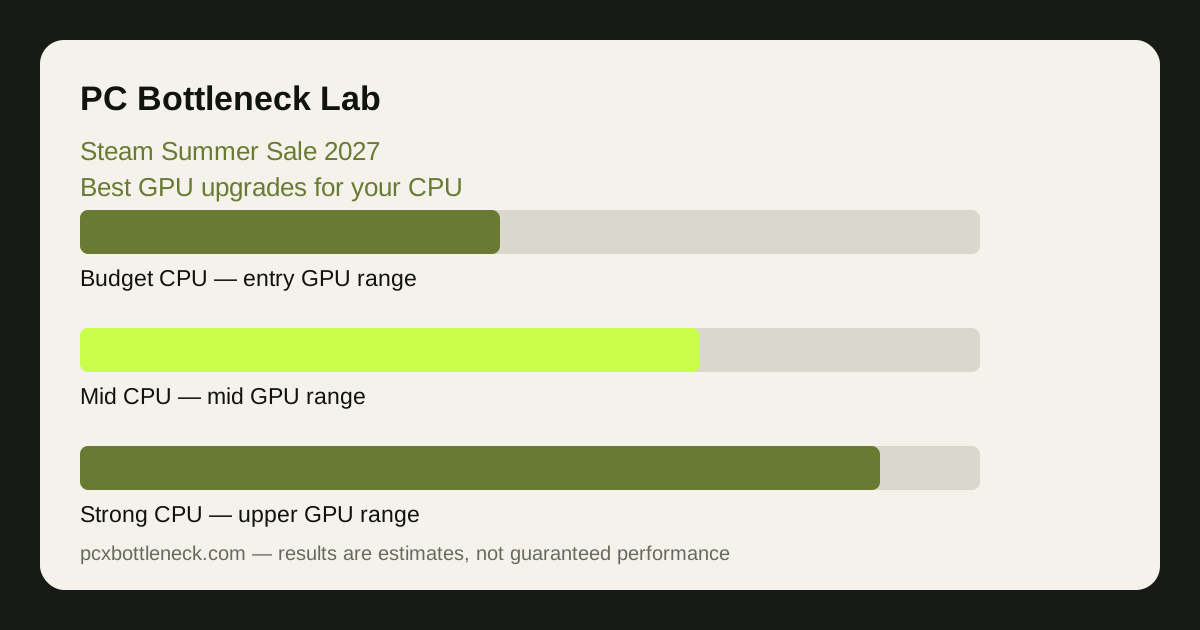
Think in tiers rather than models. A budget quad-core or older six-core CPU suits an entry-level to lower-mid-range GPU. A modern six-core or eight-core CPU suits a mid-range to upper-mid-range GPU at 1440p. A high-end eight-core or better CPU is the one that can genuinely use a top-tier card, especially at 1080p high refresh. If you are unsure where your CPU sits, the CPU database and GPU database let you compare the parts side by side.
Video memory matters too, and it matters more the higher your resolution. At 1080p a modest amount is usually enough; at 1440p and especially 4K, a card with more memory ages better and stutters less in demanding games. Read the VRAM guide on 8GB, 12GB and 16GB cards before you choose between two cards in the same budget range.
| Your current CPU tier | Sensible GPU budget range | Check before you buy |
|---|---|---|
| Budget or older quad-core | Entry-level range | 1080p balance; CPU will limit stronger cards |
| Modern six-core | Lower to mid-range | 1440p is the sweet spot; check VRAM |
| Modern eight-core | Mid-range to upper-mid-range | 1440p and 4K balance; PSU headroom |
| High-end eight-core or better | Upper range | 1080p high refresh finally uses the card |
The sale traps that create mismatches
Four traps cause most sale-week regrets. The first is buying a tier above your CPU because the discount looks large — the saving is real, the wasted performance is also real. The second is ignoring the power supply: a card that needs more power than your unit can deliver safely is a risk, not a deal. The third is buying for a monitor you do not own yet; a 4K card on a 1080p 60Hz screen spends its life waiting. The fourth is forgetting the rest of the system — slow single-channel RAM or a nearly full drive can hold back a new GPU just as surely as a weak CPU can.
Protect yourself with a short rule: if the card costs more than your CPU can use at your resolution, or more than your power supply and case can support, skip it and wait. Sales return every year; a mismatch stays until you replace another part. For the same balance-first thinking at other sale events, see the advance guide Prime Day 2027 balanced GPU deals.
Your sale-week checklist
When 24 June arrives, work through this list for any card you are considering, in this order.
- Run the calculator: enter your CPU and the card at your resolution. If the result shows a large CPU-side limit at 1080p, step down a tier.
- Check the power supply: confirm wattage, connectors and age. A tired old unit is a reason to choose a less power-hungry card.
- Measure the case: check card length and thickness against the space you have, including front fans and radiators.
- Check VRAM for your resolution: more memory is worth more at 1440p and 4K than at 1080p.
- Compare within your budget range: compare cards in the same range on balance and memory, not on headline discount size.
- Keep the receipt and return window in mind: test the card in your own games at your own resolution as soon as it arrives.
Our earlier sale planning piece, Easter sale value CPU and GPU pairs, uses the same balance-first method for a different sale window, and the principles carry over directly.
Limitation: this guide is written in advance of the sale, so it contains no sale prices, discounts or specific deals — none are known until Valve and retailers publish them. Budget ranges here are planning bands, not prices, and every card should be re-checked in the calculator at your resolution before you buy.
Frequently asked questions
When is the Steam Summer Sale 2027?
According to Valve's published calendar, the Steam Summer Sale 2027 runs from 24 June to 8 July 2027. Dates are set by Valve and can change, so confirm them closer to the time — but the planning in this guide works whenever the sale actually lands.
Should I buy the fastest GPU my budget allows?
Not if your CPU cannot keep it fed at your resolution. A GPU that waits for the CPU wastes the extra money and the extra power. Match the card to your CPU tier and resolution first, then spend within the budget range that tier supports — the calculator will show you where the balance sits.
Is a GPU upgrade worth it if I play at 1080p?
It can be, but 1080p is where the CPU matters most, so the benefit of a stronger GPU is smaller there than at 1440p or 4K. If your CPU is already the limit at 1080p, a GPU upgrade will help less than you expect, and a CPU upgrade — or a move to 1440p — may be the better spend.
How much VRAM do I need for a sale GPU?
It depends on resolution. At 1080p a modest amount is usually fine; at 1440p you should favour more memory, and at 4K it matters most of all, because high-resolution textures fill memory fast. Between two cards in the same budget range, the one with more VRAM usually ages better at higher resolutions.
What should I check besides the GPU itself?
Your power supply wattage and connectors, the physical space in your case, your RAM configuration, and your monitor. A card that does not fit, that your power supply cannot feed, or that outruns a 1080p 60Hz monitor is not a good buy at any discount — check all four before sale week, not after the card arrives.