
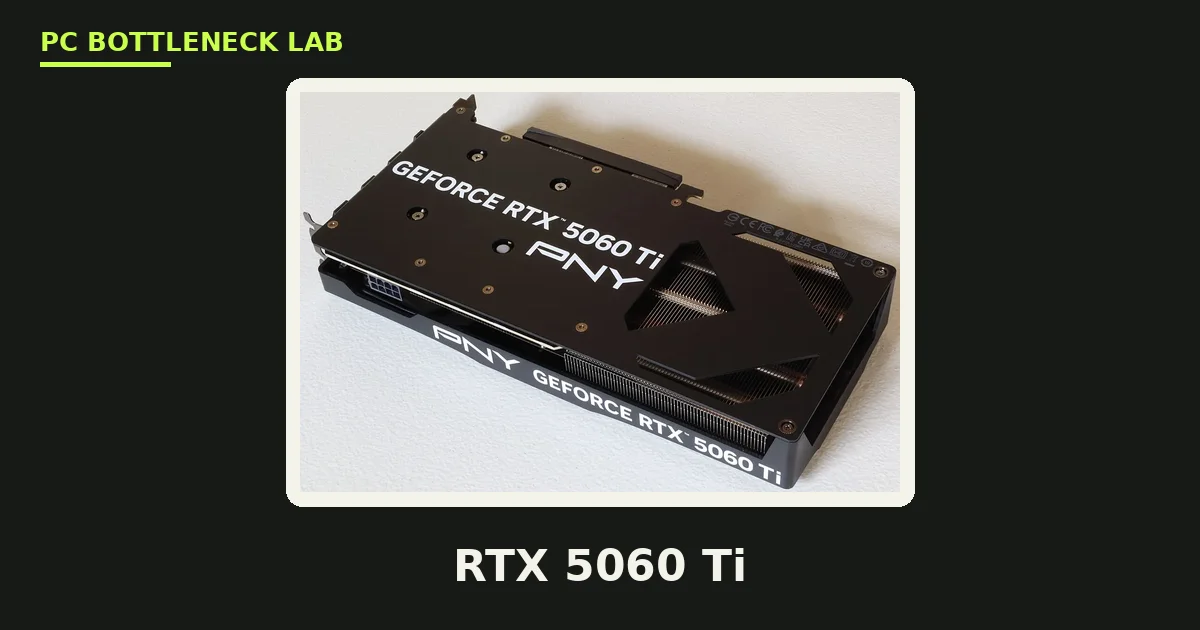
Key takeaways
- A modern six-core CPU is the minimum that feeds the RTX 5060 Ti at 1080p without a clear limit.
- The RTX 5060 Ti CPU bottleneck is worst at 1080p, smaller at 1440p, rare at 4K.
- The 16GB and 8GB cards need the same CPU, because both use the same chip and clocks.
- A Ryzen 5 5600 or Core i5-12400F is the cheapest sensible floor, while a Ryzen 7 7800X3D is the ceiling pick.
- Dual-channel RAM matters too, since a single stick can look like a CPU limit.
RTX 5060 Ti CPU bottleneck: the short answer
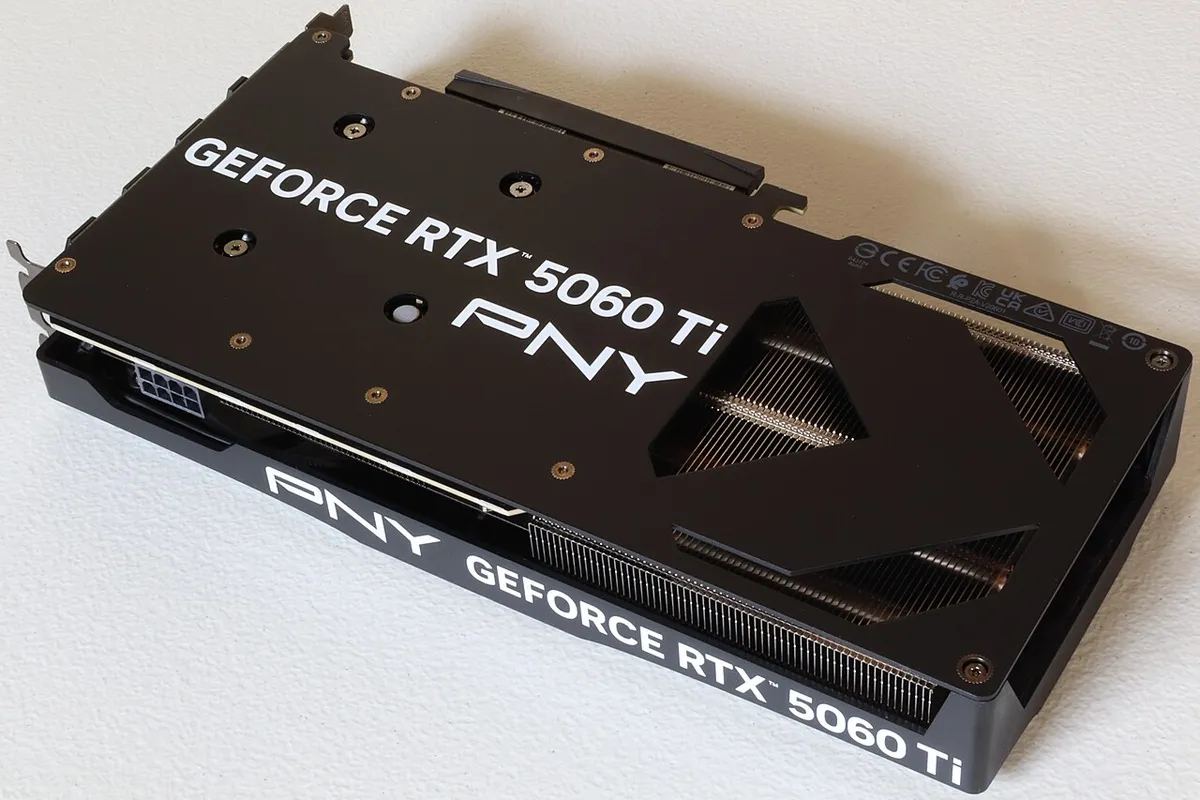
A CPU bottleneck means the processor sets the speed limit, not the graphics card. The RTX 5060 Ti is a mid-range Blackwell card, so it does not need a flagship CPU. Yet an old four-core chip or a slow laptop-grade processor will hold it back at 1080p. The card has 4,608 CUDA cores and 8GB or 16GB of GDDR7 memory on a 128-bit bus. Both versions share the same chip, the same clocks, and the same 180W board power. So the CPU question is the same for both cards. At 1080p the CPU works hardest, because frame rates are high and each frame needs more work from the processor. At 1440p the GPU takes on more load, so the CPU matters less. At 4K the card itself is the limit in nearly every game. If you play at 1080p on a high-refresh monitor, buy the best CPU you can afford. If you play at 1440p, a mid-range six-core chip is enough for most titles.
What the RTX 5060 Ti is, in plain terms
A bottleneck is a part that limits the rest of the system. The card draws each frame, while the processor prepares the work. When the processor is too slow, the card sits idle between frames. NVIDIA launched the RTX 5060 Ti on 16 April 2025 in two versions: 8GB at $379 and 16GB at $429. Street prices in November 2026 run well above those launch prices. The card uses a PCIe 5.0 x8 link, so pair it with a PCIe 4.0 or 5.0 board when you can.
| Spec | RTX 5060 Ti 8GB | RTX 5060 Ti 16GB |
|---|---|---|
| GPU chip | Blackwell GB206 | Blackwell GB206 |
| CUDA cores | 4,608 | 4,608 |
| Memory | 8GB GDDR7 | 16GB GDDR7 |
| Memory bus | 128-bit | 128-bit |
| Memory speed | 448 GB/s | 448 GB/s |
| Board power | 180W | 180W |
| Launch price | $379 | $429 |
| Launch date | 16 April 2025 | 16 April 2025 |
The minimum CPU that feeds the RTX 5060 Ti
The cheapest CPU that feeds the card fully at 1080p is a modern six-core chip: a Ryzen 5 5600 or newer on the AMD side, or a Core i5-12400F or newer on the Intel side. These chips cost far less than the card, and they keep the GPU busy in most games. A Ryzen 5 7600 or Core i5-13400F gives you extra headroom for background apps like Discord and a browser. For a high-refresh 1080p monitor, step up to a Ryzen 7 7800X3D or a Core i7-14700K. The 7800X3D has 96MB of L3 cache, which helps in games that hammer the cache. Its 8 cores and 16 threads run at up to 5.0 GHz, with a 120W rating. It is the ceiling pick, not the floor, and you do not need it for 1440p play, though it removes doubt at 1080p. Do not buy a flagship 16-core chip for this card, since the extra cores add nothing in games.
CPUs that hold the RTX 5060 Ti back
Some older chips cannot keep up, even though they still run games. A four-core processor from before 2020 is the classic case. It can feed the card in older titles, yet it stutters in open-world games and in busy multiplayer matches. A Ryzen 5 3600 or Core i5-10400F sits on the edge. These chips work at 1440p, where the GPU carries more load, but they show their age at 1080p. A Ryzen 5 2600 or Core i7-7700K is too slow for this card. You will see low GPU use and high CPU use, which is the clear sign of a CPU limit.
| CPU | Verdict with RTX 5060 Ti | Best use |
|---|---|---|
| Ryzen 7 7800X3D | Feeds the card fully | 1080p 240 Hz, 1440p high refresh |
| Ryzen 7 9700X | Feeds the card fully | 1080p and 1440p, plus work apps |
| Core i7-14700K | Feeds the card fully | 1080p and 1440p, plus streaming |
| Ryzen 5 7600 / 9600X | Feeds the card in most games | 1080p 144 Hz, 1440p |
| Core i5-13400F / 14400F | Feeds the card in most games | 1080p 144 Hz, 1440p |
| Ryzen 5 5600 / 5600X | Minimum sensible floor | 1080p 60-144 Hz, 1440p |
| Core i5-12400F | Minimum sensible floor | 1080p 60-144 Hz, 1440p |
| Ryzen 5 2600 / i7-7700K | Holds the card back clearly | Upgrade before buying the card |
RTX 5060 Ti CPU bottleneck by resolution
Resolution decides how much the CPU matters. At 1080p, the card can push high frame rates, so the processor must prepare frames fast. At 1440p, each frame costs the GPU more work, so the CPU gets breathing room. At 4K, the card is the limit in nearly every game, and even an older six-core chip can keep up. So a CPU upgrade helps most at 1080p. At 1440p with high settings, spend on the 16GB card instead of a faster CPU. Ray tracing also shifts load to the GPU, which shrinks the CPU limit further. Frame generation can raise the frame rate, yet it does not remove a CPU limit, since the CPU still sets the base frame rate. Read more here: how resolution changes bottlenecks.
| Resolution | CPU limit with RTX 5060 Ti | What to buy |
|---|---|---|
| 1080p | High, the CPU often sets the limit | Modern 6-core minimum, 7800X3D for 240 Hz |
| 1080p with ray tracing | Medium, GPU load rises | Modern 6-core is enough |
| 1440p | Low to medium | Modern 6-core, 8-core adds little |
| 1440p ultra | Low | Ryzen 5 5600 class is fine |
| 4K | Rare, the card is the limit | Any modern 6-core chip works |
How to tell if your CPU is holding the card back
You can check in ten minutes with free tools. First, open a hardware monitor like MSI Afterburner and play your most demanding game for ten minutes. Then look at the two use figures. If CPU use sits near 100% while GPU use stays under 80%, the processor is the limit. If GPU use sits near 100% while CPU use stays low, the card is the limit, and that is normal. Also watch the 1% lows, the slowest frames each second. A CPU limit shows up as stutter, even when the average frame rate looks fine. For a full step-by-step method, see this guide: how to check for a CPU bottleneck. Or check your own pair in seconds with the free tool: bottleneck calculator.
How to fix an RTX 5060 Ti CPU bottleneck
Start with the free fixes, since they cost nothing. Close background apps, especially browsers with many tabs. Turn on dual-channel RAM if you run a single stick, because single-channel RAM starves the CPU. Check that your RAM runs at its rated speed, then raise the resolution or the graphics settings. That sounds odd, yet it shifts load to the GPU and can smooth out stutter. Then cap the frame rate near your monitor refresh rate, which stops the CPU from racing ahead. If free fixes fail, a CPU upgrade is the last step. Compare the 5060 Ti with its bigger sibling first: RTX 5070 Ti vs RTX 5070. Check your pair on the CPU bottleneck calculator before you spend anything.
RTX 5060 Ti 16GB vs 8GB: does the CPU need change?
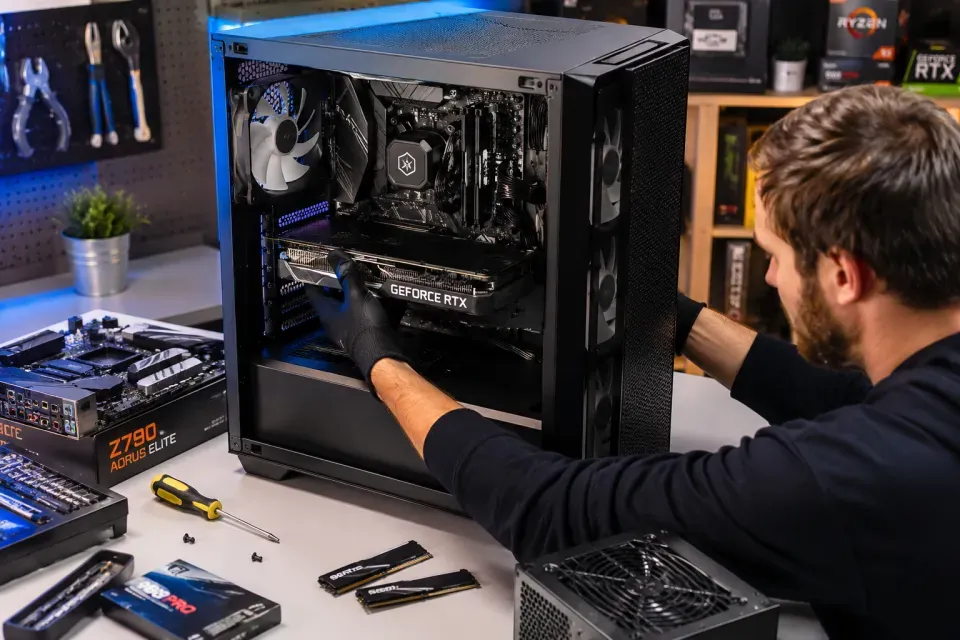
No, the CPU need is the same for both cards. Both use the same GB206 chip, the same 4,608 CUDA cores, and the same clocks. The only change is the memory size. The 16GB card holds more textures, so it stutters less at 1440p ultra in texture-heavy games. The 8GB card is fine at 1080p and in esports titles, yet it can run out of memory at 1440p ultra. That memory limit is a VRAM limit, not a CPU limit. So do not buy a faster CPU to fix VRAM stutter; buy the 16GB card instead. For the full VRAM picture, see this guide: VRAM bottleneck: 8GB vs 12GB vs 16GB. For the next card up, see the best CPU for RTX 5070 list.
Frequently asked questions
Does the RTX 5060 Ti have a CPU bottleneck?
Yes, mainly at 1080p with an old or weak processor. A modern six-core CPU removes the limit in most games, while a four-core chip from before 2020 holds the card back clearly. At 1440p the limit shrinks, and at 4K it is rare.
Does the RTX 5060 Ti need fast RAM to run well?
Not really. The 5060 Ti cares far more about the CPU and its own VRAM than about RAM speed. DDR5-6000 is a good match for a new AM5 build, and DDR4-3200 is fine for an AM4 build. Spend the money on a better CPU or GPU instead of faster RAM.
Will a Ryzen 5 5600 bottleneck an RTX 5060 Ti?
No, not in a way most players will notice. The Ryzen 5 5600 is the minimum sensible floor, and it feeds the card well at 1080p 60 to 144 Hz and at 1440p. If you already own a 5600, keep it and buy the card first.
Is the RTX 5060 Ti bottleneck worse at 1080p or 1440p?
It is worse at 1080p, because high frame rates put more work on the processor. At 1440p each frame costs the GPU more, so the CPU gets room to breathe. At 4K the card is the limit in nearly every game. So a CPU upgrade helps most at 1080p.
Does the 8GB RTX 5060 Ti need a weaker CPU than the 16GB card?
No, both cards need the same CPU. They share the same chip, core count, clocks, and 180W power rating. The only difference is memory size. The 16GB card avoids VRAM stutter at 1440p ultra, while the 8GB card can run out of memory there. That is a VRAM limit, not a CPU limit.
How do I fix an RTX 5060 Ti CPU bottleneck without buying a new CPU?
Close background apps, run dual-channel RAM at its rated speed, and raise the resolution or settings to shift load to the GPU. Cap the frame rate near your monitor refresh rate to smooth stutter. If the CPU still sits near 100% while the GPU idles, a CPU upgrade is the real fix.
How this guide was prepared
This guide uses NVIDIA launch specifications and launch prices for the RTX 5060 Ti, plus the site's bottleneck method. Frame-rate claims are rough estimates, not measured results.
Last updated: November 10, 2026