
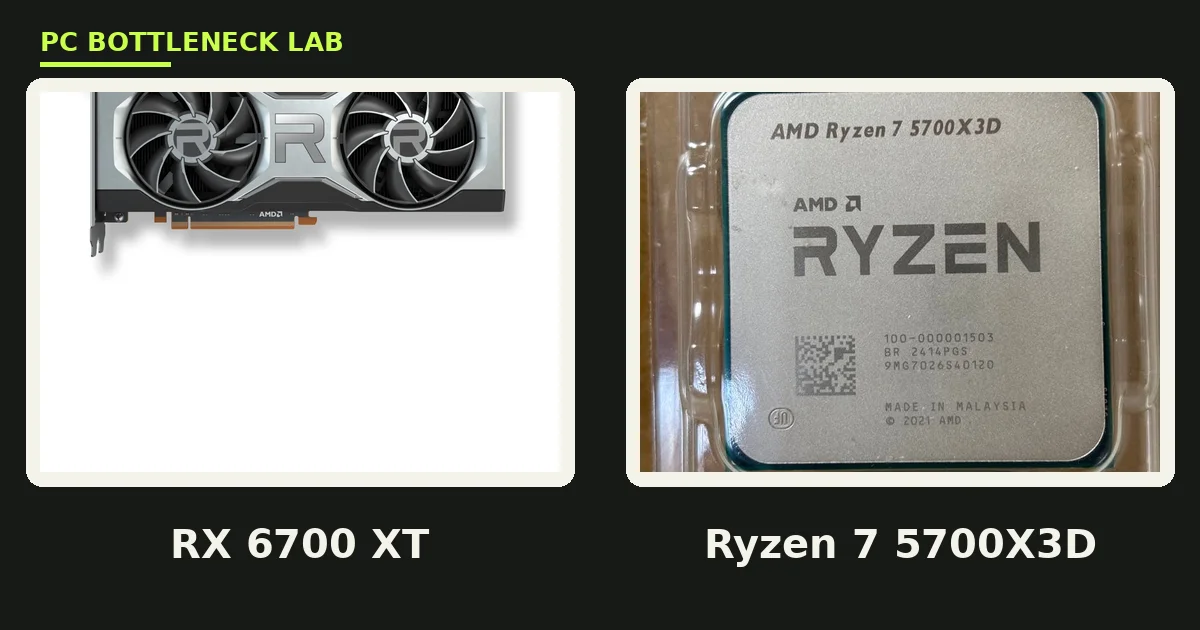
Key takeaways
- A Ryzen 5 7600X or a Ryzen 7 5700X3D feeds the RX 6700 XT fully at 1440p.
- On AM4, a Ryzen 7 5700X3D is the drop-in fix that needs no new board.
- 12GB of VRAM makes the card a strong 1440p raster card in 2026.
- Smart Access Memory gives a small free gain, yet it never fixes a CPU limit.
- Low GPU usage with a busy CPU is the clearest sign of a CPU limit.
RX 6700 XT bottleneck: the short answer
A CPU bottleneck happens when the processor cannot prepare frames fast enough for the graphics card. The GPU then waits between frames, and the frame rate stops rising even though the card has power to spare. For this card, the line sits near a modern 6-core CPU at 1440p. Anything slower wastes the card, and anything much faster adds little at 4K. Check your own pair with the free tool: pc bottleneck calculator.
The card is a 1440p raster card, so the CPU question is really about your resolution and your platform. At 1080p, the CPU sets the ceiling in most games, because the card finishes each frame fast. At 1440p, a good 6-core or 8-core CPU keeps pace in most titles. At 4K, the GPU works so hard on every frame that even a mid-range CPU rarely holds it back.
What the RX 6700 XT brings
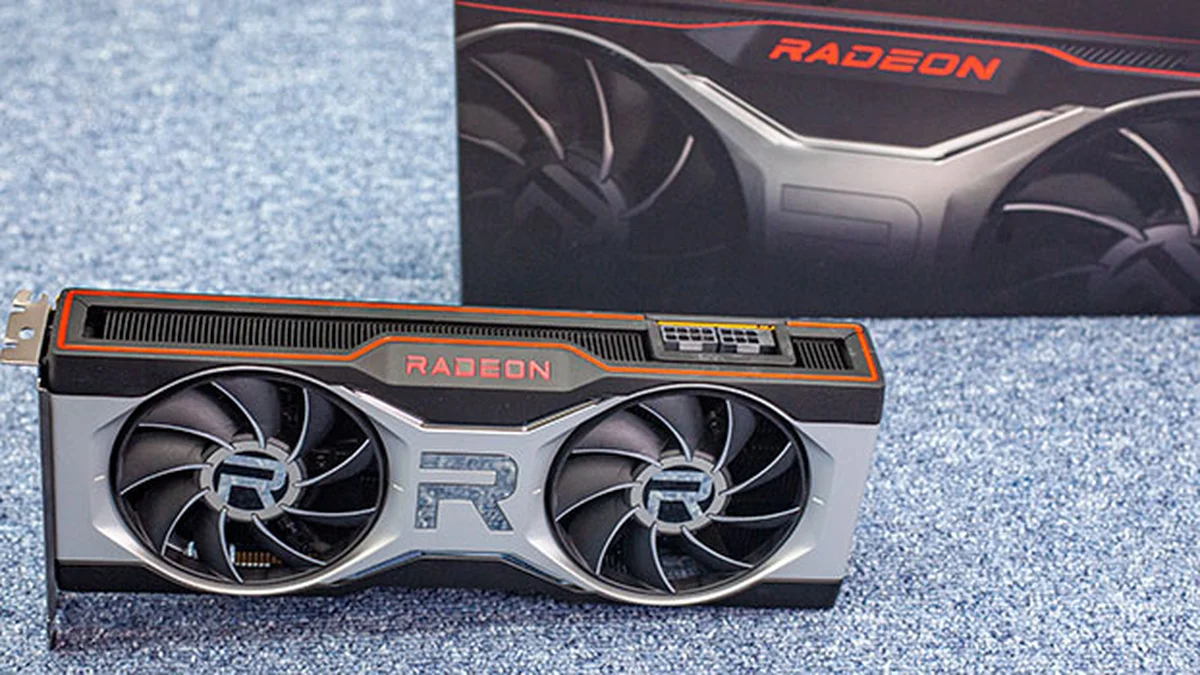
The RX 6700 XT launched on March 18, 2021, at a $479 starting price. It carries 12GB of GDDR6 VRAM on a 192-bit bus, with 384 GB/s of bandwidth. 12GB suits 1440p ultra textures well. The card runs 2,560 stream processors across 40 compute units, with 96 MB of Infinity Cache. It draws 230W through one 8-pin and one 6-pin plug. RDNA 2 is the design behind the card. For the full card specs, see the RX 6700 XT specifications page.
The card's strength is raster speed for its price. TechPowerUp's launch review measured it 8% faster than the RTX 3060 Ti, and 4% behind the RTX 3070. Its weak point is ray tracing, where it trails same-class Nvidia cards by a clear margin. It also supports Smart Access Memory, which is AMD's name for resizable BAR, and it lets the CPU reach the card's full memory. For the bigger AMD card in the same family, see this: RX 7700 XT CPU bottleneck guide.
| Spec | RX 6700 XT | RTX 3070 | RTX 3060 Ti | RX 7700 XT |
|---|---|---|---|---|
| VRAM | 12GB GDDR6 | 8GB GDDR6 | 8GB GDDR6 | 12GB GDDR6 |
| Memory bus | 192-bit | 256-bit | 256-bit | 192-bit |
| Bandwidth | 384 GB/s | 448 GB/s | 448 GB/s | 432 GB/s |
| Cores | 2,560 stream | 5,888 CUDA | 4,864 CUDA | 3,456 stream |
| Board power | 230W | 220W | 200W | 245W |
| Launch | March 2021, $479 | October 2020, $499 | December 2020, $399 | September 2023, $449 |
The card now sells mostly used. Its median sold price is $363, with a typical $341–$396 range on eBay over the last 90 days (pcprice.watch, 17 Nov 2026). That price makes it a value pick for 1440p, since few cards in that band carry 12GB.
The minimum CPU for the RX 6700 XT
The floor for this card is a modern 6-core CPU with strong single-core speed. A Ryzen 5 7600X runs 6 cores and 12 threads, with a boost up to 5.3 GHz. A Core i5-12400F runs 6 cores and 12 threads, with a boost up to 4.4 GHz. Both feed the card well at 1440p in most games, and both leave room for background apps like Discord.
The sweet spot is an 8-core chip with a big game cache or high clocks. A Ryzen 7 7800X3D runs 8 cores and 16 threads, with a boost up to 5.0 GHz and 96 MB of L3 cache. A Ryzen 7 9700X runs 8 cores and 16 threads too, with a boost up to 5.5 GHz at only 65W. For the newer AMD card in the same price band, see this: RX 9060 XT CPU bottleneck guide.
| Tier | CPUs | Best for |
|---|---|---|
| Top pick | Ryzen 7 7800X3D, Ryzen 7 9800X3D | 1440p high-refresh and 1080p competitive play |
| Strong all-round | Ryzen 7 9700X, Core i7-14700K | Gaming plus streaming, editing, or heavy multitasking |
| Floor | Ryzen 5 7600X, Core i5-12400F | 1440p high settings in most games |
| AM4 upgrade | Ryzen 7 5700X3D, Ryzen 7 5800X3D | Same board, no new RAM or platform |
| Avoid | Ryzen 5 3600, Core i5-10400F at 1080p | These cap the card in fast games |
RX 6700 XT bottleneck by resolution
Resolution changes the balance between the CPU and the GPU, and this card shows it clearly. At 1080p, the card draws each frame fast, so the CPU must prepare frames at the same pace. A 6-core floor CPU will cap competitive games here, and only an 8-core chip with a big cache or high clocks keeps the card fed. At 1440p, the balance shifts: the GPU takes longer per frame, so the floor CPUs catch up. At 4K, the GPU dominates, and even the AM4 upgrade tier in the table above plays well.
The higher the resolution, the less CPU you need. That rule also covers ray tracing, since ray tracing loads the GPU and gives the CPU more breathing room. Yet ray tracing is this card's weak point, so do not buy it for heavy ray tracing at any resolution. Buy it for raster speed at 1440p, where it shines.
CPUs that hold the RX 6700 XT back
A Ryzen 5 3600 has 6 cores and 12 threads, yet its single-core speed trails modern chips by a wide margin. A Core i5-10400F has 6 cores and 12 threads too, and it shows its age in open-world games that stream data all the time. Both chips pair with the card on paper, yet both leave frames on the table at 1080p and 1440p.
Your frame rate stays flat when you drop the graphics settings, since the CPU sets the ceiling, not the card. Your 1% lows fall far below your average frame rate, so play feels choppy even when the average looks fine. The 1% low is the frame rate of the worst 1% of frames. It shows stutter that an average hides.
How to tell if your CPU limits the card
Run a game with an overlay that shows CPU and GPU usage side by side. MSI Afterburner is a free tool that draws those numbers on screen while you play. If GPU usage sits near 95% or higher, the card is the limit, and your CPU is fine. If GPU usage sits near 60% while one or two CPU cores run near 100%, the CPU is the limit. For the fix-first route, see this: how to fix a CPU bottleneck without buying a new CPU.
Run the test in a game you actually play, not a benchmark you never touch. CPU-heavy open-world and simulation titles show the gap first, while linear shooters hide it. Test at your normal settings and resolution, since changing them changes the answer. Also close heavy background apps first, since a browser with many tabs can fake a CPU limit.
How to fix an RX 6700 XT bottleneck
Turn on XMP or EXPO in your BIOS so your RAM runs at its rated speed, since slow RAM starves the CPU. XMP and EXPO are the one-click memory profiles on Intel and AMD boards. Then turn on Smart Access Memory in your BIOS, since it lets the CPU reach the card's full memory. Then raise the resolution or the graphics settings, which loads the GPU and shifts work away from the CPU.
When the gap is large, a CPU upgrade is the real fix, and AM4 owners get the cheapest route. A Ryzen 7 5700X3D drops into the same AM4 board and adds the big game cache, with no new RAM and no new board. A Ryzen 7 5800X3D does the same with higher clocks. On AM5, a Ryzen 7 7800X3D is the direct step up. On Intel LGA 1700, a Core i5-14600K or Core i7-14700K fits the same board in most cases. Check your board maker CPU support list first, since a BIOS update may be needed. For the AM4 path in full, see this: AM4 upgrade path without a new motherboard.
The bottom line
An RX 6700 XT bottleneck comes down to resolution and CPU age, not to the card itself. A Ryzen 7 7800X3D or a Ryzen 7 5700X3D feeds it fully at 1440p. A Ryzen 5 7600X or a Core i5-12400F is the floor. On AM4, the 5700X3D is the smartest money, since it needs no new board. Check your pair first on the gpu bottleneck calculator before you spend on new parts, and buy the CPU your monitor actually needs.
Frequently asked questions
Will an RX 6700 XT fit in a small form factor case?
It depends on your case, since the reference card is 27 cm long and needs two slots. It weighs 882 g, and it needs one 8-pin plus one 6-pin power plug. Measure your case clearance first, and check the power plugs too. Partner cards can run longer, so check the exact model you buy.
Does the RX 6700 XT support FSR 3 in new games?
Yes, it supports FSR 3 where games build it in, yet support varies by title. FSR upscaling lifts frame rates in heavy games, and frame generation adds more in the titles that offer it. Check each game's graphics menu, since no card feature works in a game that lacks it. FSR never fixes a CPU limit.
Why does my RX 6700 XT run hot at idle with two monitors?
Two monitors can keep the card's memory at full speed, so the card idles warmer than with one screen. TechPowerUp's review noted the same high multi-monitor power draw at launch. The fans stop at idle on the reference card, so heat builds until they spin up. Try one monitor at idle, or set both screens to the same refresh rate.
Is the RX 6700 XT good for 1080p 144Hz esports?
Yes, it is a strong pick for 1080p esports at high refresh rates. The card's raster speed clears 144 frames per second in most competitive titles at high settings. The CPU matters more here, since the card finishes frames fast at 1080p. Pair it with a modern 6-core CPU or better, and it will keep up.
What power supply and cables does an RX 6700 XT need?
A good 550W unit is the safe pick, and you need one 8-pin plus one 6-pin plug. The card draws 230W, and that plug pair is rated for up to 300W of power draw. A quality 550W unit with a modern 6-core CPU and one SSD can run it. Check your unit's age first, since a tired old unit can still cause crashes.
Can the RX 6700 XT handle ray tracing in Cyberpunk 2077?
It can, yet only at modest settings. Ray tracing is this card's weak point, so ultra ray tracing will drag the frame rate down hard. Medium ray tracing with FSR upscaling plays far better, and raster mode without ray tracing is the card's real strength. Buy this card for raster speed, not for heavy ray tracing.
How this guide was prepared
This guide uses the published specifications of AMD, the launch review data of TechPowerUp, and the CPU data in our own component pages. The launch prices are the launch prices, not current street prices. The CPU tiers are this guide's own reading of those sources for each resolution, and no frame rates were measured here.
Last updated: November 18, 2026