
Key takeaways
- At 1440p, the RX 9070 XT sets the pace while the Ryzen 7 9700X keeps up.
- PCPartGuide estimates about 142 FPS at 1440p and 66 FPS at 4K in a typical AAA game.
- At 1080p, the CPU becomes the limit in most games, so high-refresh esports gains shrink.
- The pair needs a 650 W power supply at minimum, with 750 W as the card maker baseline.
- Three calculators disagree on the exact bottleneck size, so treat every single number as an estimate.
Ryzen 7 9700X RX 9070 XT bottleneck: the short answer
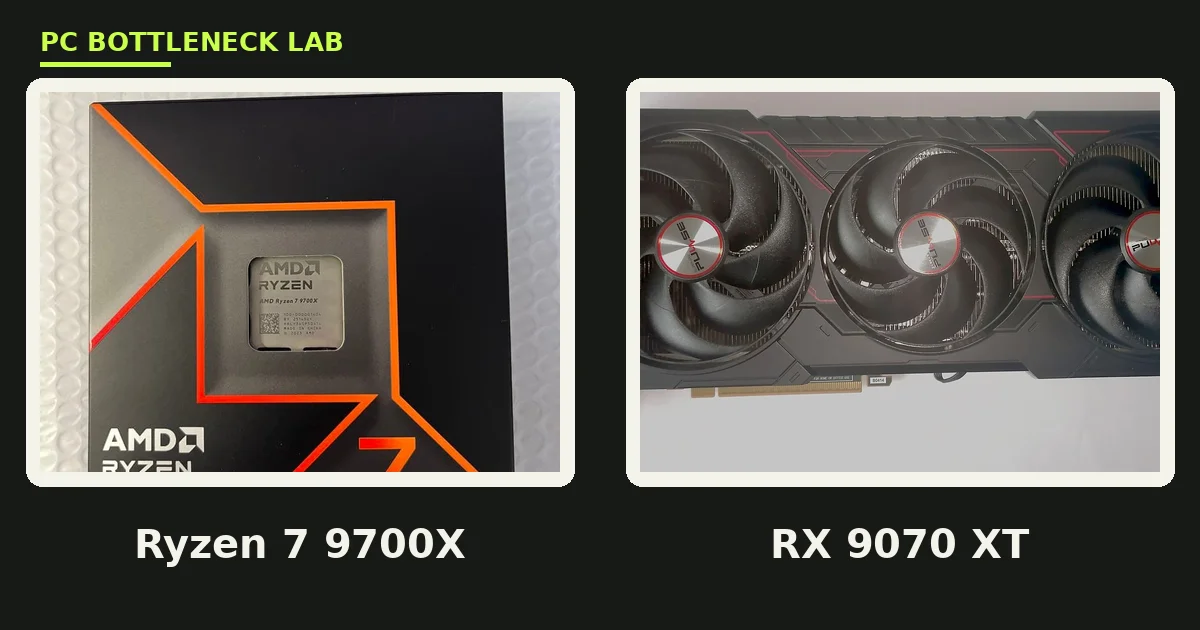
The Ryzen 7 9700X and the RX 9070 XT are a balanced all-AMD pair for 1440p gaming. The 9700X is an 8-core Zen 5 chip that boosts to 5.5 GHz. The 9070 XT is a 16 GB RDNA 4 card built for 1440p. At 1440p, the card does the heavy lifting while the CPU keeps it fed, and that is the balance you want. The pair earns a Grade S for 1440p gaming on pcbottleneck.com, with a 650 W power supply as the minimum. For wider CPU choices for the card, see this: best CPU for RX 9070 XT. You can also check your own pair with the pc bottleneck calculator.
| Ryzen 7 9700X | RX 9070 XT | |
|---|---|---|
| Architecture | Zen 5, 8 cores and 16 threads | RDNA 4, Navi 48, 64 compute units |
| Clocks | 3.8 GHz base, up to 5.5 GHz boost | 2400 MHz game, up to 2970 MHz boost |
| Cache and memory | 32 MB L3 cache, DDR5-5600 | 16 GB GDDR6, 256-bit bus, 4096 stream processors |
| Power | 65 W TDP, no cooler in the box | 304 W board power, 750 W supply baseline |
| Platform | AM5 socket | PCIe 5.0, DisplayPort 2.1a |
| Launched | August 2024 | 6 March 2025 |
Ryzen 7 9700X RX 9070 XT bottleneck at 1080p
At 1080p, the CPU does more of the work per frame, so the 9700X becomes the limit. PCPartGuide estimates a CPU ceiling near 201 FPS and a GPU ceiling near 247 FPS at this resolution. Its estimate for a typical modern AAA game at high settings is about 195 FPS, with a 19% CPU-side gap. The same source finds the 9700X as the 1080p limiter by 10% or more in 11 of 14 games. That still leaves 144 FPS within reach in 13 of 14 games, so high-refresh play stays open. The gap bites hardest in CPU-heavy scenes and in 1% lows rather than in the average.
Ryzen 7 9700X RX 9070 XT bottleneck at 1440p
1440p is where this pair belongs. PCPartGuide estimates about 142 FPS in a typical modern AAA game at high settings, with the GPU as the limit by 29%. The buildkit.store 9700X guide reports per-game 1440p ultra results for the same pair, and its GPU use sits at 94 to 98% across those titles. High use means the CPU is feeding the card well, and the card is doing the work it was bought for. A 144 Hz 1440p monitor is the natural match, since the pair clears 144 FPS in lighter titles and stays near it in heavy ones.
| Game, 1440p ultra | Average FPS | 1% low FPS | GPU use |
|---|---|---|---|
| Cyberpunk 2077: Phantom Liberty | 93 | 70 | 97% |
| Black Myth: Wukong | 80 | 61 | 98% |
| Star Wars Outlaws | 73 | 55 | 97% |
| Marvel Rivals | 158 | 127 | 96% |
| CS2, competitive settings | 340 | 249 | 94% |
| The Witcher 4 | 88 | 65 | 97% |
These are buildkit.store figures for 1440p ultra, taken from that guide rather than from our own test.
The same pair at 4K
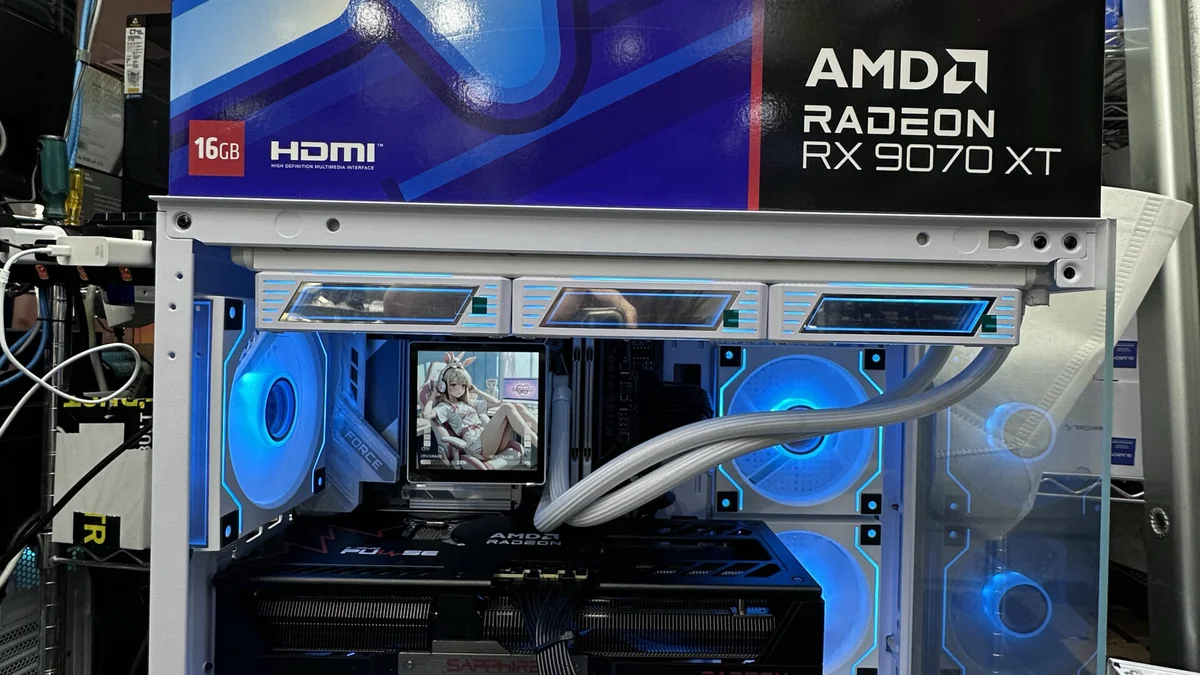
At 4K, the card carries almost all of the load. PCPartGuide estimates about 66 FPS in a typical AAA game at high settings, with a 67% GPU-side gap. The same source reaches 60 FPS at 4K in 10 of 14 games, so 4K play works with settings tuned. A faster CPU would not help here, since the card is already the wall. If 4K is your main target, spend the upgrade money on a stronger card rather than a stronger CPU. The wider Ryzen 9000 picture: Ryzen 9000 series bottleneck guide. Resolution shifts the balance more than any other setting: how resolution changes bottlenecks.
Why three calculators disagree
Three known calculators give three different answers for this pair, and the gap is a lesson in method. PCPartGuide builds a ceiling per part and compares them. ConfiguraPC scores a mix of games at ultra settings. BottleneckPC scores each part out of 100 and weights the scores by resolution. None of them measured your PC, so none of them can give a single true number. Read the three as a range, and trust the direction they share: balanced at 1440p, CPU-tight at 1080p, and GPU-bound at 4K.
| Source | 1080p | 1440p | 4K |
|---|---|---|---|
| PCPartGuide, data version 2026.09 | 19% CPU-side, about 195 FPS | 29% GPU-side, about 142 FPS | 67% GPU-side, about 66 FPS |
| ConfiguraPC | About 118 FPS at ultra | About 88 FPS at ultra | About 55 FPS at ultra |
| BottleneckPC | 5% gap | 7% gap | 10% gap |
The card-side view: RX 9070 XT CPU bottleneck guide.
What the build needs around the pair
The pair draws modest power for its class. The 9700X carries a 65 W rating, and the 9070 XT carries a 304 W board power figure. Pcbottleneck.com lists 650 W as the minimum supply for the pair, while AMD lists 750 W as the baseline for the card class. Pick 750 W for headroom, and check the exact card, since partner models can ask for more. Memory matters too: PCPartGuide based its estimates on 32 GB of DDR5-6000, and that speed is the sensible pick for AM5. The 9700X ships without a cooler, so budget for one. The AM5 socket leaves an upgrade open later, such as a move to a 3D V-Cache chip. The closest NVIDIA rival card pairs the same way: best CPU for RTX 5070.
The bottom line on this all-AMD pair
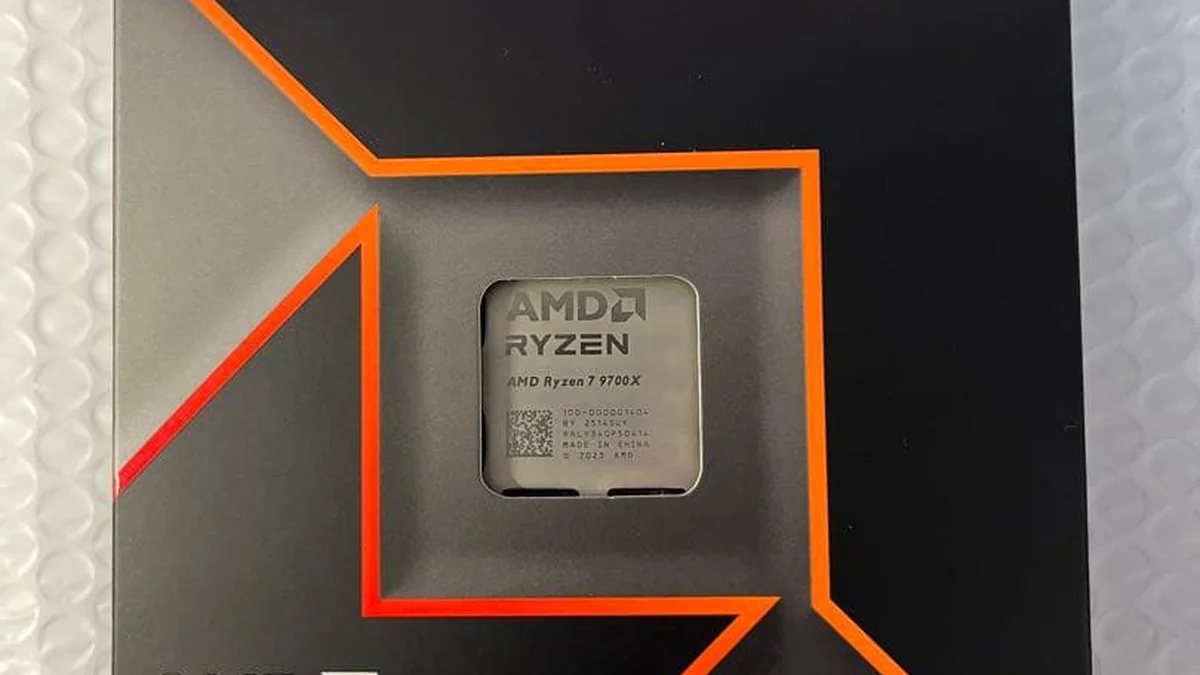
Ryzen 7 9700X RX 9070 XT bottleneck stays small at the resolution this pair was built for. At 1440p, the card sets the pace and the CPU keeps up, and the estimates point to about 142 FPS in a typical AAA game. At 1080p, the CPU tightens the frame rate, and at 4K, the card does. Buy it for 1440p, pair it with a 144 Hz screen and 32 GB of DDR5-6000, and check the cpu gpu bottleneck calculator first.
Frequently asked questions
Is the Ryzen 7 9700X enough for the RX 9070 XT at 1440p?
Yes, it is enough at 1440p. PCPartGuide estimates about 142 FPS in a typical AAA game at high settings, with the GPU as the limit. The buildkit.store guide reports GPU use of 94 to 98% at 1440p ultra, which means the CPU feeds the card well. Pcbottleneck.com grades the pair S for 1440p gaming.
What FPS does the 9700X and 9070 XT reach at 1440p?
Estimates vary by game and settings, so use ranges rather than one number. PCPartGuide estimates about 142 FPS in a typical AAA game at high settings. The buildkit.store table for 1440p ultra lists 73 to 93 FPS in heavy AAA games, 158 FPS in Marvel Rivals, and 340 FPS in CS2. Treat each figure as that source estimate.
Does the 9700X bottleneck the 9070 XT at 1080p?
Yes, by a small margin in most games. PCPartGuide estimates a 19% CPU-side gap at 1080p, and it finds the 9700X as the limiter by 10% or more in 11 of 14 games. The pair still reaches 144 FPS in 13 of 14 games. The gap bites hardest in CPU-heavy scenes and in 1% lows rather than in the average.
What power supply does the 9700X and 9070 XT pair need?
Pcbottleneck.com lists 650 W as the minimum supply for the pair. AMD lists 750 W as the baseline for the RX 9070 XT card class, and partner cards can ask for more. Pick a good 750 W unit for headroom, and check the exact card model before you buy. A cheap supply is a false saving on a build like this.
Is the 9700X or the 9800X3D better with the 9070 XT?
The 9800X3D wins in games, since its 3D V-Cache lifts frame rates at 1080p and 1440p. The 9700X still feeds the 9070 XT well at 1440p, and it costs less while drawing only 65 W. Pick the 9800X3D for maximum gaming frames, and pick the 9700X when the budget matters more than the last few frames.
Can the 9700X and 9070 XT play games at 4K?
Yes, with settings tuned to the card. PCPartGuide estimates about 66 FPS in a typical AAA game at high settings, and it reaches 60 FPS at 4K in 10 of 14 games. The card is the limit at 4K, so a faster CPU would not help. Use upscaling or high settings rather than ultra to hold a steady 60 FPS.
How this guide was prepared
This guide uses the AMD product specs for both parts, the PCPartGuide pair page, the buildkit.store 9700X guide, and the BottleneckPC pair page. Frame rates are the estimates of those sources for stated settings, and they are labelled as estimates throughout. No frame rate is our own measurement, and no single bottleneck number is stated as fact.
Last updated: November 14, 2026