
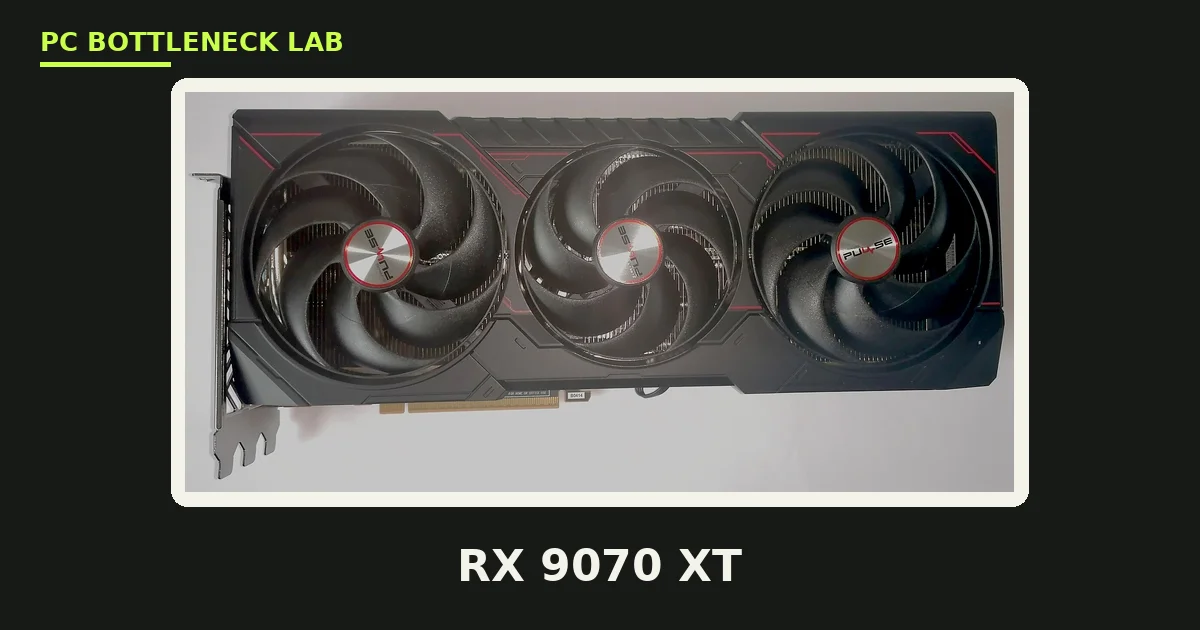
Key takeaways
- RX 9070 XT CPU bottleneck: at 1080p the CPU decides your frame rate, while at 1440p and 4K the card is the limit.
- The card carries 4,096 stream processors, 16GB of GDDR6, a 256-bit bus, and a 304W board power. It launched 6 March 2025 at $599.
- Best overall CPU: Ryzen 7 9800X3D. Best value: Ryzen 7 7800X3D. Best budget: Ryzen 5 9600X.
- Best mixed-use pick: Ryzen 7 9700X, for gaming plus streaming and light creative work.
- AMD recommends a 750W PSU. The card uses standard 8-pin power, not a 12V-2x6 connector.
RX 9070 XT specs: what the card actually is
The RX 9070 XT is AMD's RDNA 4 desktop card on the Navi 48 chip. It sits at the top of the RX 9000 series, below no other AMD gaming card. The card launched on 6 March 2025 at a $599 suggested price, after AMD announced it on 28 February 2025. It supports FSR 4 upscaling and improved ray tracing over RDNA 3. The table below is the reference spec, checked in November 2026. Like every current card, its street price moves with the 2026 memory shortage. The full price story is here: GPU prices rising November 2026: buy before Black Friday.
| Spec | RX 9070 XT |
|---|---|
| Architecture | RDNA 4, Navi 48 |
| Stream processors | 4,096 (64 compute units) |
| VRAM | 16GB GDDR6, 256-bit, 640 GB/s |
| Boost clock | Up to 2.97 GHz |
| Board power | 304W |
| Power connectors | 2x 8-pin |
| Launch date | 6 March 2025 |
| Launch price | $599 |
RX 9070 XT CPU bottleneck by resolution
A CPU bottleneck happens when the processor sets the speed limit, not the graphics card. With the RX 9070 XT, the answer flips with resolution. At 1080p, the CPU matters most, since the card can push high frame rates and the processor must keep up. At 1440p, the card's home resolution, the GPU takes over almost completely. Scaling tests find that even a budget chip converges with the fastest gaming CPU once the card becomes the limit at 1440p. At 4K, almost any modern six-core or eight-core CPU stops being the limit. Cache-sensitive games break this rule. Sim racing, flight sims, late-game strategy, and dense MMO content stay CPU-bound at 1440p and beyond. The slowest frames, called 1% lows, show the CPU limit first. For the frame-time story in full, see this: stuttering and frame time: 1% lows explained. The rule is simple. The higher your resolution, the less your CPU matters.
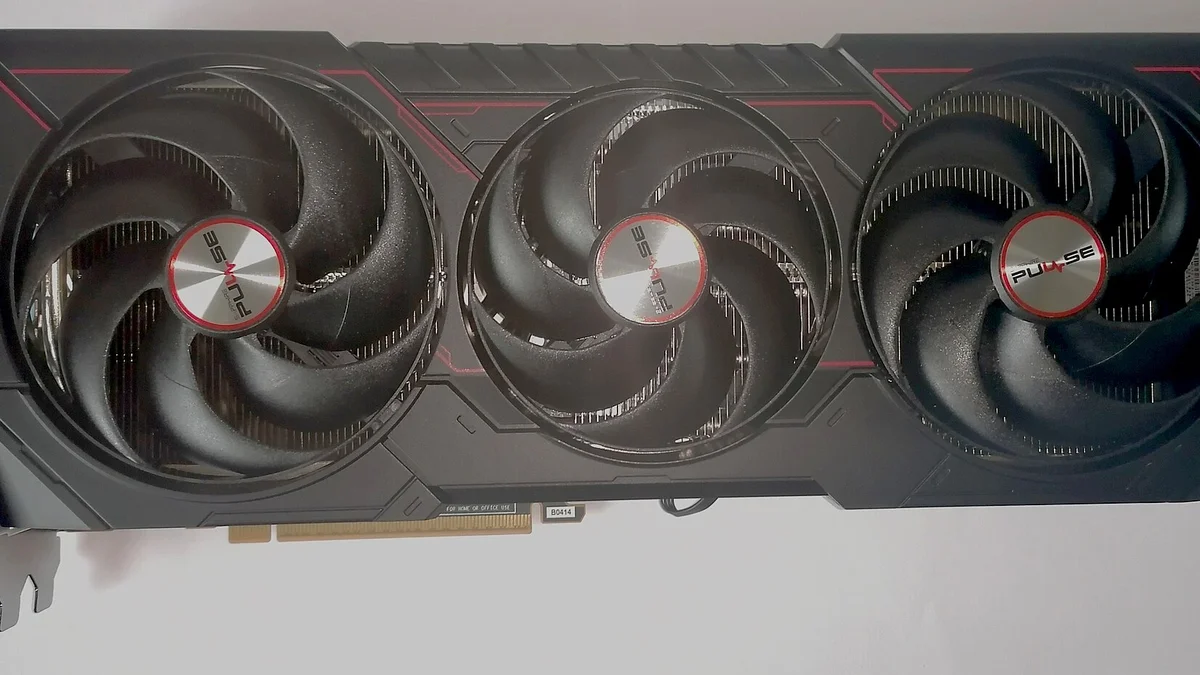
Best CPUs for the RX 9070 XT, by tier
The table below is our guidance, not a benchmark. Each pick names the cores, the boost clock, and the cache, since cache is what keeps frame times steady. The picks cover every budget, from a cheap 1440p build to a no-compromise rig. For the tier below this card, see this: RTX 5060 Ti CPU bottleneck: which CPU you need.
| CPU | Cores / threads | Boost | L3 cache | Best for |
|---|---|---|---|---|
| Ryzen 7 9800X3D | 8 / 16 | 5.2 GHz | 96 MB | Best overall |
| Ryzen 7 7800X3D | 8 / 16 | 5.0 GHz | 96 MB | Best value |
| Ryzen 7 9700X | 8 / 16 | 5.5 GHz | 32 MB | Best mixed use |
| Ryzen 5 9600X | 6 / 12 | 5.4 GHz | 32 MB | Best budget |
| Ryzen 5 7600X | 6 / 12 | 5.3 GHz | 32 MB | Cheapest AM5 |
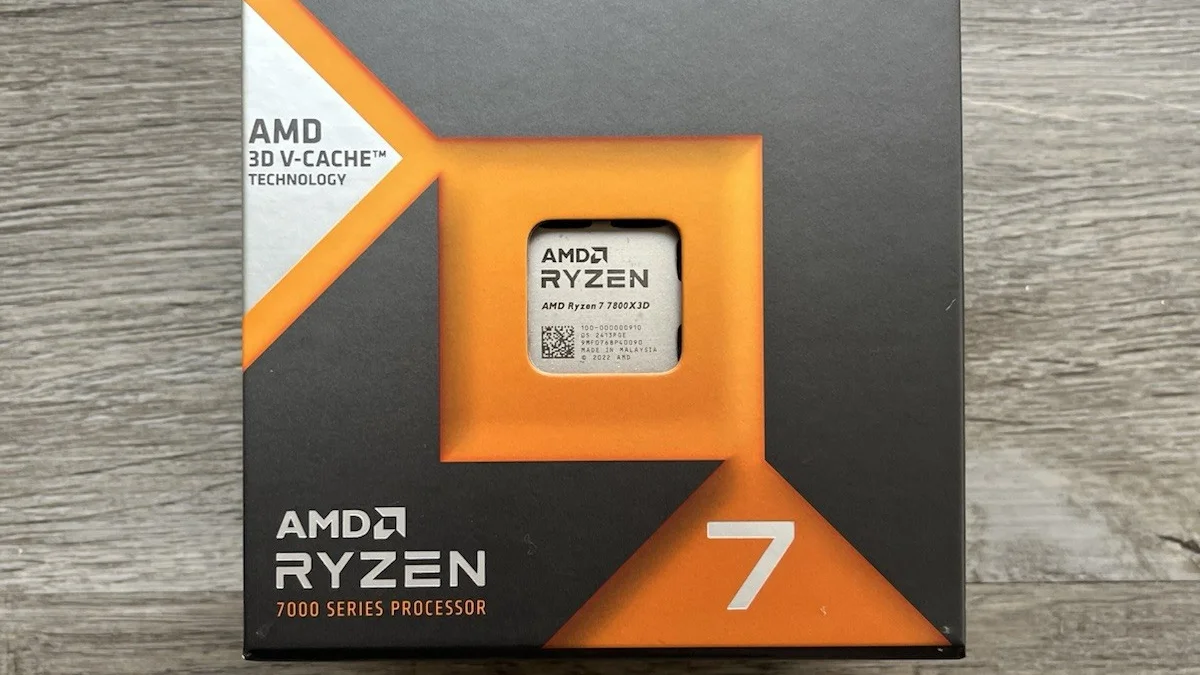
Ryzen 7 9800X3D: the best overall
The 9800X3D is the best overall CPU for the RX 9070 XT at any resolution. It pairs 96MB of L3 cache with eight Zen 5 cores at 5.2 GHz. Buy it when your panel is 1080p high-refresh, or your library leans on sims, strategy, and MMOs. At 1440p and 4K the gap over cheaper chips shrinks, since the card is the limit there.
Ryzen 7 7800X3D: the best value
The 7800X3D is the best value pick. It shares the same 96MB of 3D V-Cache as its successor and gives up very little in real gaming frame rates. TechSpot measured the 9800X3D only about 8% ahead at 1080p with a far stronger card, and the gap shrinks at 1440p and 4K. For the reverse pairing, see this: best GPU for Ryzen 7 7800X3D.
Ryzen 7 9700X: the best mixed use
The 9700X is the pick when gaming shares the PC with other work. It boosts to 5.5 GHz, draws only 65W by default, and beats the X3D chips in rendering, compression, and compiling. In games it trails the 7800X3D, since it has only 32MB of L3 cache and no 3D V-Cache. The Intel alternative for mixed use is the Core Ultra 7 265K, which leads in multi-core work. Buy the 9700X when you stream or create as much as you play.
Ryzen 5 9600X: the best budget pick
The 9600X is the cheapest CPU that does not hold the card back at 1440p. Six Zen 5 cores at 5.4 GHz are plenty when the card is the limit. At 1080p it shows its limits in CPU-heavy games, yet at 1440p and 4K it holds up fine. Buy it for 1440p on a tight budget, and put the saving into the card or the monitor.
Ryzen 5 7600X: the cheapest AM5 pick
The 7600X is the floor for this card, and it still works at 1440p and 4K. Six Zen 4 cores at 5.3 GHz feed the card well once the GPU becomes the limit. Scaling tests show it converging with the 9800X3D at 1440p, where both chips return the same result. Buy it only when every dollar counts, since the 9600X costs little more for a newer platform.
Which CPUs hold the RX 9070 XT back?
Old four-core CPUs hold the card back at every resolution, and they should be the first upgrade. A Ryzen 5 3600 or 5600 is fine at 4K, yet it limits high-refresh 1080p play. Older Intel chips like the i9-9900K still work, yet they trail at 1080p and 1440p, and the gap only closes at 4K. The power supply matters too. AMD recommends a 750W PSU for this card, and the card uses two standard 8-pin connectors. There is no 12V-2x6 connector to worry about, which is one less thing to get wrong.
How to check your RX 9070 XT pairing
Open a hardware monitor and play at your usual resolution, then look at the two use figures. If CPU use sits near 100% while GPU use stays low, the processor is the limit. If GPU use sits near 100%, the card is the limit, and that is the normal case at 1440p and 4K. Also watch the 1% lows, which are the slowest frames in each second. A CPU limit shows up as stutter in busy scenes, even when the average frame rate looks fine. Check your own pair before you buy with the free tool: bottleneck calculator. For the full check method, see this: how to check for a CPU bottleneck.
The bottom line on RX 9070 XT CPU bottleneck
RX 9070 XT CPU bottleneck comes down to resolution. At 1440p and 4K, the card is the limit, and a Ryzen 5 9600X is enough. At 1080p high-refresh, the CPU decides your frame rate, and a Ryzen 7 9800X3D or 7800X3D is the pick. Spend on the card first at 1440p, and on the CPU first at 1080p. Check your pair first on the CPU bottleneck calculator before you spend.
Frequently asked questions
Which CPU is the right match for the RX 9070 XT?
The Ryzen 7 9800X3D is the best overall, since it leads at any resolution and in cache-heavy games. The Ryzen 7 7800X3D is the best value, with the same 96MB of L3 cache at a lower price. The Ryzen 7 9700X is the best mixed-use pick, and the Ryzen 5 9600X is the best budget pick for 1440p.
Does the RX 9070 XT bottleneck at 1440p?
Almost never, with a modern CPU. At 1440p the card is the limit in most games. Scaling tests find that even a budget chip converges with the fastest gaming CPU once the card becomes the limit. The CPU only matters at 1440p in cache-heavy games like sims, flight sims, and dense MMOs.
Can the Ryzen 5 9600X feed the RX 9070 XT?
Yes, at 1440p and 4K, where the card is the limit. Six Zen 5 cores at 5.4 GHz feed the card well at those resolutions. At 1080p it shows its limits in CPU-heavy games, since the CPU matters more there. Buy it for 1440p on a tight budget, and put the saving into the card or the monitor.
Is the RX 9070 XT better than the RTX 5070 Ti?
In rasterized games the two cards are close at 1440p and 4K, per review summaries. The 9070 XT launched at $599, against the 5070 Ti at $749. The 5070 Ti leads in ray tracing and DLSS features, and it uses GDDR7 memory. Pick the 9070 XT for raster value, and the 5070 Ti for ray tracing and DLSS.
What wattage PSU should I buy for the 9070 XT?
AMD recommends a 750W power supply for this card, which sits at a 304W board power. The card uses two standard 8-pin connectors, not a 12V-2x6 connector. Buy a quality unit from a known brand, since a cheap PSU can fail under load. 750W leaves room for a strong CPU beside the card.
Is the RX 9070 XT good for 4K gaming?
Yes, it stretches to 4K, with FSR 4 in the heaviest titles. The 16GB of GDDR6 is enough for 4K textures, and the card is fully GPU-bound at 4K, so CPU choice barely matters. For high-refresh 4K in the heaviest games, a stronger card is the better pick, yet it costs far more.
How this guide was prepared
This guide uses AMD's reference specifications for the RX 9070 XT, checked against AMD's product page in November 2026. The CPU picks come from the consensus of three independent pairing guides, and the scaling claims are attributed to TechSpot and PCBuildHelper.
Last updated: November 11, 2026