
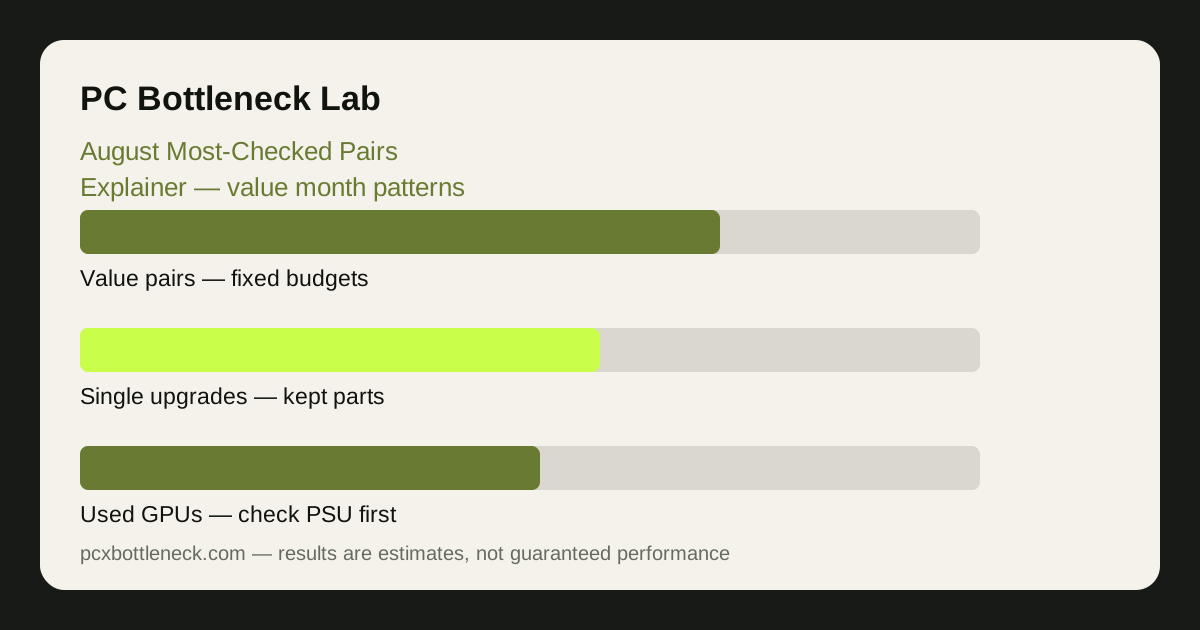
The August squeeze: fixed budgets, near games
By August, the money is decided. Students know what they have, families know what the term will cost, and there is no sale left to rescue an overspend. That changes the question people ask: not "what is the best GPU I can afford?" but "what is the best balanced pairing inside the money I already have?" The checks become narrower, more practical, and more focused on avoiding waste.
At the same time, autumn is near. Game announcements have turned into release dates, and people start asking whether their current PC will cope — not in the abstract, but for specific genres and specific months. That pulls a second kind of check into August: the "will it run it?" pairing question, where the buyer is not shopping yet, just deciding whether shopping is necessary at all.
The result is a month of careful, defensive checking. People compare a small set of value pairings, ask about used parts more often, and weigh a single upgrade against waiting. It is the least impulsive month of the pairing calendar, and the most useful one to read carefully.
The pairing patterns that surface in August
Three patterns dominate August, and each one is about getting the most from a fixed budget. The first is the value pairing: a modern budget CPU with an entry-to-mid-range GPU, checked by students building for the term. The second is the single-upgrade question: one part is kept, the other is replaced, and the check is whether the kept part will waste the new one — usually an older CPU with a newer GPU, or a strong CPU with a first real graphics card. The third is the used-parts pairing: a second-hand GPU with a budget CPU, checked by buyers trying to stretch a fixed amount further.
What ties them together is risk-aversion. August buyers are not chasing the fastest pairing; they are chasing the pairing least likely to regret. A balanced value pair that runs everything at 1080p is worth more to them than a mismatched pair that looks stronger on paper and stutters in practice.
| August pairing pattern | Who is checking it | Resolution it fits best |
|---|---|---|
| Budget CPU + entry-to-mid GPU | Students building for the term | 1080p gaming |
| Kept CPU + new GPU | Single-part upgraders | 1440p, where the GPU matters more |
| Budget CPU + used GPU | Value hunters stretching a fixed budget | 1080p, with a PSU check first |
| Strong CPU + first real GPU | Coursework PCs becoming gaming PCs | 1080p high refresh |
Reading August lists for value, not for speed
An August list rewards a different reading from a June list. In June, popularity tracks the sale; in August, popularity tracks value, and value is personal — it depends on your budget, your monitor and the games you will actually play in autumn. A pairing that tops an August list because it is the cheapest balanced 1080p combination is only useful if 1080p is where you play.
Check every candidate the same way: run it in Bottleneck Calculator at your resolution, then add the practical checks — power supply for a used GPU, RAM channels for a budget build, and the monitor you own rather than the monitor you wish you owned. The guide how we calculate bottlenecks explains what the calculator weighs and what it leaves out.
Be especially careful with used pairings. A second-hand GPU can be excellent value, but only with a return option, a test in your own games, and a reliable power supply. A used card that pushes a budget CPU into a heavy imbalance is not value — it is a faster way to spend the same money badly. Our student-build guide student gaming builds under $800 covers the used-parts cautions in detail.
What to do with this in August
If you are building for the term, lock the budget first and the pairing second. Pick the value pattern that matches your situation, check it at your resolution, and spend what is left on RAM, storage and a reliable power supply — the parts that make a value build feel fast rather than cheap. If you are upgrading one part, check the kept part before the new one: a CPU that already limits you at 1080p will still limit you after a GPU upgrade.
If you are waiting for autumn games, August is the month to prepare, not to buy. Check your current pairing, read the preview guide best CPUs for autumn 2027 releases, and wait for real system requirements before spending. The money you do not spend in August is the upgrade fund for the game you actually want to play.
Limitation: this article is an explainer about search patterns in general. It reports no site calculator logs, no measured counts and no rankings, and the patterns described here are qualitative, varying by region, retailer and game release. Use the calculator at your own resolution for any buying decision, and treat any August list as a map of common situations, not as a recommendation.
Frequently asked questions
Why is August different from June for pairing checks?
Because the context flips: June is sale season with hopeful budgets, while August has fixed budgets, the sale behind it, and autumn games ahead. August checks are narrower and more defensive — value pairings, single upgrades and used parts — rather than the broad sale-driven upgrading of June.
Are used GPUs a bigger theme in August?
Yes, because fixed budgets push buyers toward second-hand cards. A used GPU can be good value, but only with a return option, a test in your own games, and a reliable power supply — and only if the card is balanced for your CPU at your resolution. A cheap used card that your CPU cannot feed is not a saving.
Should I buy now or wait for autumn game requirements?
If your current pairing is already balanced and runs what you play, wait. Real system requirements tell you far more than speculation, and the money you save now is available when the games you actually want arrive. Buy in August only if your current PC cannot do what you need it to do today.
What is the safest value pairing for a student in August?
There is no single safest pairing — it depends on your resolution and budget. The pattern that works most often is a modern budget CPU with an entry-to-mid-range GPU, 16GB of dual-channel RAM and an SSD, checked at 1080p. Run any specific combination through the calculator before you commit, rather than copying a popular one.
Does an August most-checked list tell me what to buy?
No. It tells you what situations many people share — fixed budgets, student builds, single upgrades — not what fits your monitor, games and money. Use it to understand the market and to shortlist patterns, then verify the specific pairing at your own resolution before spending anything.