
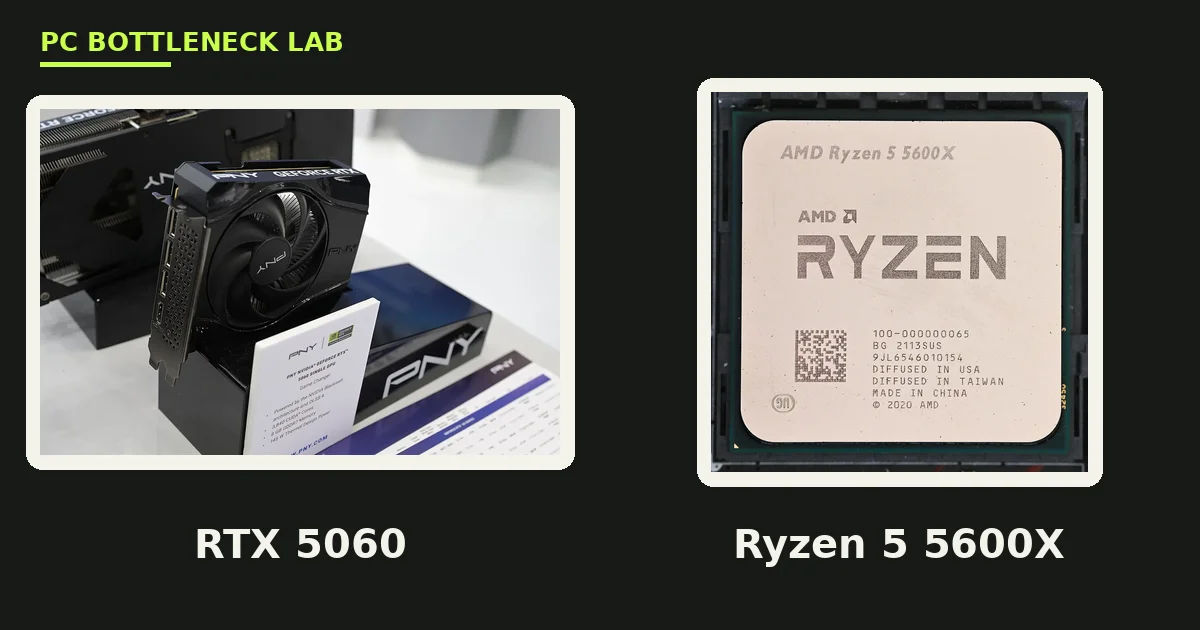
Key takeaways
- The best CPU for RTX 5060 in a new build is the Ryzen 5 9600X: 6 cores, 12 threads, and a 5.4 GHz boost.
- The cheapest sensible floor is a Ryzen 5 5600 or Core i5-12400F, and both feed the card at 1080p and 1440p.
- The Ryzen 7 7800X3D is the ceiling pick for 240 Hz monitors, not a must-have for 60 Hz play.
- Both cards need the same CPU, since the Ti has more cores but the same 180W class power.
- Spend the savings on the 16GB 5060 Ti or on dual-channel RAM first.
Best CPU for RTX 5060: the short answer
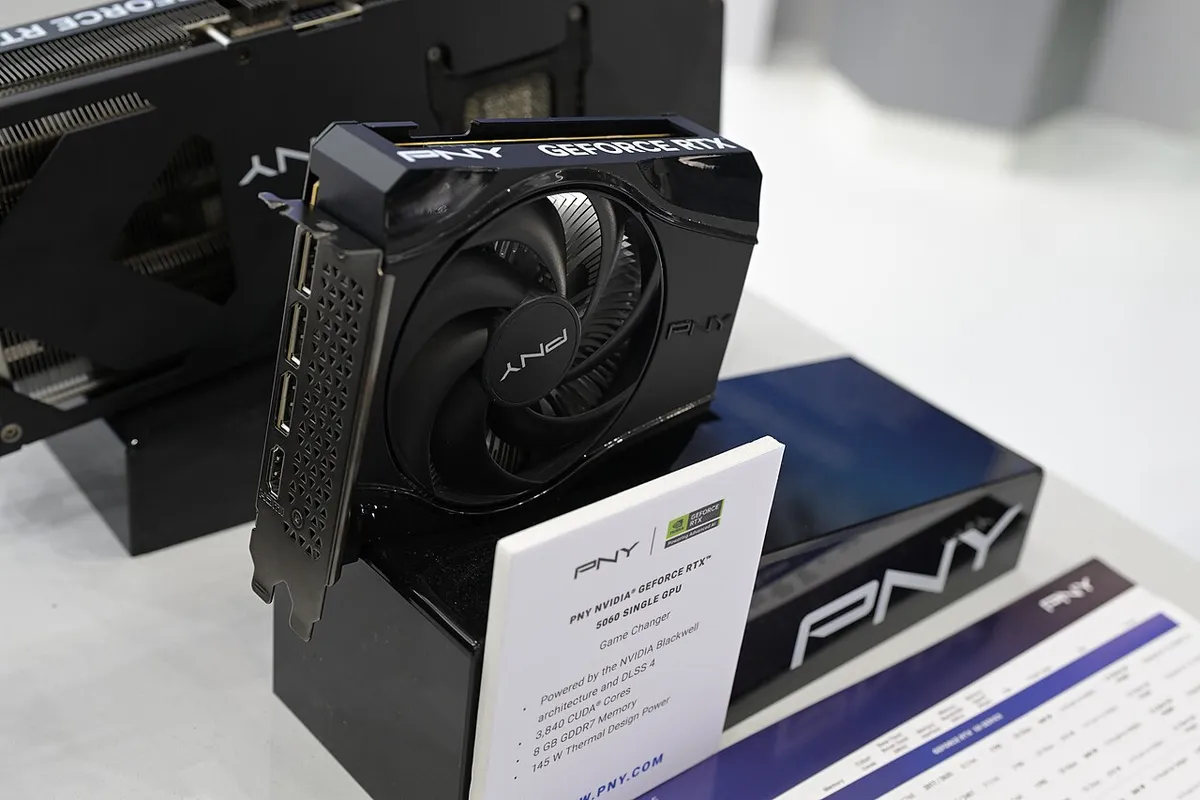
A CPU bottleneck happens when the processor sets the speed limit, not the graphics card. The RTX 5060 is a mid-range Blackwell card with 3,840 CUDA cores, 8GB of GDDR7 memory, and a 145W board power rating. It launched on 19 May 2025 at $299. The RTX 5060 Ti uses the same Blackwell family with 4,608 CUDA cores, 8GB or 16GB of GDDR7, and 180W board power. It launched on 16 April 2025 at $379 for 8GB and $429 for 16GB. Both cards are 1080p and 1440p cards, so they need a quick six-core CPU, not a flagship. A modern six-core chip keeps the GPU busy in most games, while an eight-core chip also adds headroom for streaming and background apps. A 16-core chip adds nothing in games, so skip it. If you already own a Ryzen 5 5600 or Core i5-12400F, keep it and spend on the card itself.
The 5 best CPUs for RTX 5060 and 5060 Ti
Each pick below fits a different buyer. The table gives the quick view, and the notes explain why each chip earns its place. All five leave the GPU as the limit at 1440p.
| Pick | CPU | Cores / threads | Boost | Why it fits |
|---|---|---|---|---|
| 1. Best overall | Ryzen 5 9600X | 6 / 12 | 5.4 GHz | Newest six-core, low 65W power draw |
| 2. Best AM5 value | Ryzen 5 7600X | 6 / 12 | 5.3 GHz | Same AM5 board, often cheaper |
| 3. Best for 240 Hz | Ryzen 7 7800X3D | 8 / 16 | 5.0 GHz | 96MB L3 cache, best 1% lows |
| 4. Best Intel budget | Core i5-12400F | 6 / 12 | 4.4 GHz | Cheap DDR4 or DDR5 builds |
| 5. Best AM4 upgrade | Ryzen 5 5600 | 6 / 12 | 4.4 GHz | Drops into an old AM4 board |
1. Ryzen 5 9600X, the best overall pick
The Ryzen 5 9600X is a Zen 5 chip with 6 cores and 12 threads. Its base clock is 3.9 GHz, and its boost clock is 5.4 GHz. Its 65W rating means it runs cool on a cheap cooler. It launched on 8 August 2024 at $279. It uses the AM5 socket, so it needs DDR5 memory and a 600-series board, and it suits a fresh build on the newest platform. It feeds the RTX 5060 Ti fully at 1080p and 1440p, and it also leaves room for a stronger GPU later. The catch is platform cost, since DDR5 and an AM5 board cost more than DDR4.
2. Ryzen 5 7600X, the best AM5 value pick
The Ryzen 5 7600X is a Zen 4 chip with 6 cores and 12 threads. Its base clock is 4.7 GHz, and its boost clock is 5.3 GHz. Its 105W rating needs a better cooler than the 9600X, yet a mid-range air cooler is enough. It launched on 27 September 2022 at $299, and it often sells below the 9600X now. It uses the same AM5 socket and DDR5 memory, so buy it when the price gap is wide, since the gaming gap is small. You will not feel the difference in most games with a 5060 or 5060 Ti.
3. Ryzen 7 7800X3D, the best pick for high-refresh play
The Ryzen 7 7800X3D is a Zen 4 chip with 8 cores and 16 threads. Its base clock is 4.2 GHz, and its boost clock is 5.0 GHz. Its 96MB of L3 cache uses 3D V-Cache, which helps in cache-heavy games. Its 120W rating is modest for an eight-core chip. Buy it for 1080p 144 Hz or 240 Hz play, since at 60 Hz or 1440p it adds little over the 9600X. The extra cores also help when you stream while you play.
4. Core i5-12400F, the best Intel budget pick
The Core i5-12400F is a 6-core, 12-thread chip with a 4.4 GHz boost clock. It runs on cheap B660 or B760 boards, and it works with DDR4 or DDR5 memory. That flexibility keeps the full build cost low. Buy it for the cheapest new-build path to a 5060 or 5060 Ti. It feeds the card well at 1080p 60 to 144 Hz and at 1440p. It lacks an upgrade path on the same board, yet at this price that trade is fair.
5. Ryzen 5 5600, the best AM4 upgrade pick
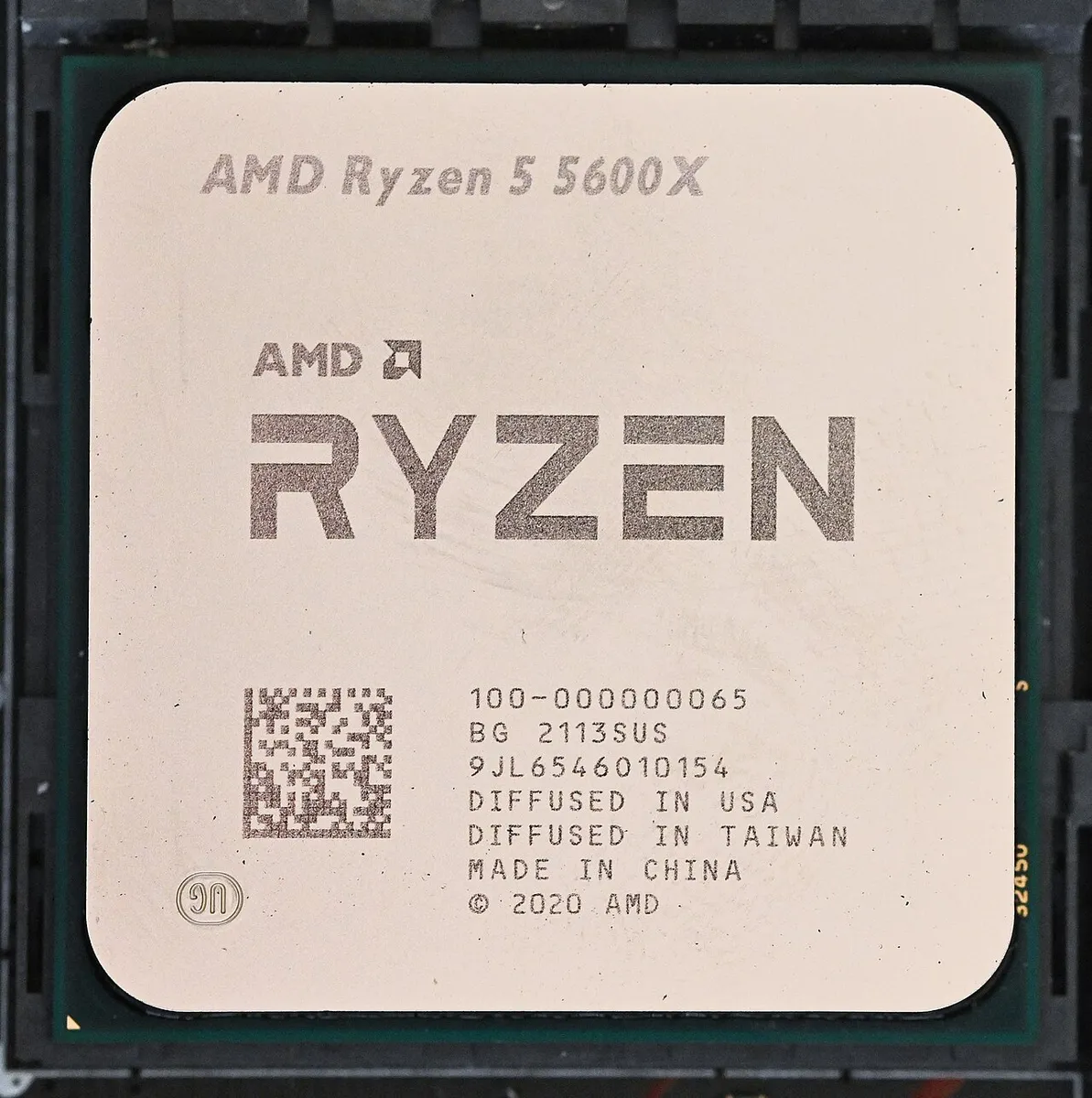
The Ryzen 5 5600 is a 6-core, 12-thread chip with a 4.4 GHz boost clock. It drops into most AM4 boards with a BIOS update, so it costs you only the chip. Buy it when you already own an AM4 board and a weak CPU like a Ryzen 5 2600 or 3600. It turns a CPU-limited PC into a balanced one for the price of one part. Still, do not build a fresh AM4 PC around it in 2026, since AM5 is the living platform now.
Which CPU for which card and resolution
The two cards differ in GPU power, not in CPU need. The Ti has about 20% more CUDA cores than the 5060, so it pushes more frames at the same settings. Because of that, the CPU matters slightly more with the Ti at 1080p, yet the same six-core floor applies to both. At 1080p the CPU works hardest, because frame rates run high. At 1440p the GPU takes on more load, so the CPU matters less. At 4K the card is the limit in nearly every game. So match the CPU to your monitor, not to the card name. Check your own pair before you buy with the free tool: PC bottleneck calculator.
| Your setup | Best CPU pick | Why |
|---|---|---|
| 1080p 60-144 Hz, RTX 5060 | Ryzen 5 9600X or 12400F | Six cores feed the card fully |
| 1080p 240 Hz, RTX 5060 Ti | Ryzen 7 7800X3D | Cache helps 1% lows at high refresh |
| 1440p 60-144 Hz, either card | Ryzen 5 7600X or 9600X | GPU is the limit, CPU headroom is bonus |
| Tight budget, fresh build | Core i5-12400F | Cheapest path with DDR4 option |
Best CPU for RTX 5060 Ti: does the Ti need more?
No, not in practice. The 5060 Ti has 4,608 CUDA cores against the 5060's 3,840, and it draws 180W against the 5060's 145W. That extra GPU power shows up as more frames, not as higher CPU demand. A six-core chip that feeds the 5060 also feeds the Ti in nearly every game. The one case where the Ti wants more CPU is 1080p esports at very high refresh. There the Ti pushes frame rates that a weak CPU cannot match. There the 7800X3D earns its price. In every other case, buy the same CPU for both cards and put the price gap into the 16GB Ti. The 16GB card avoids VRAM stutter at 1440p ultra, while the 8GB card can run out of memory there. Read the full VRAM picture here: VRAM bottleneck: 8GB vs 12GB vs 16GB. For the next card up, see the best CPU for RTX 5070 list.
Mistakes to avoid when pairing a CPU with a 5060
First, do not buy a flagship CPU for a mid-range card, since a 16-core chip costs more than the GPU and adds nothing in games. Second, do not run single-channel RAM. One stick starves the CPU and can look like a CPU bottleneck, so run two matched sticks instead. Read the RAM guide first: how much RAM do you need for gaming in 2026. Third, do not forget the cooler, since the 7600X runs hot on a stock cooler. Fourth, do not pair the card with a four-core chip from before 2020, since it will hold the card back at 1080p in open-world games. If you are unsure whether to upgrade the CPU or the GPU first, read this: should you upgrade your CPU or GPU first. For a full budget build around these picks, see this: balanced builds for $500, $800 and $1,200 in 2026. And if you own the older 4060, the same logic applies: best CPU for RTX 4060. Run your pair through the GPU bottleneck calculator before you buy.
Frequently asked questions
What is the best CPU for RTX 5060?
The best pick is the Ryzen 5 9600X, with 6 cores, 12 threads, and a 5.4 GHz boost clock. It feeds the card fully at 1080p and 1440p, runs cool at 65W, and also leaves room for a stronger GPU later. The best budget pick is a Ryzen 5 5600 or Core i5-12400F, which costs far less.
What is the best budget CPU for RTX 5060 Ti?
The best budget pick is the Ryzen 5 5600 for AM4 owners, or the Core i5-12400F for a fresh build. Both are six-core chips that feed the 5060 Ti at 1080p 60 to 144 Hz and at 1440p. So spend the savings on the 16GB card or on dual-channel RAM instead.
Is the Ryzen 5 7600X a good CPU for the RTX 5060 Ti?
Yes. The Ryzen 5 7600X is the best AM5 value pick for the RTX 5060 Ti in this guide. Its six cores and high boost clock feed the Ti at 1080p and 1440p without a clear limit, and it leaves an AM5 upgrade path to a later X3D chip. At 4K the GPU limits the pair first, so the CPU matters less there.
Is the Ryzen 7 7800X3D overkill for an RTX 5060?
Yes, for most players it is. The 7800X3D shines at 1080p on a 144 Hz or 240 Hz monitor, where its 96MB cache lifts 1% lows. At 60 Hz or 1440p it adds little over a Ryzen 5 9600X. Buy it only when your monitor shows the extra frames.
Can I use my old AM4 motherboard with a Ryzen 5 9600X?
No. The Ryzen 5 9600X uses the AM5 socket, so it does not fit an AM4 motherboard. You need a new AM5 board and DDR5 RAM, which adds to the upgrade cost. If you want to keep your AM4 board, the Ryzen 5 5600 is the best CPU that fits it.
Is 6 cores enough for an RTX 5060 in 2026?
Yes, six modern cores are enough for this card. Games lean on a few fast cores, and a modern six-core chip at 5 GHz or more keeps the GPU busy. Eight cores also help when you stream, record, or run heavy background apps. Four cores are not enough anymore.
How this guide was prepared
This guide uses NVIDIA launch specifications and launch prices for the RTX 5060 and 5060 Ti, plus AMD spec listings for the five CPUs. No benchmark numbers are claimed as our own.
Last updated: November 10, 2026