
Key takeaways
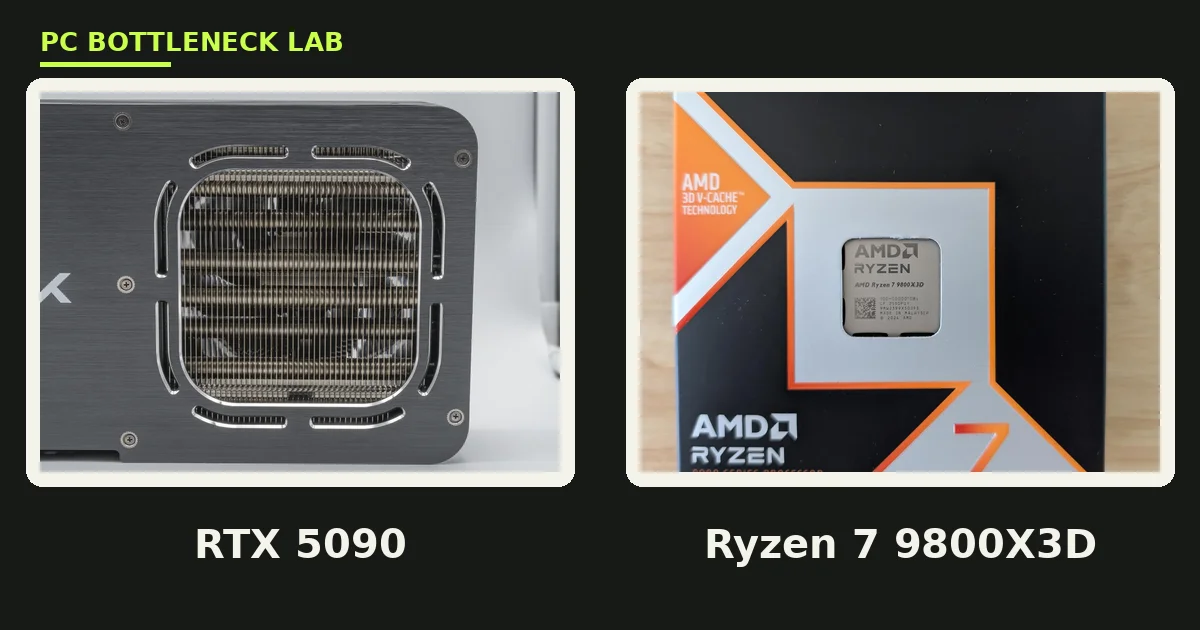
- The Ryzen 7 9800X3D is the best CPU for the RTX 5090 for gaming at 1440p and 4K.
- At 4K the card is the limit, so a 7800X3D or a 9700X feeds it in most AAA games.
- At 1440p high refresh the CPU decides the result, and the X3D chips protect the 1% lows.
- The 9950X3D is the pick when the same PC also streams, edits, or renders.
- The card draws up to 575 W, so plan for a 1000 W ATX 3.1 power supply.
Best CPU for RTX 5090: the short answer
Your monitor decides this pick more than your budget does. At 4K the RTX 5090 does so much work per frame that most modern high-end CPUs land within a few percent of each other. At 1440p the card finishes frames faster, so the CPU has to prepare them faster. That is where the 9800X3D earns its lead. Check your pair on the free PC bottleneck calculator before you spend. For the full card guide, read our RTX 5090 bottleneck guide.
| Pick | CPU | Best for | 1440p grade | 4K grade |
|---|---|---|---|---|
| Best overall | Ryzen 7 9800X3D | High-refresh gaming | A | A |
| Best premium | Ryzen 9 9950X3D | Gaming plus work | A | A |
| Best value | Ryzen 7 7800X3D | 4K on a budget | B | A |
| Best Intel | Core i9-14900K | Intel builds, work | B | A |
| Best 4K-only | Ryzen 7 9700X | 4K AAA only | C | A |
Best overall: Ryzen 7 9800X3D
The Ryzen 7 9800X3D is the cleanest match for a 5090. Eight Zen 5 cores boost to 5.2 GHz, and 96 MB of L3 cache holds the frame data the card churns through. 3D V-Cache is a stacked layer of extra cache on the chip. It cuts the stalls that show up as stutter in busy scenes. The result is top-tier 1% lows at 1440p, which are the slowest frames in a run. At 4K it ties the pricier 9950X3D in most games, since the card is the limit there.
Best value: Ryzen 7 7800X3D
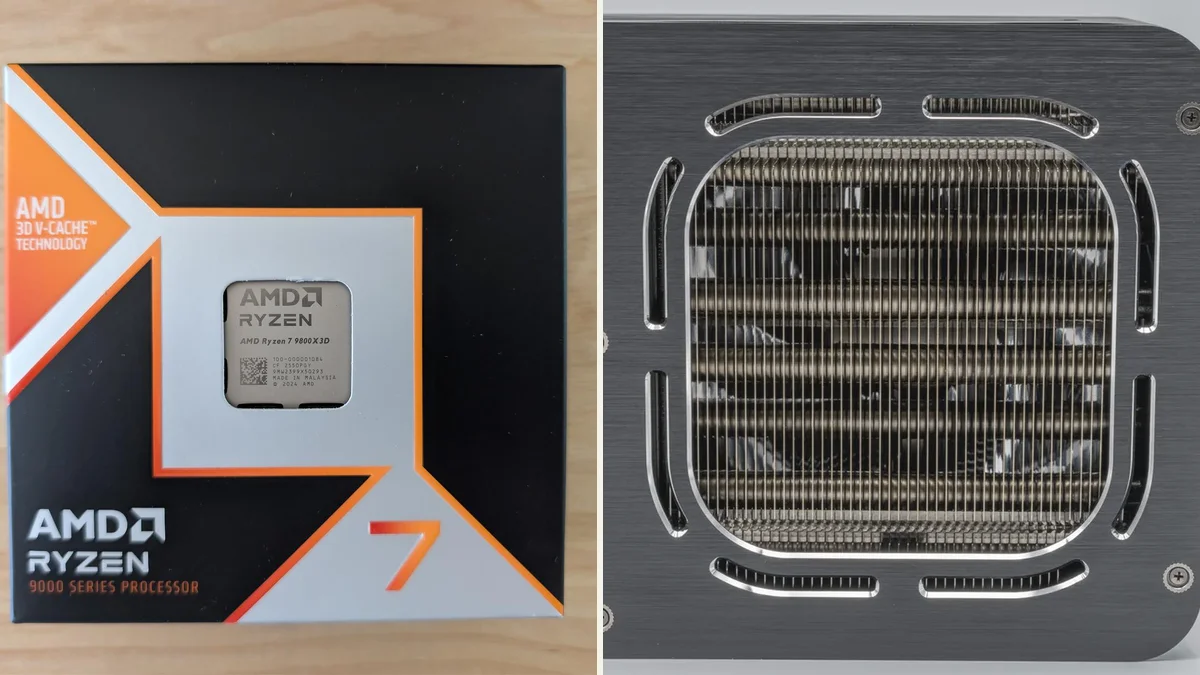
The Ryzen 7 7800X3D is the value pick, and it is the smart buy for 4K-only players. Eight Zen 4 cores and the same 96 MB of L3 cache give it most of the 9800X3D gaming feel. At 4K it lands within a few percent of the newer chip in most AAA games. At 1440p high refresh the gap opens up, since the older Zen 4 cores trail in cache-heavy titles. If you already own one and play only at 4K, keep it. The 9800X3D is an upgrade for 1440p players, not for 4K players. For the last-generation flagship ladder, see the best CPU for RTX 4090 guide.
Best Intel: Core i9-14900K
The Core i9-14900K is the best Intel CPU for the RTX 5090. It mixes eight performance cores with sixteen efficiency cores, for 24 cores and 32 threads. Its 6.0 GHz boost clock is the highest on this list. In gaming it trails the X3D chips at 1440p, yet it still feeds the 5090 fully at 4K. In heavy multitasking and rendering it is a strong chip. It runs hot and draws a lot of power, so it needs a large cooler and a 1000 W supply. New builders should still start with the 9800X3D.
Best 4K-only: Ryzen 7 9700X
The Ryzen 7 9700X is the budget route into a 5090 build, and only for 4K AAA play. Eight Zen 5 cores boost to 5.5 GHz, and the 65 W default rating makes it the most efficient chip here. At 4K the 5090 does the heavy work, so the 9700X returns nearly the same result as chips that cost far more. At 1440p high refresh it falls behind, since it lacks the stacked cache of the X3D chips. It suits a 4K build only, not a 1440p high-refresh one.
What the 5090 needs from a CPU
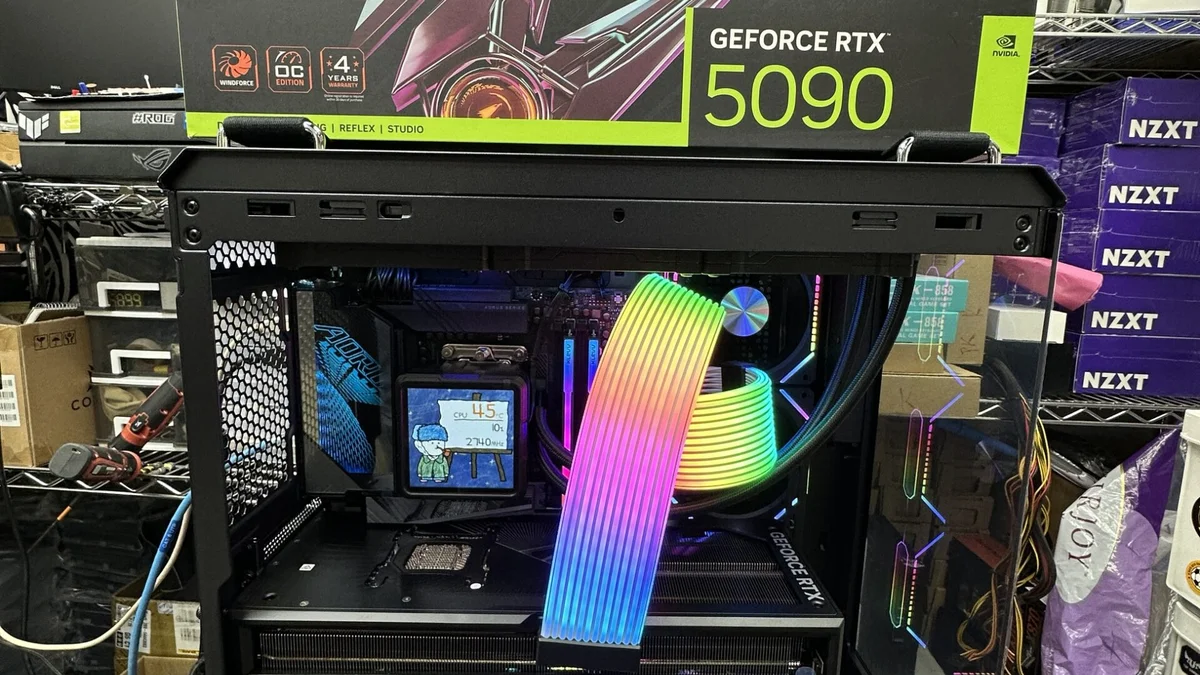
NVIDIA launched the RTX 5090 in January 2025 with 32 GB of GDDR7 memory and a 575 W power rating. GDDR7 is the fast graphics memory on the card, and 32 GB is far more than any current game needs. The card is so fast that the CPU is the limit at 1080p and often at 1440p. At 4K the card becomes the limit. That flip is the whole story of this list. The launch price was 1,999 dollars, yet street prices in late 2026 sit far above it. Check current pricing before you plan a budget around this card. The step-down flagship follows the same logic, so read the RTX 5080 bottleneck guide if the 5090 is out of reach.
| CPU | Cores | Boost clock | L3 cache | Power rating |
|---|---|---|---|---|
| Ryzen 7 9800X3D | 8 cores, 16 threads | 5.2 GHz | 96 MB | 120 W |
| Ryzen 9 9950X3D | 16 cores, 32 threads | 5.7 GHz | 128 MB total | 170 W |
| Ryzen 7 7800X3D | 8 cores, 16 threads | 5.0 GHz | 96 MB | 120 W |
| Core i9-14900K | 24 cores, 32 threads | 6.0 GHz | 36 MB | 125 W base |
| Ryzen 7 9700X | 8 cores, 16 threads | 5.5 GHz | 32 MB | 65 W |
Graded at 1440p and 4K
The grades in the table above come from one simple rule: how much of the card does the chip let through. At 1440p the 9800X3D and the 9950X3D earn an A. The 7800X3D and the 14900K earn a B, since they give up frames in cache-heavy and CPU-heavy titles. The 9700X earns a C at 1440p, since it lacks the stacked cache. At 4K every chip on this list earns an A, since the card does the heavy work. Two game types still break the pattern at 4K. Sims and open-world games with many characters on screen can stay CPU-bound, and there the X3D chips still lead. Resolution changes the answer, and our guide to how resolution changes bottlenecks explains why.
Power, cooling, and the rest of the build
A 5090 build is a power and cooling project as much as a CPU choice. NVIDIA recommends a 1000 W power supply for this card, and it should be an ATX 3.1 unit with a native 12V-2x6 cable. The 9800X3D and the 9700X keep the CPU side of the bill low, so a good 1000 W unit covers them. The 9950X3D and the 14900K draw more under load, so a 1200 W unit gives more headroom there. The card also needs a long case with real front-to-back airflow. Pair the card with 32 GB of DDR5-6000 memory, since slower RAM can cap the CPU. The two-chip guide for the step-down cards is the best CPU for RTX 5070 Ti and 5080 guide.
CPUs to skip with the 5090
Some chips waste a 5090, and some waste your money, so skip both kinds. A Ryzen 5 9600X or a Core i5-14600K can feed the card at 4K, yet both fall behind at 1440p high refresh. An older chip such as a Ryzen 5 5600 or a Core i5-12400F will cap the card at every resolution. A Core Ultra 9 285K is a fine processor, yet it trailed the X3D chips in gaming at launch. Later patches narrowed the gap but did not close it. Do not pair a 5090 with a 1080p monitor either. The card is built for 1440p high refresh and 4K, and a 1080p panel throws its power away.
The bottom line on the best CPU for RTX 5090
The best CPU for the RTX 5090 is the Ryzen 7 9800X3D for gaming. The 9950X3D suits gaming plus work, and the 7800X3D suits 4K value. Intel buyers should take the 14900K, and 4K-only buyers on a budget should take the 9700X. Check the pairing on the GPU bottleneck calculator before you buy, since your games and your monitor change the answer. A 5090 build also needs a 1000 W supply and a case that can move the heat out. Get those right, and the CPU choice above will not hold the card back.
Frequently asked questions
Does a 7800X3D still keep up with an RTX 5090 at 4K?
No, not in most AAA games. At 4K the 5090 does so much work per frame that the 7800X3D lands within a few percent of the 9800X3D. The gap only shows in CPU-heavy sims or open-world games with many characters on screen. If you play only at 4K, the 7800X3D is a sound pairing and a good way to save money.
Is the 9950X3D faster than the 9800X3D for gaming with a 5090?
No, not for pure gaming. Published comparisons show the two chips tying in most 1440p titles with a 5090, and the 9800X3D often posts smoother 1% lows. The 9950X3D earns its price in streaming, video export, and rendering, where its 16 cores do real work. Buy it for those jobs, not for extra frames.
What PSU wattage does an RTX 5090 build need?
NVIDIA recommends a 1000 W power supply for the RTX 5090. Pick an ATX 3.1 unit with a native 12V-2x6 cable, since that connector feeds the card directly. A 1200 W unit gives more headroom with a 14900K or a 9950X3D, which draw more under load. Check the card length and the case clearance too, since the card is long.
Can a Ryzen 7 9700X feed an RTX 5090?
Yes, at 4K in AAA games. The 5090 is the limit at that resolution, so the 9700X returns nearly the same result as chips that cost far more. At 1440p high refresh it falls behind, since it lacks the stacked cache of the X3D chips. Use it only in a 4K-only build, and pair it with fast DDR5 memory.
Does frame generation change which CPU a 5090 needs?
No, it does not remove the CPU limit. DLSS frame generation builds extra frames from rendered ones, yet the base frame rate still comes from the CPU. If the CPU caps the base rate, the generated frames inherit that cap. A faster CPU still matters at 1440p high refresh, even with frame generation turned on.
Should I buy a 5090 or a 5080 for 4K gaming?
Buy the 5080 unless you need the very best. The 5090 is faster, yet it costs far more and draws 575 W, while the 5080 covers 4K gaming with a 360 W rating. The 5090 makes sense for 4K high-refresh play or heavy creator work. For most 4K gamers, the 5080 leaves money for a better monitor or more storage.
How this guide was prepared
This guide uses the published best-CPU lists of PC Build Helper, Bottlesneck Calculator, and Gaming Review Guide. It also uses the manufacturer specifications for each processor and the RTX 5090. The grades follow the resolution logic those guides share, with the CPU deciding the result at 1440p and the card deciding it at 4K. No frame rates are claimed from our own testing, since this guide grades pairings from published guidance.
Last updated: November 12, 2026