
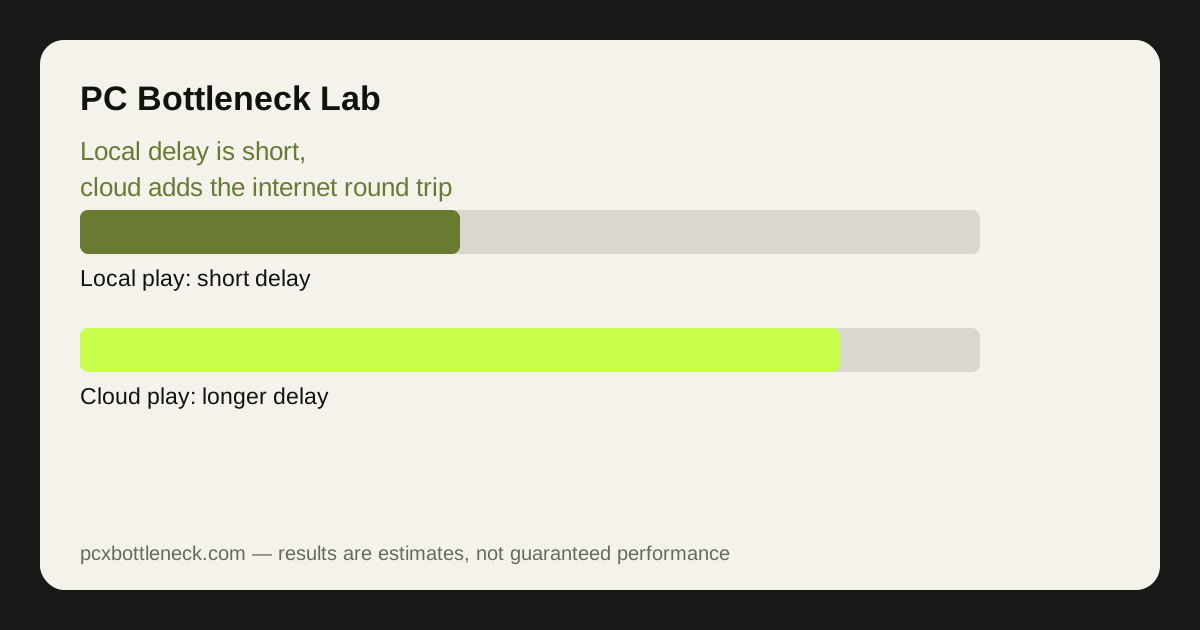
Where the cloud delay comes from
When you play locally, the chain is short: you press a button, the CPU and GPU render the frame, and the monitor shows it. The whole input-to-photon delay is typically around 50 milliseconds on a decent local setup. When you play in the cloud, the same chain gains three extra steps: your input travels to a distant server, the server renders the frame and encodes it as video, and the video travels back to you to be decoded and displayed.
Each of those steps costs time. Encoding and decoding the video stream take time, the network round trip takes time, and the game's own delay is still there on top. Reported comparisons put the extra cost at roughly 40 to 80 milliseconds, taking total input delay to roughly 100 to 130 milliseconds against about 50 milliseconds locally. One measured comparison found 68 milliseconds for cloud play on a fibre connection against 8 milliseconds locally for the same game — the same game, the same input, a very different feel.
That is why the bottleneck moves. On a local PC, the limit is the CPU or the GPU — the parts that render frames. In the cloud, the rendering happens on a powerful server, so your local hardware barely matters, and the limit becomes your internet connection: its speed, its stability, and above all its latency to the server. A weak PC with a great connection can play cloud games well; a strong PC with a poor connection cannot.
Which games suffer — and which barely notice
| Game type | Cloud delay effect | Verdict |
|---|---|---|
| Turn-based strategy, RPGs | Barely noticeable | Cloud works well |
| Slow adventure and story games | Slightly sluggish menus | Cloud works well |
| Racing games | Noticeable in tight corners | Borderline — try it first |
| Competitive shooters | A real handicap | Local is strongly preferred |
| Fighting games | Breaks timing | Local is strongly preferred |
| Rhythm games | Timing suffers | Local is strongly preferred |
The effect depends entirely on how much the game cares about timing. Turn-based strategy, slow RPGs and story games barely notice an extra 50 milliseconds, because nothing in them demands a reaction inside that window. You press a button, the game responds a fraction of a second later, and the experience is unchanged.
Competitive shooters, fighting games and rhythm games are the opposite: they live inside that window. An extra 50 milliseconds is the difference between a shot that lands and one that misses, between a parry that connects and one that does not. For those games, cloud latency is not a minor annoyance — it is a ceiling on how well you can play, and no amount of server power removes it. The same logic applies to streaming your own gameplay: see how streaming and recording load your PC for the local side of that trade.
Bandwidth, stability and the connection test
Bandwidth is the easier requirement. About 35 Mbps is typically enough for a 4K cloud stream, and far less is needed for 1080p, so most modern broadband connections have the raw speed. What matters more is stability: a connection that averages 50 Mbps but drops to 5 Mbps every few seconds will produce stutters, artefacts and sudden resolution drops that a steady 25 Mbps connection will not.
Latency and jitter matter most of all. Run a ping test to a nearby server and look at both the average and the variation: a steady 20-millisecond ping is far better for cloud gaming than a 15-millisecond average that spikes to 100 milliseconds. Wi-Fi adds variability, so a wired Ethernet connection is strongly recommended — the same advice that applies to competitive local play, for the same reason.
Cloud gaming vs local hardware: choosing for your situation
Choose cloud gaming when your local hardware is weak, you play slow games, you travel, or you want to try a game without installing it. It is an excellent way to play a story game on a laptop that could never run it locally, and the monthly cost can be far less than a graphics card upgrade. Choose local hardware when you play competitive games, your connection is unreliable, or you play for long hours where data caps and subscription costs add up.
The honest test is free: most cloud services offer a trial or a free tier. Play your own game, the one you actually care about, for an hour on the cloud, and notice whether the delay bothers you. If you stop noticing it after ten minutes, cloud works for that game. If you keep dying to things you reacted to in time, it does not — and no settings change will fix a network round trip.
- Test your connection first: steady low ping matters more than headline speed.
- Use wired Ethernet: Wi-Fi variability shows up as stutters and artefacts.
- Match the game to the delay: slow games thrive in the cloud; fast games suffer.
- Check your data cap: hours of video streaming add up quickly.
If you decide to build or upgrade a local PC instead, run your parts through the PC bottleneck calculator to check the CPU-GPU balance before you spend — and if you are weighing a cheap local build against cloud, read our balanced builds for 2026 for what a modest budget actually buys.
Limitation: the latency figures here are reported ranges from published comparisons, not measurements from PC Bottleneck Lab. Your delay depends on your connection, your distance from the server, your Wi-Fi, and the game, so test the service yourself on your own connection before judging it.
Frequently asked questions
Is cloud gaming slower than local gaming?
Yes, in input delay. Cloud adds roughly 40 to 80 milliseconds of encode, decode and network delay, taking total input delay to roughly 100 to 130 milliseconds against about 50 milliseconds locally. The game looks the same — it just responds later.
What internet speed do I need for cloud gaming?
About 35 Mbps is typically enough for a 4K stream, and less for 1080p.
Is cloud gaming good for competitive shooters?
No, not for serious play. The extra delay is a real handicap in shooters, fighting games and rhythm games, where timing inside tens of milliseconds decides the outcome. Slow games — RPGs, strategy, story games — work well in the cloud.
Does cloud gaming use a lot of data?
Yes. It streams video continuously, so a few hours of play can use tens of gigabytes. Check your monthly data cap before making cloud your main way to play, especially on a capped or mobile connection.
Can cloud gaming replace a gaming PC?
For slow games on a weak PC, often yes — the server does the rendering, so your local hardware barely matters.