
Key takeaways
- At 1080p the RTX 3050 limits most games, while the i3-12100F keeps up, so the pair is balanced for its price.
- The i3-12100F has 4 cores and 8 threads, boosts to 4.3 GHz, and draws 58W at base power.
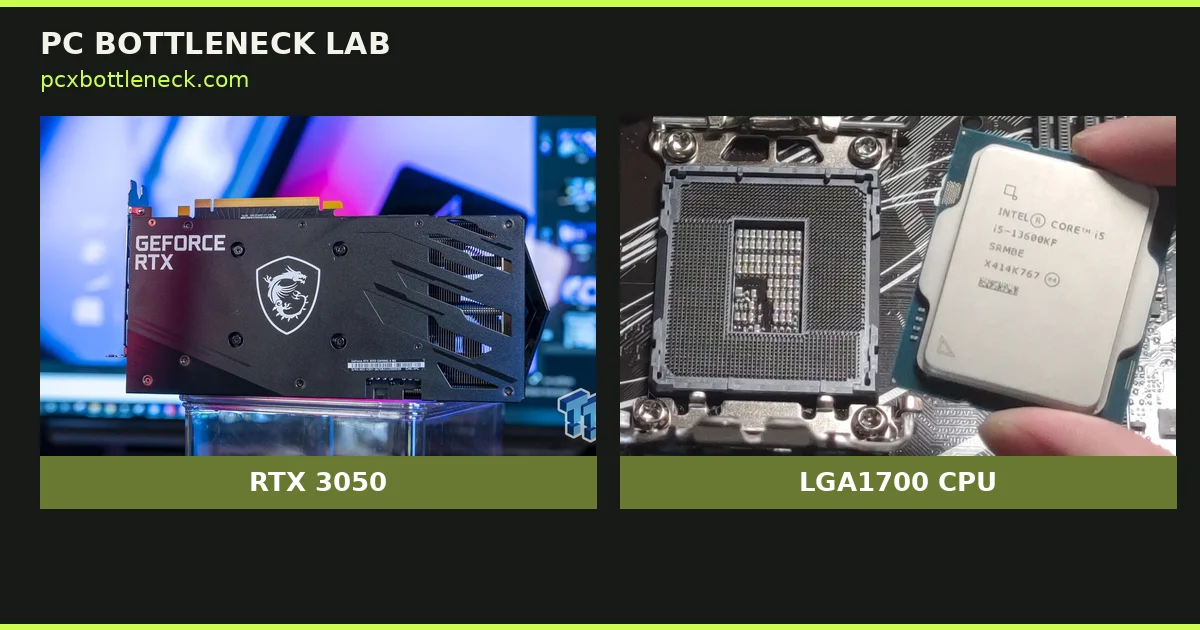
- The RTX 3050 8GB has 2,560 CUDA cores, 8GB of GDDR6, and a 130W power draw.
- At 1440p the card is the limit in nearly every game, so the CPU has even less work to do.
- A 550W power supply, 16GB of RAM, and an SSD cover this pair with room to spare.
i3-12100F RTX 3050 bottleneck at 1080p: the short answer
A bottleneck is the part that holds the rest of the PC back, and at 1080p that part is usually the RTX 3050 here. The card runs near full load in most games, while the CPU sits well below its limit. That is the result you want from a budget pair. The cheaper part works hardest, and no money is wasted on a CPU the card cannot use. A rival calculator, pc-builds.com, reports the same shape. At 1080p it shows the GPU at 100% load and the CPU at 72%, which it calls a 12.3% GPU bottleneck. Our own check agrees with the shape, and we state it as a range, not a single exact figure. If you want to test your own parts, run the bottleneck calculator before you buy.
| Resolution | Who limits the pair | What you get | Verdict |
|---|---|---|---|
| 1080p | RTX 3050 in most games | Smooth play at medium to high settings | Balanced, buy it |
| 1080p esports | Neither part, in most titles | High frame rates at low settings | Balanced, buy it |
| 1440p | RTX 3050 in nearly every game | Lower settings or DLSS to stay smooth | GPU-bound, still fine |
| 4K | RTX 3050 by a wide margin | Low settings only, and often not smooth | Not recommended |
The 12.3% figure above comes from pc-builds.com, checked 16 Nov 2026, and it describes their own model at medium settings across popular games. Treat it as one reported estimate, not a measured result from our lab.
What each part brings
The Core i3-12100F is a 12th-gen Alder Lake chip with 4 performance cores and 8 threads. It runs at 3.3 GHz base and boosts to 4.3 GHz, with 12MB of L3 cache. Its base power is 58W, with up to 89W under boost, and it fits the LGA1700 socket. The F in the name means no integrated graphics, so the PC shows nothing without a card. That trade is fine here, since the RTX 3050 does the graphics work. For the full spec sheet, see the Core i3-12100F page.
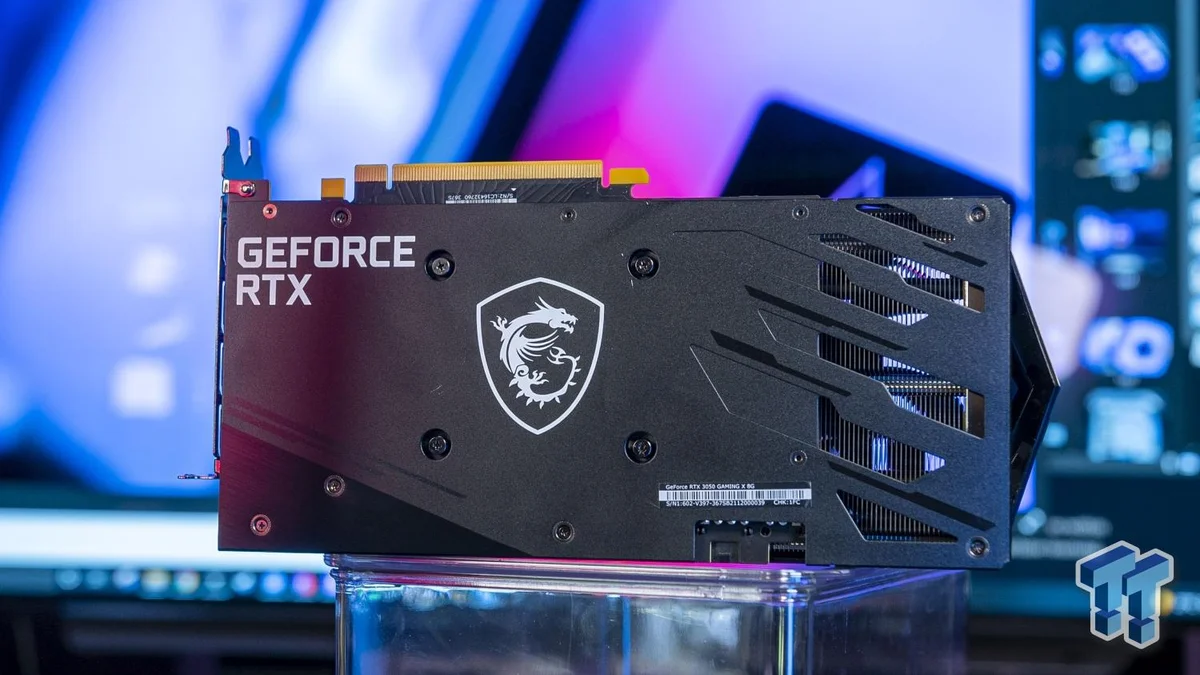
The RTX 3050 8GB is an Ampere card with 2,560 CUDA cores and 8GB of GDDR6 on a 128-bit bus. Its memory bandwidth is 224 GB/s, and its reference boost clock is 1,777 MHz. The card draws 130W, so a modest power supply is enough. It supports DLSS Super Resolution, which lifts frame rates in supported games, but it does not support DLSS 3 frame generation. That gap matters less at 1080p, where the card can already hit its target without generated frames.
| Part | Core spec | Power | Launch price |
|---|---|---|---|
| Core i3-12100F | 4 cores / 8 threads, 3.3–4.3 GHz, 12MB L3 | 58W base, 89W boost | Around $100 at launch (early 2022) |
| RTX 3050 8GB | 2,560 CUDA cores, 8GB GDDR6, 224 GB/s | 130W | $249 at launch (Jan 2022) |
| The pair today | 1080p gaming with DLSS support | About 190W combined | Around $290–300 for both, as of 16 Nov 2026 |
Current prices come from pc-builds.com listings checked 16 Nov 2026: the i3-12100F at about $80–87 on Amazon, and the RTX 3050 8GB at about $207–215. Prices move fast, so treat these as a reading, not a quote.
i3-12100F RTX 3050 bottleneck at 1440p and 4K
At 1440p the card works even harder, and the CPU works even less. The 8GB of VRAM is fine at 1080p, yet it starts to pinch at 1440p with high textures. The 128-bit bus also caps memory bandwidth, so texture-heavy scenes slow down first. DLSS helps here, since it renders at a lower resolution and upscales the image. Even with DLSS, though, 1440p high settings are a stretch for this card. If 1440p is your main target, a stronger card is the honest answer, not a stronger CPU.
At 4K the pair is out of its depth. The card cannot feed enough pixels, and the CPU waits for frames that never arrive fast. Low settings and DLSS can make some older games playable, yet most new titles will feel slow. A 4K monitor with this pair is a mismatch, so pair the card with a 1080p screen and spend the monitor money elsewhere. Wondering how resolution changes the balance in general? Read how to check a CPU bottleneck to test it on your own PC.
Esports titles are the exception at every resolution. Games like Valorant, CS2, and Rocket League lean on the CPU more, and the i3-12100F handles them well. At 1080p low settings, the pair can push high frame rates in these games. That is why the pair still makes sense for a competitive player on a tight budget.
Where the pair struggles
CPU-heavy games are the weak spot. Open-world titles, large strategy games, and simulation games ask the CPU for far more work. A four-core chip can stutter in those scenes, even when the GPU has room to spare. Background apps make it worse, since Discord, Chrome, and a stream all share those four cores. If you stream while you play, expect frame drops unless you keep background apps closed. The fix is simple: close extra apps, or pick a six-core CPU if streaming matters to you.
The 8GB of VRAM is the second limit. Most 1080p games use 6–7GB at high settings, so 8GB is enough today. Some new open-world titles already push past that with ultra textures, though, and the card then swaps data in and out of memory. Lowering texture quality by one step fixes it in most cases. The balanced PC pairs under $600 guide shows what the next step up buys you.
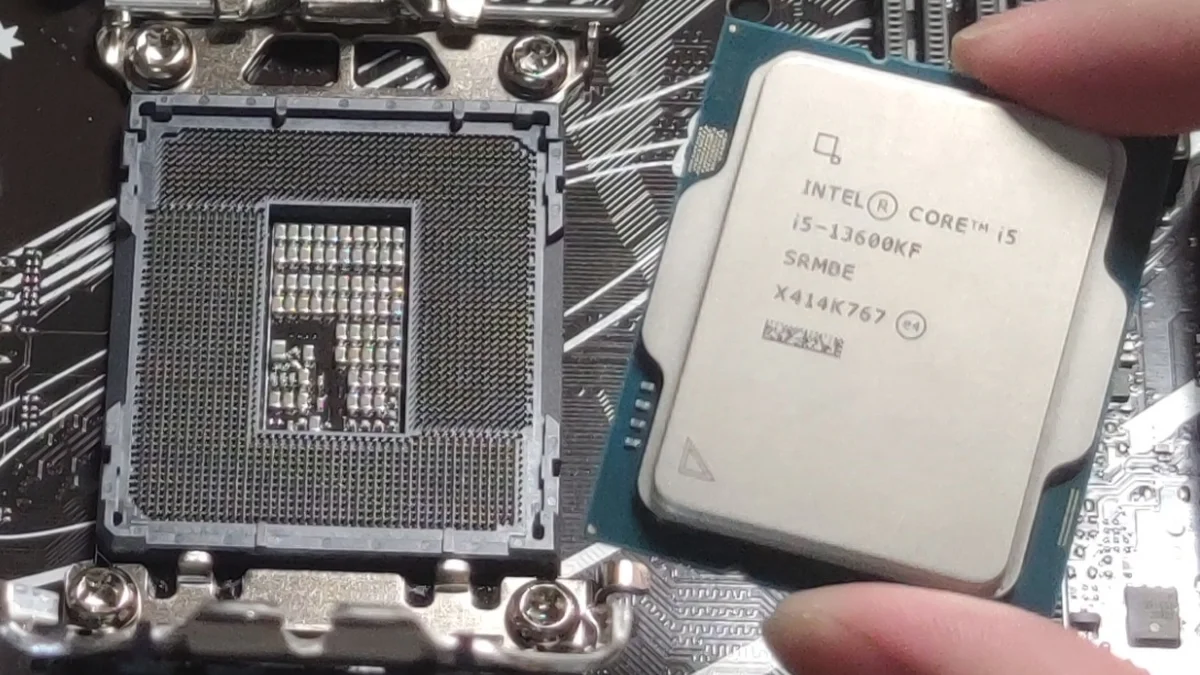
The platform is the third limit, and it is a quiet one. The i3-12100F needs an LGA1700 board, and cheap H610 boards are common in budget builds. Those boards work fine, yet they offer fewer upgrade options and slower RAM support than B660 or B760 boards. If you buy new, a B660 or B760 board costs a little more and leaves room for a future CPU upgrade. If you already own an H610 board, it is still fine for this pair.
What to buy instead if you can stretch
If your budget has room, the next step up is a six-core CPU or a stronger card, not both at once. A Ryzen 5 5600 with an RX 6600 costs more, yet it holds up better in CPU-heavy games. The Ryzen 5 5600 and RX 6600 budget pair guide covers that combo in detail. A used RTX 3060 is another step up, since it adds VRAM bandwidth and raw speed. For a wider view of cheap GPU pairings, see the best GPU picks for the Ryzen 5 5600.
If you already own the 12100F, the best upgrade is the graphics card. A used RTX 3060 or RTX 4060 pairs well with this CPU at 1080p, and the four cores still keep up in most games. If you already own the RTX 3050, the best upgrade is a six-core CPU such as the i5-12400F, which uses the same socket and board. Either upgrade alone lifts the pair, and you can do the second one later. Before you spend, check the balance with the cpu gpu bottleneck calculator so you upgrade the part that actually limits you.
The bottom line
The i3-12100F RTX 3050 bottleneck is small at 1080p, and that is exactly what a budget pair should look like. The card limits most games, the CPU keeps up, and the total cost stays near $300 for both parts as of 16 Nov 2026. Buy it for 1080p gaming, keep background apps closed, and upgrade the card first when you have more money.
Frequently asked questions
Is the i3-12100F good enough for the RTX 3050?
Yes, the i3-12100F is good enough for the RTX 3050 at 1080p. The card limits most games before the CPU does, so the four cores rarely hold the pair back. It struggles only in CPU-heavy games and while streaming, where a six-core CPU would help.
Does the i3-12100F bottleneck the RTX 3050 at 1080p?
No, the i3-12100F does not bottleneck the RTX 3050 in most 1080p games. The GPU runs near full load while the CPU stays below its limit. A rival calculator reports a 12.3% GPU bottleneck at 1080p, which means the card, not the CPU, is the limit.
How big a power supply should this pair use?
A good 450W power supply is enough, and a 550W unit leaves comfortable headroom. The CPU draws up to 89W and the card draws 130W, so the pair uses about 190W under load. Pick a bronze-rated unit or better from a known brand.
Can the i3-12100F and RTX 3050 run games at 1440p?
Yes, they can run many games at 1440p, but only at lower settings or with DLSS turned on. The 8GB of VRAM and the 128-bit memory bus limit texture-heavy scenes. For smooth 1440p gaming at high settings, a stronger graphics card is the better spend.
Does the RTX 3050 run out of video memory in new games?
Yes, 8GB is enough for most 1080p games in 2026, since they use about 6–7GB at high settings. Some new open-world titles push past that with ultra textures, so you may need to drop texture quality by one step. At 1440p, the limit shows up sooner.
Should I buy the i3-12100F or the Ryzen 5 5600 for a budget build?
Pick the Ryzen 5 5600 if you play CPU-heavy games or stream, since its six cores handle background work better. Pick the i3-12100F if your budget is tight and you play mostly at 1080p, since it costs less and keeps up in most games. Both pair well with budget cards.
How this guide was prepared
This guide uses Intel and NVIDIA specification sheets for the i3-12100F and RTX 3050 8GB, checked 16 Nov 2026. It also uses pc-builds.com calculator results and retail listings for the same date. Frame-rate claims are estimates, not measured benchmarks, and the 12.3% figure is pc-builds.com's reported model result, not our own test.
Prices are readings from 16 Nov 2026 and will change. No card was bought or tested for this guide.
Last updated: November 17, 2026