
Key takeaways
- The GPU limits this pair at every resolution, not the CPU.
- The GPU limit sits near 20% at 1080p and near 33% at 1440p, per bottleneck calculators.
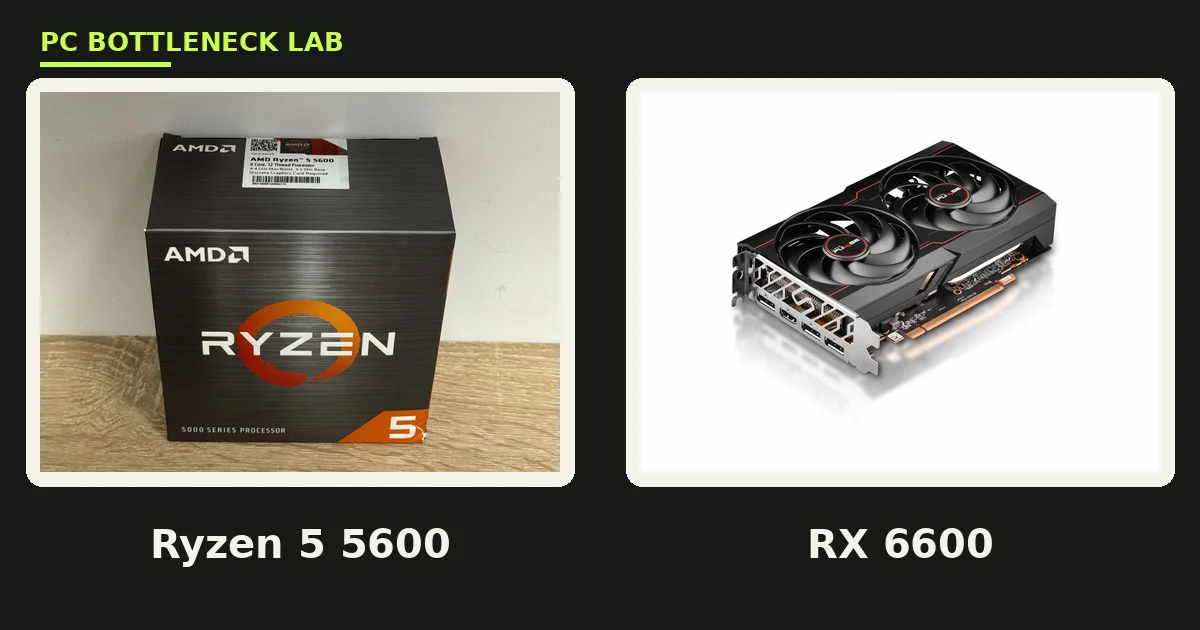
- The Ryzen 5 5600 is a 6-core Zen 3 chip at 4.4 GHz, and the RX 6600 has 8 GB of GDDR6.
- Esports titles fly past 144 FPS, while AAA games sit near 50 to 80 FPS at 1080p.
- A 450 W PSU is enough, and 16 GB of dual-channel DDR4-3200 RAM is the right match.
Ryzen 5 5600 + RX 6600 bottleneck: the short answer
Ryzen 5 5600 + RX 6600 bottleneck checks all point the same way: the graphics card limits this pair, not the CPU. Calculators put the GPU limit near 20% at 1080p and near 33% at 1440p, so the CPU waits on the GPU in most games. That is the healthy direction, since a GPU limit means smooth frame delivery and room for a future upgrade. Check your own parts with the free tool: pc bottleneck calculator.
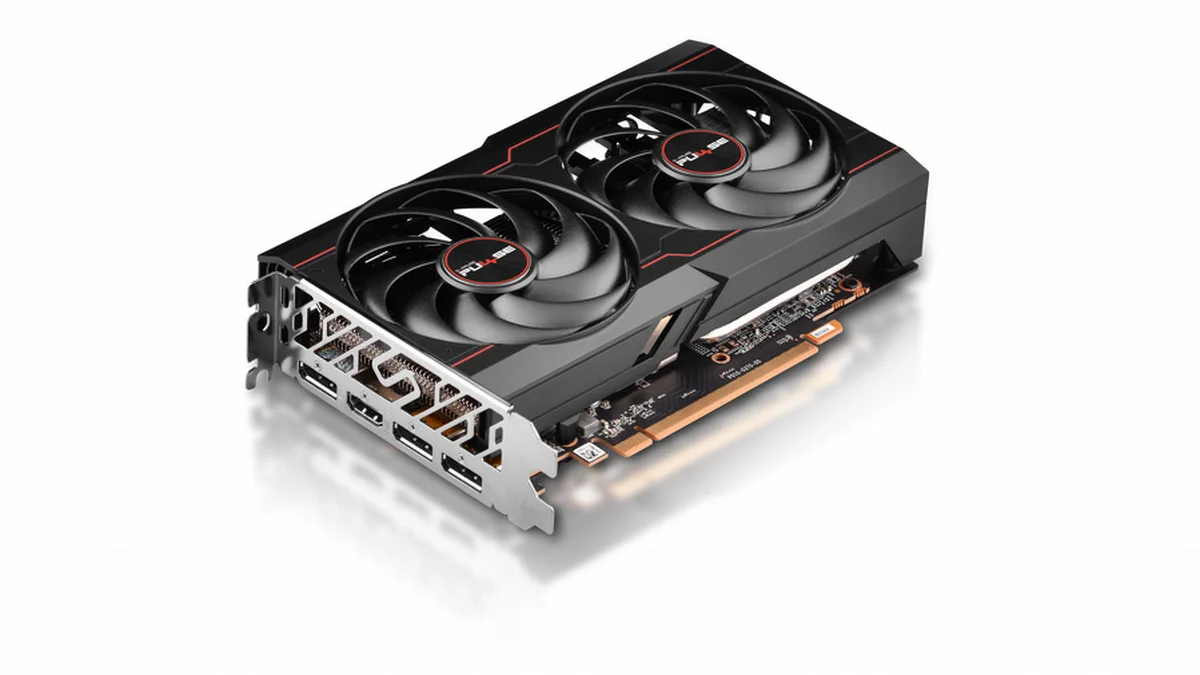
The parts explain why. The Ryzen 5 5600 is a 6-core, 12-thread Zen 3 chip at up to 4.4 GHz. It carries 32 MB of L3 cache and a 65 W TDP. The RX 6600 is an RDNA 2 card with 1,792 stream processors, 8 GB of GDDR6 and a 132 W board power. Both launched years ago, yet the balance still holds in 2026. The table below lists the specs that matter.
| Part | Key spec | Launch |
|---|---|---|
| Ryzen 5 5600 | 6 cores / 12 threads, Zen 3, up to 4.4 GHz, 32 MB L3, 65 W | April 2022, $199 |
| Radeon RX 6600 | 1,792 stream processors, 8 GB GDDR6, 128-bit, 132 W | October 2021, $329 |
| Platform | AM4, DDR4-3200, PCIe 4.0 (GPU runs at x8) | Both parts need a discrete GPU |
| Power | 450 W PSU recommended, one 8-pin connector | Whole system near 275 W peak |
The resolution sweep: where the limit sits
Every calculator agrees on the direction, yet the numbers differ, so treat them as estimates. BottleneckPC puts the GPU limit at 14 to 23% at 1080p, 23 to 33% at 1440p, and 33 to 42% at 4K. PCBottleneck puts it at 26% at 1080p, 33% at 1440p and 31% at 4K. The exact figure shifts with the game, yet the verdict never changes: the GPU is the limit.
Higher resolutions push more work onto the GPU, so the limit grows as pixels rise. At 1080p the CPU still has headroom, and at 4K the card is clearly the wall. That headroom is useful, since it means a future GPU upgrade will not waste money on a CPU that cannot keep up. The table below shows the sweep in one place.
| Resolution | Limiting part | GPU limit (estimate) | Estimated FPS (AAA) |
|---|---|---|---|
| 1080p | GPU | 14 to 26% | About 69 FPS balanced, 53 FPS ultra |
| 1440p | GPU | 23 to 33% | About 50 FPS balanced |
| 4K | GPU | 31 to 42% | Below 40 FPS, low settings only |
FPS in real games
Esports titles fly on this pair, while AAA games sit in the playable middle. HowManyFPS measured 164 FPS on average in Apex Legends at 1080p. The test used a Ryzen 5 5600X and RX 6600, though 1% lows fell to 71 FPS. That gap is the stutter you feel in busy fights, and it comes from the GPU, not the CPU. For the GPU that fits this CPU best, see this: best GPU for Ryzen 5 5600.
AAA games land lower, yet they still play well at 1080p. One tested rig with a Ryzen 5 5600G and RX 6600 hit 82 FPS on average in Cyberpunk 2077 at 1080p Ultra. GPU use sat at 96 to 99%, while CPU use sat at 68%. That split is the proof: the GPU works flat out while the CPU waits. Expect 50 to 80 FPS in most AAA titles at 1080p on high settings.
RAM, PSU and the PCIe x8 catch
RAM and power are simple here, yet one detail catches buyers out. Use 16 GB of dual-channel DDR4-3200 RAM, since two sticks give the CPU twice the memory bandwidth of one. A 450 W PSU is enough for the whole system, and the card needs a single 8-pin connector. The whole rig peaks near 275 W, so a quality 450 W unit has room to spare.
The catch is the PCIe link, since the RX 6600 runs at PCIe 4.0 x8, not x16. On a PCIe 4.0 board that costs almost nothing, yet on an older PCIe 3.0 board it loses a little bandwidth. The loss is small at 1080p, so do not fear it, but pair the card with a B550 board when you can. For the cheapest sensible 1080p pair, see this: Core i3-12100F + RTX 3050 bottleneck.
Upgrade path: what to buy next
Upgrade the GPU first, since it is the limit at every resolution. An RTX 4060 or RX 7600 class card lifts 1080p and 1440p frame rates, and the Ryzen 5 5600 can feed either one. The CPU still has headroom, so a GPU swap needs no new motherboard or RAM. A Ryzen 5 5600 feeds cards far stronger than the RX 6600, so spend on graphics first.
Later, the AM4 platform still has room: a Ryzen 7 5700X3D drops into the same board and lifts CPU-heavy games. For a bigger CPU with a stronger card, see this: Ryzen 7 5700X + RTX 3070 bottleneck. The RX 6600 is discontinued, so buy it used with care in 2026, and check the card for dust, fan noise and mining wear. To find which part holds you back, read this: how to check a GPU bottleneck without software.
The bottom line on the Ryzen 5 5600 + RX 6600 bottleneck
The bottom line on the Ryzen 5 5600 + RX 6600 bottleneck is simple. The GPU limits the pair, the CPU has headroom, and the balance still works in 2026. Esports titles fly past 144 FPS, and AAA games sit near 50 to 80 FPS at 1080p. A 450 W PSU with 16 GB of RAM is enough. It is still worth buying used, yet not at new-card prices.
Check your own parts before you spend, since a single weak link decides the result. Run your CPU and GPU through the gpu bottleneck calculator, then upgrade the part it flags first. When you outgrow the RX 6600, the Ryzen 5 5600 can feed a much stronger card, so the AM4 pair keeps paying off.
Frequently asked questions
Does the Ryzen 5 5600 bottleneck the RX 6600?
No, the Ryzen 5 5600 does not bottleneck the RX 6600; the graphics card limits the pair instead. Calculators put the GPU limit near 20% at 1080p and near 33% at 1440p, so the CPU waits on the GPU. That is the healthy direction, since it means the CPU has headroom for a future GPU upgrade.
How much FPS does a Ryzen 5 5600 and RX 6600 get?
It depends on the game, yet esports titles fly and AAA games sit in the middle. Apex Legends averaged 164 FPS at 1080p in one measured test, while Cyberpunk 2077 hit 82 FPS at 1080p Ultra. Expect 50 to 80 FPS in most AAA titles at 1080p on high settings, and far more in esports games.
Is 8 GB VRAM enough for the RX 6600 in 2026?
Yes, 8 GB of VRAM is enough for 1080p gaming in 2026, which is where this card belongs. It holds high textures at 1080p with room to spare, yet it gets tight at 1440p on ultra settings. Drop texture quality first when VRAM runs short, since that costs the least frame rate.
How big a power supply does the 5600 and RX 6600 pair need?
A quality 450 W PSU is enough for this pair, since the whole system peaks near 275 W. The RX 6600 draws 132 W and needs a single 8-pin connector, while the Ryzen 5 5600 is a 65 W chip. Buy a known brand with an 80 Plus rating, and leave headroom when you plan a stronger GPU later.
Can a Ryzen 5 5600 and RX 6600 run at 1440p?
Yes, the pair runs at 1440p, yet it is not its best resolution. Expect about 50 FPS in AAA games at 1440p on balanced settings, with the GPU as the clear limit. Esports titles still fly past 144 FPS at 1440p, so the pair suits competitive play more than maxed-out AAA gaming there.
Should I buy a used RX 6600 in 2026?
Yes, a used RX 6600 is still worth buying in 2026, when the price beats new budget cards. The card is discontinued, so new stock is scarce and dear. Check the card in person when you can, and look for dust, fan noise and signs of mining wear before you pay.
How this guide was prepared
This guide uses AMD and TechPowerUp specifications, plus BottleneckPC and PCBottleneck pair pages and HowManyFPS measured tests, all read in November 2026. Calculator figures are estimates from named sources, not measurements by this site. No current price appears, since used prices move daily.
Last updated: November 17, 2026