
Key takeaways
- At 1080p and 1440p, the RTX 4060 caps frame rate first, while the Core i5-12400F keeps headroom.
- RigAnalyzer lists GPU utilisation at 98 to 100 percent for this pair, with the CPU holding spare capacity.
- The 8GB of VRAM, not the CPU, is the first real limit in modern AAA games at high settings.
- A 550W power supply covers this pair, since the CPU draws 65W and the card draws 115W.
- The sensible upgrade is a stronger GPU first, such as an RTX 4060 Ti, not a new CPU.
Core i5-12400F + RTX 4060 bottleneck: the short answer
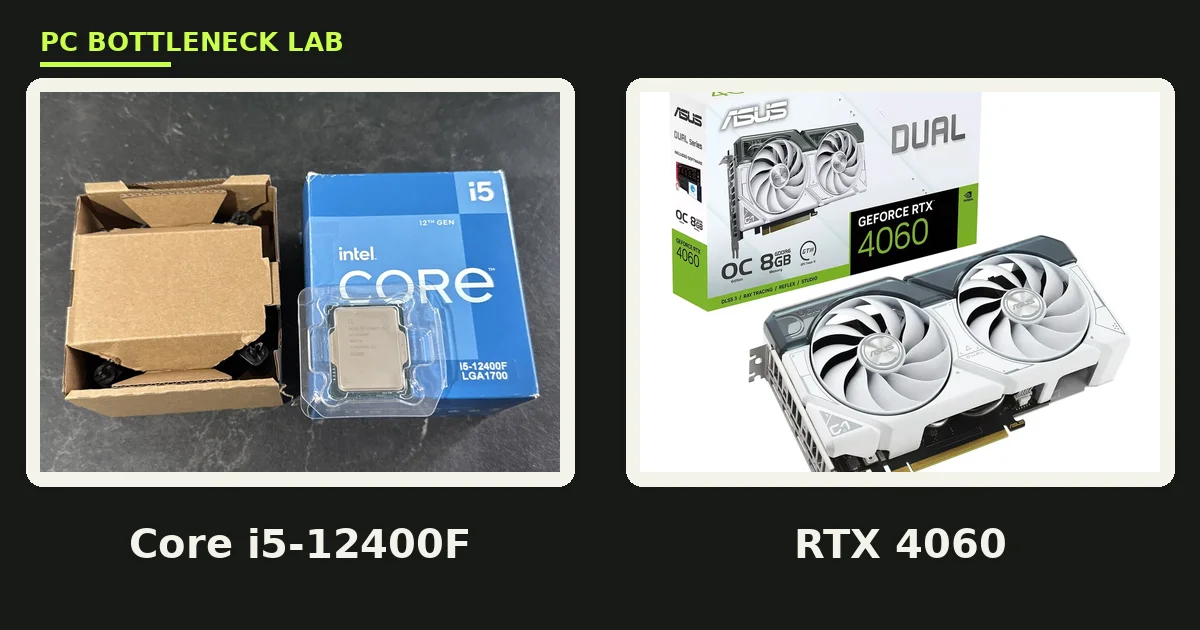
A bottleneck is the part that caps your frame rate first. For this pair, that part is the graphics card in almost every game. The Core i5-12400F is a six-core, twelve-thread Alder Lake chip with a 4.4 GHz boost. It prepares frames faster than the RTX 4060 can draw them. RigAnalyzer runs a dedicated page for this exact pair, and it reports GPU utilisation of 98 to 100 percent. That is the healthy state for a gaming PC, since it means you use the full card you paid for. Check your own build with the free tool: bottleneck calculator.
| Part | Key spec | Launch |
|---|---|---|
| Core i5-12400F | 6 cores, 12 threads, 2.5 to 4.4 GHz, 65W | January 2022, $167 to $180 launch price range |
| GeForce RTX 4060 | 3,072 CUDA cores, 8GB GDDR6, 128-bit bus | June 29, 2023, $299 launch price |
| RTX 4060 power | 115W total graphics power, PCIe 4.0 x8 | DLSS 3 frame generation, AV1 encode |
| Platform | LGA1700, DDR4 or DDR5, PCIe 5.0 from the CPU | No integrated graphics on the 12400F |
What changes by resolution
Resolution decides which part works hardest, so the same pair behaves differently at each step. RigAnalyzer publishes an estimate range for this pair at high settings, and its numbers show the GPU limit growing as pixels rise. At 1080p it estimates 99 to 121 FPS, at 1440p it estimates 68 to 84 FPS, and at 4K it estimates 45 to 55 FPS. Those are RigAnalyzer estimate ranges, not our own measurements. PC-Builds reaches a similar verdict from a different angle, reporting no major bottleneck at 1080p or 1440p, and a 16.6 percent GPU bottleneck at 4K. Both sources agree on the shape of the story, even though their numbers differ. For the resolution story in full, see this: how resolution changes bottlenecks.
| Resolution | Limiting part | RigAnalyzer estimate range (high) |
|---|---|---|
| 1080p | RTX 4060 | 99 to 121 FPS |
| 1440p | RTX 4060 | 68 to 84 FPS |
| Ultrawide 1080p | RTX 4060 | 81 to 99 FPS |
| 4K | RTX 4060, clearly | 45 to 55 FPS |
1080p: esports fly, AAA games hit the VRAM wall
At 1080p, this pair is at its best in esports and competitive games. Titles such as Valorant, CS2, and Rocket League lean on the CPU. The 12400F has the single-core speed to push very high frame rates there. The card then draws those frames without strain, so a 144Hz or 165Hz monitor is a fair match. AAA games tell a different story at the same resolution, since they lean on the GPU and on memory. High texture packs in 2024 to 2026 releases can push past 8GB of VRAM, and that is where stutter starts. Lower textures one step before you blame the CPU, since the CPU is rarely the cause here.
1440p: the stretch goal that still works
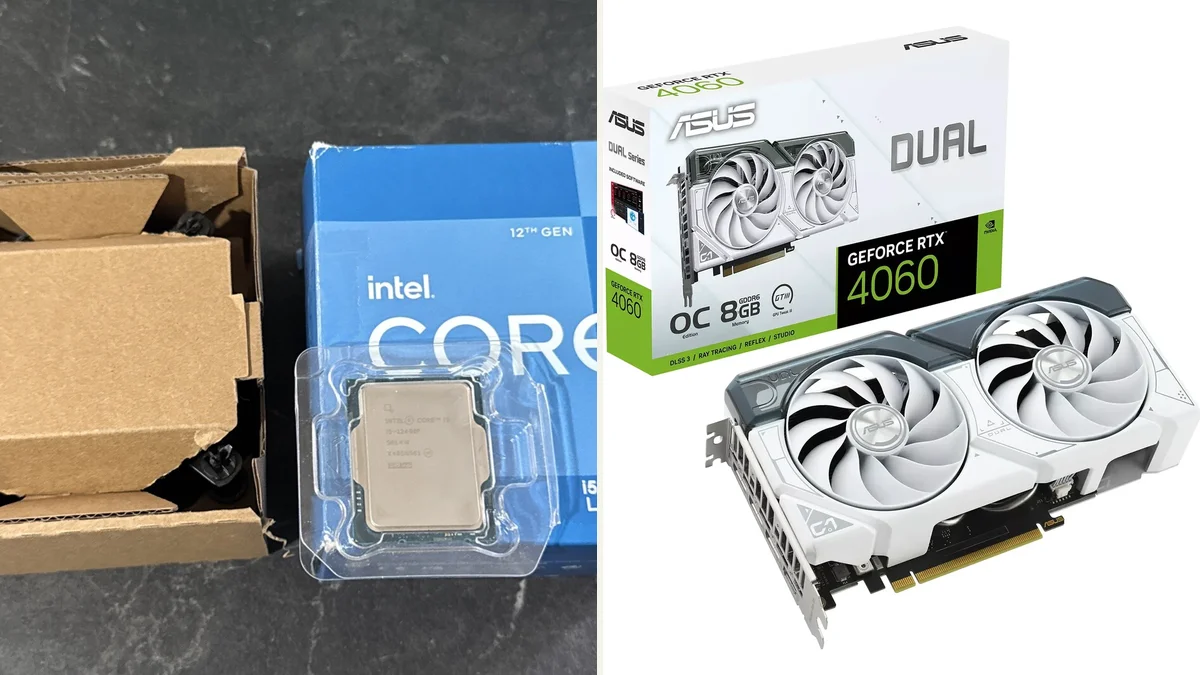
At 1440p, the RTX 4060 works much harder, and the CPU matters even less. RigAnalyzer estimates 68 to 84 FPS at high settings, which fits a 60Hz or 75Hz monitor well. A 144Hz 1440p monitor is a stretch for AAA games, though esports titles still reach it with ease. DLSS Quality mode is the tool that closes the gap, since it renders at a lower internal resolution and rebuilds the image. Frame generation adds another option in supported games, though it adds latency that competitive players dislike. Treat 1440p as a sometimes setting for this card, not its home turf.
The 8GB VRAM limit matters more than the CPU
VRAM is the memory on the graphics card that holds textures and frame data. The RTX 4060 has 8GB of GDDR6 on a 128-bit bus, with 272 GB/s of bandwidth. That was a fair amount in 2023, yet modern AAA games at high settings now ask for more. When VRAM runs out, the driver spills data to system RAM over the PCIe bus, and that spill shows up as stutter. Average FPS can still look fine while 1% lows collapse, so watch frame times, not just the average. For the full VRAM story, see this: VRAM bottleneck: 8GB vs 12GB vs 16GB. A 16GB system RAM kit is the minimum here, and 32GB gives background apps room to breathe.
Power supply, thermals, and the locked CPU
This pair sips power by modern standards, which keeps the build cheap. The CPU is rated at 65W, the card at 115W, and RigAnalyzer recommends a 550W power supply for the pair. A quality 550W unit with a single 8-pin connector covers it with room for drives and fans. The 12400F is a locked chip, so it cannot be overclocked, and it ships without integrated graphics. That last point matters for troubleshooting, since a dead card means no display at all. Cooling is simple too, because the stock cooler handles the 65W chip in most cases, and a cheap tower cooler keeps it quiet under load.
The upgrade path: GPU first, CPU later
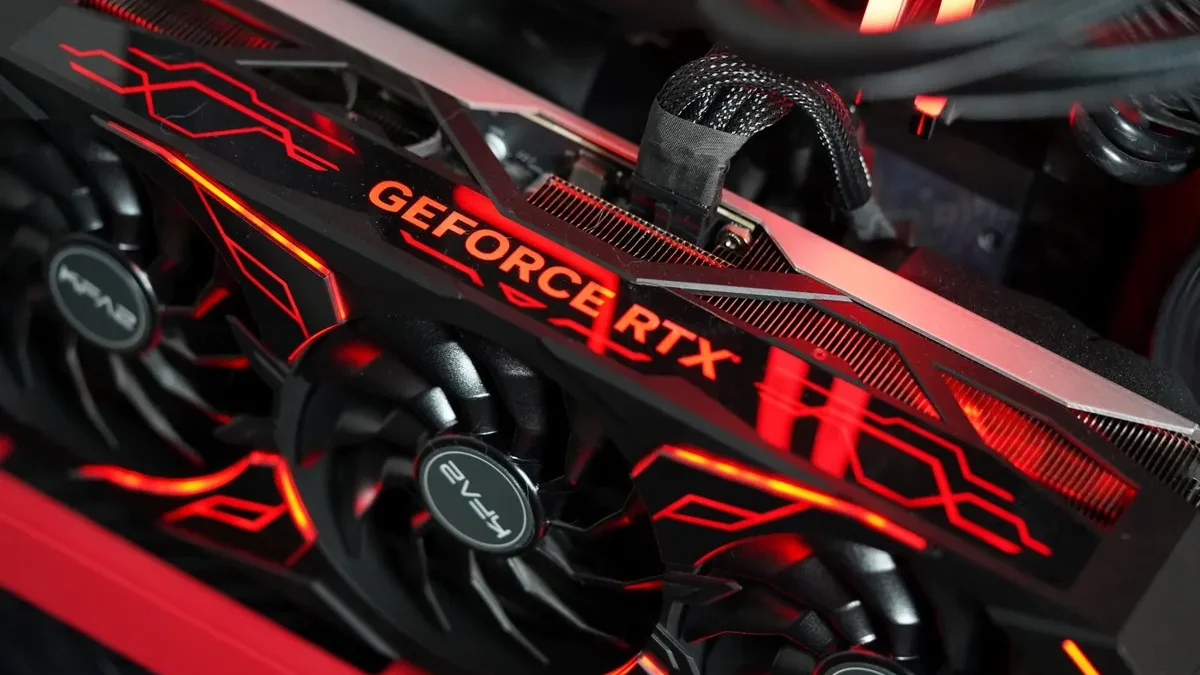
When this pair starts to feel slow, upgrade the graphics card first. RigAnalyzer lists the RTX 4060 Ti as a 21 percent step up in GPU render capacity. The RX 6700 XT is a 13 percent step. Either one lifts frame rates at 1440p without touching the CPU, since the 12400F still has headroom. A CPU upgrade only helps if you chase very high refresh rates at 1080p, or if you stream and render on the same PC. The LGA1700 socket also takes 13th and 14th generation chips, so a later CPU swap needs no new motherboard. For the CPU-first question in full, see this: best CPU for RTX 4060.
How to check your own Core i5-12400F + RTX 4060 bottleneck in five minutes
Run MSI Afterburner with its overlay while you play your usual game for ten minutes. If GPU usage sits at 97 to 100 percent while CPU usage stays well below that, you are GPU limited. That is the expected result here. If one CPU core sits near 100 percent while the GPU waits, you have found a CPU-bound scene instead. Check VRAM usage in the same overlay, since a reading near 8GB with stutter points at memory, not at the processor. Close background apps first, then change one setting at a time, so you know which change helped. For the RAM side of the build, see this: how much RAM do you need for gaming in 2026.
The bottom line on the Core i5-12400F + RTX 4060 bottleneck
The Core i5-12400F + RTX 4060 bottleneck stays small because this is a balanced budget pair with the GPU in charge. That is exactly what you want at this price. It plays esports at high refresh rates, handles AAA games at 1080p high, and stretches to 1440p with DLSS. Its weak point is 8GB of VRAM, not the processor, so set textures with care. Run your own numbers on the GPU bottleneck calculator before you buy, and upgrade the card first when the time comes. For a close AMD cousin of this pair, see this: Ryzen 5 5600X + RTX 4060 bottleneck.
Frequently asked questions
Does the Core i5-12400F bottleneck the RTX 4060?
No, it does not bottleneck the RTX 4060 in most games. RigAnalyzer reports GPU utilisation of 98 to 100 percent for this pair, which means the card caps frame rate first. The six-core CPU keeps headroom while the card works at full load. A CPU bottleneck would show the opposite pattern, with the GPU waiting on the processor.
Can this pair handle 1440p monitors at 60Hz and above?
Yes, it is good for 1440p at 60 to 75Hz in most games. RigAnalyzer estimates 68 to 84 FPS at high settings, which suits a standard 1440p monitor. AAA titles at ultra settings may need DLSS Quality mode to stay smooth. Esports games reach much higher frame rates, since they lean less on the GPU.
How much VRAM does the RTX 4060 have, and is 8GB enough?
The RTX 4060 has 8GB of GDDR6 VRAM on a 128-bit bus. It is enough for 1080p high settings in most games, and for esports at any settings. It can run short in modern AAA games at high texture settings, where usage climbs past 8GB. Lower textures one step when stutter appears.
How big should the power supply be for this budget pair?
RigAnalyzer recommends a 550W power supply for this pair. The CPU draws 65W and the card draws 115W, so a quality 550W unit leaves room for drives, fans, and short power spikes. Pick a unit from a known brand with an 80 Plus Bronze rating or better. Avoid the cheapest no-name units.
Can I upgrade to a stronger GPU later without changing the CPU?
Yes, you can upgrade the GPU first without changing the CPU. RigAnalyzer lists the RTX 4060 Ti as a 21 percent step up in render capacity for this pair. The 12400F still has headroom at 1440p, so a stronger card lifts frame rates directly. A CPU swap only helps for very high refresh 1080p play.
Does the 12400F support DDR5 RAM and PCIe 5.0?
Yes, the 12400F supports both DDR4 and DDR5 memory, depending on the motherboard you pick. It also supports PCIe 5.0 from the CPU, though the RTX 4060 itself runs on PCIe 4.0 x8. DDR5-4800 is the official support level, while faster kits work through XMP profiles. DDR4 boards cost less.
How this guide was prepared
This guide uses the RigAnalyzer dedicated bottleneck page for the Core i5-12400F + RTX 4060. It was published August 30, 2026, and it covers a resolution matrix and an upgrade path. It also uses the PC-Builds result page for the same pair. Specs come from Intel and NVIDIA launch material as reported by TechPowerUp, Tom's Hardware, and PC Gamer. Steam share figures come from Valve October 2026 survey as reported by BottleneckPC. FPS figures are labelled RigAnalyzer estimate ranges, not our own tests.
Last updated: November 12, 2026