
Key takeaways
- The RTX 4060 limits this pair at every resolution, which is the healthy direction for a gaming PC.
- Published calculator estimates put the GPU limit near 8% at 1080p, 13 to 18% at 1440p, and 16 to 23% at 4K.
- Estimated AAA frame rates run about 70 to 120 FPS at 1080p and about 45 to 95 FPS at 1440p, by settings.
- The RTX 4060 held 3.51% of surveyed Steam PCs in October 2026, so this is one of the most common cards in use.
- The smart upgrade is a stronger GPU later, not a new CPU now.
What each part brings
A bottleneck is the point where one part limits the rest of the system. The CPU prepares each frame, and the GPU draws it. Whichever part finishes slower sets the speed. A small GPU limit is normal in a gaming PC, because the graphics card should work at full load while the CPU keeps up.
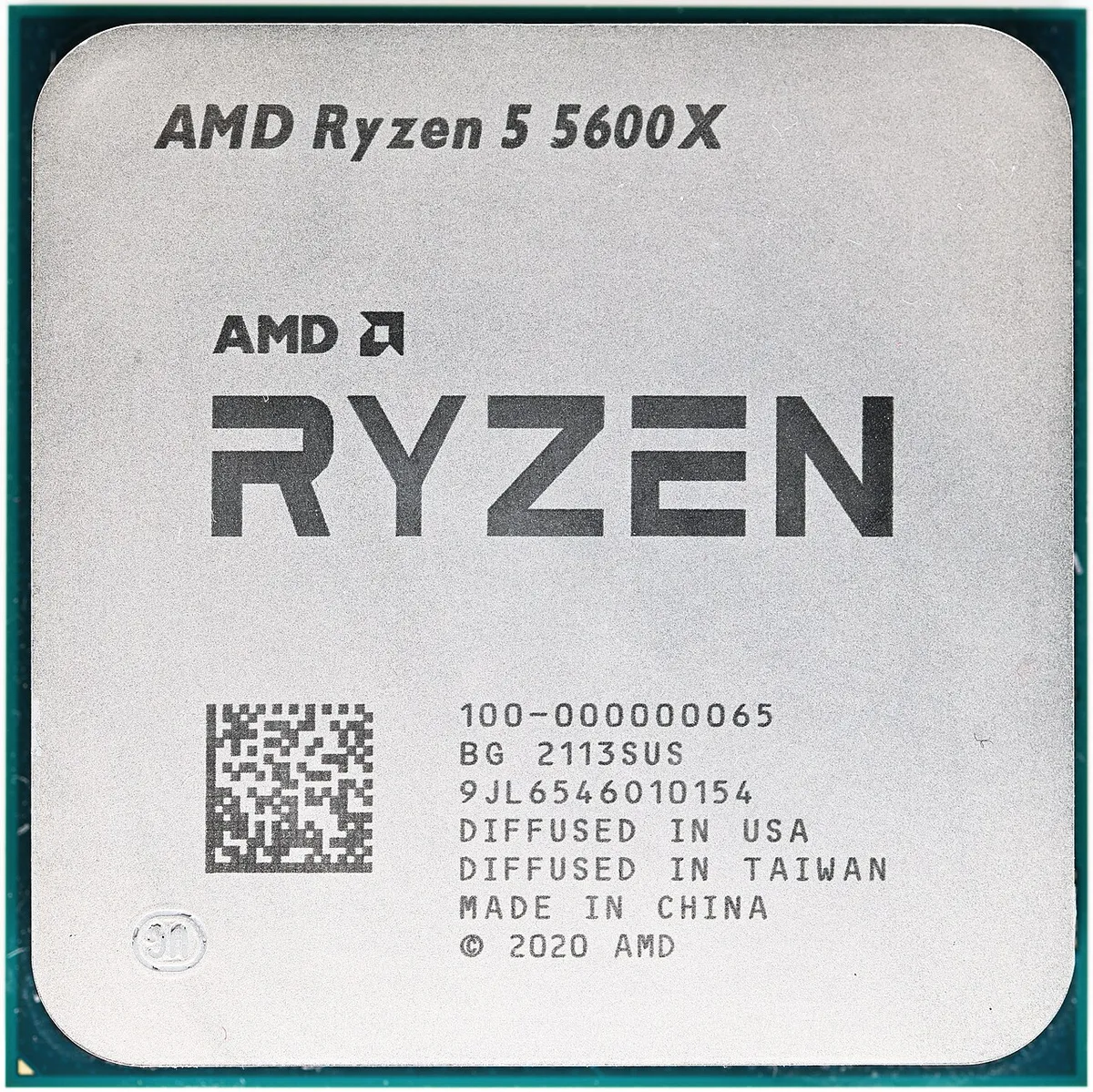
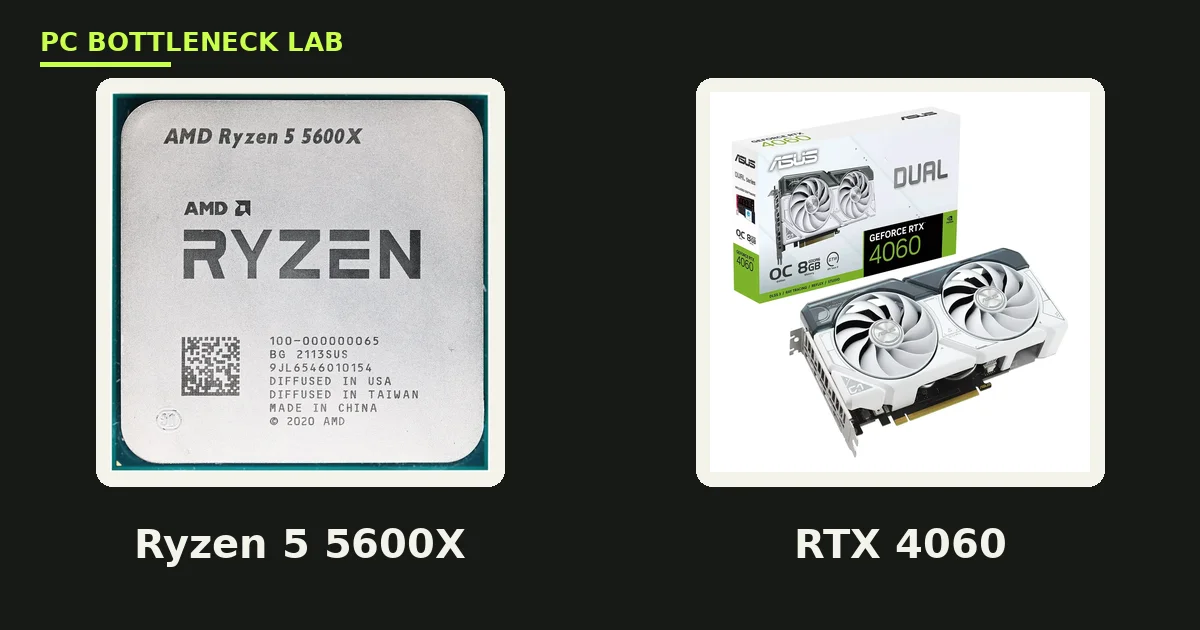
The Ryzen 5 5600X is a 6-core, 12-thread desktop CPU from AMD's Ryzen 5000 series. It runs at a 3.7 GHz base clock and boosts up to 4.6 GHz. It carries 32MB of L3 cache, which is fast memory on the chip that stores game data close to the cores. Its rated power draw is 65W, it uses the AM4 socket with DDR4 memory up to 3200 MHz, and it supports PCIe 4.0. It has no integrated graphics, so a discrete GPU is required for any display.
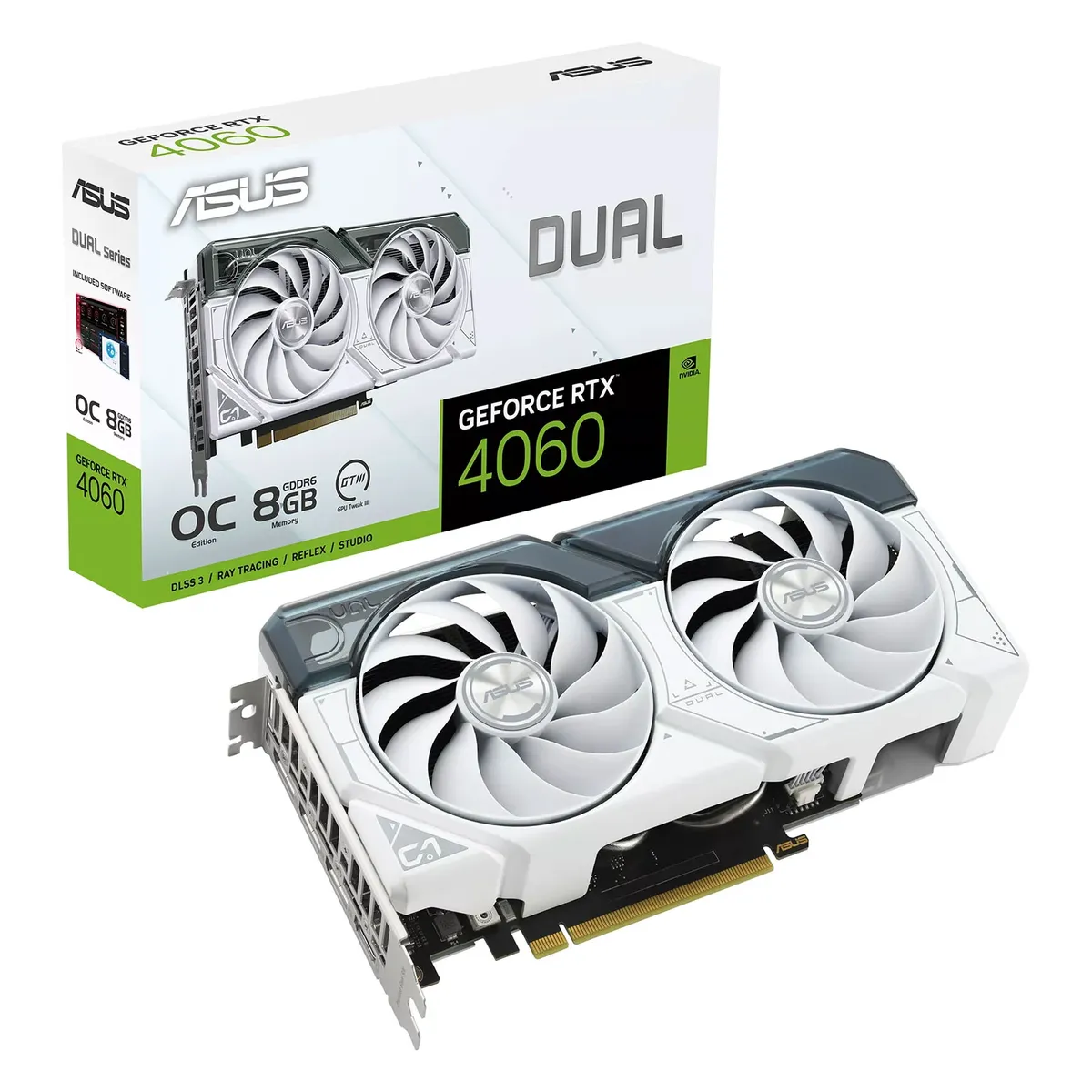
The RTX 4060 is NVIDIA's entry-level 40-series card. It has 8GB of GDDR6 video memory and a rated board power near 115W. It supports DLSS 3 frame generation, which can add frames in supported games, plus ray tracing and NVIDIA Reflex. Its low power draw means it runs on modest power supplies and stays cool in small cases. The 8GB of VRAM is its weak point, and that matters more each year as games use bigger textures.
Ryzen 5 5600X RTX 4060 bottleneck by resolution
Resolution changes the balance more than any other factor. At 1080p, the GPU draws fewer pixels, so the CPU matters more. At 4K, the GPU draws four times the pixels of 1080p, so the graphics card matters far more. The same two parts can look CPU-limited at low resolution and GPU-limited at high resolution.
| Resolution | Limiting part | Estimated bottleneck band |
|---|---|---|
| 1080p | GPU, small limit | About 8 to 10% |
| 1440p | GPU, moderate limit | About 13 to 18% |
| 4K | GPU, larger limit | About 16 to 23% |
These bands come from two published bottleneck calculators that model this exact pair. One puts the pair at 8% GPU-bound at 1080p, 15% at 1440p and 16% at 4K. The other puts it near 10% at 1080p, 13 to 18% at 1440p and 18 to 23% at 4K. Both agree on the direction and the size: a modest GPU limit that grows with resolution. Neither figure is a measurement from our lab, and real games vary by title and settings.
A GPU limit of this size is not a problem to fix. It means the graphics card is fully used, which is what you paid for. A CPU limit would be worse, because it would leave GPU power unused. If you want to learn the signs yourself, read our guide on how to tell a CPU bottleneck from a GPU bottleneck. It shows the usage patterns to watch in monitoring tools.
FPS by resolution: what to expect
Frame rates below are estimate ranges for AAA games at high settings. They come from published calculator data for this pair. They are not measured results from our test bench. Real games vary widely: esports titles run far faster, and heavy ray tracing runs far slower.
| Resolution and settings | Estimated AAA FPS range | What it feels like |
|---|---|---|
| 1080p high | About 90 to 120 FPS | Smooth on high-refresh monitors |
| 1080p ultra | About 70 to 95 FPS | Smooth at 60Hz and above |
| 1440p high | About 65 to 95 FPS | Good on 144Hz screens in most titles |
| 1440p ultra | About 45 to 70 FPS | Playable, with settings tweaks for 60 FPS |
| 4K high | About 30 to 50 FPS | Playable with DLSS or lowered settings |
At 1080p, this pair is a strong match for high-refresh esports. Games such as Valorant, Counter-Strike 2 and Fortnite run well above 144 FPS at competitive settings. At 1440p, most AAA games sit in the 60 to 90 FPS band at high settings, which suits a 144Hz monitor. At 4K, the 8GB card is the wall: textures and ray tracing push past its memory. Use DLSS and medium settings if you play at 4K at all.
DLSS also helps most at 1440p and 4K. It renders at a lower internal resolution and rebuilds the image, which lifts frame rates without a visible quality loss in most games. Frame generation adds further frames on top, but it also adds a little latency. Turn it on for single-player games, and leave it off for competitive shooters where latency matters.
The 8GB VRAM limit
VRAM is the memory on the graphics card that holds textures, shadows and frame data. When a game needs more VRAM than the card has, it swaps data to system RAM, and frame rates stutter. The RTX 4060 has 8GB, which was comfortable at launch and is now tight at 1440p ultra in texture-heavy games.
So the fix is simple and free. Drop texture quality one step, from ultra to high, and the VRAM need falls sharply. Most players cannot tell the two apart during play. Turn off path tracing, which is the heaviest form of ray tracing, and use standard ray tracing or none. Close the browser before gaming, because browser tabs also eat VRAM on some systems.
If you play at 1080p, 8GB is still fine for nearly every game. At 1440p, it needs care in the newest AAA titles. Our guide to VRAM limits at 8GB, 12GB and 16GB lists the games where 8GB bites hardest. The short version: esports and older AAA are safe, while 2025 and 2026 AAA at ultra settings are not.
Is this pair still worth buying in 2026?
Yes, with two conditions. First, buy it as an upgrade to a PC you already own, not as a brand-new build. The AM4 platform is a dead end for future CPUs: no new Ryzen chip will fit your board. If you already own an AM4 board and DDR4 RAM, the 5600X is a cheap, strong upgrade. If you start from zero, an AM5 build costs more now but gives you an upgrade path later.
Second, pay a fair price for the parts. The 5600X is a 2020 CPU, and its value is as a budget chip, not a premium one. The RTX 4060 is a budget card, and its value is 1080p and light 1440p gaming. Our guide to the best CPU for the RTX 4060 ranks the options around this card. Our list of the best GPU for the Ryzen 5 5600 covers the same question from the CPU side.
The popularity of the card backs the verdict. Valve's Steam survey for October 2026 put the desktop RTX 4060 at 3.51% of surveyed PCs, with the laptop version at 3.60%. The RTX 3060 and RTX 5070 tied at the top with 3.78% each on the PC table. Millions of players run this class of card, so game makers still target it.
Upgrade advice for owners
If you own this pair today, do not rush to replace the CPU. The 5600X still has headroom, and the GPU is the limit. Your money works harder on a graphics upgrade. A jump to an RTX 5070 or RX 9070 class card would lift 1440p performance clearly. The 5600X can feed those cards in most games. Check your power supply first, because stronger cards draw more power. Before you spend, check your pair on the PC bottleneck calculator to confirm the GPU is still the limit.
If you play esports at 1080p on a high-refresh monitor, you need nothing. The pair already clears 144 FPS in competitive titles, and a faster CPU would add little. Spend on a better monitor or a faster SSD instead, if either one is holding you back.
If you want 4K gaming, this pair is the wrong starting point. A 4K upgrade means a new GPU with 12GB or more VRAM, and then a newer CPU to feed it. At that point, a full platform move to AM5 makes more sense than patching AM4. Our guide to the AM4 upgrade path without a new motherboard shows the best moves inside AM4. Our guide on how to check a CPU bottleneck shows how to confirm the limit on your own PC before you spend.
The bottom line on the Ryzen 5 5600X RTX 4060 bottleneck
The Ryzen 5 5600X RTX 4060 bottleneck is a small GPU limit that grows with resolution, and it is the right kind of limit to have. Expect about 70 to 120 FPS at 1080p and about 45 to 95 FPS at 1440p in AAA games, with far higher rates in esports. Keep textures at high instead of ultra, use DLSS at 1440p, and upgrade the GPU first when the time comes. The CPU is not your problem, and replacing it first would waste your money. Run the CPU bottleneck calculator first to confirm which part limits your PC.
Frequently asked questions
Does the Ryzen 5 5600X bottleneck the RTX 4060?
No, the opposite is true: the RTX 4060 limits the pair, not the CPU. Published calculator estimates put the GPU limit near 8% at 1080p and 13 to 18% at 1440p. That is a healthy balance, because it means the graphics card is fully used while the CPU still has room.
How many FPS does a 5600X and RTX 4060 get at 1080p?
Estimated AAA frame rates at 1080p run about 70 to 120 FPS by settings, with high settings near the top of that range and ultra near the bottom. Esports titles run far faster, often above 200 FPS at competitive settings. These are estimate ranges from published calculator data, not measured results.
Is the 5600X and RTX 4060 good for 1440p gaming?
Yes, it is good for 1440p at high settings, with estimated AAA frame rates about 45 to 95 FPS. Keep textures at high rather than ultra to protect the 8GB of VRAM, and turn on DLSS in supported games. It suits a 144Hz monitor in most titles, though the newest AAA games may need settings tweaks.
Can the Ryzen 5 5600X handle an RTX 5070?
Yes, in most games the 5600X can feed an RTX 5070, especially at 1440p where the GPU does more work. Some CPU-heavy games at 1080p may show a CPU limit, but the upgrade still lifts frame rates clearly. Check your power supply first, because the 5070 draws more power than the 4060.
Is 8GB VRAM enough on the RTX 4060 in 2026?
Yes at 1080p, and mostly yes at 1440p with care. The 8GB limit bites at 1440p ultra in texture-heavy AAA games, where it can cause stutter. Dropping textures one step and using DLSS fixes most cases. If you play at 4K or want ultra textures everywhere, choose a card with 12GB or more.
Should I upgrade my 5600X or my RTX 4060 first?
Upgrade the GPU first, because it is the limiting part in this pair. A stronger graphics card lifts frame rates at once, while a CPU upgrade alone would change little. Only replace the CPU first if you play CPU-heavy games at 1080p on a high-refresh monitor and your GPU usage stays low.
Is the 5600X still worth buying in 2026?
Yes, as an upgrade to a PC you already own with an AM4 board and DDR4 RAM. It is cheap, fast enough for mid-range cards, and easy to install. As a new build from zero, AM5 makes more sense, because AM4 has no upgrade path to newer Ryzen CPUs.
How this guide was prepared
We checked AMD's published specifications for the Ryzen 5 5600X and NVIDIA's published specifications for the RTX 4060. We also used two published bottleneck calculators for this exact pair, plus Valve's Steam Hardware Survey for October 2026. Frame rates are labelled estimate ranges from calculator data, not measurements from our lab.
Last updated: November 10, 2026