
Key takeaways
- At 1440p, a third-party guide reports GPU utilisation above 88 percent for the 14700K + RTX 5080, so the card sets the pace.
- At 4K, the RTX 5080 dominates the workload, and the CPU limit shrinks to the point of irrelevance in most games.
- Intel fixed the 13th and 14th generation Vmin Shift instability with microcode 0x12B, released in September 2024.
- The pair needs serious power and cooling: 253W peak CPU power, 360W card power, and an 850W supply.
- At 1080p high-refresh play, the CPU matters more, and an X3D chip would be the faster pick for that one job.
Core i7-14700K + RTX 5080 bottleneck: the short answer
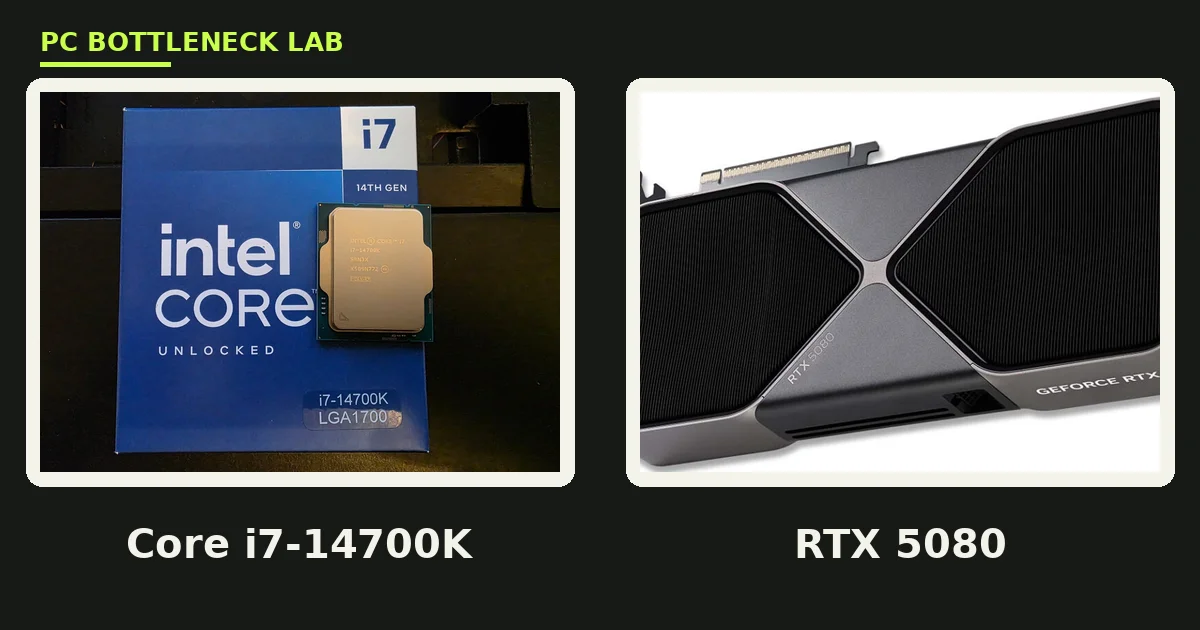
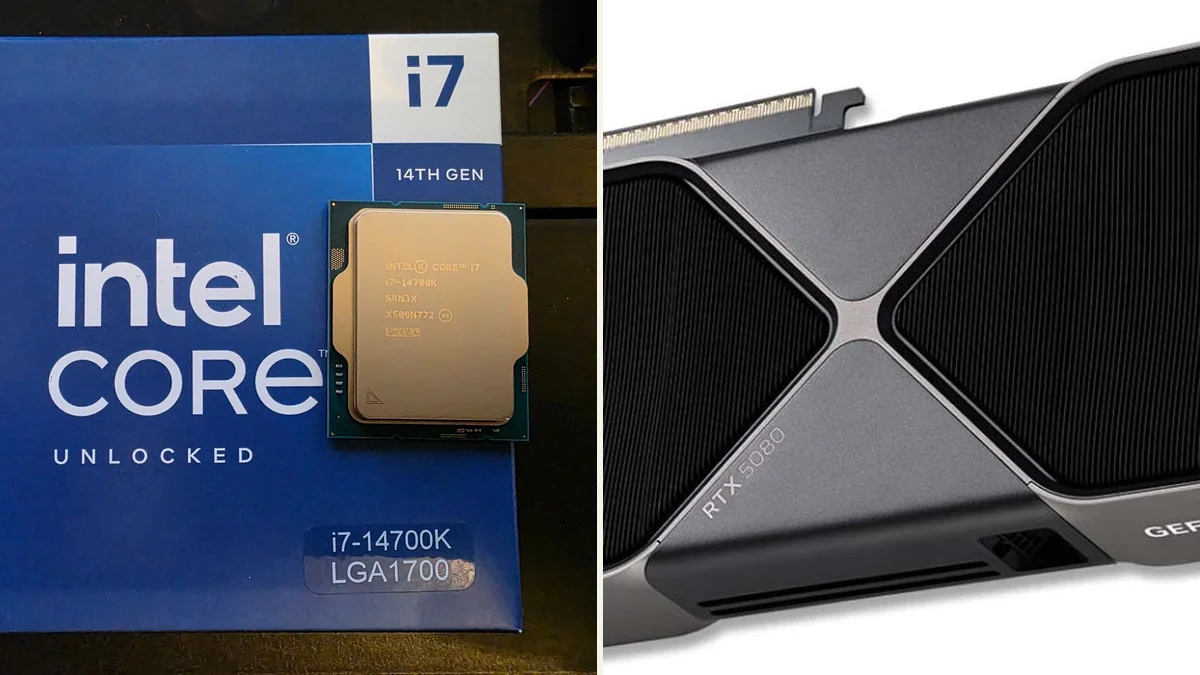
A bottleneck is the part that caps your frame rate first. For this pair at 1440p and 4K, that part is the RTX 5080 in most games. The Core i7-14700K is a 20-core, 28-thread Raptor Lake Refresh chip with a 5.6 GHz boost. It has the threads to keep a flagship card fed. A third-party guide from bottleneckgpucpucalculator names the 14700K its best LGA1700 value choice for the RTX 5080. It reports GPU utilisation above 88 percent at 1440p in its testing. That is a strong result for an older socket feeding a new card. Check your own build with the free tool: PC bottleneck calculator.
| Part | Key spec | Launch |
|---|---|---|
| Core i7-14700K | 20 cores, 28 threads, 8P + 12E, up to 5.6 GHz | October 17, 2023, $409 launch price |
| Core i7-14700K power | 125W base, 253W maximum turbo power | LGA1700, DDR4 or DDR5, overclockable K chip |
| GeForce RTX 5080 | 10,752 CUDA cores, 16GB GDDR7, 256-bit bus | January 30, 2025, $999 launch price |
| RTX 5080 power | 360W total graphics power, PCIe 5.0 | DLSS 4 multi frame generation, 960 GB/s bandwidth |
Where the limit sits at each resolution
Resolution decides the balance, and this pair shifts with it. At 1080p, the RTX 5080 finishes frames so fast that the CPU becomes the limit in many games, especially at 240Hz and above. At 1440p, the card works harder, and the third-party 88 percent utilisation figure shows the GPU taking charge. At 4K, the card dominates completely, since each frame carries four times the pixels of 1080p. PC-Builds runs a dedicated 14700K + RTX 5080 page for Call of Duty Warzone. Its overclocking-gain table shows the same pattern in a real game. For the resolution story in full, see this: how resolution changes bottlenecks.
| Resolution | Limiting part | What it means for you |
|---|---|---|
| 1080p high refresh | Core i7-14700K | CPU sets the ceiling in esports and light games |
| 1440p | RTX 5080, mostly | GPU utilisation above 88 percent in third-party testing |
| 1440p ultrawide | RTX 5080 | Extra pixels push more work to the card |
| 4K | RTX 5080, clearly | CPU choice barely moves frame rate |
The instability history: check the BIOS before you buy
Intel documented a Vmin Shift instability affecting some 13th and 14th generation desktop chips, including the 14700K. In its September 25, 2024 root-cause update, Intel described a clock-tree circuit that could age under elevated voltage and heat. The company named four causes, including motherboard power settings beyond its guidance and a faulty voltage algorithm. Intel shipped microcode updates 0x125, 0x129, and finally 0x12B, which rolls up the earlier fixes. The 0x12B update must load through a BIOS update, so check the board BIOS version before you install the chip. Intel also extended warranty cover by two years, up to five years, for listed chips in August 2024. That fix cannot repair a chip that already degraded, so buy from a source with fresh stock.
Power and cooling: this pair is thirsty
Power is the second check after the BIOS, since both parts draw heavily under load. The 14700K peaks at 253W of turbo power, and the RTX 5080 draws 360W, so the pair can pull over 600W before fans and drives. NVIDIA lists an 850W minimum system power rating for the RTX 5080, and that is the floor, not a luxury. Cooling needs the same respect, because the 14700K ships with no cooler in the box. A 240mm liquid cooler or a large dual-tower air cooler is the sensible pick, and a Z790 board with strong power delivery keeps voltages steady. For the power maths in full, see this: how many watts does my PC need.
1080p vs 4K: two different pairings in one box
At 1080p, this is a CPU-first pairing, and the 14700K shows its age against newer X3D chips in cache-heavy games. The eight performance cores still boost to 5.6 GHz, so frame rates stay high. Yet a Ryzen 7 9800X3D would push further in the same scene. At 4K, the story flips completely, and the CPU choice fades into the background. The RTX 5080 renders 8.3 million pixels per frame, so it sets the pace while the CPU waits. DLSS 4 multi frame generation then lifts frame rates further, though it works best when the base frame rate is already solid. Buy this pair for 1440p high-refresh or 4K play, not for 1080p esports alone.
Warzone and competitive play: what to expect
Call of Duty Warzone is the game most buyers ask about, since it mixes a large map with many players. PC-Builds runs a dedicated 14700K + RTX 5080 Warzone page with an overclocking-gain table. It is the closest thing to a lab test for this pair. The 14700K has 12 efficient cores to handle background tasks, so Discord, streaming, and recording cost less frame rate than on a six-core chip. Turn on DLSS Quality mode at 1440p for the best mix of sharpness and speed. Cap the frame rate a few frames below your monitor refresh rate for smooth pacing. For the CPU check method in full, see this: how to check CPU bottleneck.
Should you buy this Core i7-14700K + RTX 5080 bottleneck pair in late 2026
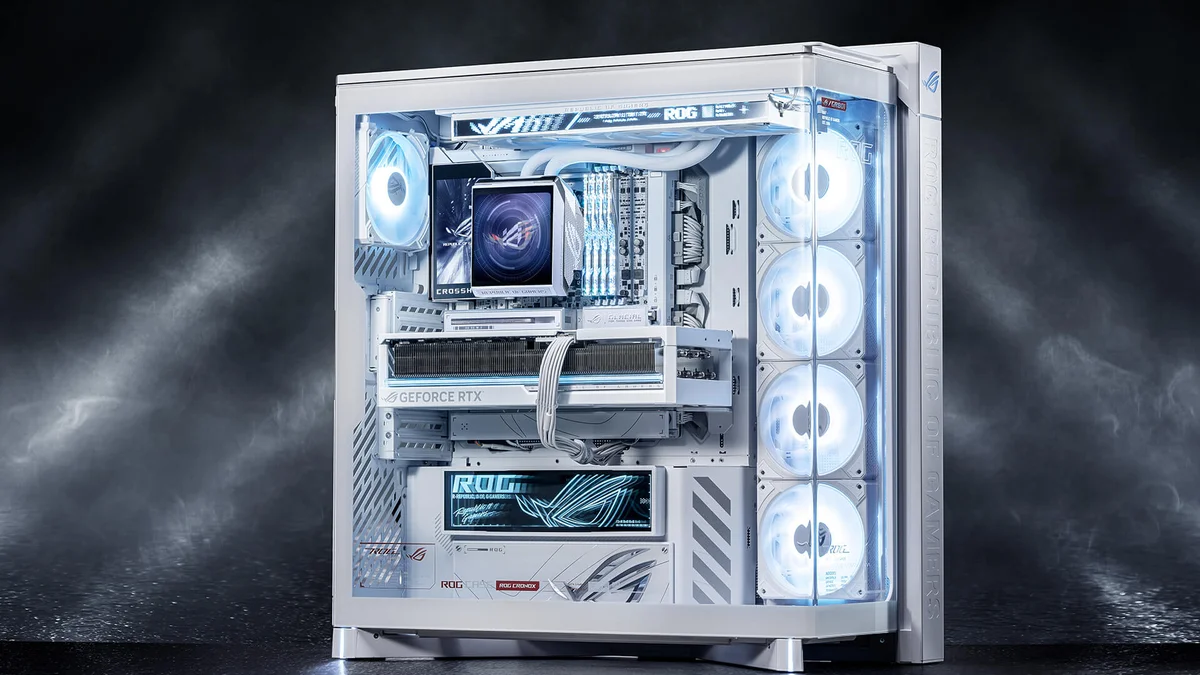
Buy it if you already own a good LGA1700 board, a strong cooler, and an 850W supply. The 14700K then feeds the RTX 5080 well at 1440p and 4K, and you skip a full platform swap. Skip it if you build from scratch, since AM5 offers a longer upgrade road and the 9800X3D wins at 1080p. LGA1700 is a dead-end socket, with no new Intel chips coming for it, so factor that into the price. A used 14700K also needs extra care, because you cannot tell from the outside whether it ran with old microcode. For the Intel generation comparison, see this: Intel Core Ultra vs 14th gen gaming.
The bottom line on the Core i7-14700K + RTX 5080 bottleneck
The Core i7-14700K + RTX 5080 bottleneck stays small at 1440p and 4K, with the card in charge and the CPU keeping up. Its risks are real but manageable: update the BIOS to microcode 0x12B, feed it with an 850W supply, and cool it properly. Do those three things and the pair delivers flagship play without a platform swap. Run your own numbers on the CPU GPU bottleneck calculator before you buy, and check the full card guide here: RTX 5080 bottleneck guide.
Frequently asked questions
Does the Core i7-14700K bottleneck the RTX 5080?
At 1440p and 4K, no, it does not bottleneck the RTX 5080 in most games. A third-party guide reports GPU utilisation above 88 percent at 1440p for this pair. At 1080p high-refresh play, the CPU can set the ceiling instead. The balance depends on resolution, game, and frame-rate target, not on the parts alone.
Is the 14700K safe to buy after the instability problems?
Yes, it is safe if you update the motherboard BIOS to microcode 0x12B or later first. Intel released 0x12B in September 2024 as the final fix for the Vmin Shift instability. The update must load through a BIOS update, and it cannot repair a chip that already degraded. Buy fresh stock from a trusted seller.
Is an 850W unit really needed for the 14700K and 5080?
You need at least an 850W power supply, which is the minimum NVIDIA lists for the RTX 5080. The CPU peaks at 253W and the card draws 360W, so the pair alone can exceed 600W under load. Pick a quality 850W or 1000W unit with a 12V-2x6 connector. Cheap units risk instability.
Does the 14700K need a liquid cooler with the RTX 5080?
Yes, a strong cooler is needed, since no cooler ships in the box. A 240mm liquid cooler or a large dual-tower air cooler handles the 253W peak well. A small stock-style cooler would throttle the chip under sustained load. Good case airflow matters too, since the card adds 360W of heat.
Is the 14700K + RTX 5080 good for 4K gaming?
Yes, it is very good for 4K gaming in most titles. At 4K, the RTX 5080 dominates the workload, so the CPU limit shrinks to almost nothing. The 16GB of GDDR7 memory handles 4K textures well, and DLSS 4 lifts frame rates further. Expect the card, not the CPU, to set your frame rate.
Should I pick the 14700K or a Ryzen 7 9800X3D for the RTX 5080?
Pick the 9800X3D for a fresh build, especially for 1080p and 1440p high-refresh play. Pick the 14700K if you already own a good LGA1700 board and cooler, since it feeds the 5080 well at 1440p and 4K. The 9800X3D also wins on power draw and upgrade path, since AM5 has a longer future.
How this guide was prepared
This guide uses the Intel September 25, 2024 root-cause update on Vmin Shift instability and microcode 0x12B. It also uses the Intel August 2024 warranty extension statement, as reported by The Register and Tom's Hardware. The 88 percent GPU utilisation figure comes from bottleneckgpucpucalculator best-CPU-for-RTX-5080 guide, and the Warzone page comes from PC-Builds. Specs come from Intel and NVIDIA launch material as reported by TechRadar and TechPowerUp. No measured FPS is claimed as our own.
Last updated: November 12, 2026