
Why a handheld gaming PC bottleneck starts with power
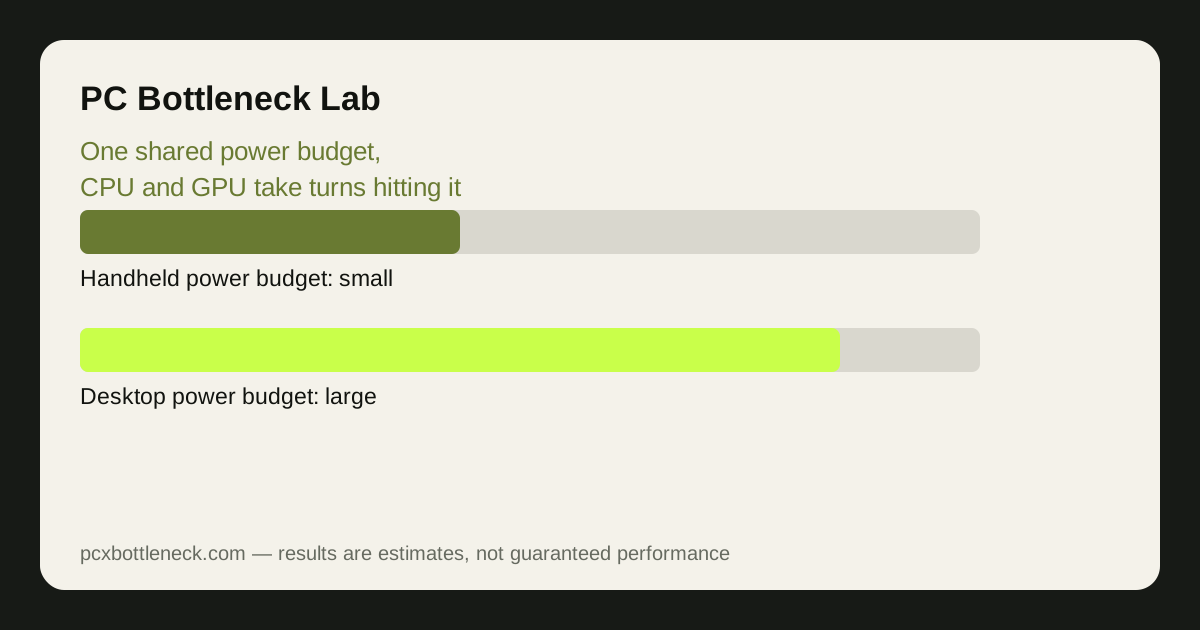
On a desktop, the CPU and the graphics card each have their own power supply, cooler and memory. On a handheld, one small chip does both jobs, one fan cools it, and one battery feeds it. Handheld APUs typically run at 15 to 30 watts in total — the Steam Deck runs at roughly 4 to 15 watts, while the ROG Ally can reach up to 30 watts in its Turbo mode — and that whole budget has to cover the processor cores, the graphics cores, the memory and the screen.
That shared budget is why the usual desktop question, "which part is too slow?", gives a misleading answer here. Raise the graphics settings and the GPU asks for more power; the chip then has less left for the CPU, so frame pacing can suffer even though neither part is weak on paper. Lower the power limit to stretch battery life and both parts slow down together. The bottleneck moves with the power setting, not with a single component.
Where the limit sits at 720p and 1080p
| Setting | What usually limits first | What helps most |
|---|---|---|
| 720p, low to medium settings | The GPU at its power limit | A modest TDP raise, or a lower frame-rate cap |
| 720p, high settings | Shared memory bandwidth | Texture quality down one step |
| 1080p, medium settings | The GPU, with the CPU close behind | FSR or a similar upscaler, medium textures |
| 1080p, high settings | Power and heat together | Lower settings, a 30 or 40 fps cap |
| Docked to a TV or monitor | The GPU at higher resolution | Stay at 720p or 1080p output, cap the frame rate |
At 720p the GPU is usually the limit, because the screen asks for fewer pixels and the CPU can keep up. At 1080p the picture gets sharper but the GPU works much harder on the same power budget, so frame rates fall and the device gets hotter. That is why many handheld owners settle on 720p or 800p with a 40 fps cap: it looks good on a small screen and leaves headroom for smooth frame times.
Docking changes the maths again. A handheld driving a large TV at 1080p is doing the same work as before, but you now notice every dip on a big screen. Upscaling from a lower render resolution is often the better trade than native 1080p, because it keeps the GPU inside its power budget while the picture stays acceptable.
Settings that work with a small power budget
Start with the frame-rate cap, not the graphics preset. A steady 40 fps feels far better than a 60 fps target that swings between 35 and 60, and capping the rate frees power and heat for steadier frame times. Most handhelds let you set this in the quick menu without opening the game.
Next, set the TDP to match the game rather than leaving it at maximum. A light indie game may run perfectly at 10 to 15 watts, which means a quieter fan and longer battery life. A demanding 3D game may need the full budget. Match the limit to the game and you stop paying battery and noise for performance you cannot see.
- Cap the frame rate first: try 40 fps for demanding games, 60 fps only for light ones.
- Lower textures one step: this relieves shared memory before you touch other settings.
- Use upscaling: render below native resolution and let FSR rebuild the picture.
- Keep the vents clear: a handheld in a case or on a soft surface throttles sooner.
Before buying a dock, a hub or a faster card, run the numbers through the PC bottleneck calculator for the desktop equivalent of your chip, and remember the handheld will sit below that result because of its power limit. If you are weighing a handheld against a small desktop, read how cooling limits small PCs first.
Limitation: the wattage figures here are the published TDP ranges for these devices, not measurements of your unit. Real power draw varies with the game, the screen brightness, the battery state and the firmware, so test your own games at two TDP settings before deciding what the limit is.
Frequently asked questions
Is the Steam Deck CPU-bound or GPU-bound?
Usually GPU-bound at its power limit: the graphics cores run out of power and memory bandwidth before the CPU cores do.
Does raising the TDP always help a handheld?
No. Raising the TDP helps only while power is the ceiling. Once the chip hits its heat limit, extra watts turn into fan noise and throttling instead of frames. If a higher TDP does not lift frame rate in the same scene, turn it back down and save the battery.
Why does my handheld stutter when I move into a new area?
That pattern usually points to streaming: textures and geometry loading from storage or through shared memory.
Should I play at 720p or 1080p on a handheld?
For most demanding games, 720p or 800p with a frame-rate cap gives the smoother experience, because the GPU stays inside its power budget.
Can an eGPU fix a handheld bottleneck?
An eGPU can lift the graphics ceiling, but the handheld CPU still runs on its small power budget, so a very strong external card will sit partly unused. It helps most at higher resolutions with an external monitor — see our guide to eGPU bottlenecks over Thunderbolt and USB4 before buying one.