
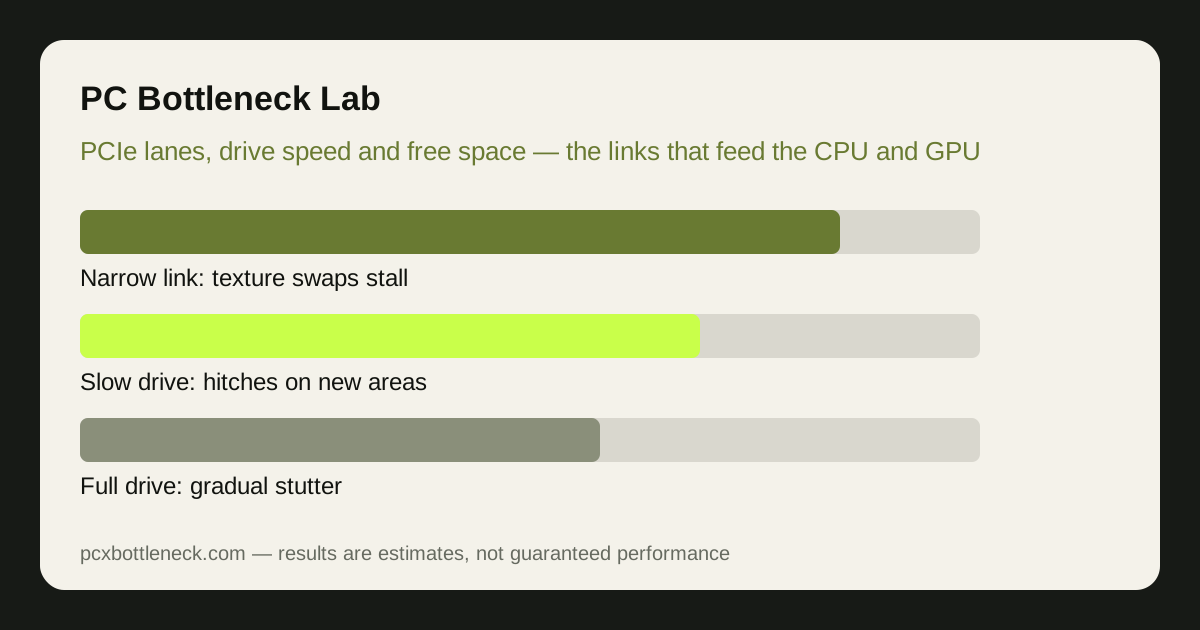
PCIe lanes and versions: when the link itself is the limit
PCIe is the highway between the graphics card and the rest of the system, and its width and version set how much data can move at once. A card in a full-width slot gets far more bandwidth than the same card in a narrow slot, and an older PCIe version moves less data per lane than a newer one. For most cards at most resolutions this does not matter — games rarely saturate the link — but it starts to matter for cards with less VRAM, because those cards must swap textures across the link far more often.
The common trap is the second slot. A graphics card installed in a lower slot that only carries a few lanes, or a card sharing lanes with a second drive, can lose performance that looks like a weak GPU. The fix is free: move the card to the top slot, which almost always carries the full width, and check the motherboard manual for which slots share bandwidth with storage.
DirectStorage and similar technologies change the picture in the other direction: they let the GPU pull compressed data from the drive with less CPU involvement, which makes the storage link matter more and the CPU matter less for loading. In games that support it, a fast NVMe drive and a clear PCIe path can cut loading hitches that a CPU upgrade never would.
Storage stutter: hitches when the world loads
Storage stutter has a distinctive fingerprint: the game runs smoothly, then freezes briefly as you enter a new area, turn a corner, or trigger a new effect — the moments when new assets must load. The hitch is the game waiting for data, and the slower the drive, the longer the wait. Open-world games that stream a city or landscape continuously are the most sensitive, because they never stop loading.
Drive type decides how bad it gets. A modern NVMe SSD loads assets far faster than a SATA SSD, and a SATA SSD is far faster than a hard drive — so a game installed on a hard drive can hitch constantly in exactly the situations where an SSD would be smooth. This is also why moving the game to your fastest drive, with free space, is one of the cheapest stutter fixes there is.
A nearly full drive makes it worse. SSDs slow down as they fill, because they have less free space to organise writes, and a drive with only a few percent free can stutter even in games that were smooth when it was half empty. Keeping roughly a fifth of the drive free is a practical rule, and it is free to follow. The frame-time side of this is covered in our stuttering guide, which shows how to recognise a loading hitch in a frame-time graph.
| Storage setup | Typical symptom | What helps most |
|---|---|---|
| Game on a hard drive | Long loads, frequent hitches in open worlds | Move the game to any SSD |
| Game on a SATA SSD | Occasional hitches on fast movement | Move to an NVMe drive if hitches persist |
| NVMe drive nearly full | Stutter that appeared gradually | Free space to roughly a fifth of the drive |
| Game on a fast NVMe drive | Load hitches rare, other causes likely | Look at CPU, RAM and heat instead |
Where RAM and the link meet storage
RAM sits between storage and the parts that use the data, and too little of it turns a storage problem into a constant one. With too little RAM, the system must fetch assets from the drive repeatedly instead of holding them in memory, so every turn of the camera becomes a loading event. That is why a RAM shortage can look like a slow drive, and why the two are worth checking together — our RAM guide on whether RAM can cause a bottleneck covers the memory side in detail.
Single-channel RAM makes the link worse as well. One memory stick halves the bandwidth between RAM and the CPU, so data that storage delivered quickly still arrives slowly at the processor. Two matched sticks in the correct slots are one of the cheapest fixes in PC building, and they help storage, CPU and stutter all at once.
Page file behaviour is the last link in the chain. When RAM is full, the system uses part of the drive as overflow memory, and on a slow drive that overflow is painfully slow — producing hitches that look like a CPU or GPU problem but are really a memory problem wearing a storage disguise. More RAM, not a faster drive, is the fix when the page file is the cause.
When PCIe and storage matter — and when they do not
These links matter most in open-world and streaming-heavy games, on cards with less VRAM, and on systems with a hard drive or a nearly full SSD. They matter least in small, enclosed games that load once and then run from memory, where the CPU and GPU decide everything after the loading screen.
Test before you spend. Move the game to your fastest drive with free space, put the card in the top PCIe slot, and replay the route that stuttered. If the hitches shrink, the link or the drive was the cause — and a drive upgrade is far cheaper than a CPU or GPU. If nothing changes, the cause is elsewhere: check temperatures and the CPU side with the throttling guide and PC Bottleneck Calculator before pricing parts.
For new builds, the lesson is to budget for the unglamorous parts: a decent NVMe drive with room to spare, two sticks of RAM, and the graphics card in the top slot. Those choices cost little and prevent a class of stutter that no CPU or GPU upgrade can fix.
Limitation: PCIe and storage effects depend on the game, the card's VRAM and the drive, so no single speed figure predicts them. Judge by the symptom pattern — hitches when new areas load — and by testing the same route before and after a change.
Frequently asked questions
Can a slow SSD cause low FPS?
It usually causes stutter and long loads rather than a steady low frame rate. Average FPS may barely change, but 1% lows collapse as the game waits for assets. If frame rate is low and steady from the start, the CPU or GPU is more likely the limit; if it hitches when new areas load, suspect storage.
Does PCIe 3.0 vs 4.0 matter for gaming?
Rarely for most cards, because games seldom saturate the link. It matters more for cards with less VRAM, which swap textures across the link more often, and for DirectStorage games that stream data from the drive. A narrow slot — a card in a lower slot with few lanes — matters more than the PCIe version.
Why does my game stutter only in open-world games?
Because open-world games stream new assets continuously as you move, so they depend on storage and RAM far more than enclosed games that load once. If the hitches follow movement into new areas, the drive and memory are the prime suspects, not the CPU or GPU.
Will a faster SSD improve my frame rate?
It improves loading times and streaming stutter, not steady-state frame rate in most games. If your average FPS is low in a scene that is already loaded, a faster drive will not raise it — the CPU or GPU sets that number, and the drive only matters when new data must arrive.
How full is too full for a gaming SSD?
As a practical rule, keep roughly a fifth of the drive free. SSDs slow down as they fill because they have less free space to organise writes, and a nearly full drive can stutter in games that were smooth when it had room. Freeing space is free and often fixes a gradual stutter problem.