
The pairing at a glance
Eight Zen 3 cores on one side, a capable 1440p-class card with 8 GB of VRAM on the other. Neither part is dramatically stronger than the other, which is exactly what a balanced pairing looks like: in most games at 1440p, the GPU works near maximum while the CPU has comfortable headroom, and frame rate is set by the card — the healthy direction for a bottleneck.
The pairing's weak spot is VRAM. Eight gigabytes is workable at 1080p and 1440p, but the heaviest modern games at high texture settings can exceed it, causing stutters as textures swap in and out. That is a memory limit, not a CPU or GPU speed limit, and it behaves differently — see the VRAM bottleneck guide for 8, 12 and 16 GB cards.
Check the parts themselves at the Ryzen 7 5700X page and the RTX 3070 page, and run the pair through PC Bottleneck Calculator at your resolution.
Balance by resolution
| Resolution | Who sets the pace | Typical balance | Best use |
|---|---|---|---|
| 1080p | Often the CPU in fast games | Mild CPU limit in esports; balanced in AAA | High-refresh competitive play |
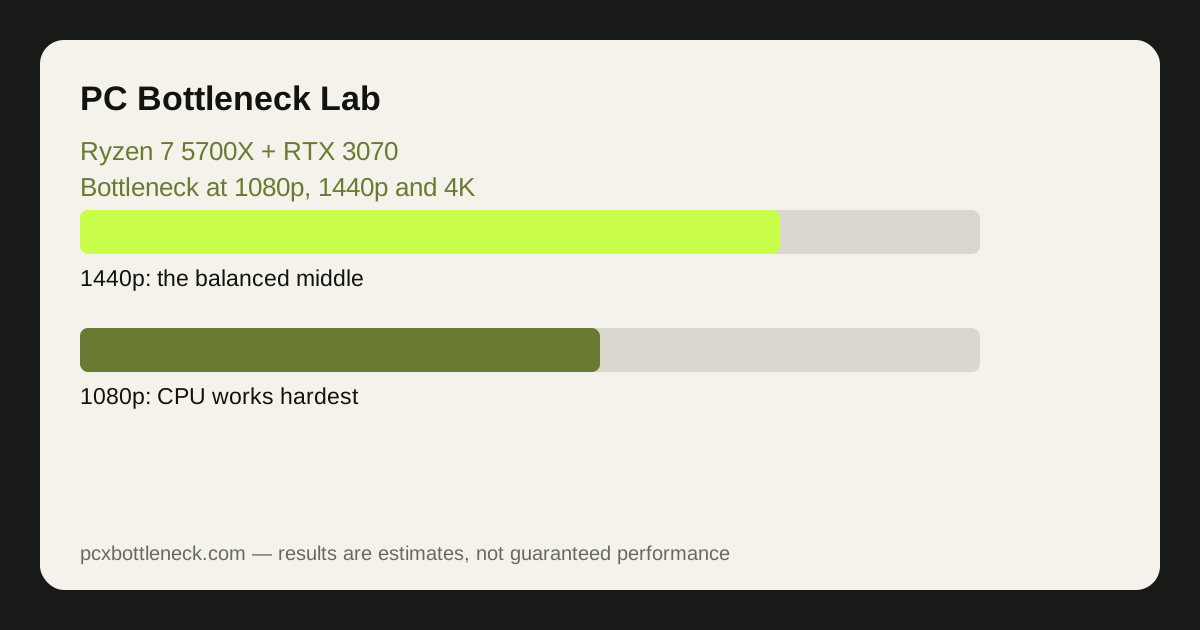
| 1440p | Usually the GPU | Well balanced; the card works near maximum | The sweet spot for this pairing |
| 4K | Almost always the GPU | Clear GPU limit; the CPU has spare headroom | Cinematic play at lowered settings |
At 1080p, the picture splits by game type. In fast esports titles the CPU can cap frame rate before the card is fully used, because frames are quick and light. In demanding AAA games the card is the limit even at 1080p, because each frame takes the GPU longer to draw. The same PC can therefore be CPU-limited in one game and GPU-limited in another — test your own games, not a single number.
At 1440p the pairing is at its best: the GPU carries the load, the CPU keeps up, and the balance is close to even in most titles. This is the resolution the pairing was made for. At 4K the card is clearly the limit, and the CPU's headroom is irrelevant — the question becomes whether the 3070's 8 GB of VRAM and raw speed are enough for the settings you want.
Signs of a limit — and the free fixes
If the CPU is the limit, you will see one or two cores near maximum while the GPU waits, and lowering resolution barely changes FPS. The free fixes are the usual ones: close background apps, lower CPU-heavy settings such as draw distance and crowd density, and make sure the RAM runs in dual-channel mode with its speed profile enabled. The full list is in how to fix a CPU bottleneck without buying a new CPU.
If the GPU is the limit, the card sits near maximum usage and lowering resolution clearly raises FPS. Then the fixes are upscaling at Quality mode, lowering ray tracing and shadow settings, and keeping textures within the 8 GB VRAM budget — the steps in how to fix a GPU bottleneck without upgrading.
One check matters for this specific pairing: the 5700X benefits noticeably from dual-channel RAM, and a single-stick setup quietly makes the CPU limit worse at 1080p. See dual-channel vs single-channel RAM before blaming the processor.
When to upgrade — and what to upgrade first
At 1440p, this pairing usually needs no upgrade at all: it remains a capable combination, and the money is often better spent on a better monitor or more storage. Upgrade when the games you play most no longer hit the frame rate you want at the settings you enjoy, not because a newer part exists.
When the time comes, the GPU goes first for most players, because at 1440p and 4K the card is the limit — a stronger card lifts frame rate directly, and the 5700X can feed a noticeably stronger card at those resolutions. A CPU upgrade on the same AM4 board, such as a 3D-cache chip, is the alternative when you play competitive games at 1080p and the CPU is the limit; see the AM4 upgrade path without a new motherboard and whether to upgrade CPU or GPU first.
Limitation: balance figures are estimates by resolution and game type, not measurements of your system. No exact frame rates are claimed here; test your own most-played games at your own resolution before spending money.
Frequently asked questions
Is the Ryzen 7 5700X a bottleneck for the RTX 3070?
At 1440p, rarely in a meaningful way — the pairing is well balanced and the GPU is usually the limit. At 1080p in fast esports games the CPU can cap frame rate before the card is fully used, which is a mild CPU limit, not a broken pairing.
Is the RTX 3070 a bottleneck for the Ryzen 7 5700X?
At 1440p and 4K, yes — but that is the healthy direction. The card working near maximum while the CPU has headroom means the GPU is being fully used, and frame rate is set by the part you would upgrade to go faster.
Can this pairing run games at 1440p?
Yes — 1440p is this pairing's sweet spot. Most games run well at high settings, though the heaviest titles may need some settings lowered, and the 8 GB of VRAM means keeping texture settings in check in the most demanding games.
Should I upgrade the 5700X or the 3070 first?
For most players, the GPU first: at 1440p and 4K the card is the limit, so a stronger card lifts FPS directly. Upgrade the CPU first only if you mainly play competitive games at 1080p, where the processor sets the pace.
Does 8 GB of VRAM limit this pairing?
In the heaviest modern games at high texture settings, yes — exceeding VRAM causes stutters as textures swap, even when the GPU core has power to spare. Lowering texture quality or resolution scale is the usual fix, and it is a memory limit rather than a speed limit of either part.