
What September changes about the reading
In May, an index is a planning tool: the questions are about what to buy and when. In September, it is a reckoning tool: the questions are about what you already own and whether it will cope. That shift changes every part of the reading. The pairings that matter are no longer the ones people might buy, but the ones sitting on desks right now — student builds from August, sale purchases from June and July, and older machines that survived another summer.
It also changes the weight of the inputs. Resolution matters more in September, because students are playing on the monitors they have — often 1080p laptops or shared family screens — rather than the monitors they planned to buy. Cooling matters more too, because a machine that throttled in August heat may still be showing the effects in September if the dust and airflow were never fixed. And the workload matters more, because autumn releases are real now: their genres, their engines and their published requirements replace speculation.
The May explainer, May Bottleneck Index Q2 update, covers the basic method — what an index measures and how to read its ranges. This article builds on it for the third quarter specifically: the same method, applied to a different moment, with different questions and different traps.
The Q3 signals worth watching
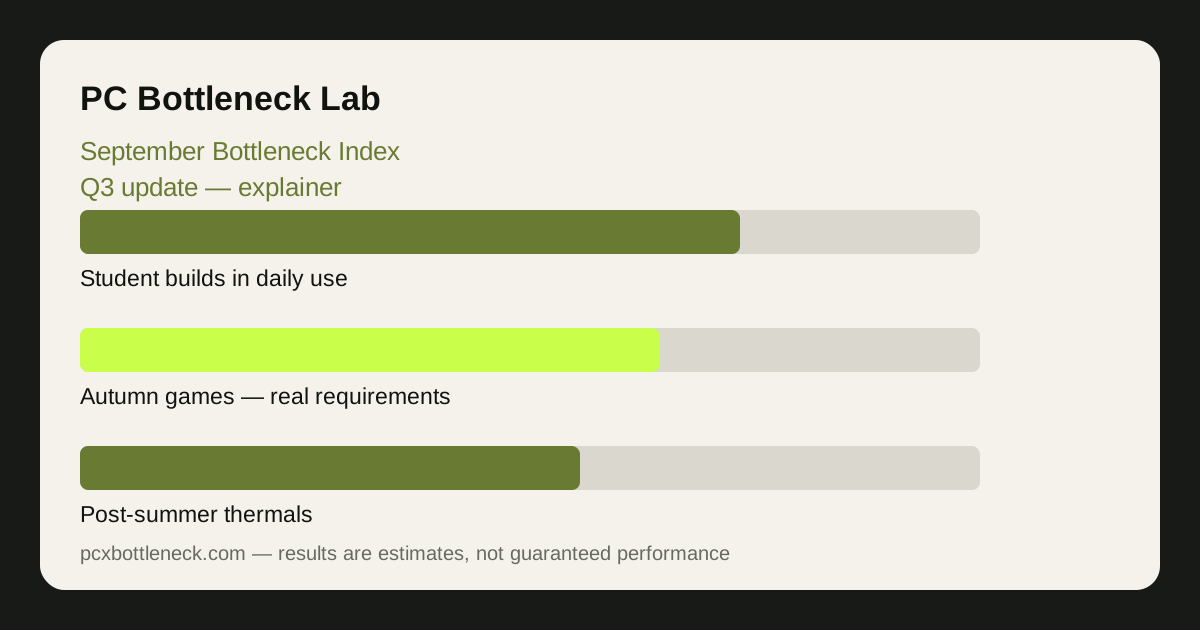
Four signals matter most in the third quarter, and none of them is a single score. The first is the student-build signal: the value pairings bought in August, now tested by real term-time use — coursework plus gaming on one machine, often in a small room. The second is the autumn-release signal: the first real requirements and player reports, which show whether the season's games stress the CPU or the GPU. The third is the post-summer thermal signal: machines that ran hot in July and August, and whether cleaning and airflow fixed them or whether the throttling was a sign of a cooler that needs replacing. The fourth is the upgrade-timing signal: with the sales behind you and the holiday sales ahead, whether a purchase now is justified by today's evidence or better deferred.
Read these signals together, not one at a time. A student build that struggles in September may be suffering from heat, not from a weak pairing; an autumn game that runs badly may be limited by video memory, not by the CPU-GPU balance the index describes. The index is one input among several, and it is most useful when it disagrees with your experience — that disagreement is where the investigation starts.
| Q3 signal | How to interpret it | Sensible action |
|---|---|---|
| Student builds now in daily use | Real term-time load, not a benchmark | Check RAM channels and storage first |
| Autumn games arriving | Real requirements replace speculation | Match upgrades to published specs |
| Post-summer thermals | Heat may still be costing clocks | Clean airflow, retest before buying |
| Upgrade timing | Sales behind, holiday sales ahead | Buy only on today's evidence |
Verifying the index against your own machine
September is the best month of the year to verify an index, because you have the two things it needs: a machine you have lived with for months, and new games with real requirements to test it against. Run your own games at your own resolution, watch per-core CPU usage, GPU usage, temperatures and clock speeds together, and compare what you see with what the index suggests. If they agree, the index is doing its job. If they disagree, your machine is telling you something the index cannot — about RAM, cooling, drivers or the specific game engine — and that is more valuable than the index itself.
Do this check at more than one resolution if you can. A pairing that looks CPU-limited on a 1080p laptop screen may look balanced on a 1440p external monitor, and the difference is not a contradiction — it is the index working as designed, with resolution as a first-class input. The background guide how resolution changes bottlenecks explains why that shift happens.
If the verification shows a real imbalance, the autumn preview best CPUs for autumn 2027 releases helps you decide whether the fix is a CPU, a GPU, or neither — and the August explainer August most-checked pairs report shows which value pairings other buyers chose for the same term.
Where a Q3 index stops, and what to do instead
Even in September, an index cannot tell you your exact frame rate, whether a specific game will stutter, or what to buy — those depend on the game, the scene, your RAM, your storage, your cooling and your budget, none of which sit inside the calculation. It can tell you which part is more likely to set the pace at a given resolution, and which of two pairings is more balanced. That is genuinely useful, and it is also the limit.
The honest way to use a Q3 index is as a triage tool: it tells you where to look first, and your own testing tells you whether the look was justified. Start with the index, verify with your machine, and spend money only when both point the same way. If they point in different directions, spend the time investigating — the answer is usually cheaper than the part you were about to buy.
Limitation: this article is an explainer, not an index report. It contains no index scores, rankings or measured results, because those require collected, calibrated data for the period in question. Any index you read should show its inputs, its resolution, its workload and its date; one that does not is not worth acting on, in September or any other month.
Frequently asked questions
How is the September index different from the May one?
The method is the same, but the moment is different. May is a planning quarter — what to buy before the sales. September is a reckoning quarter — what the machines people already bought can actually do, now that students are back and autumn games are arriving with real requirements. The questions change, even though the calculation does not.
Why do student builds matter to a Q3 index?
Because August is when a large number of value builds enter daily use, and September is when their real weaknesses show up — single-channel RAM, small storage, hot rooms, 1080p laptop screens. An index that ignores those machines misses the pairings most people actually own in the third quarter.
Should I trust the index or my own testing in September?
Your own testing, always — and September is the best month to do it, because you have months of use behind you and new games with real requirements to test against. Use the index to decide where to look first, then verify with per-core CPU usage, GPU usage, temperatures and clock speeds in your own games at your own resolution.
Do autumn game releases change the index?
They change the workload the index should be read against, not the calculation itself. A season of open-world releases stresses CPUs more; a season of cinematic 4K games stresses GPUs more. The index reading only means something when you know which games and which resolution it was weighted for — check that before you act on it.
When is the right time to upgrade after September?
When today's evidence justifies it: a consistent, large imbalance visible in your own monitoring, at the resolution you actually use, in the games you actually play. With holiday sales ahead, there is no reason to rush a September purchase on speculation — wait for the requirements of the games you want, verify, and then buy.